Volio
VolioRestaurant POS that works beside your till
Volio's POS takes tables and takeaway on devices you own: pay by the guest's phone, cash or card terminal. Keep your till and match at close, or replace it.
You don’t have to throw out the till to let guests order and pay by phone. Volio works beside the till you have: guests order and pay on their phones, your team sees it all in Volio, and the till keeps doing its job. When you want one system, Volio’s own POS replaces it.
Volio’s POS runs in the browser on a phone, a tablet or a computer you already own. No hardware is sold with it.
What the POS does
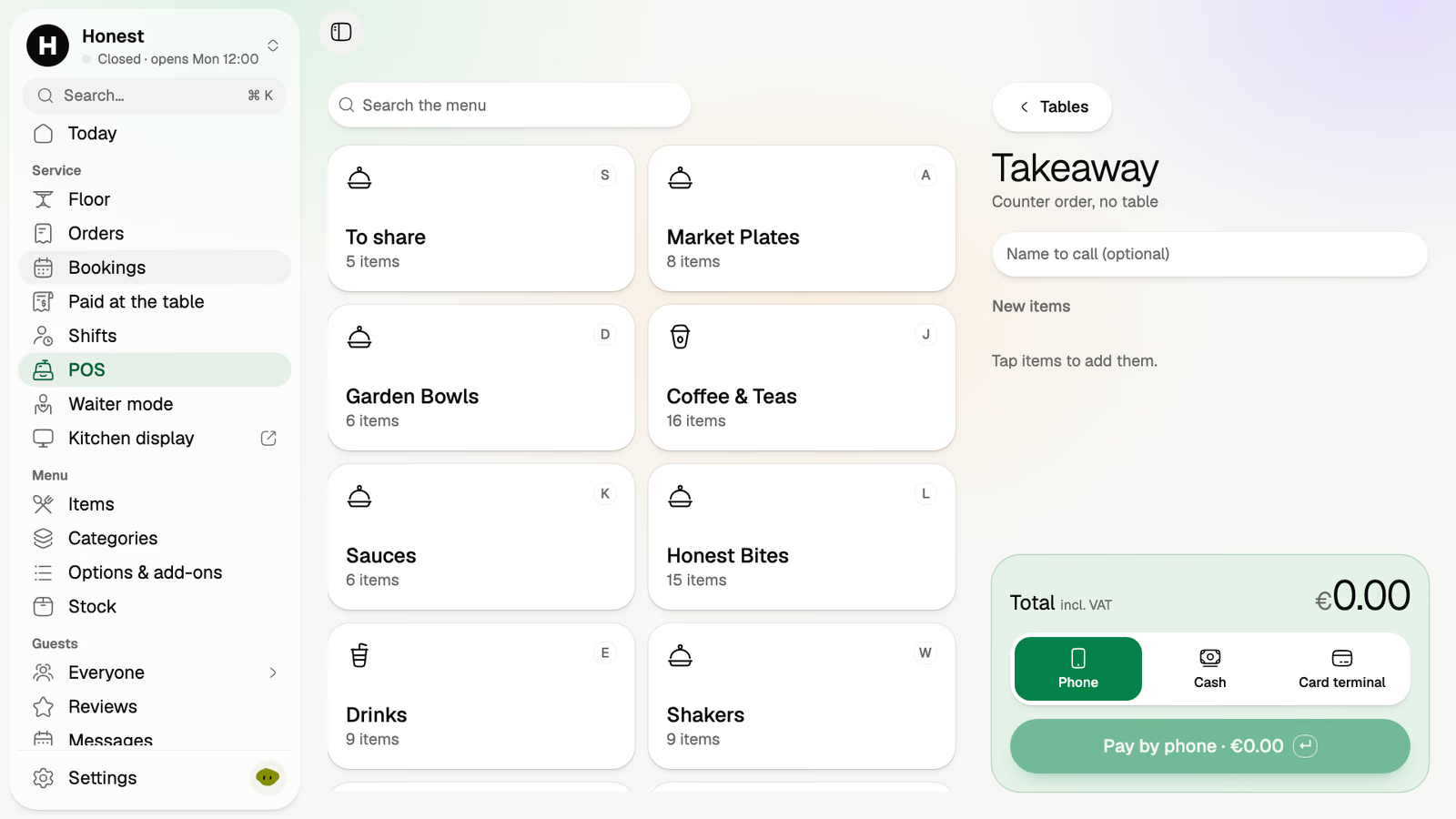
The POS takes tables and takeaway. Your menu is laid out as tiles by category, and there are three ways to take the money: the guest’s phone, cash or a card terminal.
Volio sells no terminals, so the card terminal is your own, from your bank or payment provider. POS system without hardware has the parts list for a till on devices you own. It says which parts you need and which are optional, and it goes through the ways to take a card without buying a bundle.
The floor, on the counter and in a pocket
The floor plan is the room as you drew it. It shows who is seated, for how long, and what is still open on each tab. At nine on a Friday that tells the host which table has been sitting for two hours and which one still owes for a round.
Waiter mode is the same room as tiles on a staff phone. The waiter on the terrace reads the floor from where they stand, without a walk back to the screen by the counter.
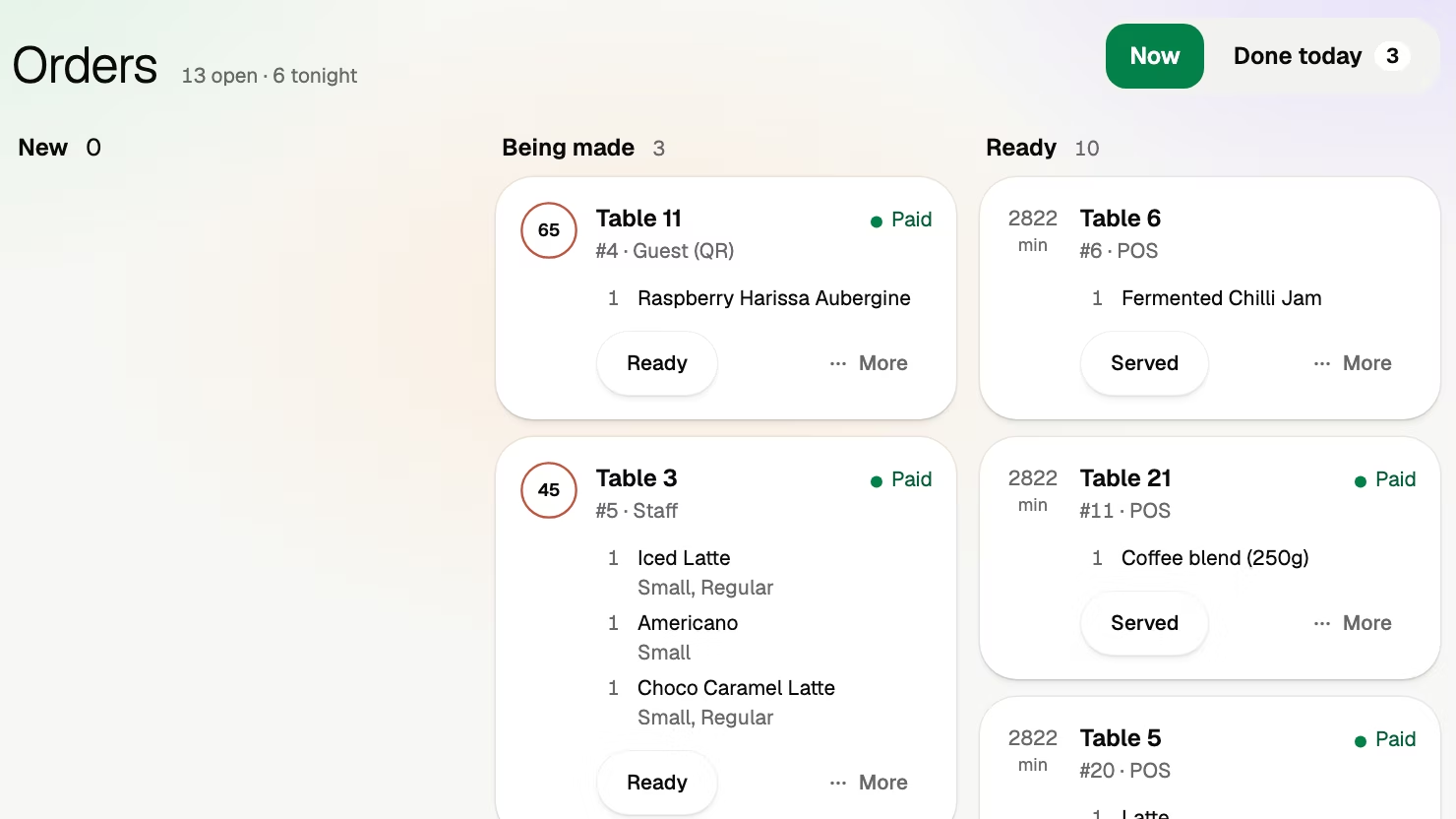
The orders board lists every order as new, being made or ready, each marked paid or not.
Beside the till you keep
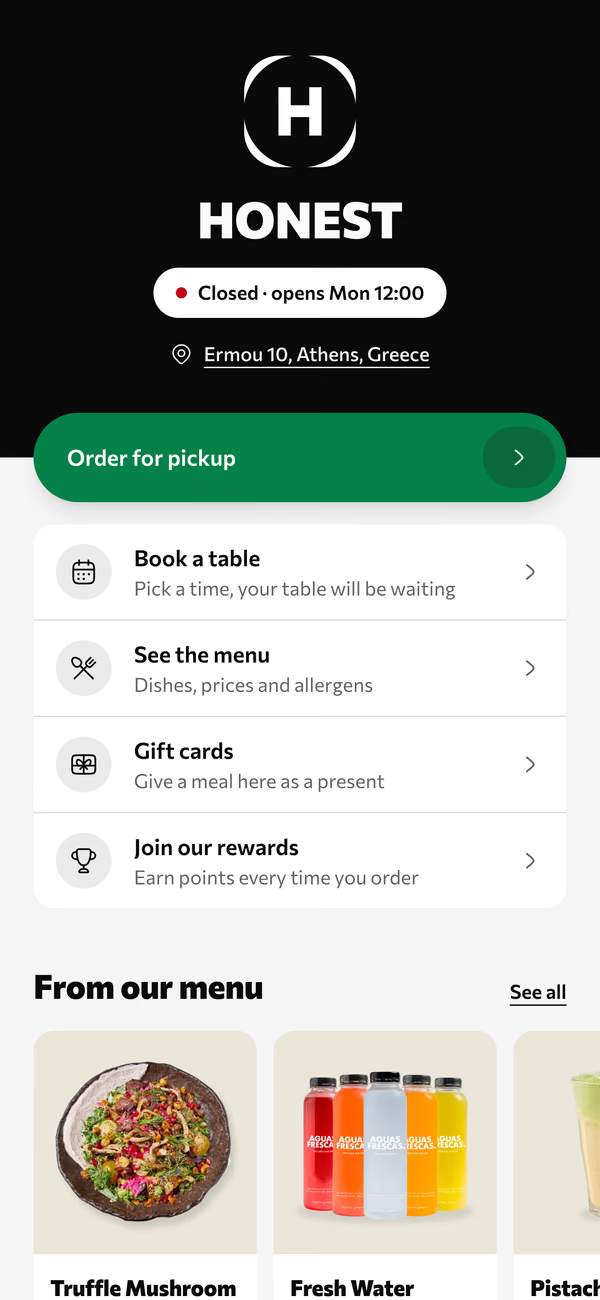
Guests scan a code, order from their own phones and pay at the table. The order goes to the kitchen and the money goes to your account, and your till has seen none of it.
So the back office has “Paid at the table”: the list of what phones paid today. At close, whoever cashes up matches each payment on the till. Volio does not write into another company’s till, which means you run two systems through close. That is the price of keeping the one you have.
It is the right way to start when the till works and nobody wants to relearn it in high season. Cash and cards handed to a waiter go through the till exactly as before.
Replacing the till
When Volio’s POS is the till, tables, takeaway and phone payments are in one system and there is no list to match. Every order reaches the kitchen the same way, on the kitchen display.
The back office has the numbers: takings by day and by hour, best sellers with their margins, and an export to Excel or CSV.
You bring the rest: a device for the counter, the internet, the card terminal, a screen for the kitchen. The hardware guide linked above also covers where a till on your own devices falls short: what still works with the router off, and who fixes a cracked tablet on a Saturday.
What it costs
A POS bill has four lines: software each month, hardware, a card fee on every sale, and add-ons priced per device or per feature. Restaurant POS system cost fills them in from vendors’ own price lists and gives you five rows to add up your own month. Ask early what each kitchen screen adds: kitchen display system cost has that sum for a kitchen and a bar.
Volio’s POS comes with the first paid plan, together with waiter mode and the kitchen display. Every plan has unlimited tables, staff, phones and screens, so a second waiter’s phone adds nothing to the bill. There are 30 days of Pro free, cancel any time: see the plans and prices.
Volio takes a small fee on a bill paid by phone. Guests see it before they pay, or you switch to covering it. Nothing is taken when a guest pays cash or the waiter.
What Volio does, and where it is the wrong POS
Volio is a POS, waiter mode, a floor plan and a kitchen display in the browser, beside your till or in its place. The team side of the home page shows them together.
It is the wrong POS in two cases. You want the terminals supplied and supported by one company: Volio sells no hardware. Or you deliver: Volio does no delivery.