Volio
Volio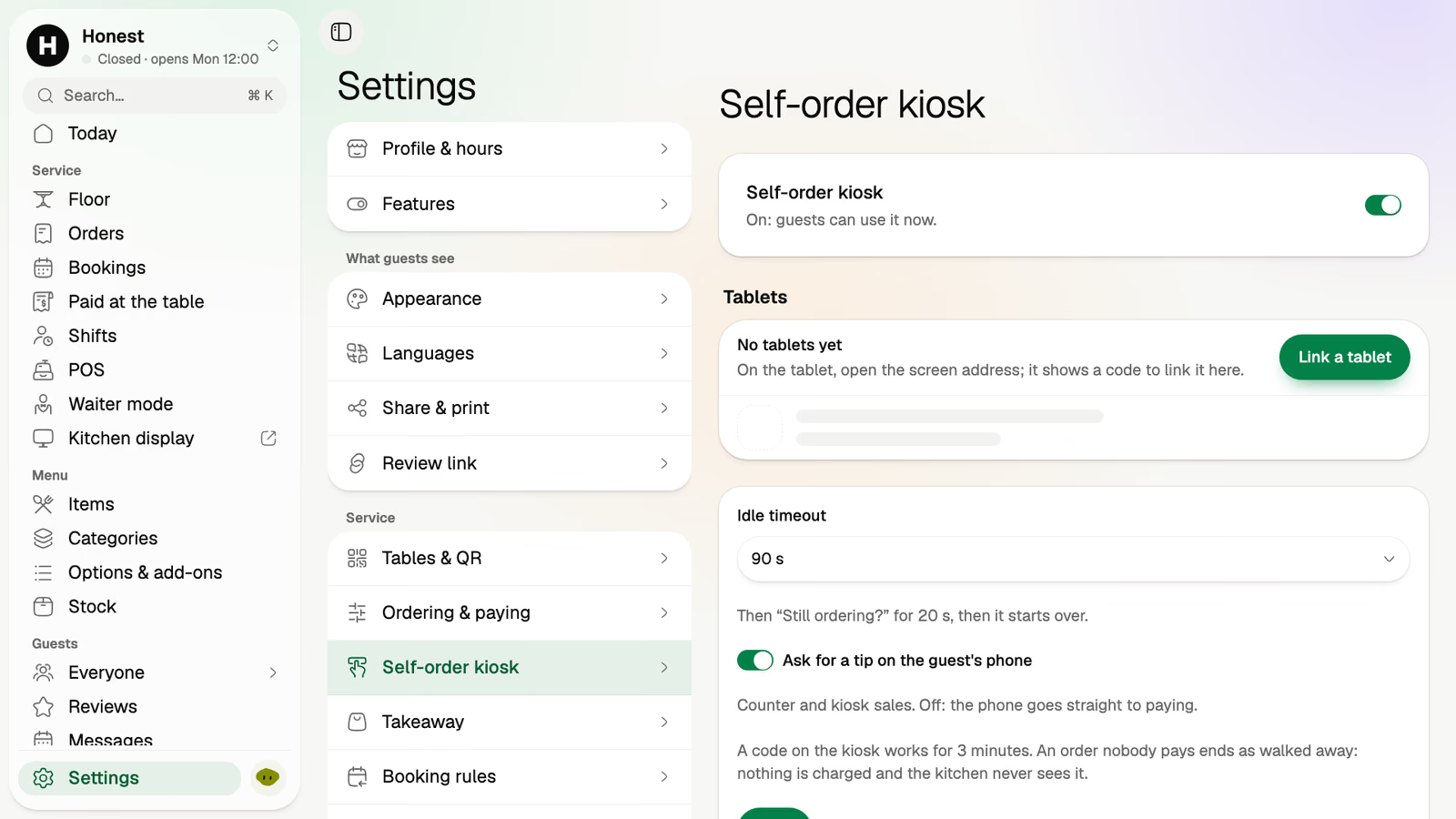
Self-order kiosk settings
Switch the kiosk on, link a tablet to it, and choose how it behaves.
Volio's self-order kiosk turns any tablet into a place to order, for cafés, takeaway counters, food trucks and busy bars. Guests pick eat here or take away, choose their dishes and the options on each, then pay on their own phone or at the counter. There's no kiosk to buy.
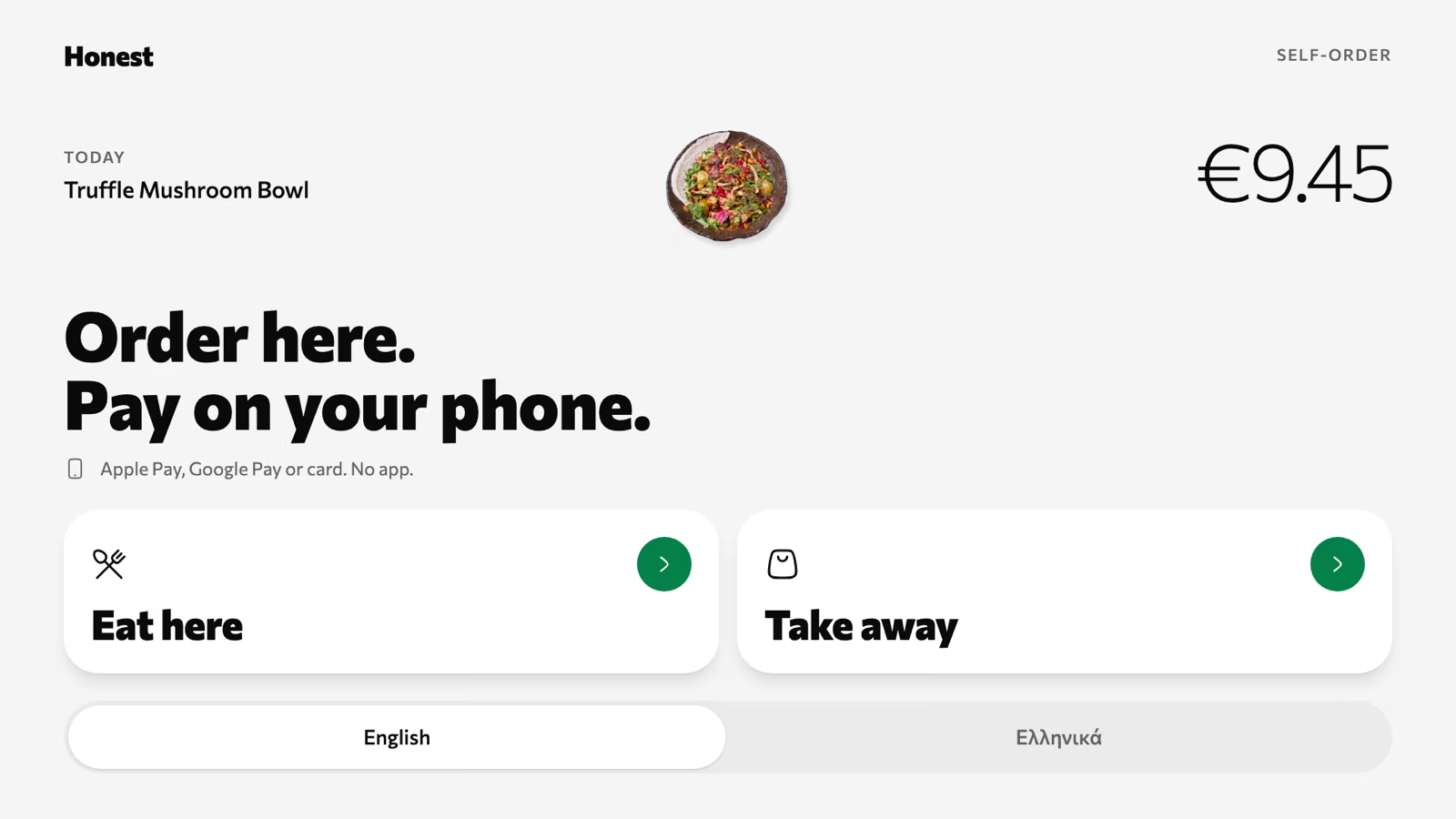
Four screens on a tablet
The kiosk is the same menu the QR code opens, laid out for a tablet on a stand. Every order it takes lands with the others.
Step 1
The first screen asks one thing, and offers the menu's languages along the bottom. A guest who reads Greek better than English taps it before anything else.
Step 2
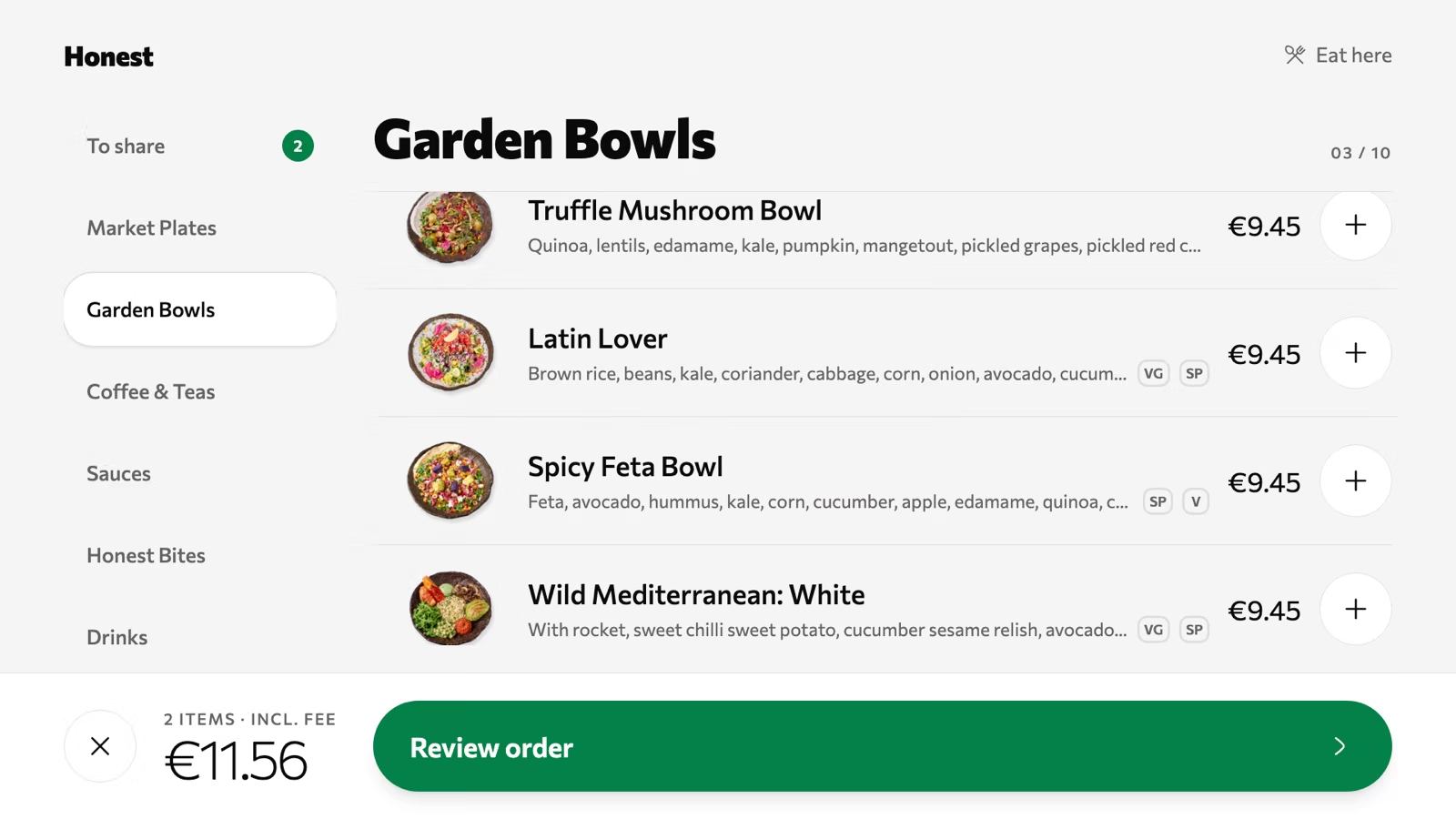
Categories down the side, dishes with photos and prices, and a plus to add each one. The running total sits at the bottom with Review order.
Step 3
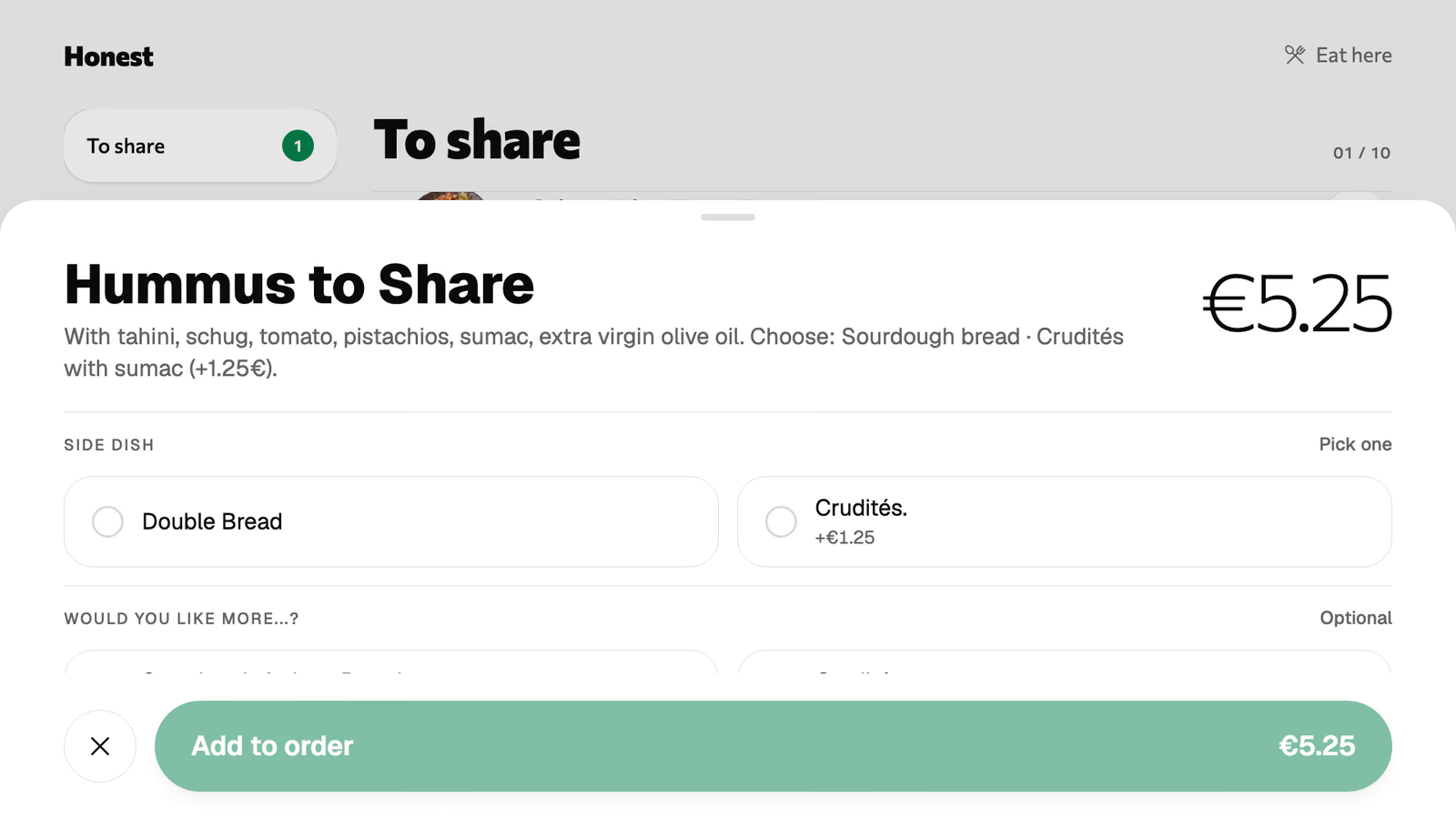
A dish opens with its sides, sizes and extras. What the guest picks is listed under the dish on the kitchen's ticket, so nobody shouts a change across the counter.
Step 4
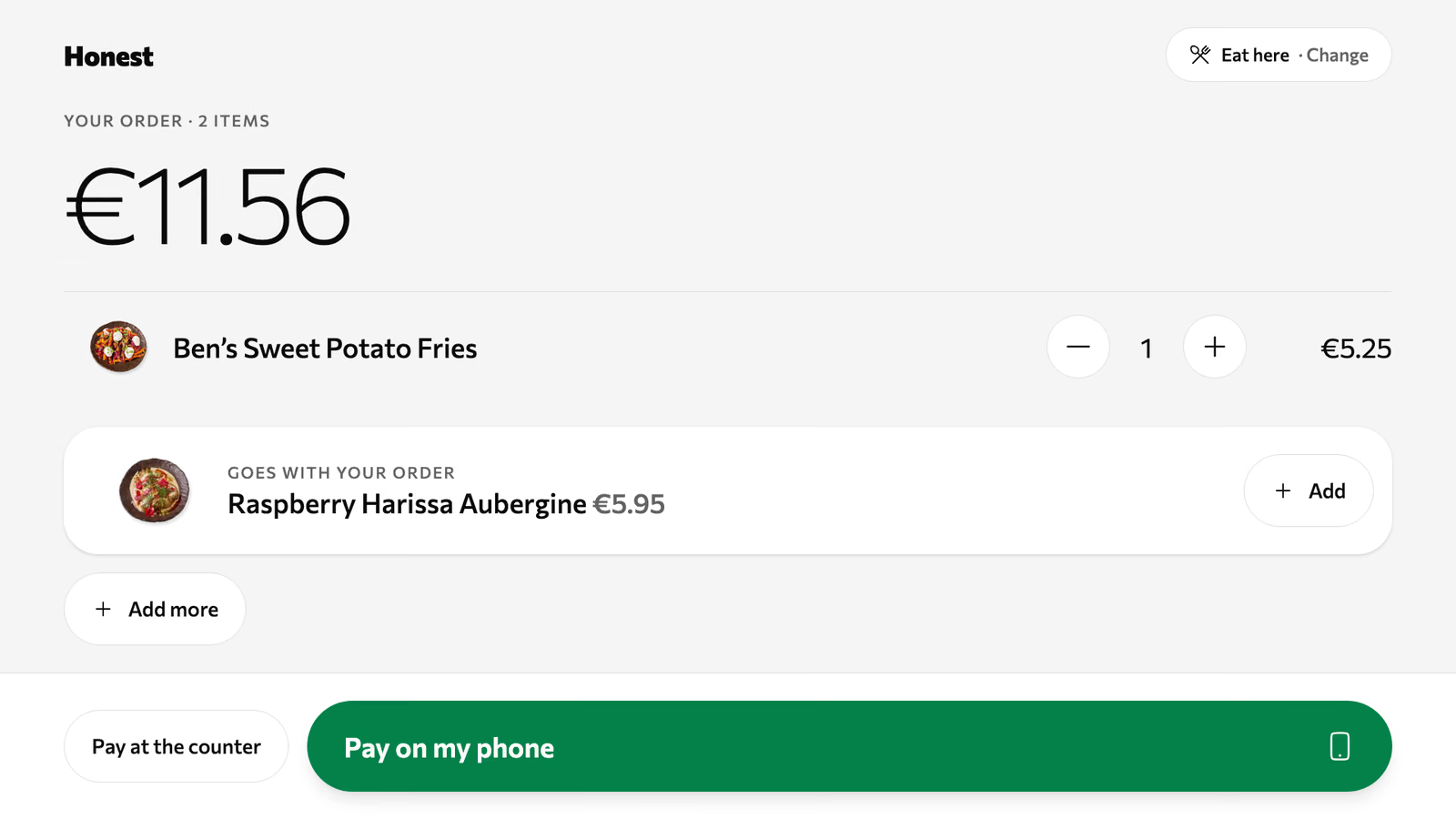
The guest checks the order, then pays on their own phone with Apple Pay, Google Pay or card, or walks to the counter and pays there.
One person at the till takes the order, takes the money and answers the question about the sauce. The tablet by the door takes the first two.
Three people order at the counter. Two walk to the tablet instead and start choosing.
The dish shows its options and their prices. Nobody holds up the line to ask.
One guest pays at the tablet with their phone. The other walks to the counter and pays there.
Kiosk orders and counter orders sit in one queue on the kitchen display, in the order they came.
The kiosk is switched on and linked from the back office. It runs in the tablet's browser.
Switch the kiosk on, link a tablet to it, and choose how it behaves.
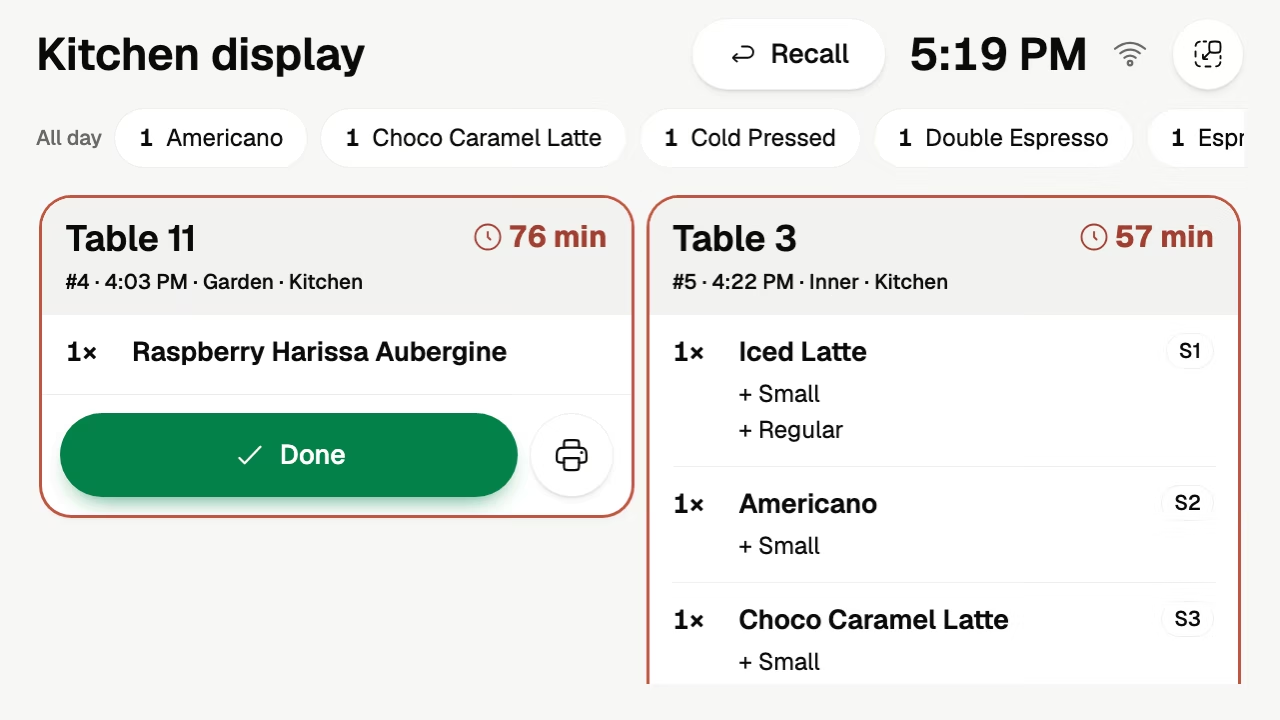
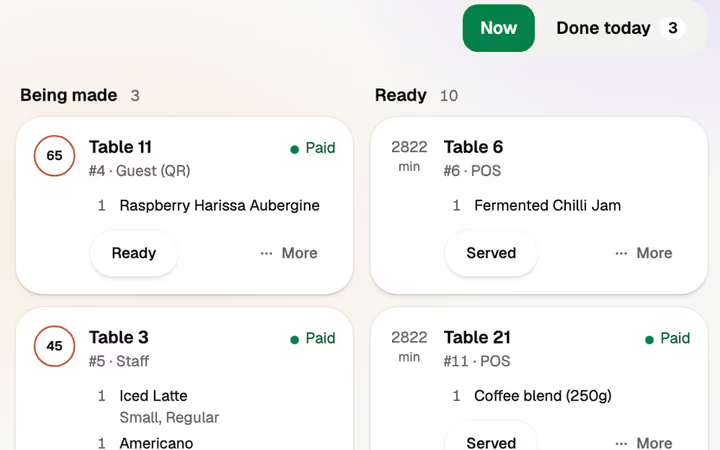
A kiosk order is a ticket like any other, with the guest's choices under each dish and a timer.
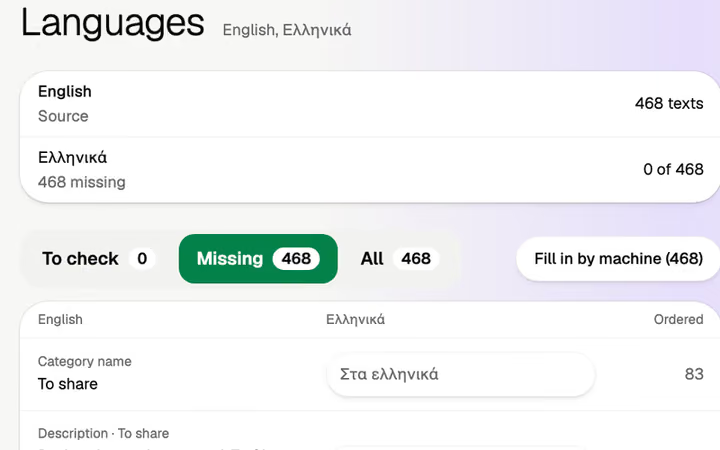
The kiosk offers the menu's languages, translated by machine and yours to edit.
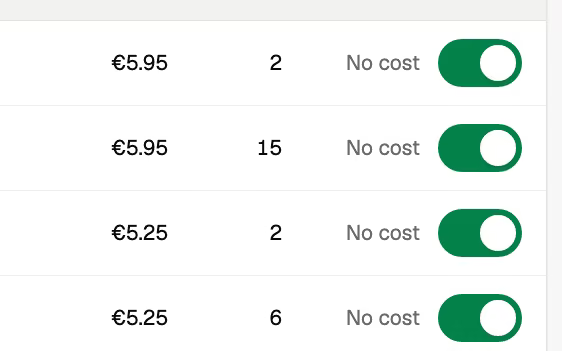
A dish switched off in the back office leaves the kiosk and every phone at once.
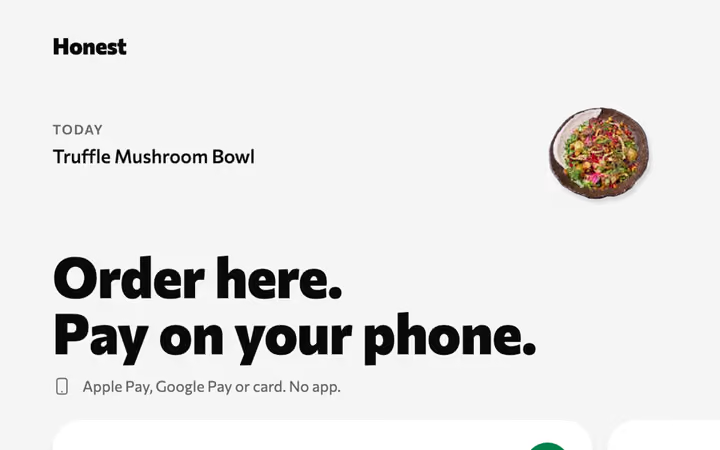
Any tablet with a browser. No hardware is sold.
If every guest sits down and orders at the table, the table's QR code does the job, and the tablet stays in the drawer.
The counter still takes orders on the POS, in cash, by card terminal or by the guest's phone.
Monthlya monthRegular price from Jan 1, 2027: €49€39
Yearly 2 months freeRegular price from Jan 1, 2027: €40.83€32.50 a monthRegular price from Jan 1, 2027: €490€390
Monthlya monthRegular price from Jan 1, 2027: €109€89
Yearly 2 months freeRegular price from Jan 1, 2027: €90.83€74.17 a monthRegular price from Jan 1, 2027: €1,090€890
Everything in Basic, and:
Monthlya monthRegular price from Jan 1, 2027: €259€209
Yearly 2 months freeRegular price from Jan 1, 2027: €215.83€174.17 a monthRegular price from Jan 1, 2027: €2,590€2,090
Everything in Essential, and:
Founding price for the first 500 venues, locked for 24 months. New venues pay the struck price from Jan 1, 2027.
Cancel any time: your QR menu stays online, free. Ordering, payments and the rest stop until you pick a plan again.
Unlimited tables, staff and screens on every plan. Pay yearly and 2 months are free; closed for part of the year? Monthly stops any month you like.
Something else? hello@usevolio.com
One you already have, with a browser. No hardware is sold, and there's no kiosk stand to buy from us.
The Pro plan, on as many tablets as you like.
They pay on their own phone, with Apple Pay, Google Pay or card, or at the counter.
Yes. They land on the orders board and the kitchen display with every other order.
It offers the menu's languages on its first screen. Translations are done by machine and you can edit every line.
Yes. A tablet at the window takes orders while the line waits, and guests pay on their own phone or at the window.
A second place to order, on a tablet you own