Volio
Volio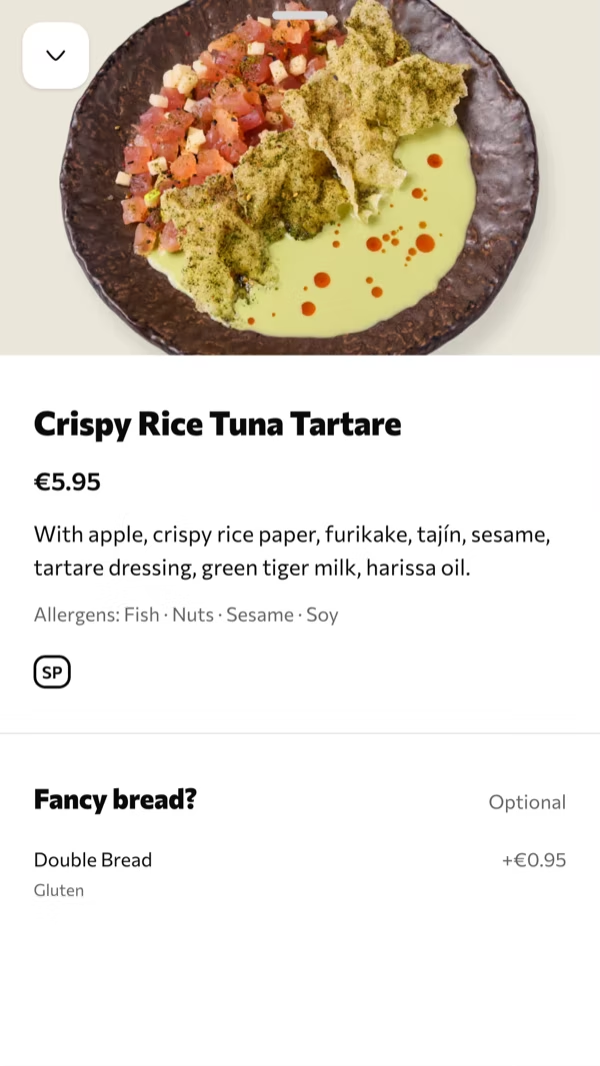
The dish, opened
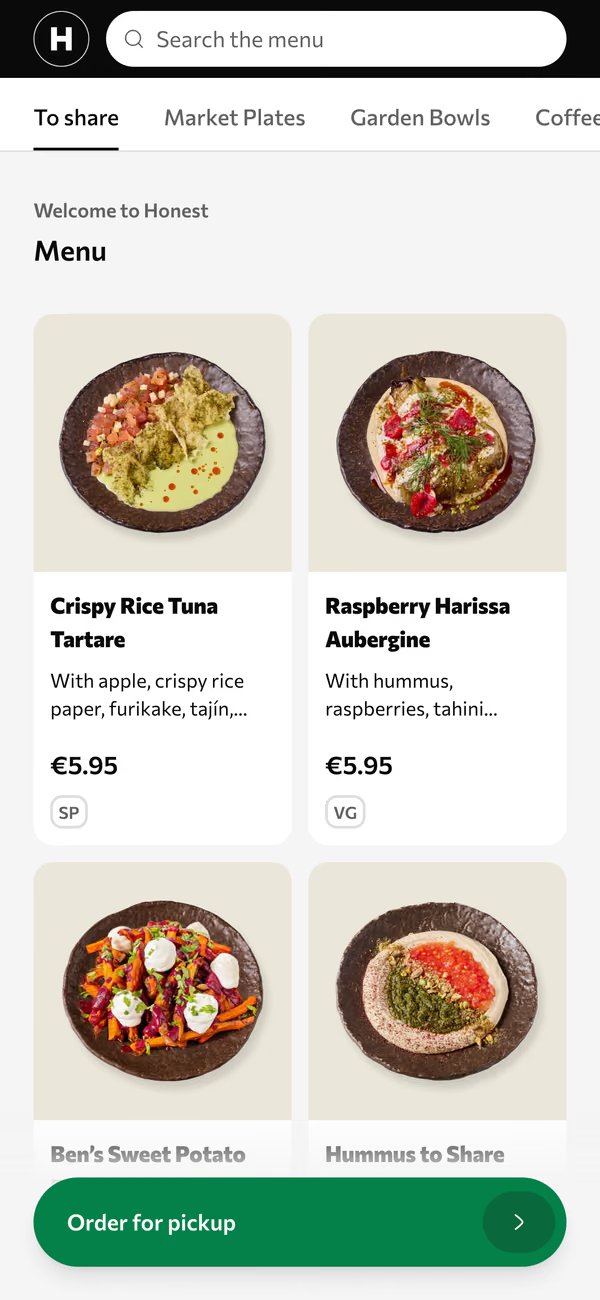
A photo, the allergens, and the options a guest can add, each with its price.
Volio's QR menu puts your menu behind a code on every table, stool and sunbed, for restaurants, bars, cafés, beach clubs and hotel bars. Guests scan it and read the menu in their phone's browser, with photos and allergens, in their own language. Every venue starts with a card and 30 days of Pro, free; cancel and the menu stays online, free.
From a paper menu to a code on the table
A QR menu shows the menu. Guests still order from your team, the way they do today. Ordering and paying from the table is a separate step, for when you want it.
Step 1
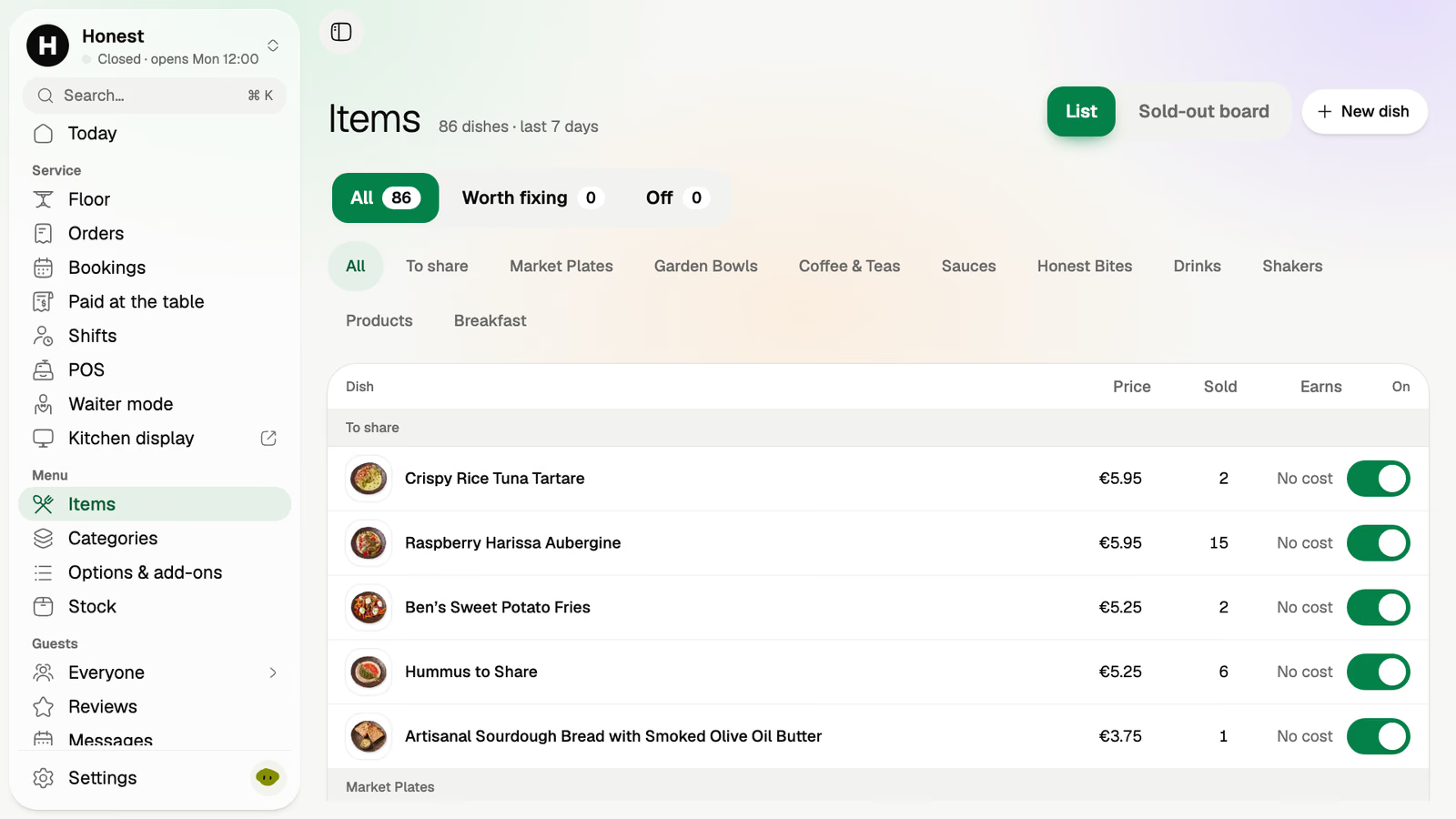
Items, categories, prices, and the sides and extras each dish has. You can enter it in the back office yourself, and on every paid plan we set it up for you, free, from a photo or a PDF of the menu you have.
Step 2
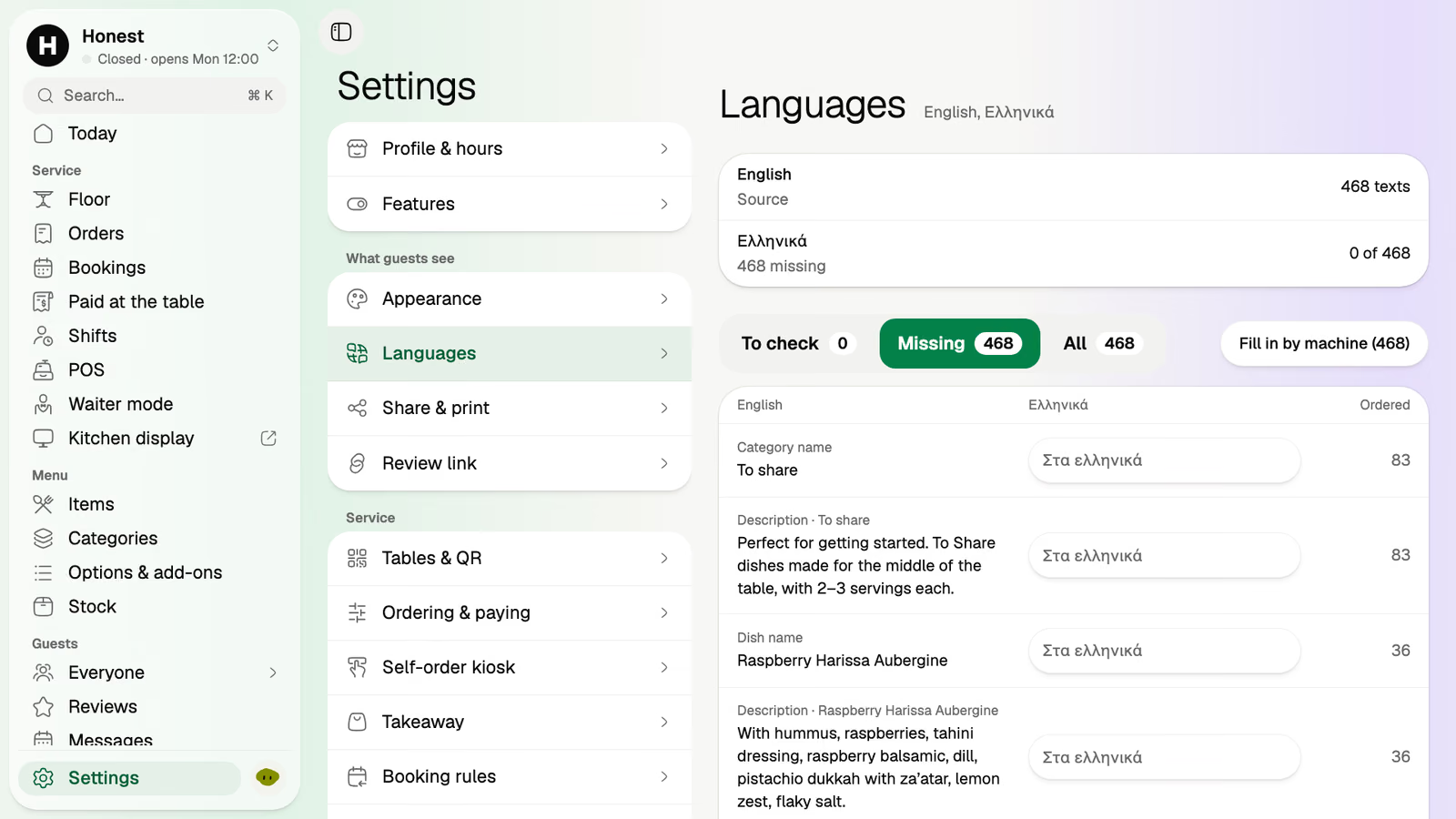
Translations are done by machine, and every line is yours to edit. A couple from Lyon and a family from Seoul read the same menu at neighbouring tables, each in their own words.
Step 3
A dish opens with its photo, what's in it, its allergens and its sides, sizes and extras, with their prices. Guests filter and search the menu instead of asking.
Step 4
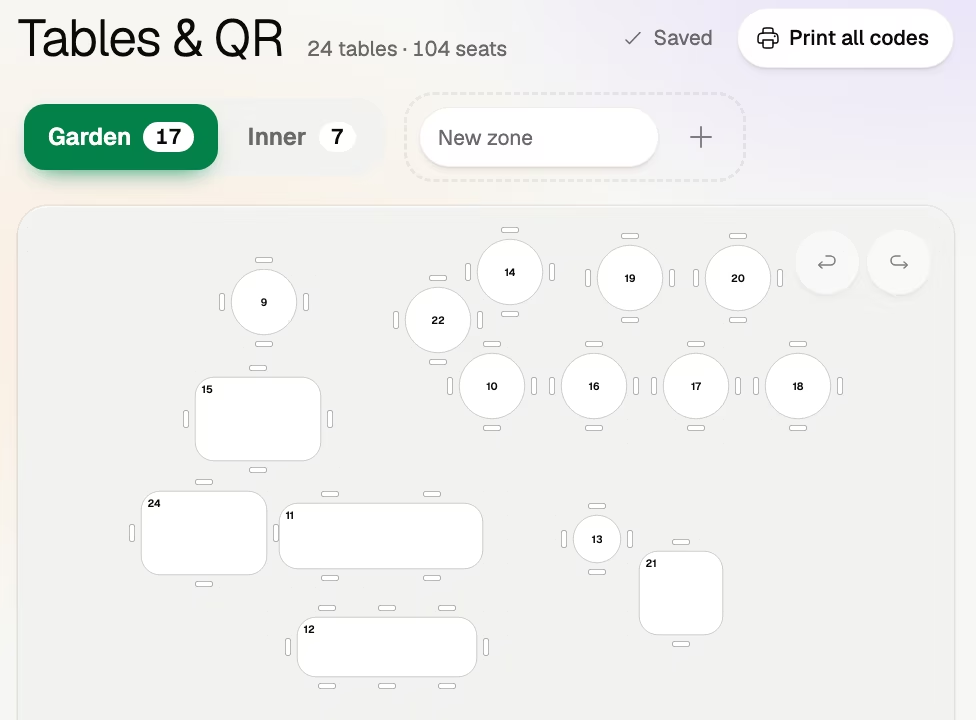
Draw the room in Tables & QR. Every table, stool, booth, sunbed or lounger is a numbered place with its own code, and the whole set prints at once.
The printed menus are on four tables, the fifth is waiting for one, and today's special is written on a board nobody can read from the back row.
The code on each table opens it. Nobody waits for a laminated card to come free.
A guest checks the allergens on the dish themselves before the waiter reaches the table.
One tap in the back office and the dish is off the menu on every phone. Nobody orders what you can't make.
They read the same menu in their own language, translated by machine and checked by you.
The code opens the real menu, not a picture of one. Paper menus print from it, and those come with the Essential plan.
A photo, the allergens, and the options a guest can add, each with its price.
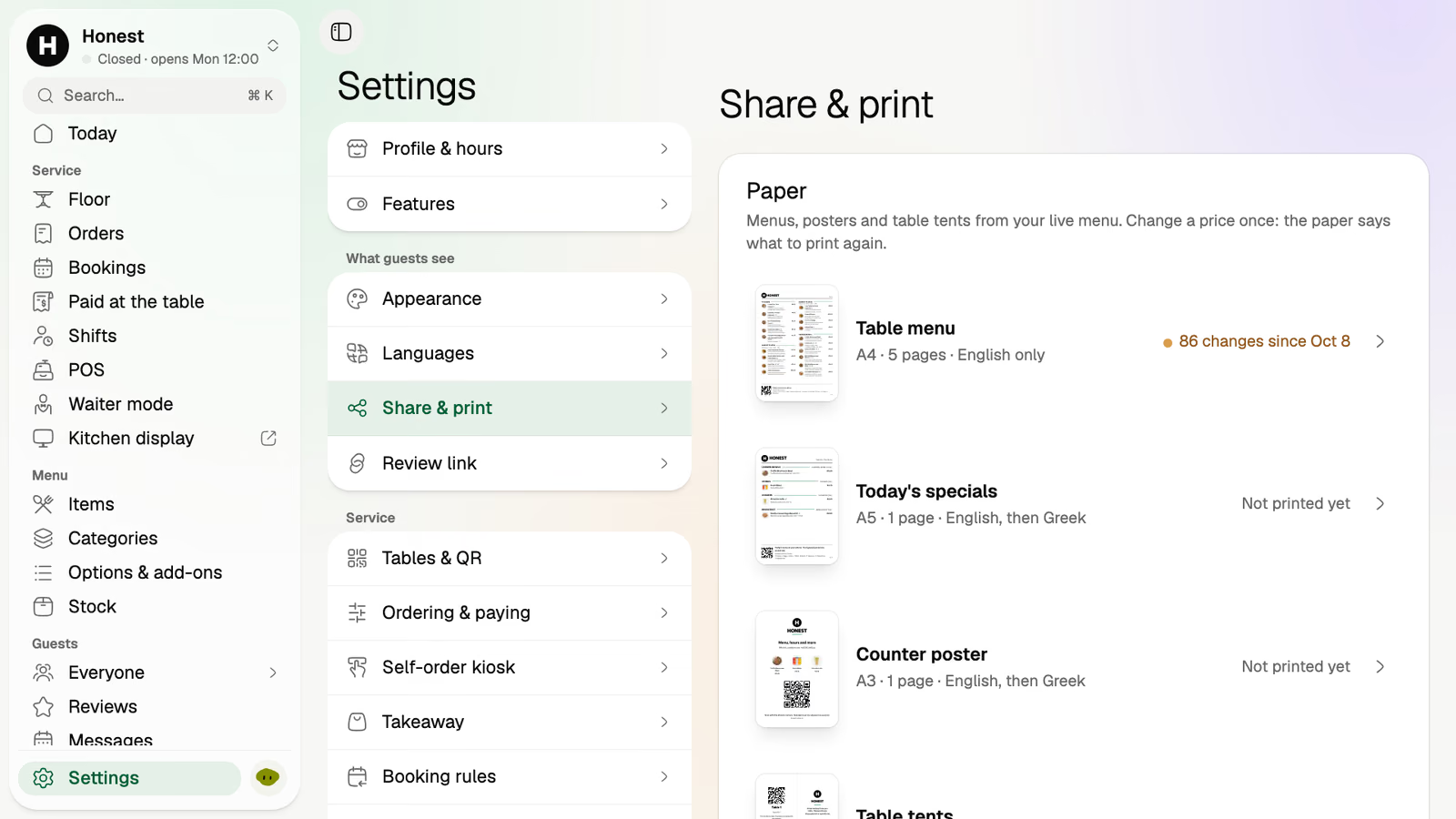
Printed from your live menu. When you change a price, Volio tells you which printed menu is out of date.
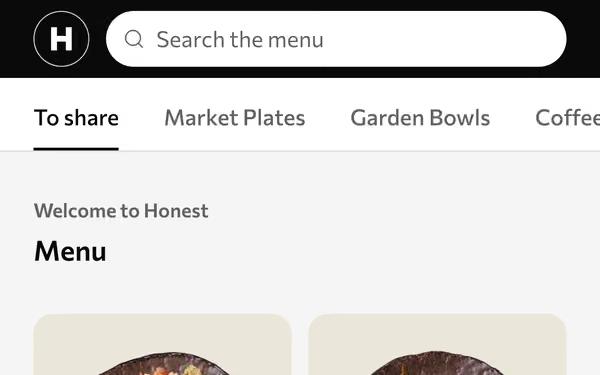
Guests find the vegan dishes or the drinks without scrolling the whole menu.
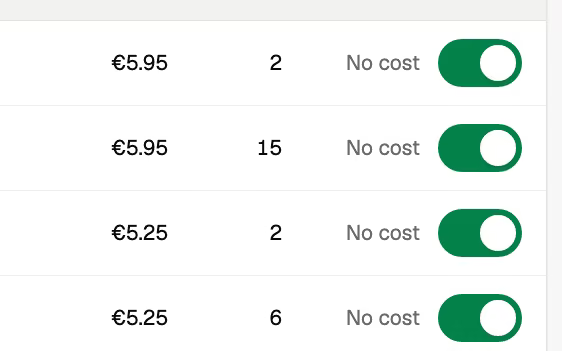
Off, and it's gone from every phone at once.
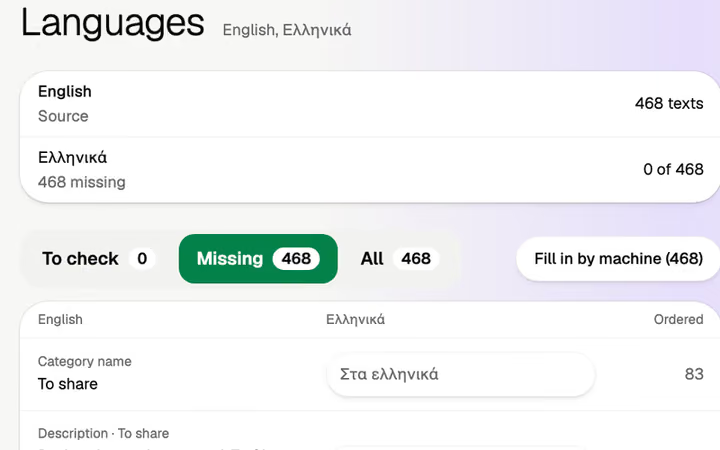
Translated by machine, every line yours to edit.
Said once, plainly, so nobody finds out later.
Every venue starts with a card and 30 days of Pro, free. Cancel, and your menu stays behind its QR codes, in your guests' languages, free.
They come with every plan and stop when you cancel. Volio takes a small fee on a bill paid by phone, which guests see before they pay, or you cover.
Monthlya monthRegular price from Jan 1, 2027: €49€39
Yearly 2 months freeRegular price from Jan 1, 2027: €40.83€32.50 a monthRegular price from Jan 1, 2027: €490€390
Monthlya monthRegular price from Jan 1, 2027: €109€89
Yearly 2 months freeRegular price from Jan 1, 2027: €90.83€74.17 a monthRegular price from Jan 1, 2027: €1,090€890
Everything in Basic, and:
Monthlya monthRegular price from Jan 1, 2027: €259€209
Yearly 2 months freeRegular price from Jan 1, 2027: €215.83€174.17 a monthRegular price from Jan 1, 2027: €2,590€2,090
Everything in Essential, and:
Founding price for the first 500 venues, locked for 24 months. New venues pay the struck price from Jan 1, 2027.
Cancel any time: your QR menu stays online, free. Ordering, payments and the rest stop until you pick a plan again.
Unlimited tables, staff and screens on every plan. Pay yearly and 2 months are free; closed for part of the year? Monthly stops any month you like.
Something else? hello@usevolio.com
Every venue starts with a card and 30 days of Pro, free, then the plan it chose. Cancel any time and the menu stays on Volio behind its QR codes, in your guests' languages, free. Ordering and payments stop.
A PDF is a picture of a page. Volio's menu is the menu itself: change a price or switch a dish off and every phone shows it at once, in each guest's language, with photos and allergens.
No. The code opens the menu in the phone's browser.
You can enter it in the back office. On every paid plan we set it up for you, free, from a photo or a PDF of the menu you have, and you publish when it looks right.
Yes, on every plan. Ordering and paying from the table use the same codes, when you switch them on. After you cancel, the menu stays and ordering stops. See QR ordering.
The languages you add. Volio translates by machine, and you can change every line before or after it goes live.
Your menu on every table, in your guests' languages