Volio
Volio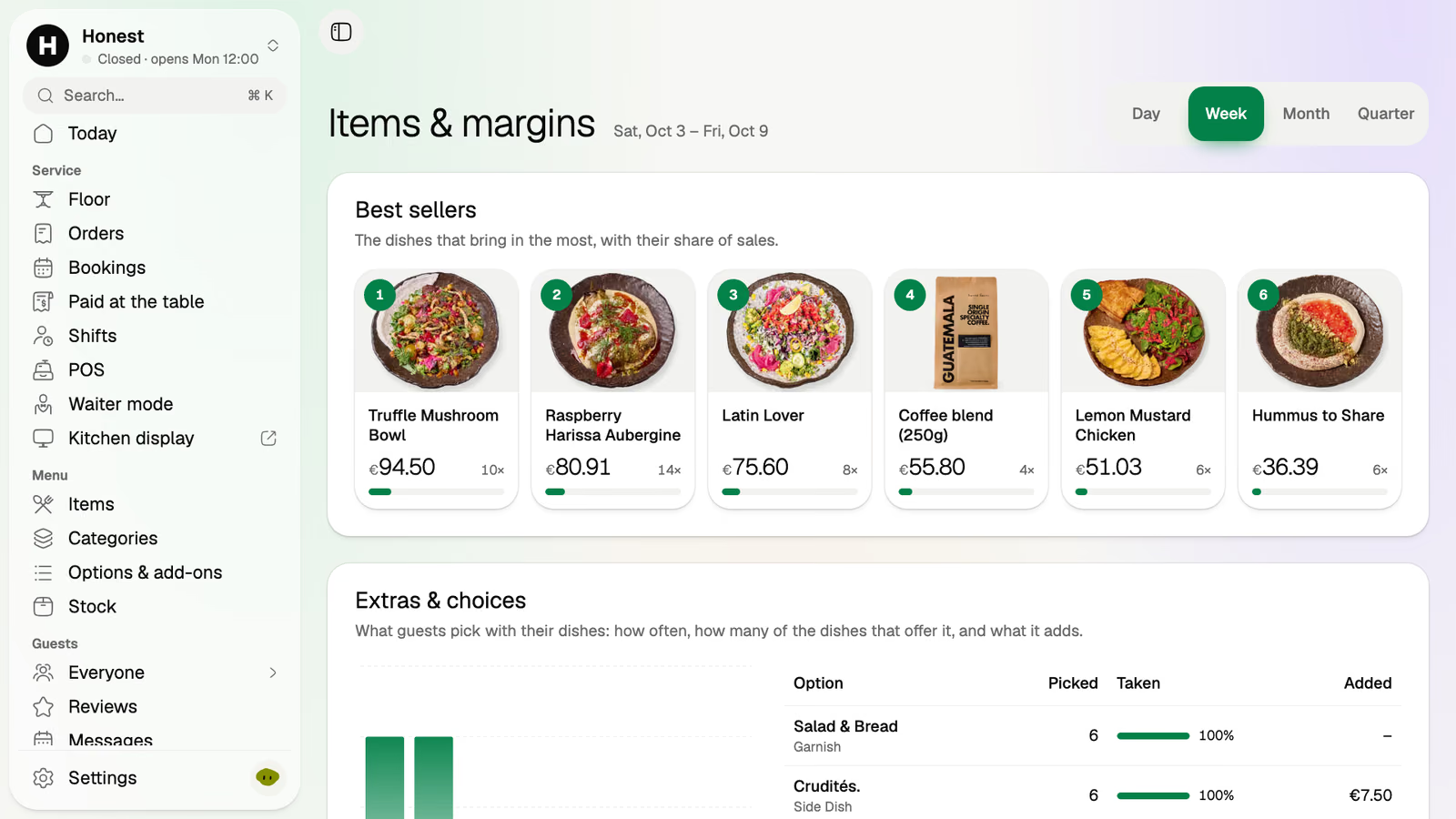
Items and margins
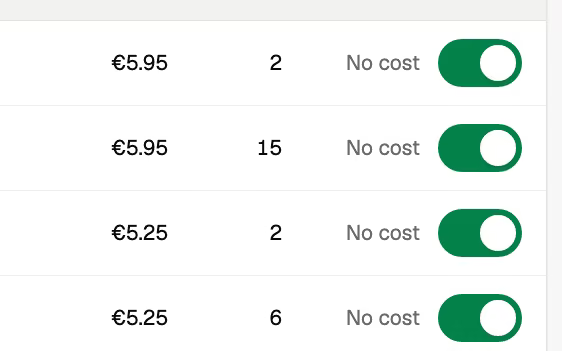
The dishes that bring in the most, each with its share of sales.
Volio is a restaurant ordering system for the whole service, in restaurants, bistros and hotel dining rooms: bookings, the floor, orders by QR code or by waiter, the kitchen display and the bill paid at the table. It runs on a tablet and the phones you already own, beside your till or in its place.
Volio for restaurants
Their waiter is three tables deep with a tray of mains. Here's how table 7 got to this moment, and how it leaves without catching anyone's eye.
Booked on Tuesday from your page, four guests for 19:30. The waiter takes the starters in waiter mode, and two guests add their own drinks from the code on the table.
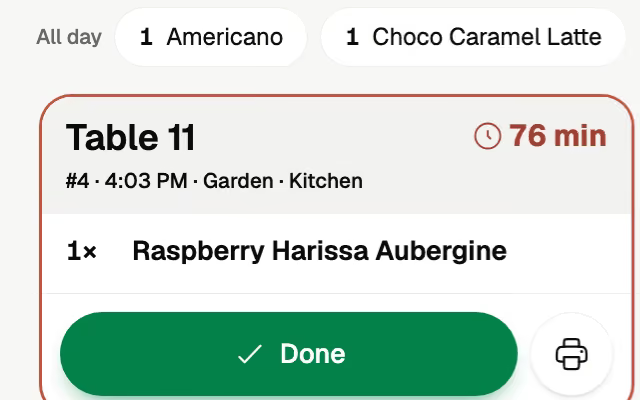
The kitchen's ticket is headed table 7 and counts the minutes. The wine has gone to the bar's screen.
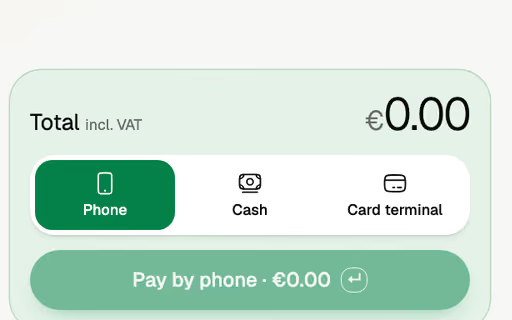
Three guests pay their part by phone and one pays the waiter in cash. The floor shows nothing left. Nobody waits for the card machine.
The host saw table 7 clear on the floor the moment the last part was paid, and seats the next booking there.
Each screen opens in a browser on a device you already own: the host's tablet, the waiters' phones, a screen on the pass. In a hotel dining room, the same screens.
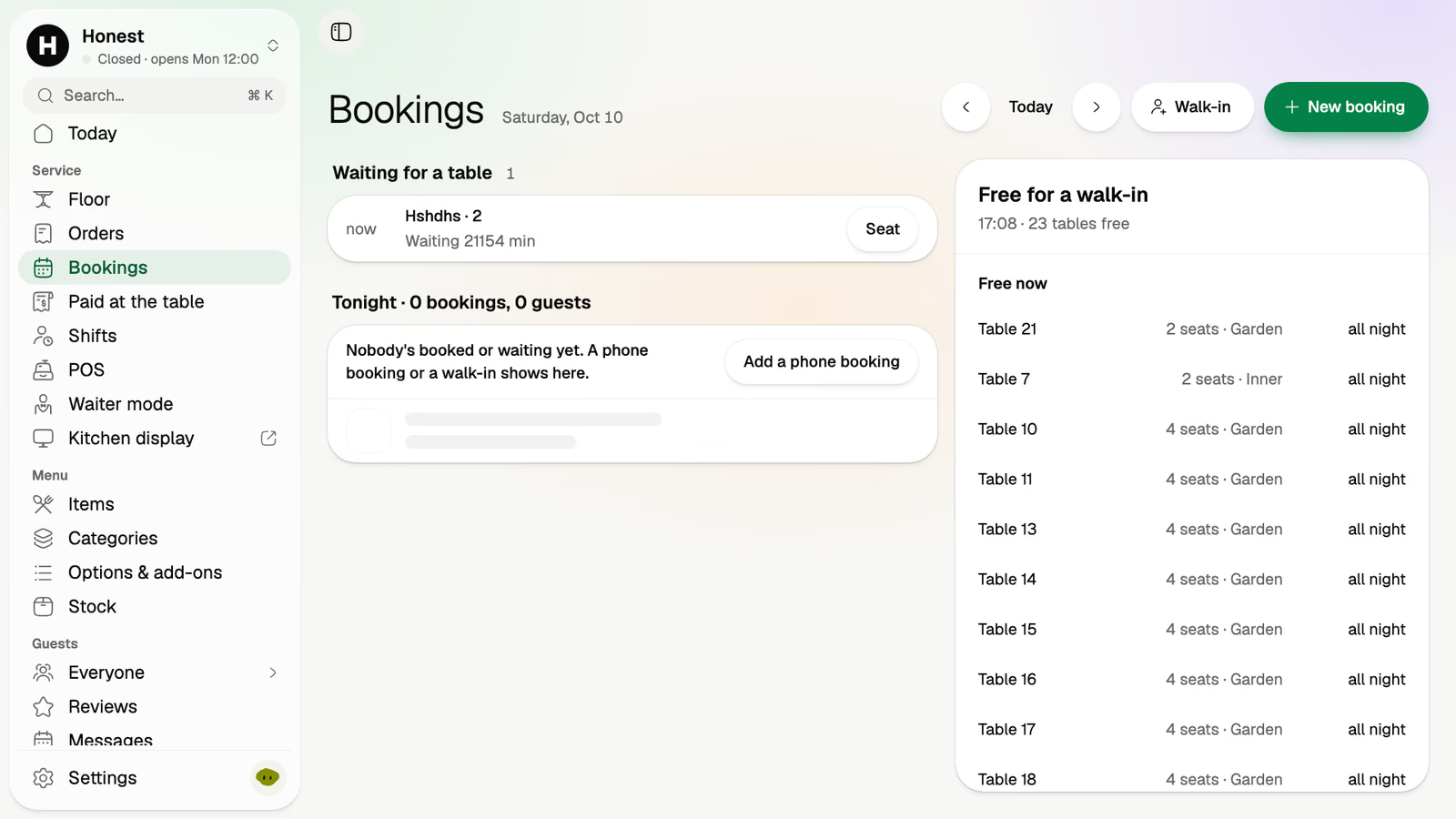
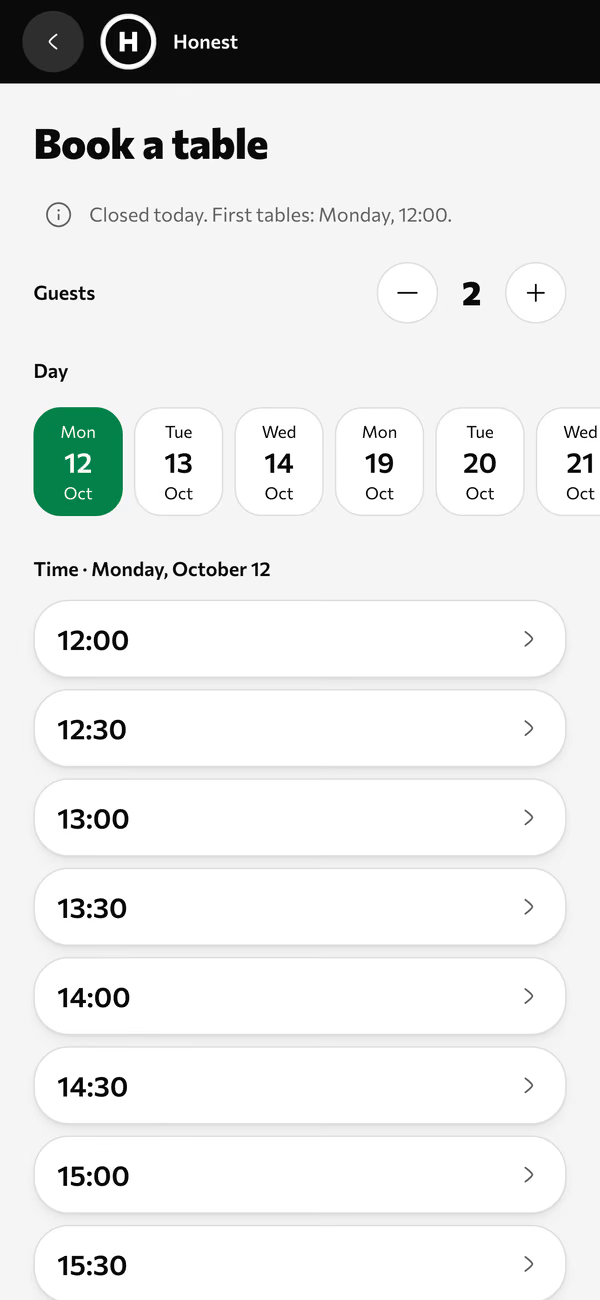
Guests book from your page with a party size, a day and a time. You set the rules once. Walk-ins and a waiting list sit beside tonight's bookings, so the host sees the whole door.
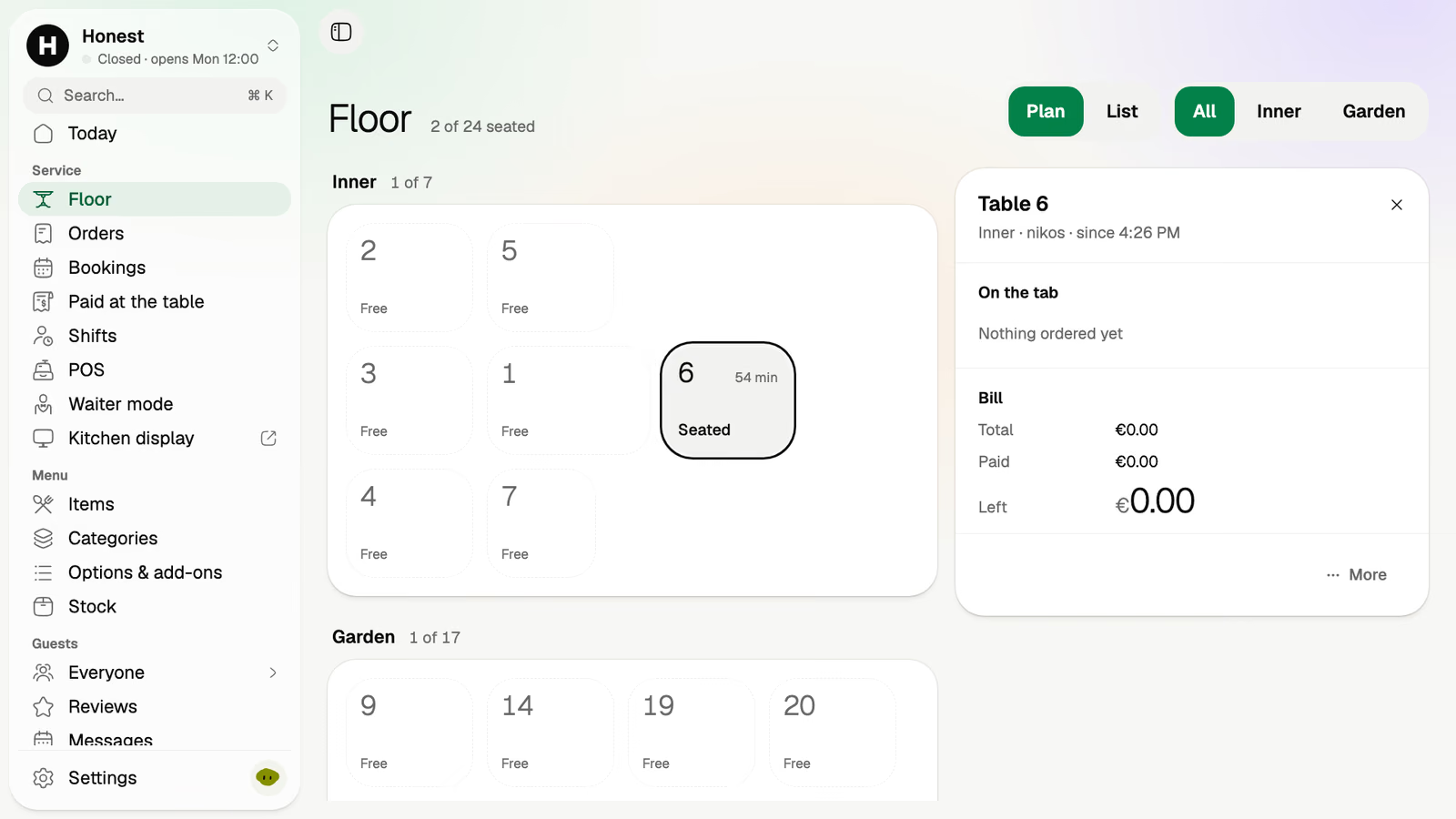
Your room as you drew it. Who's seated, for how long, and what's still open on each tab.
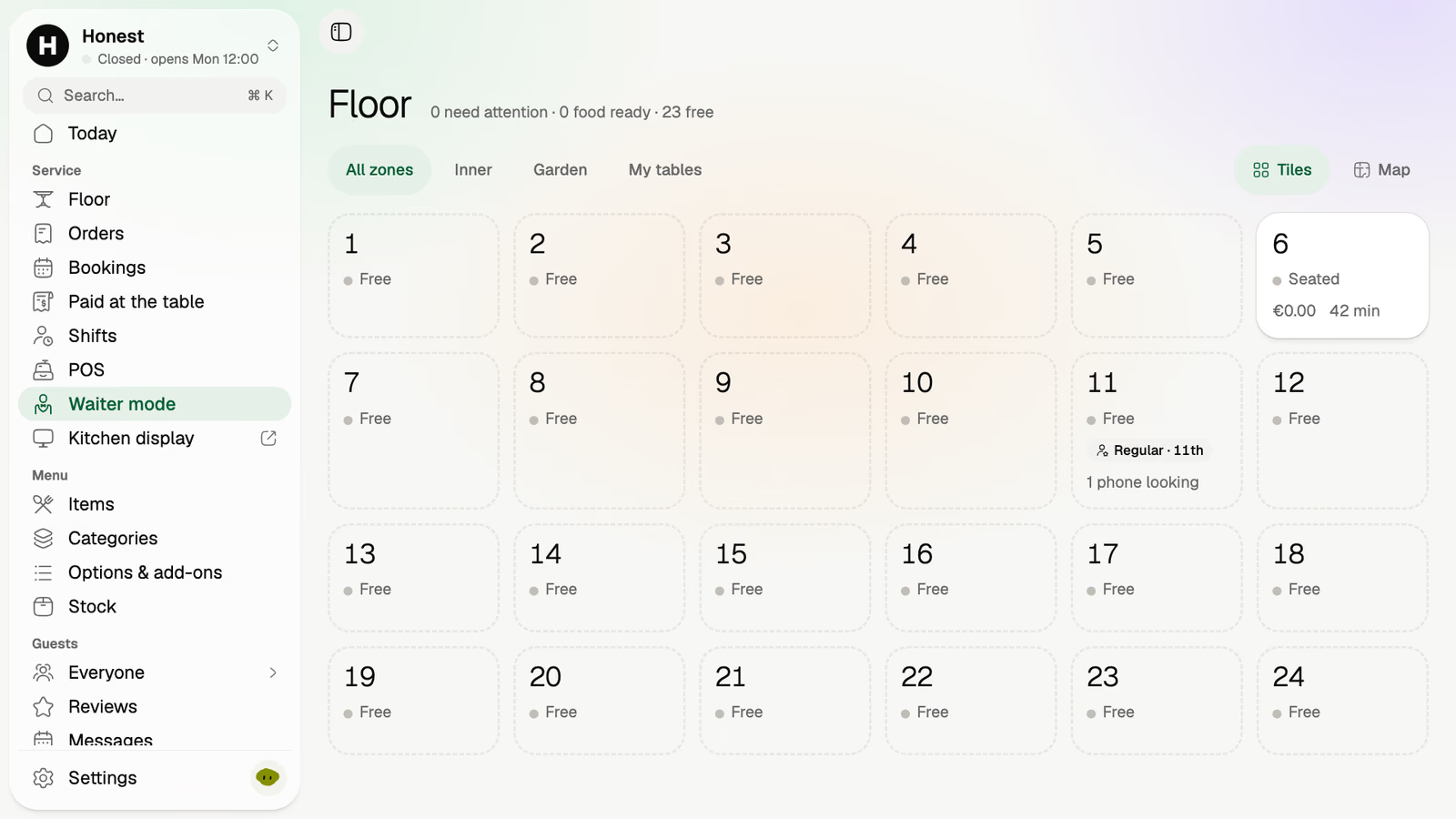
The room as tiles on a staff phone. Open a table, add a round, close it. The waiter stays on the floor.
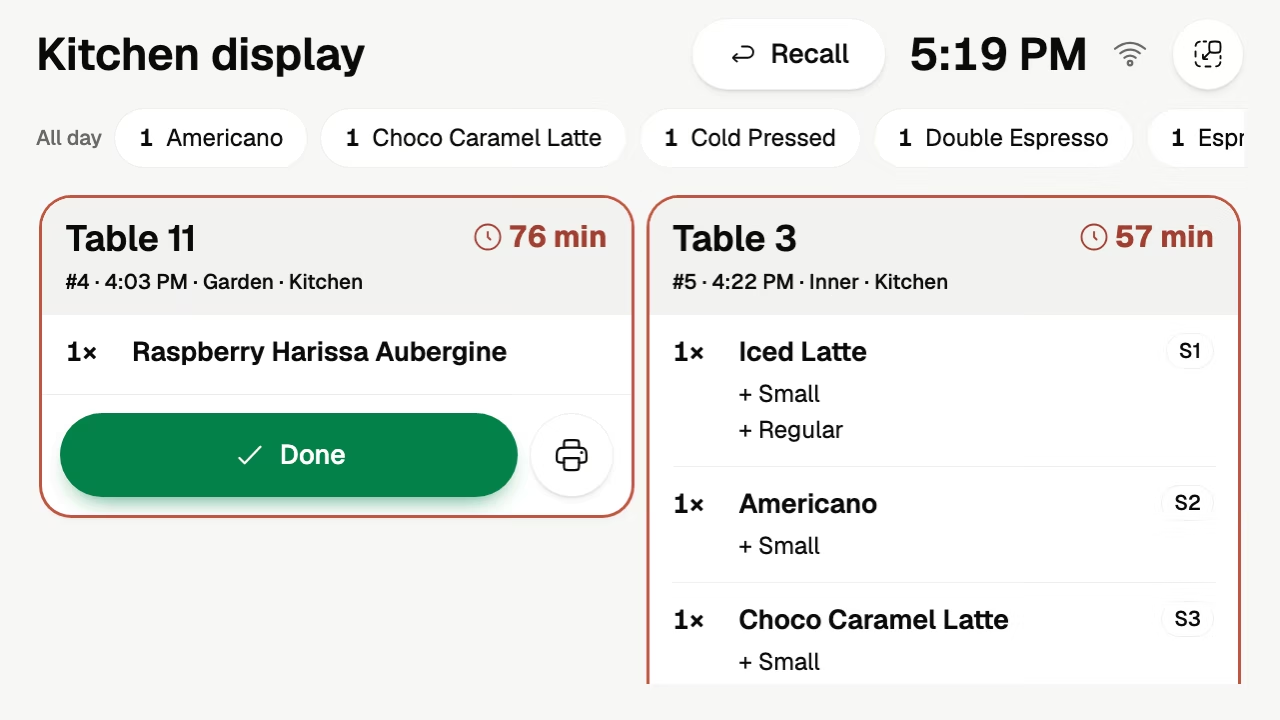
A ticket per table with a timer. Done closes it, Recall brings it back, and each dish goes to the place that makes it, so the wine goes to the bar, not the pass.
The back office is where Friday turns into a decision about next Friday.
The dishes that bring in the most, each with its share of sales.
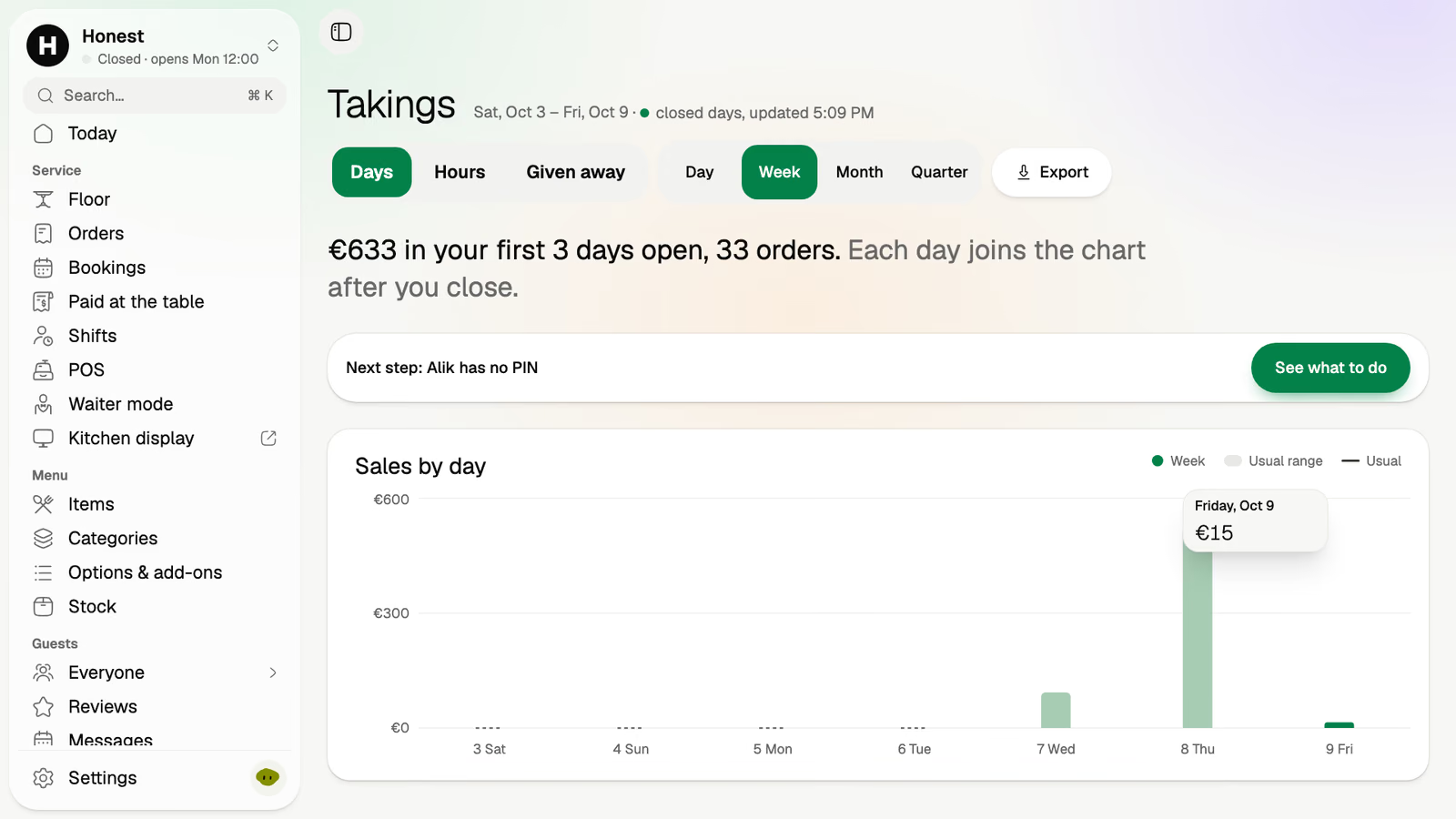
Sales by day and by hour, with an export to Excel or CSV.
The fish ran out at 21:00. One tap, and it's off every phone.
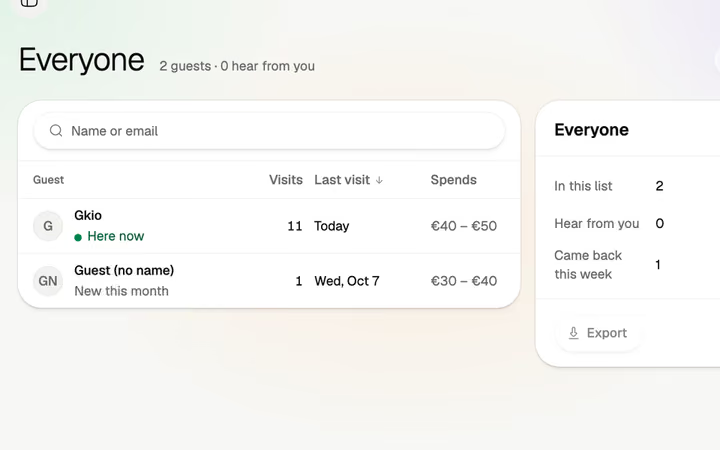
Everyone who ordered, booked or reviewed, in one list you can write to.
Happy guests are sent on to Google.
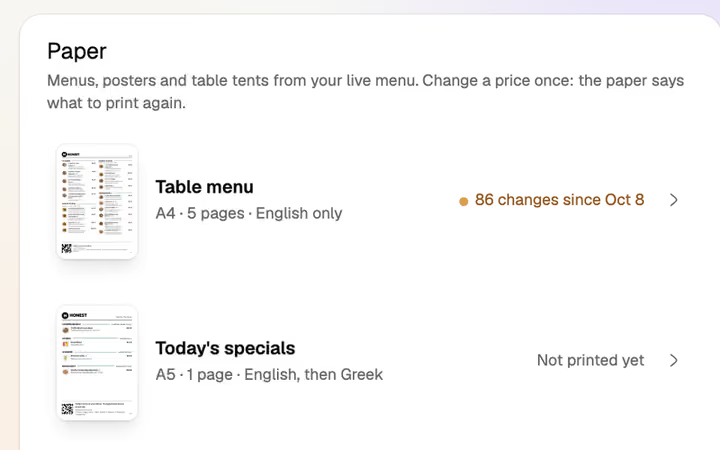
Printed from the live menu. Volio tells you when one is out of date.
No couriers and no delivery apps. Takeaway is order ahead and pick up, from your own link.
In a hotel, Volio runs the restaurant, its tables and its terrace. It doesn't do room service or charge a bill to a room.
No hardware to buy. You keep your card terminal, and your till if you want it. Cloud ticket printers are an option.
Monthlya monthRegular price from Jan 1, 2027: €49€39
Yearly 2 months freeRegular price from Jan 1, 2027: €40.83€32.50 a monthRegular price from Jan 1, 2027: €490€390
Monthlya monthRegular price from Jan 1, 2027: €109€89
Yearly 2 months freeRegular price from Jan 1, 2027: €90.83€74.17 a monthRegular price from Jan 1, 2027: €1,090€890
Everything in Basic, and:
Monthlya monthRegular price from Jan 1, 2027: €259€209
Yearly 2 months freeRegular price from Jan 1, 2027: €215.83€174.17 a monthRegular price from Jan 1, 2027: €2,590€2,090
Everything in Essential, and:
Founding price for the first 500 venues, locked for 24 months. New venues pay the struck price from Jan 1, 2027.
Cancel any time: your QR menu stays online, free. Ordering, payments and the rest stop until you pick a plan again.
Unlimited tables, staff and screens on every plan. Pay yearly and 2 months are free; closed for part of the year? Monthly stops any month you like.
Something else? hello@usevolio.com
As much as they like. Waiter mode puts the room on the staff's phones, and a waiter's order and a guest's order from the table's code land on the same tab and the same kitchen ticket.
Yes. Each guest can pay their own part on their own phone, with a tip, and the rest can pay the waiter in cash or by card.
Yes. Guests book from your page by the rules you set, with a deposit if you want one, and the team handles walk-ins and a waiting list. Bookings come with the Essential plan.
No. Volio works beside the till you have, and "Paid at the table" lists each phone payment with its table, amount and time, to enter on your till. Or let Volio's POS replace it.
Yes. Tables in the dining room or on the terrace are numbered places with their own codes, and the menu opens in each guest's language. Volio doesn't do room service or charge to a room.
Phone payments go to your own account with the payment provider, then to your bank. Volio takes a small fee on a bill paid by phone. Guests see it before they pay, or you switch to covering it. Nothing when a guest pays cash or the waiter.
No. Takeaway is order ahead and pick up, from your own link.
A tablet, or a TV with a small Android TV box, for the kitchen display. Cloud ticket printers are an option if the kitchen prefers paper.
From the booking to the bill, in one place