Volio
Volio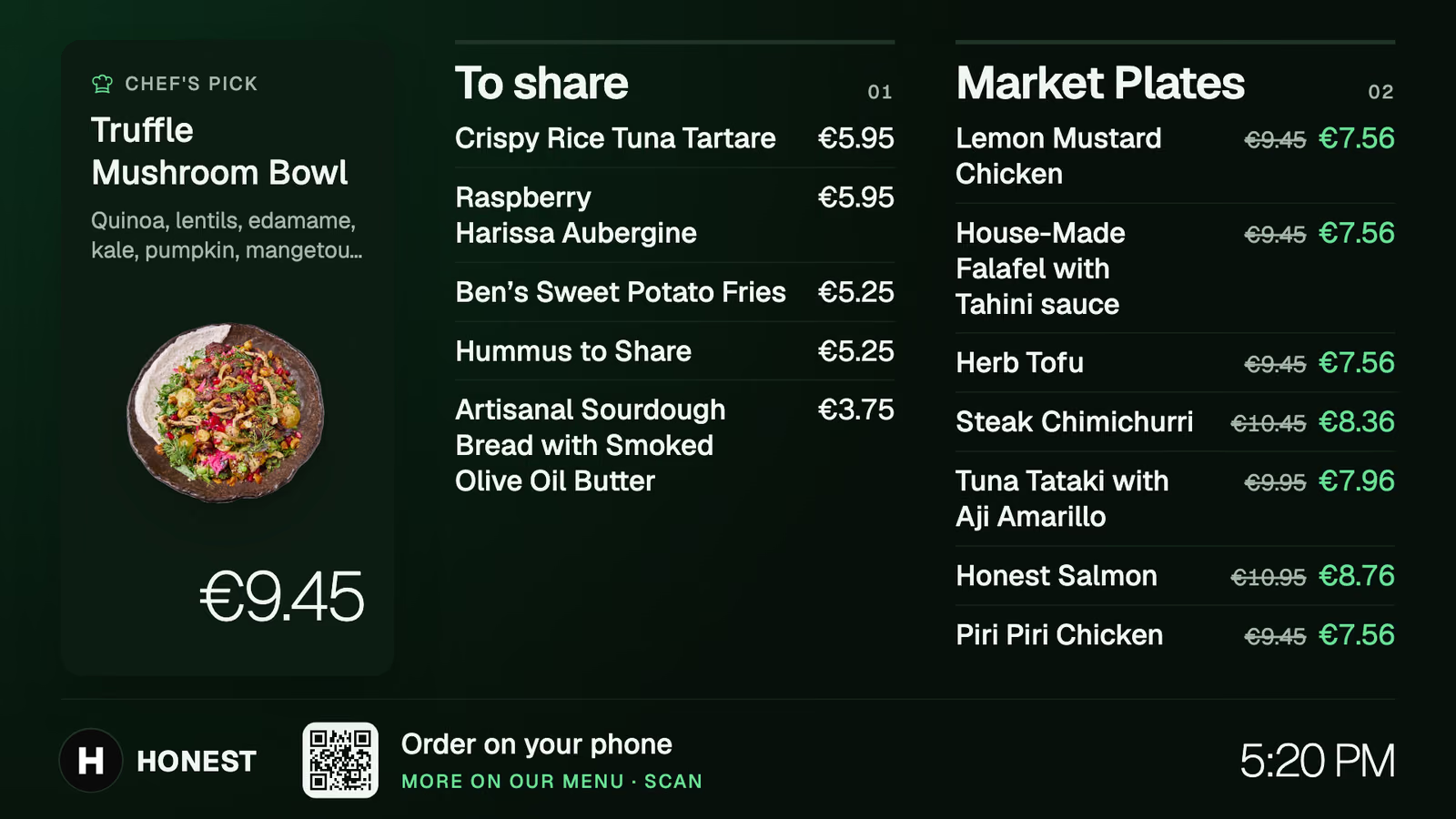
The menu board
Any TV with a small Android TV box shows the menu. Its prices and happy hours follow the menu and the hours you set.
Volio is a bar ordering system for bars, pubs, cocktail bars, clubs and hotel bars. Tables, booths and stools order their rounds from their own code, each guest pays their own part, and the bar works one ticket per table. The bar's three deep. Your booths aren't in it.
Volio for bars and clubs
A bar loses its second round at the bar itself. The table that would have gone again looks at the crush, does the maths on the wait and calls it a night.
Six friends, four phones, one order for table 9. Each adds their own drink, with the mixer they want.
Happy hour ends and every phone and menu board follows. You set the hours once, and nobody rings up the old price at five past.
At 1 am the bar is three deep. Booth 4 orders without joining it. A bottle and four mixers go from its code to the bar's screen, headed booth 4.
Each guest pays their part as they go. The floor shows the tabs still open, and the booth leaves when it's ready.
From the booth to the bar and back, with no trip to order and no trip to pay.
Step 1
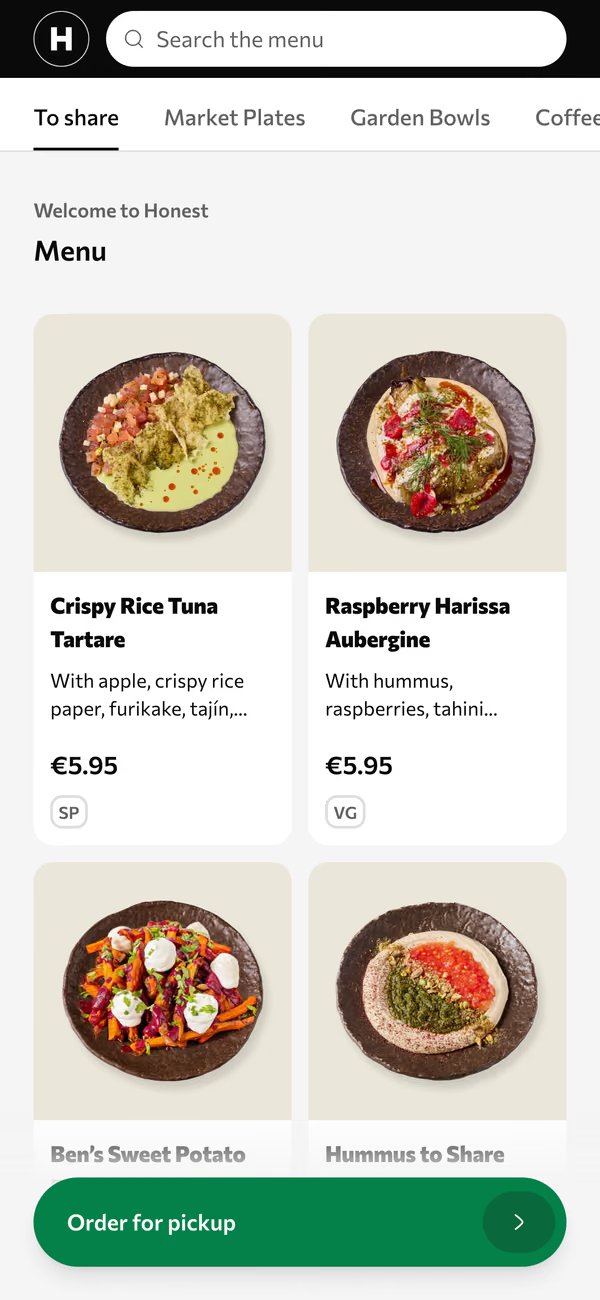
One code per table, booth or stool. The menu opens in the browser, in the guest's own language, and nobody downloads anything.
Step 2
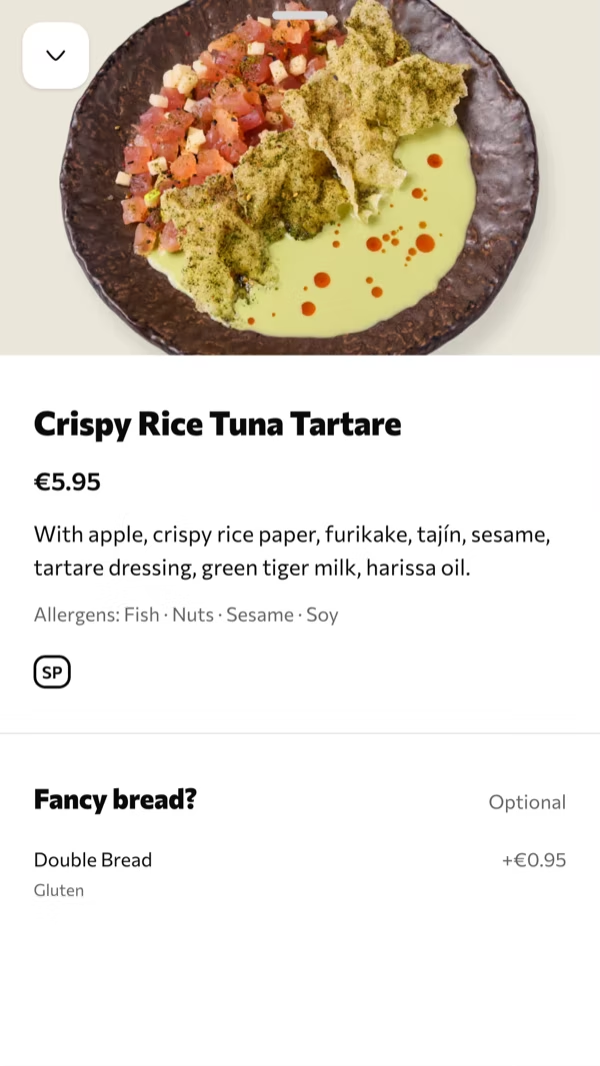
Options sit on the drink: a size, a mixer, an extra. Several phones add to the same order, and the next round is a few taps on the same code.
Step 3
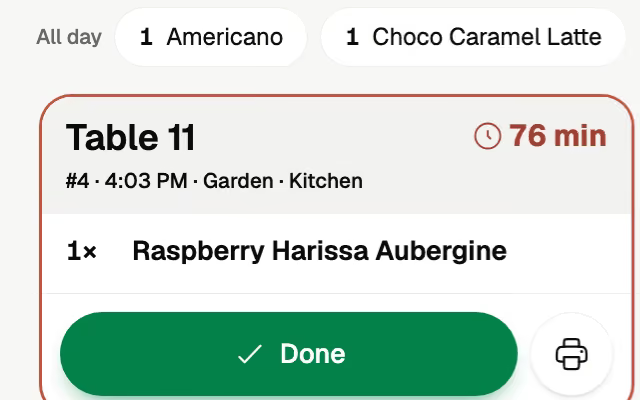
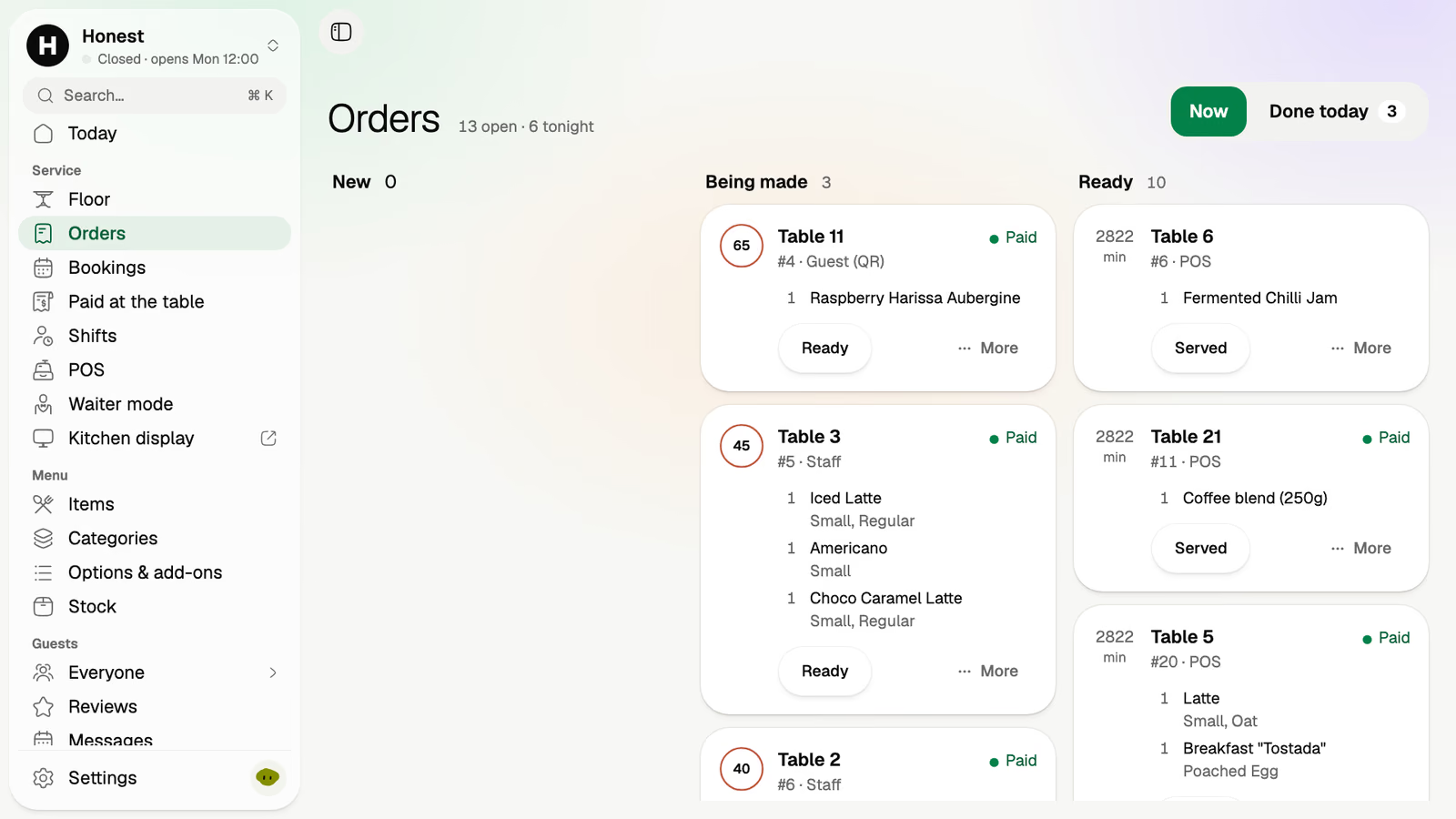
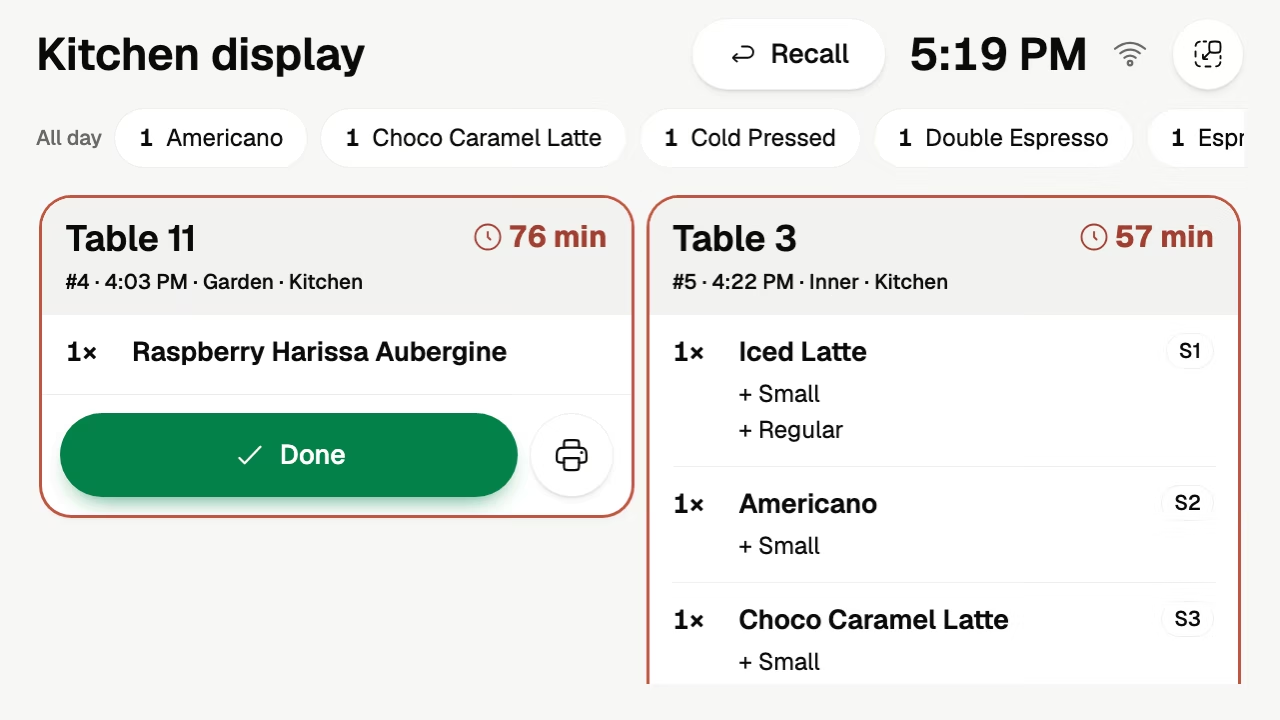
Name the bar as a kitchen place and the drinks go to its screen, the food to the kitchen's. Each ticket is headed by its table or booth and carries a timer.
Step 4
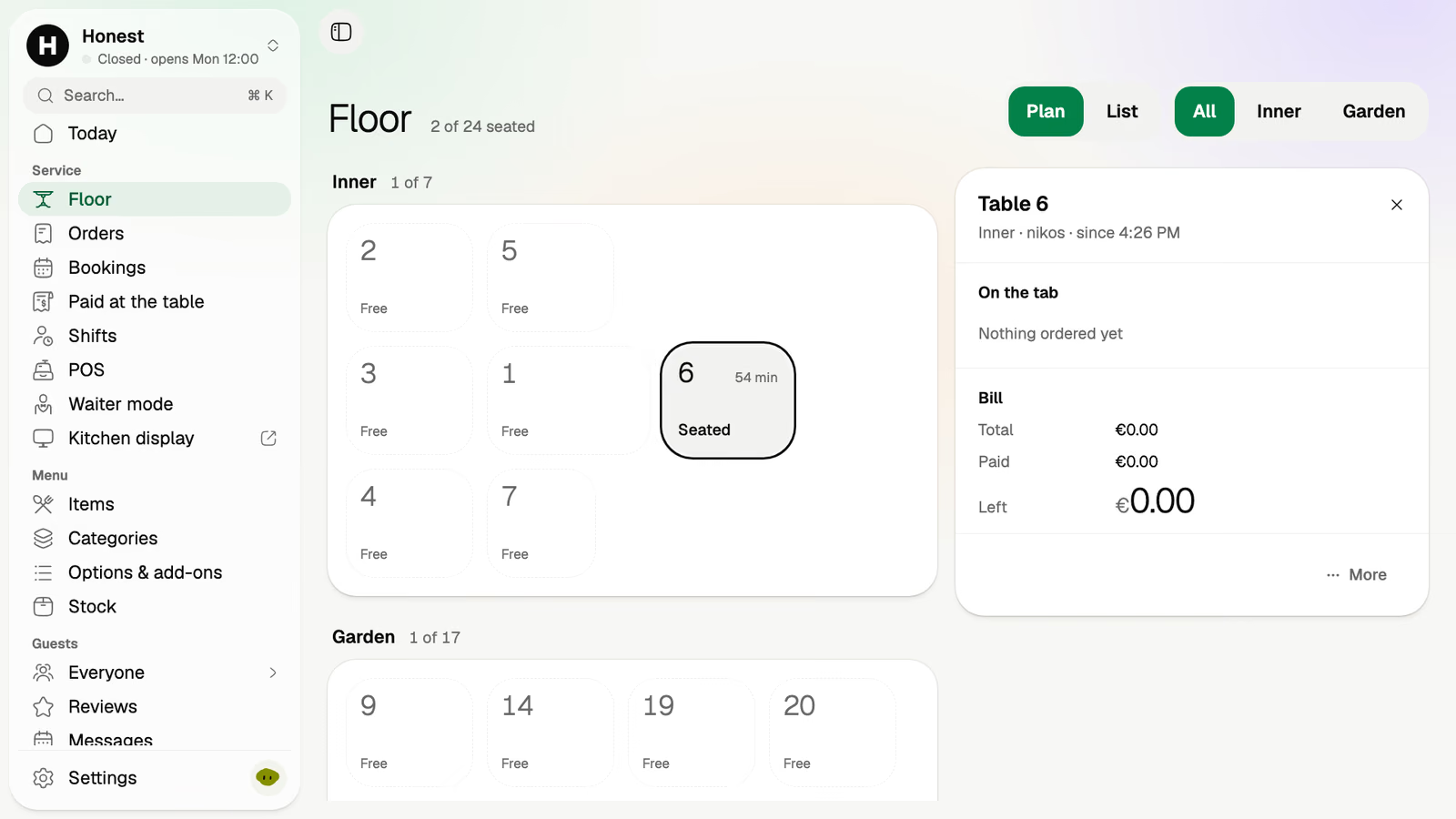
Apple Pay, Google Pay or card, with the tip added before paying. The floor shows what's paid and what's left on every table and booth.
Any TV with a small Android TV box shows the menu. Its prices and happy hours follow the menu and the hours you set.
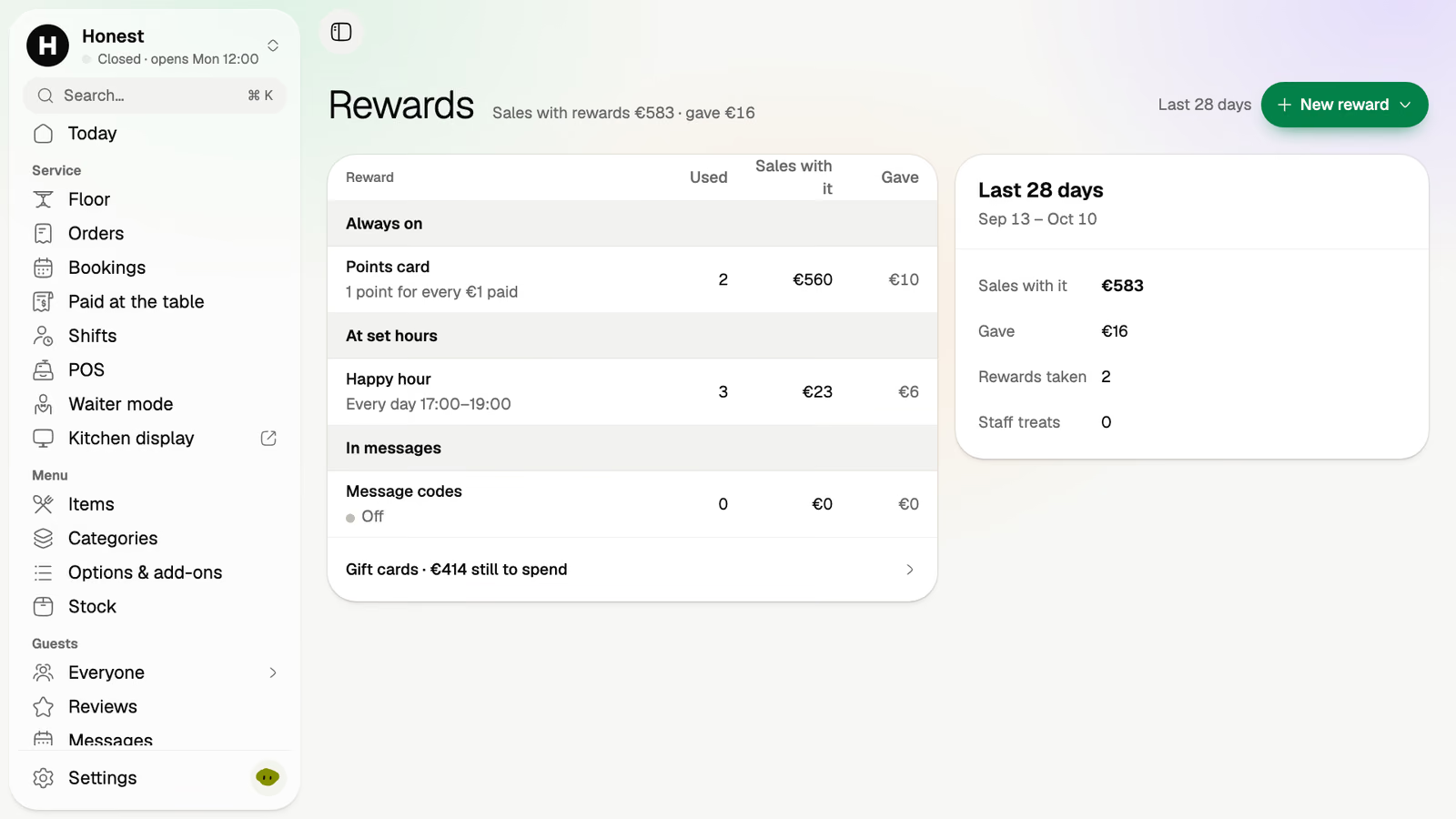
A happy hour at set hours, a points card and codes for your messages, with the sales each one brought.
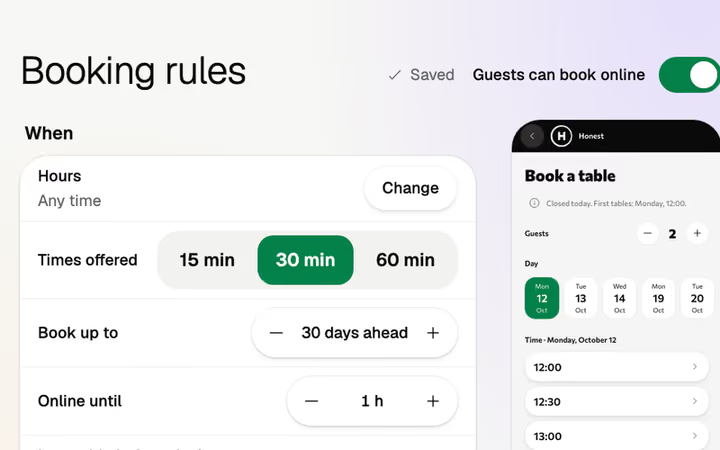
Tables and booths booked from your page, with a deposit.
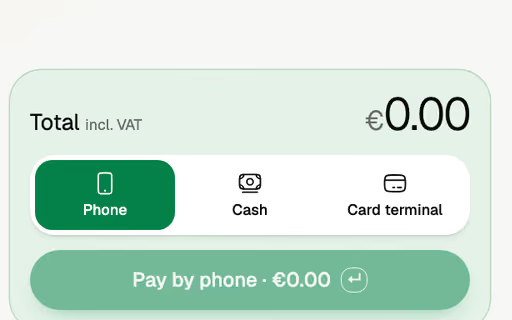
For the guest who walks up, the POS takes the order in a few taps, paid by cash or card terminal.
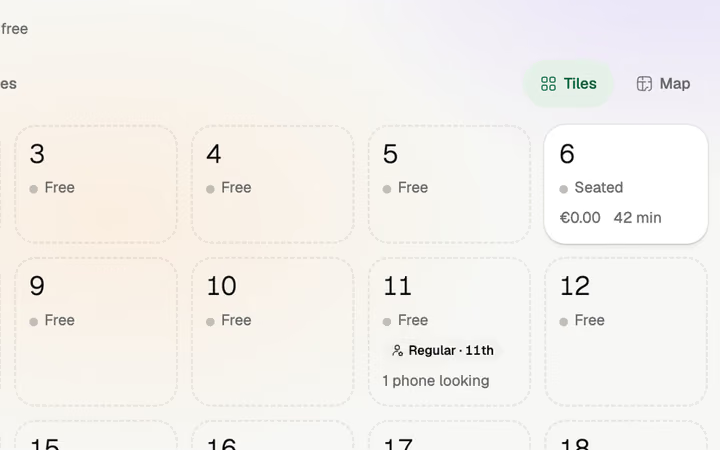
The room as tiles on a staff phone, for the booth that orders from a person.
The keg's empty. One tap and it's off every phone.
Then run the POS and the QR menu, and leave table ordering off. The code still shows the menu in the guest's language.
Keep it. "Paid at the table" lists each phone payment with its table, amount and time, to enter on your till.
Monthlya monthRegular price from Jan 1, 2027: €49€39
Yearly 2 months freeRegular price from Jan 1, 2027: €40.83€32.50 a monthRegular price from Jan 1, 2027: €490€390
Monthlya monthRegular price from Jan 1, 2027: €109€89
Yearly 2 months freeRegular price from Jan 1, 2027: €90.83€74.17 a monthRegular price from Jan 1, 2027: €1,090€890
Everything in Basic, and:
Monthlya monthRegular price from Jan 1, 2027: €259€209
Yearly 2 months freeRegular price from Jan 1, 2027: €215.83€174.17 a monthRegular price from Jan 1, 2027: €2,590€2,090
Everything in Essential, and:
Founding price for the first 500 venues, locked for 24 months. New venues pay the struck price from Jan 1, 2027.
Cancel any time: your QR menu stays online, free. Ordering, payments and the rest stop until you pick a plan again.
Unlimited tables, staff and screens on every plan. Pay yearly and 2 months are free; closed for part of the year? Monthly stops any month you like.
Something else? hello@usevolio.com
Yes. Booths, tables and stools are numbered places, each with its own code. Rounds go to the bar's screen, each guest pays their part, and tables and booths can be booked from your page with a deposit.
Yes. Each guest pays their own part on their own phone and adds a tip before paying. The floor shows what's paid and what's left on the table.
Yes. Several phones order together at one table, and anyone can add another round later from the same code.
You set the hours once. Prices on the guests' phones and on the menu boards follow them. Happy hours come with the Essential plan.
Any tablet with a browser will do, and there's no hardware to buy. With kitchen places, drinks go to the bar's screen and food to the kitchen's. Sending to more than one place comes with the Essential plan.
Yes. The POS takes an order at the bar in a few taps, paid by cash, card terminal or the guest's phone.
Yes. Its POS takes orders at the bar and the tables on a tablet you own, paid by cash, card terminal or the guest's phone. Or keep your pub's EPOS: Volio works beside it, with a list of what phones paid today to enter on it.
To your own account with the payment provider, then to your bank. Volio takes a small fee on a bill paid by phone. Guests see it before they pay, or you switch to covering it. Nothing when a guest pays cash or the waiter.
No. The code opens the menu in the phone's browser.
Rounds ordered and paid from the table