Volio
VolioPOS system without hardware: run it on a phone
A restaurant POS can run in the browser on a phone or tablet you already own. What you still need, what you can skip, and where it falls short.
Yes. A POS can run in a browser or an app on a phone, tablet or computer you already own. It needs that device and an internet connection. To take a card in the hand you still need a card terminal, and a kitchen needs a screen or a printer. The cash drawer and the vendor’s own terminal are optional, and whether you need a receipt printer is a question for your accountant.
That is enough for a small place about to open, or one replacing a dead till, without signing for a hardware bundle. Volio’s POS is built this way, and if you have a till you like, it can run as a POS beside your till.
What a POS needs and what is optional
| Part | Do you need it? | What does the job |
|---|---|---|
| A screen for the till | Needed | A phone, tablet or computer you own |
| Internet | Needed | The venue’s Wi-Fi, with a phone hotspot as the spare |
| Card terminal | Needed for a card in the hand | A standalone terminal from your bank or payment provider, or a phone that takes taps |
| Kitchen screen or printer | Needed once the kitchen can’t hear the counter | A tablet, a TV with an Android TV box, or a ticket printer |
| Receipt printer | Ask your accountant | A printer your POS supports |
| Cash drawer | Optional | Any drawer that locks |
| The vendor’s own terminal | Depends on the vendor | Some require it, some sell it as an extra |
“No hardware” means no hardware bought from the POS company. You still need something to tap on and something that takes a card.
Phone, tablet or computer: which for which job
A phone belongs on the floor. A waiter opens a table, adds a round and moves on. It is too small for a busy counter: the tiles shrink, and every mis-tap happens in front of the queue.
A tablet on a stand is the counter till. Ten inches or more, plugged in all day, auto-lock switched off. On an iPad, Guided Access keeps the device on a single app, so nobody ends up in the photos mid-service.
A computer is for the back office: editing the menu, reading the numbers. It works as a till too if it already sits on the counter.
Before you rely on any of them, carry the device to the far table and out to the terrace. If the Wi-Fi drops there, fix that first.
Taking cards without a POS bundle
There are three routes, and they mix.
- A standalone card terminal. You get it from your bank or payment provider. Ring up the order on the POS, type the total into the terminal, let the guest tap, then mark the order paid by card. This works with any POS. The price is typing the amount twice: sooner or later someone keys 45.00 for a 54.00 bill, so compare the terminal’s total with the POS total at close.
- A phone that takes taps. Square says: “You do not need to purchase hardware to take payments with Square”, and lists Tap to Pay on iPhone and on Android among the ways. As of October 2026 its Free plan in the US is $0 per location a month with 2.6% + 15¢ on each in-person card payment. Square takes card payments in eight countries.
- The guest’s own phone. When guests pay at the table from a QR code, no terminal is involved in that bill at all.
Loyverse is a second example. Its pricing page says you can “run the Loyverse POS on a phone or tablet you already own”. As of October 2026 the POS and its kitchen display are free. The paid add-ons are employee management at €5 a month per employee, advanced inventory at €25 a month per store, and sales history beyond 31 days at €5 a month per store, before taxes.
Where a no-hardware POS falls short
It depends on the internet. Some vendors publish an offline mode. Toast says its offline mode lets you “continue to place orders, print tickets and receipts, and take credit card payments” until the connection is back. Lightspeed lists an offline mode on its pricing page. Square takes offline card payments, which “will be declined if you do not reconnect to the internet within 24 hours of taking your first offline payment”. Ask every vendor what still works with the router off: orders, kitchen tickets, cards. Then pull the plug on a quiet afternoon and see for yourself.
Nobody supplies or repairs the device. Lightspeed gives technical support on hardware bought from it. Toast’s plans list installation and “24/7/365 support”. With your own tablet, a cracked screen on a Saturday is yours to solve. Keep a spare logged in. An old phone is enough.
A kitchen is hard on a consumer tablet. Lightspeed says its kitchen screen is “Built to withstand steam, heat and water”. The maker of an ordinary tablet promises no such thing. The kitchen display cost guide covers where to mount one so it lasts.
The amount is typed twice whenever the card terminal does not talk to the POS.
The cost next to a hardware bundle
Published prices, as of October 2026:
- Square (US): hardware is optional. The reader is $59, the Stand for an iPad $149, the Terminal $299, the Handheld $399 and the Register $899.
- Toast (US): the Starter Kit is “starting at” $0 a month and Point of Sale “starting at” $69 a month. Both carry the line “Pricing includes first hardware terminal subscription. Additional charges apply for subsequent devices.” Upfront costs are “hardware and implementation, which vary depending on your specific hardware packages and installation needs”. Toast says its services “may only be used on approved Toast hardware”.
- Clover (US): the restaurant plans are hardware bundles. Starter is $179 a month for 36 months, or $1,799 up front plus $89.95 a month. By our sum, 36 months come to $6,444 on the monthly route and $5,037.20 on the upfront one.
- Lightspeed: it runs on an iPad. Its hardware kit holds a receipt printer, a cash drawer, a stand and a kitchen printer, with “iPad and payment terminal not included”. The kit is sold by quote, so the price is not published.
On your own devices, the hardware line shrinks to a stand, a charger and whatever your provider charges for a card terminal. The software line stays. The full POS bill adds the two together.
What Volio does
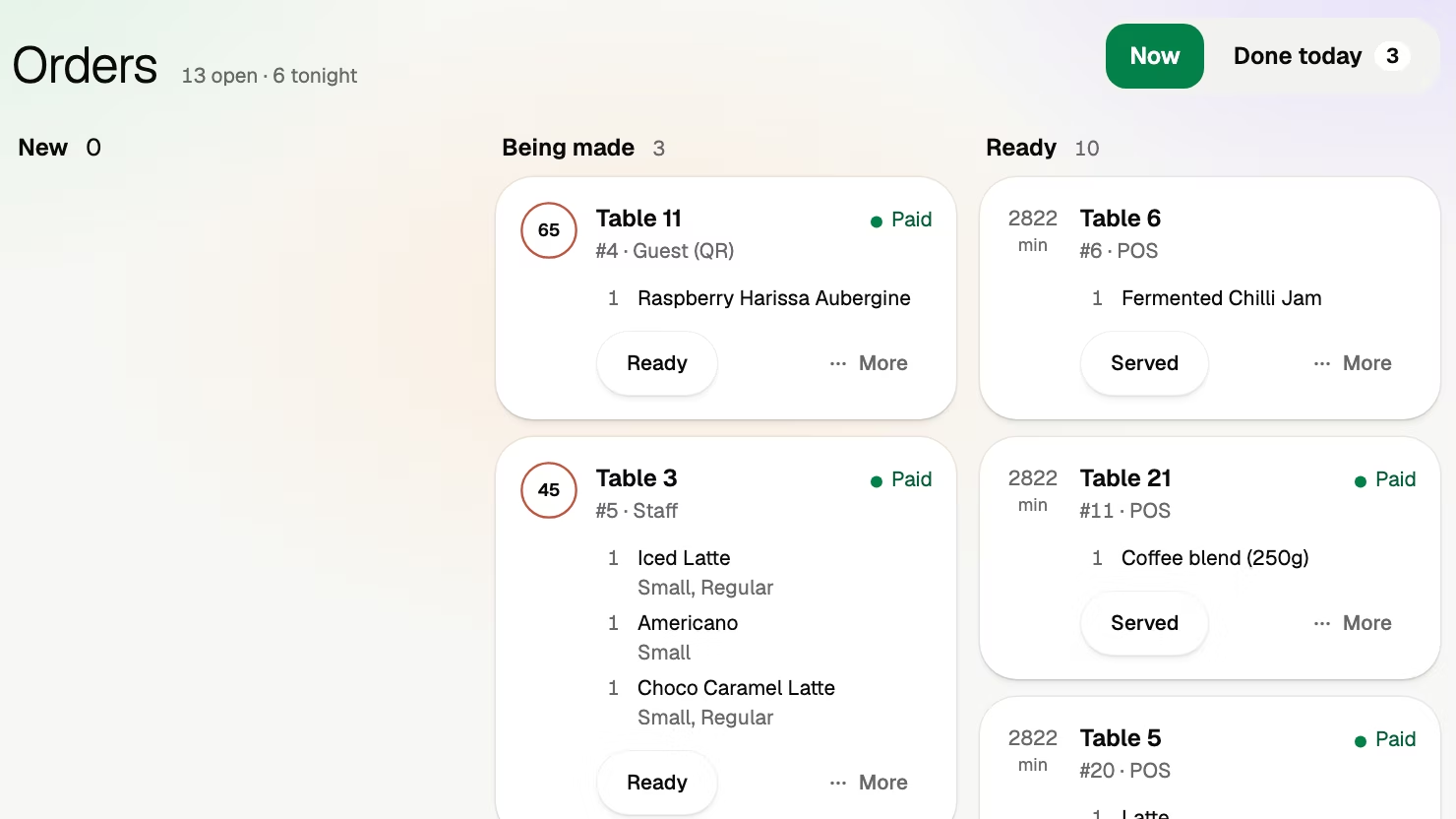
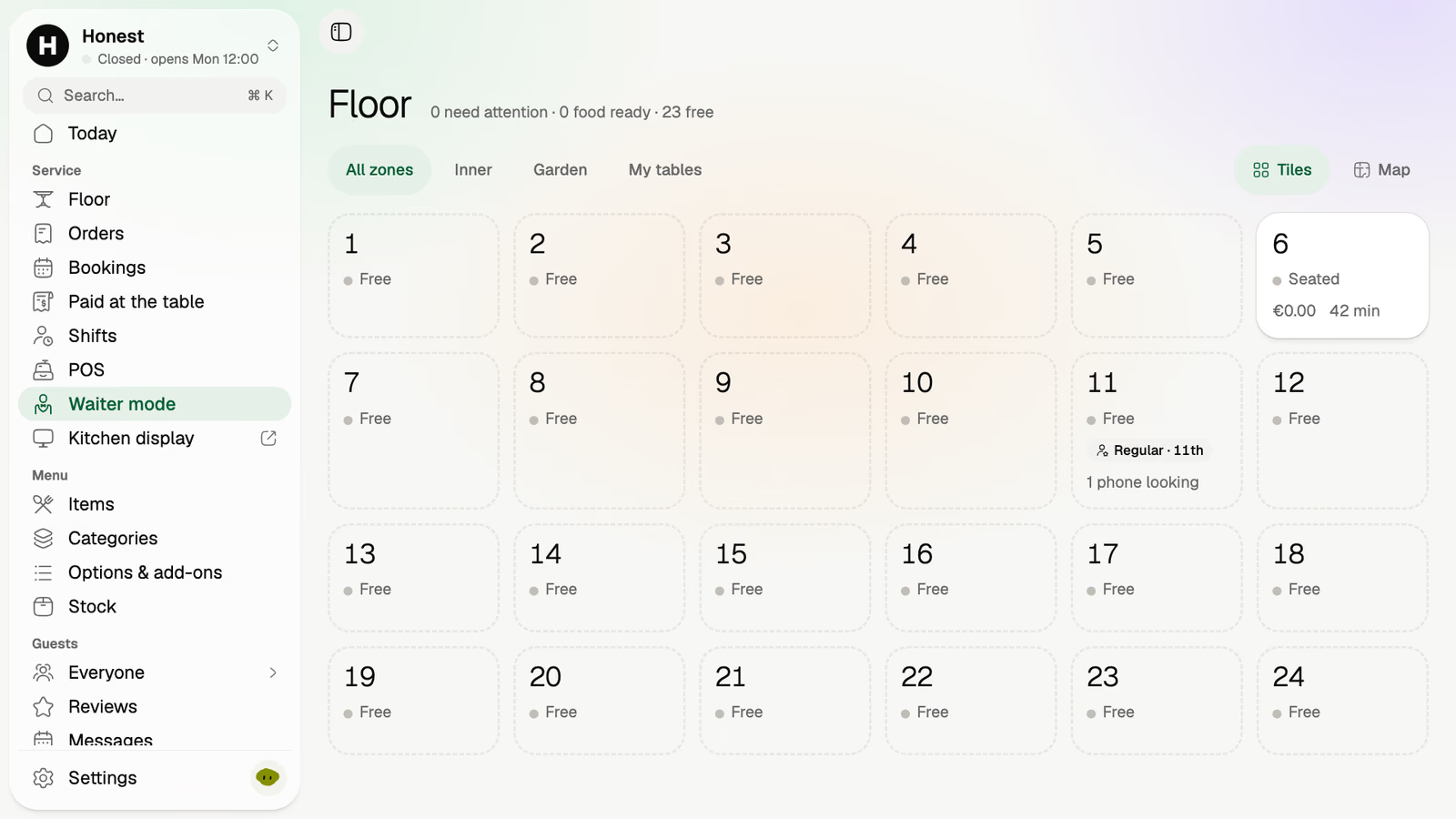
Volio runs in the browser on any phone, tablet or computer the venue owns, and it sells no hardware. The POS opens on a table or takeaway, shows the menu as tiles by category, and takes the money by the guest’s phone, cash or a card terminal. Waiter mode puts the room on staff phones. It works beside the till you have, or its own POS replaces it. Every plan covers unlimited staff, phones and screens (see the plans and prices), and the team side shows how the floor, the POS and the kitchen fit together.
It is the wrong choice if you want the terminals supplied and supported by one company. It runs in the browser and promises no offline mode, so a venue that must take cards with the internet down should pick a vendor that publishes one. And Volio is new: it launched in October 2026.
Sources
Checked on 12 October 2026. Prices are quoted in the currency each page showed.
- Square, restaurant plans and fees: squareup.com/us/en/point-of-sale/restaurants/pricing
- Square, hardware prices: squareup.com/us/en/hardware
- Square, countries: squareup.com/help/us/en/article/5085-accepted-cards
- Loyverse, pricing: loyverse.com/pricing
- Toast, pricing: pos.toasttab.com/pricing
- Clover, restaurant pricing: clover.com/pricing/restaurant
- Lightspeed, plans: lightspeedhq.com/pos/restaurant/pricing
- Lightspeed, hardware: lightspeedhq.com/pos/restaurant/hardware
- Apple, Guided Access: support.apple.com/en-us/111795