Volio
Volio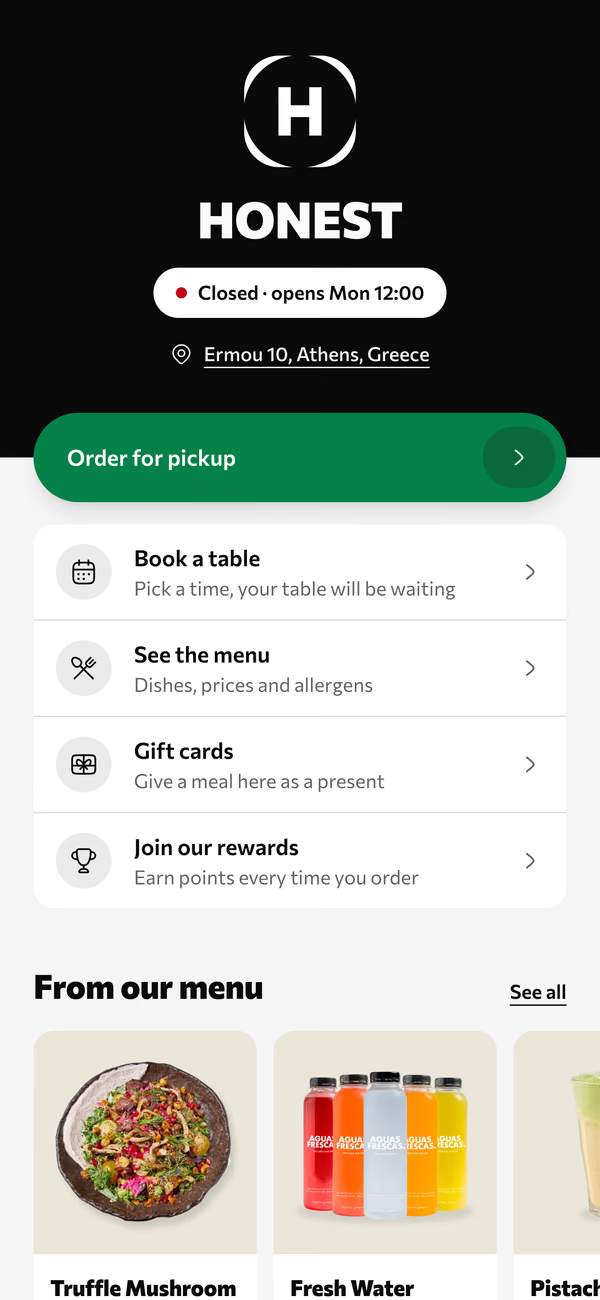
Your venue's page
Order for pickup, book a table, see the menu and buy a gift card, from one link.
Volio's bookings take reservations from your venue's own page, for restaurants, beach clubs, bars and hotel restaurants. Guests choose how many they are, the day and the time, within the rules you set. Your team sees tonight's bookings with the walk-ins and the waiting list beside them.
From your page to the table
One booking page for the whole venue, linked from the same place as your menu and your takeaway. No marketplace in between.
Step 1
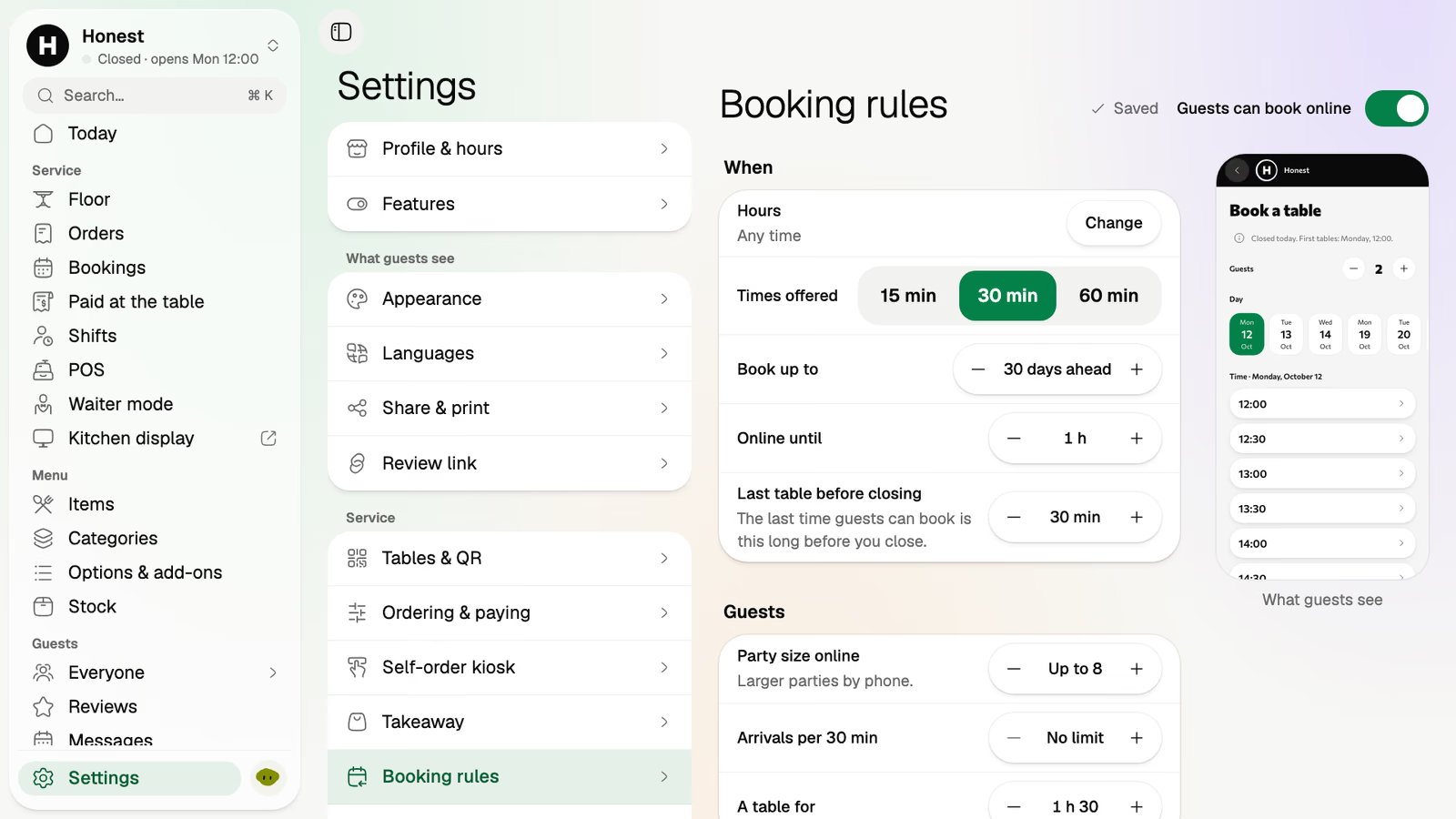
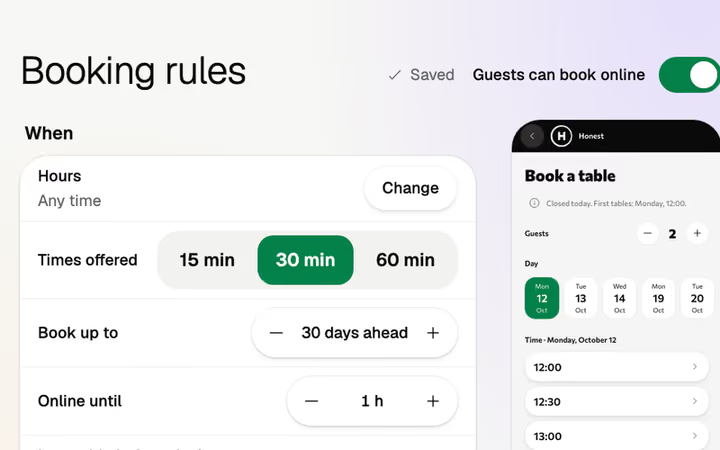
Which times are offered, how far ahead guests can book, and how large a party can book online. A larger party gets in touch with you instead.
Step 2
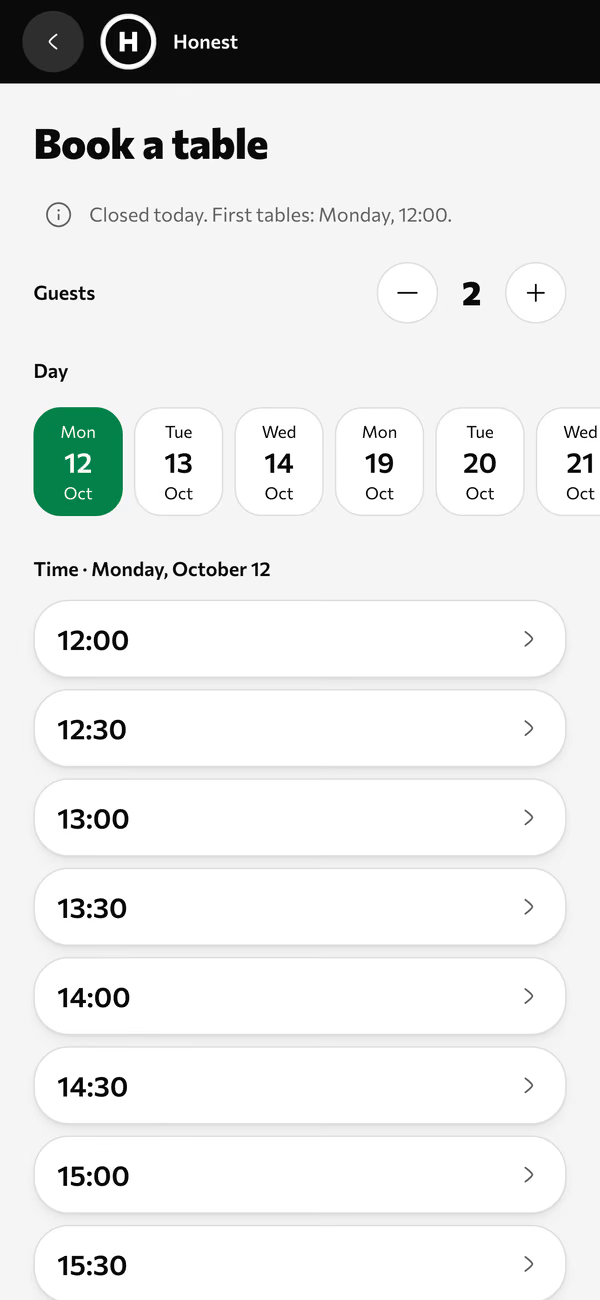
From your page, on their phone: how many, which day, which time. Only the times your rules allow are on the list.
Step 3
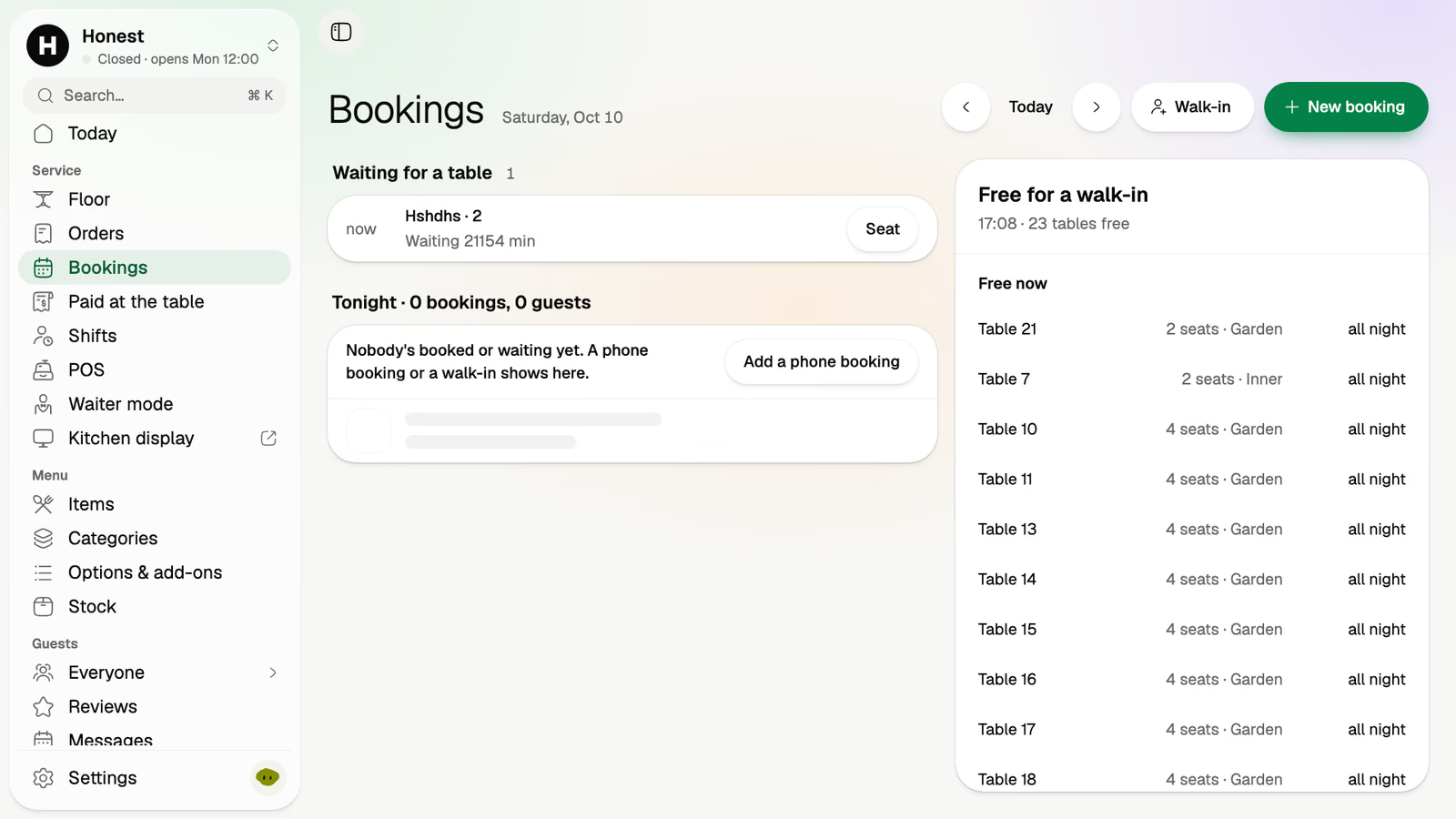
The team sees tonight's bookings, the tables free for a walk-in, and the waiting list for the party that turned up without one.
Step 4
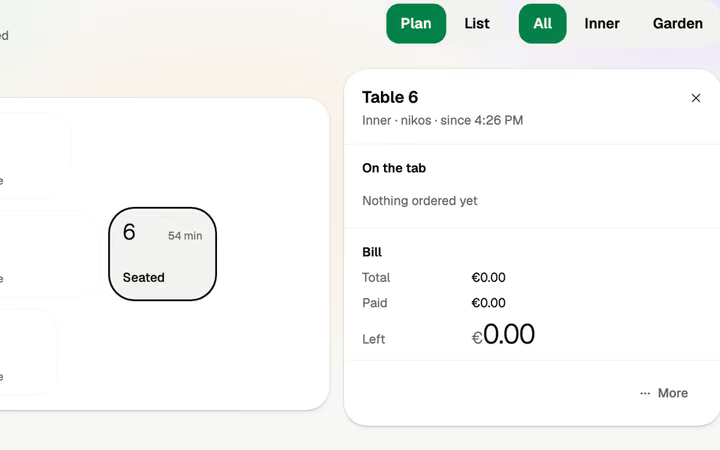
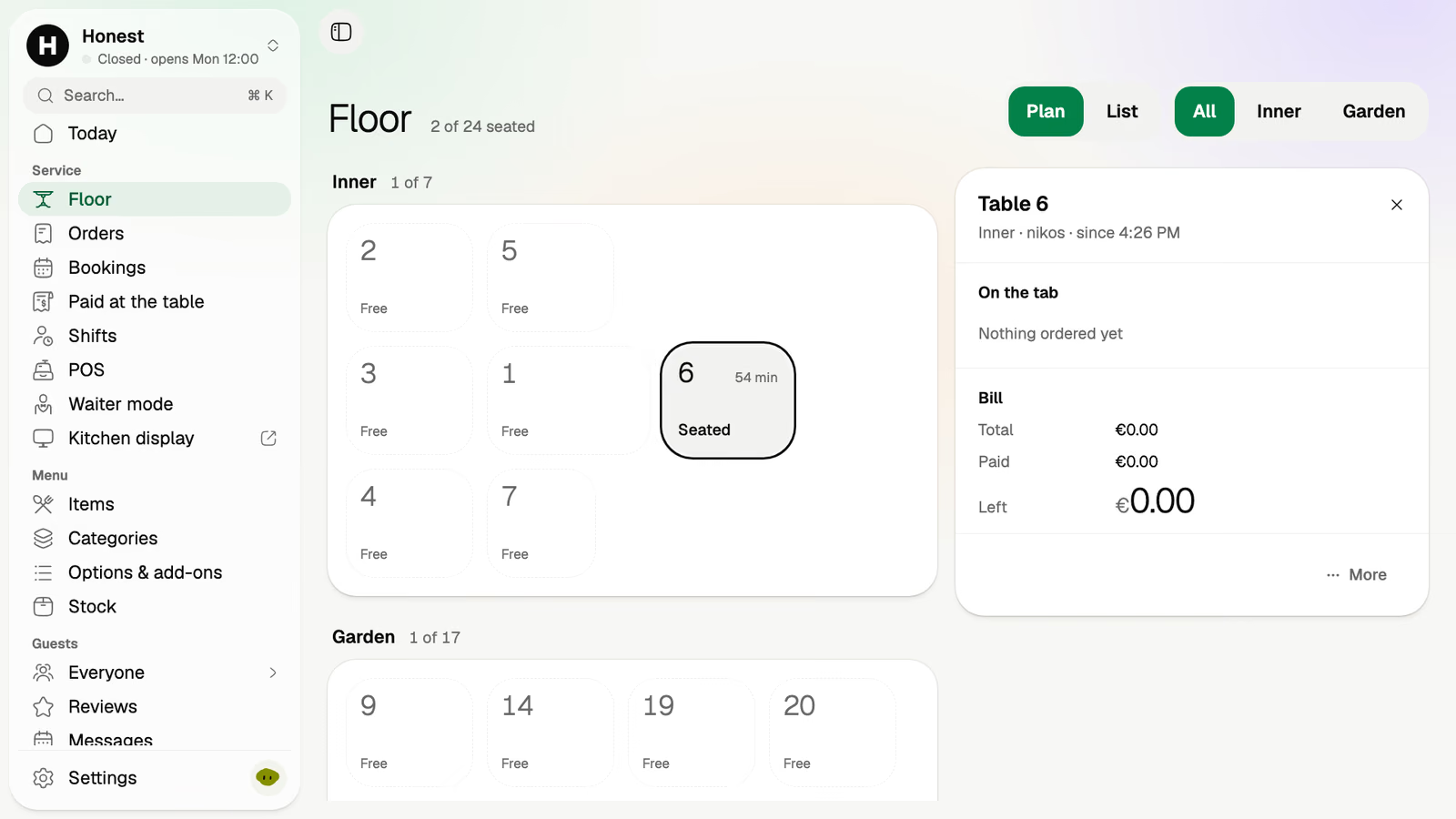
When the party sits down, the floor shows the table seated, for how long, and what's open on its tab.
Before, it was a phone that rang during lunch service and a page in a book that only one person could read.
Five guests, Saturday, 20:30, picked from the times your rules allow. Nobody answered a phone.
The host sees the tables free for a walk-in and seats a couple before the Saturday party arrives.
No table yet. They go on the waiting list, and the host seats them when one frees up.
The five arrive and sit down. The floor shows them seated, and the clock starts.
A booking is one of the things a guest does from your venue's page. The same link carries the menu, pickup and gift cards.
Order for pickup, book a table, see the menu and buy a gift card, from one link.
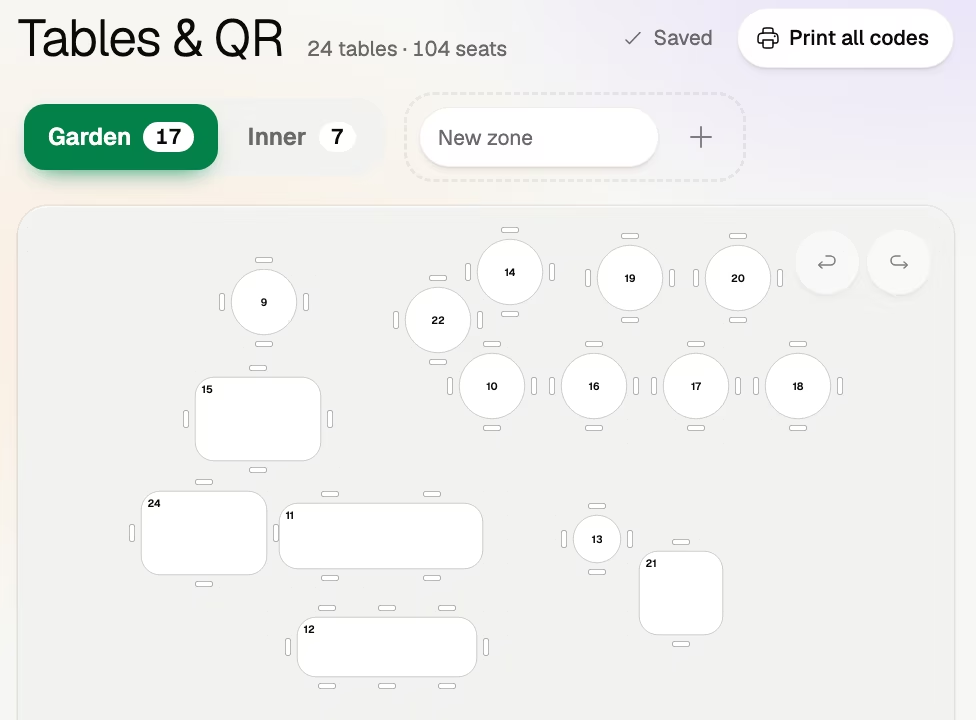
Your zones as you drew them, so a booked sunbed in the front row is a place like a table.
A sunbed is a numbered place in a zone you draw, and guests book it from your page.
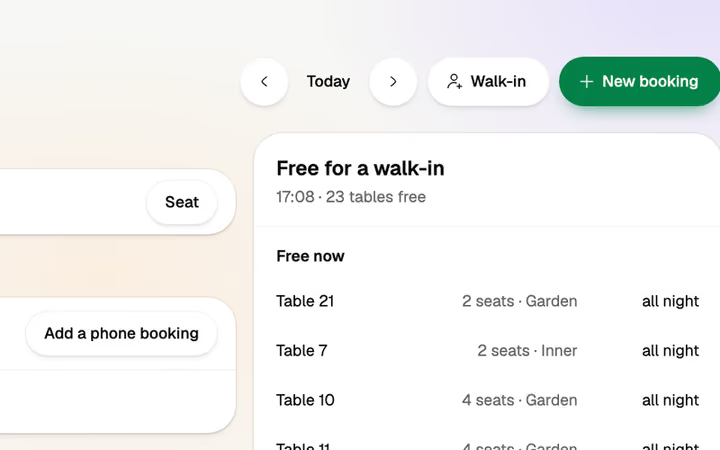
The tables free right now, on the same screen as tonight's bookings.
For the party that came without a booking, on the team's side.
Guests book on your page, not in an app full of other venues. Volio doesn't rent out sunbeds and has no map of beaches.
Above the party size you set, guests can't book online. A wedding or a full buyout is still a conversation.
Monthlya monthRegular price from Jan 1, 2027: €49€39
Yearly 2 months freeRegular price from Jan 1, 2027: €40.83€32.50 a monthRegular price from Jan 1, 2027: €490€390
Monthlya monthRegular price from Jan 1, 2027: €109€89
Yearly 2 months freeRegular price from Jan 1, 2027: €90.83€74.17 a monthRegular price from Jan 1, 2027: €1,090€890
Everything in Basic, and:
Monthlya monthRegular price from Jan 1, 2027: €259€209
Yearly 2 months freeRegular price from Jan 1, 2027: €215.83€174.17 a monthRegular price from Jan 1, 2027: €2,590€2,090
Everything in Essential, and:
Founding price for the first 500 venues, locked for 24 months. New venues pay the struck price from Jan 1, 2027.
Cancel any time: your QR menu stays online, free. Ordering, payments and the rest stop until you pick a plan again.
Unlimited tables, staff and screens on every plan. Pay yearly and 2 months are free; closed for part of the year? Monthly stops any month you like.
Something else? hello@usevolio.com
Yes. A sunbed is a numbered place in a zone you draw, like a table, and bookings cover both. Volio doesn't rent out sunbeds as a marketplace.
Which times are offered, how far ahead guests can book, and the largest party that can book online.
The team sees the tables free for a walk-in next to tonight's bookings, and keeps a waiting list for parties that came without one.
No. They book from your venue's page in the phone's browser.
Bookings, with deposits, come with the Essential plan. See the plans and prices on this page.
Saturday's tables, booked from your own page