Volio
Volio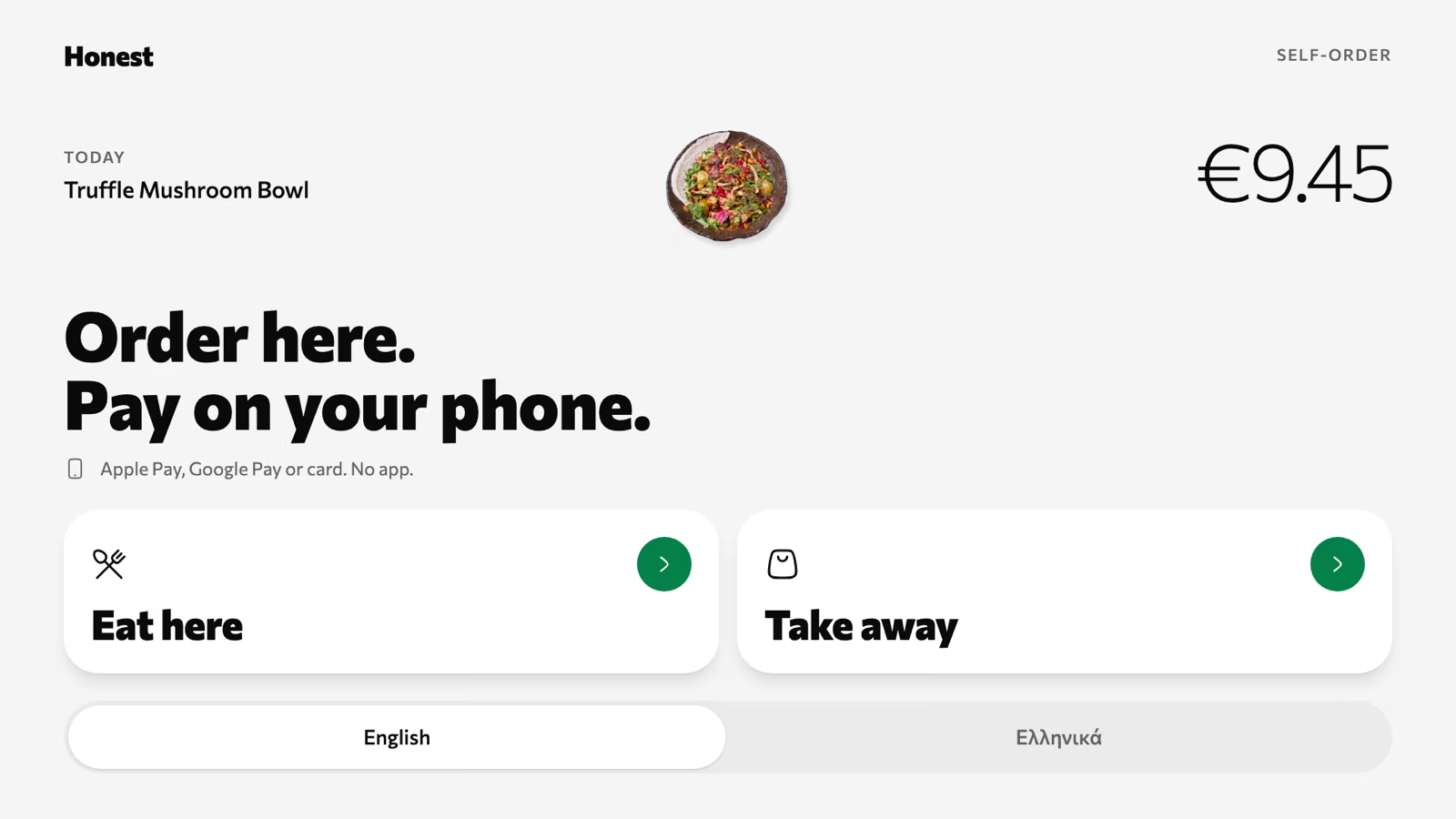
Order here
Eat here or take away, in the guest's language. The tablet needs a browser and nothing else.
Volio gives takeaway counters, cafés, restaurants and food trucks takeaway ordering from a link of their own. One link in your Instagram bio and on your Google listing. Guests order, pay ahead, pick a time and collect by number. Volio doesn't deliver.
From the link to the counter
The guest does the typing, the paying and the choosing of a time. Your team cooks and calls a number.
Step 1
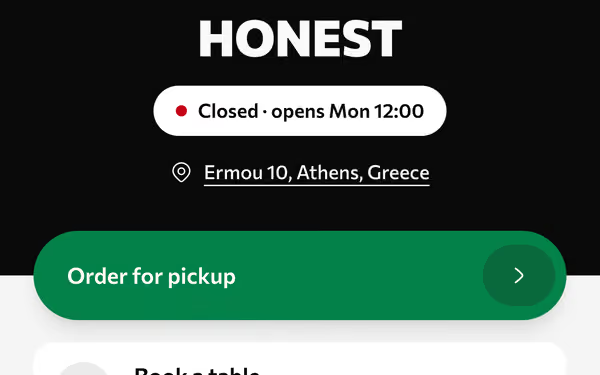
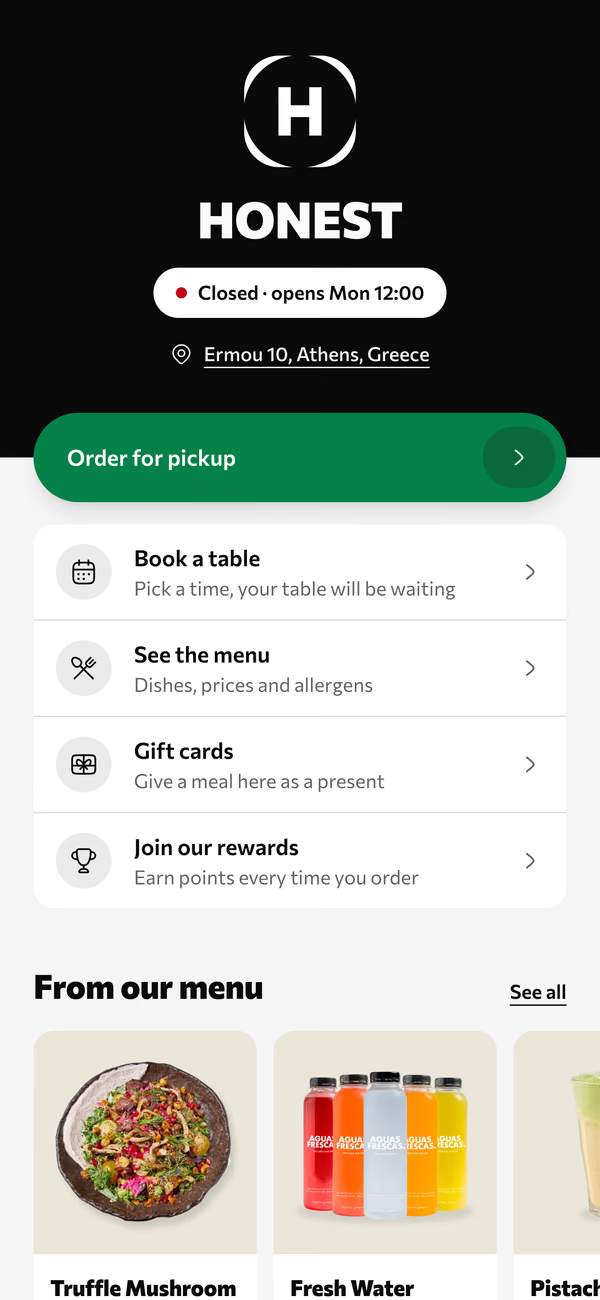
Your venue's page holds your hours, menu, pickup, booking and gift cards. Paste its link into your Instagram bio and your Google listing once.
Step 2
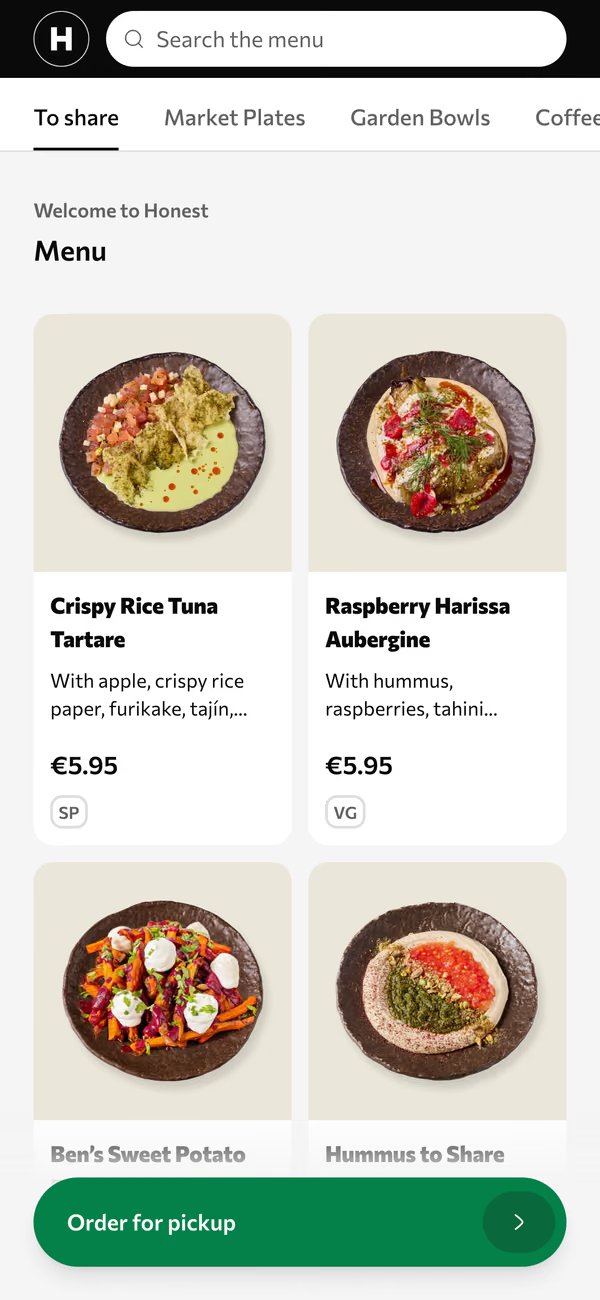
Photos, allergens and each dish's options. Guests pay with Apple Pay, Google Pay or card, and choose a pickup time from the ones you offer.
Step 3
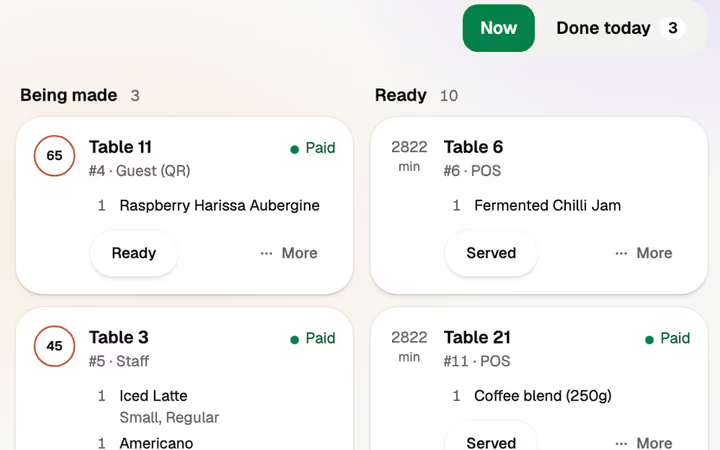
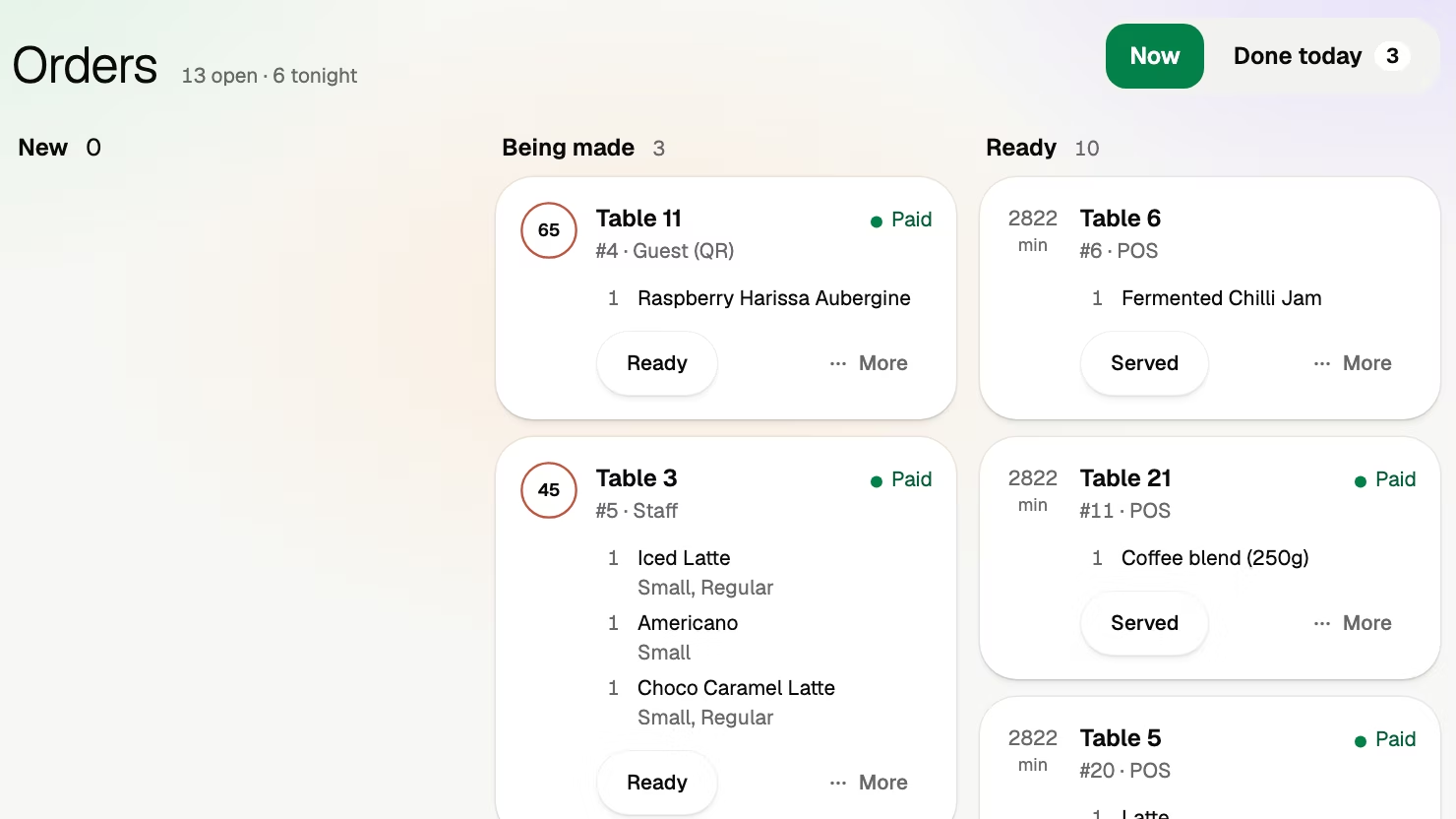
A link order lands on the orders board and the kitchen display beside the table orders, already paid.
Step 4
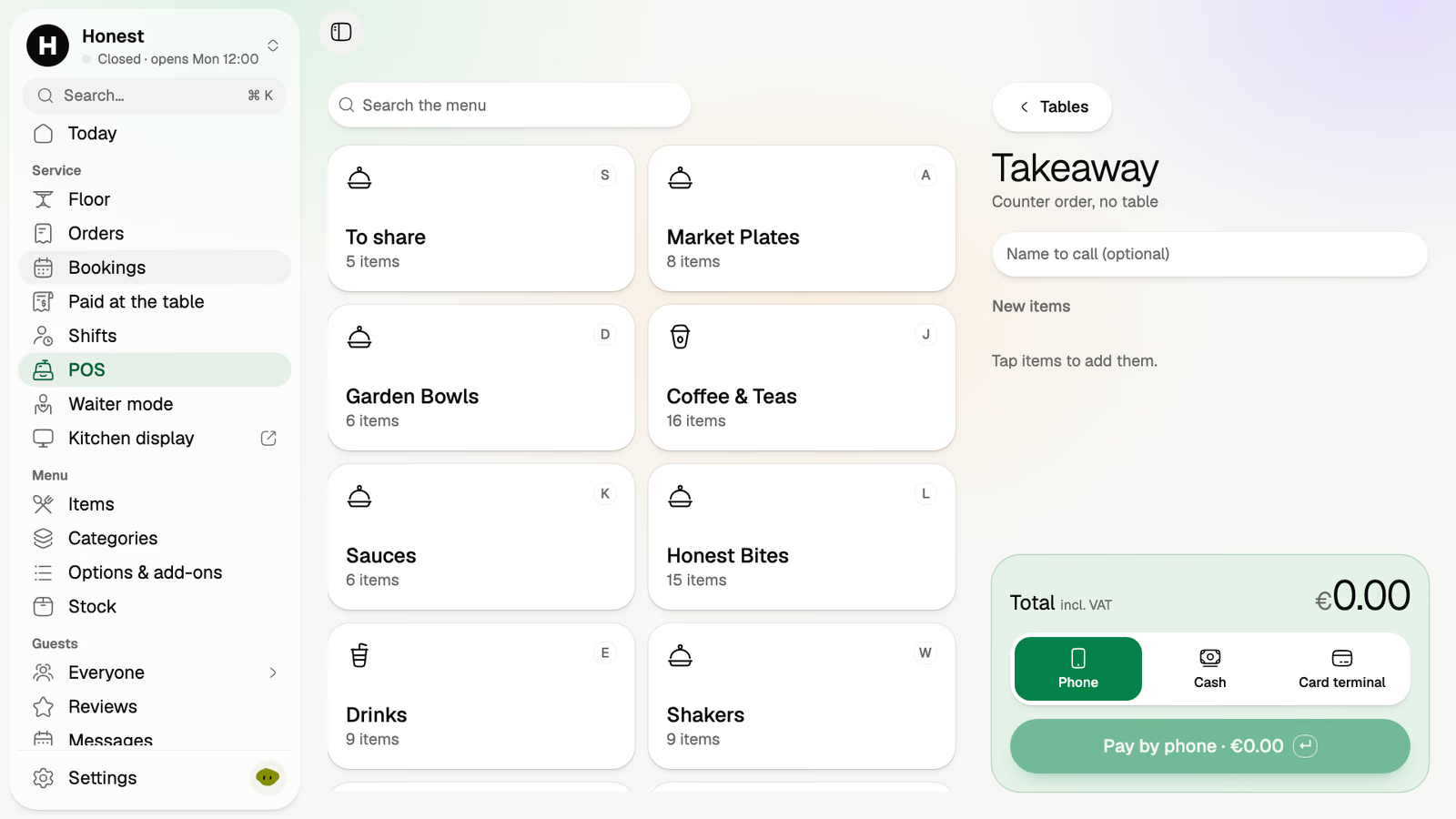
Someone at the counter is a counter order in the POS: a name to call, the dishes, then cash, your card terminal or their own phone.
Picked from the times you offer, so they arrive when the food does.
Apple Pay, Google Pay or card on their own phone. The handover is a bag and a thank you.
One number, from the guest's phone to the bag on the counter.
Any screen with a browser at the counter shows which numbers are ready.
The ovens are full and the link keeps taking orders. The pickup settings you chose on a quiet afternoon run the rush for you.
The 20:00 pickup time reaches its limit, so the link offers the next one. A limit per pickup time, so a slot takes only the orders you set.
One switch. 'Busy for a while' pushes pickup times later or stops new orders, and ends by itself.
The busy spell ends on its own and pickup times come back. Nobody had to remember to switch it off.
An order nobody collects is flagged. It never waits on the shelf until closing.
When the queue reaches the door, any tablet becomes a self-order kiosk. Guests order there and pay on their own phone or at the counter.
Eat here or take away, in the guest's language. The tablet needs a browser and nothing else.
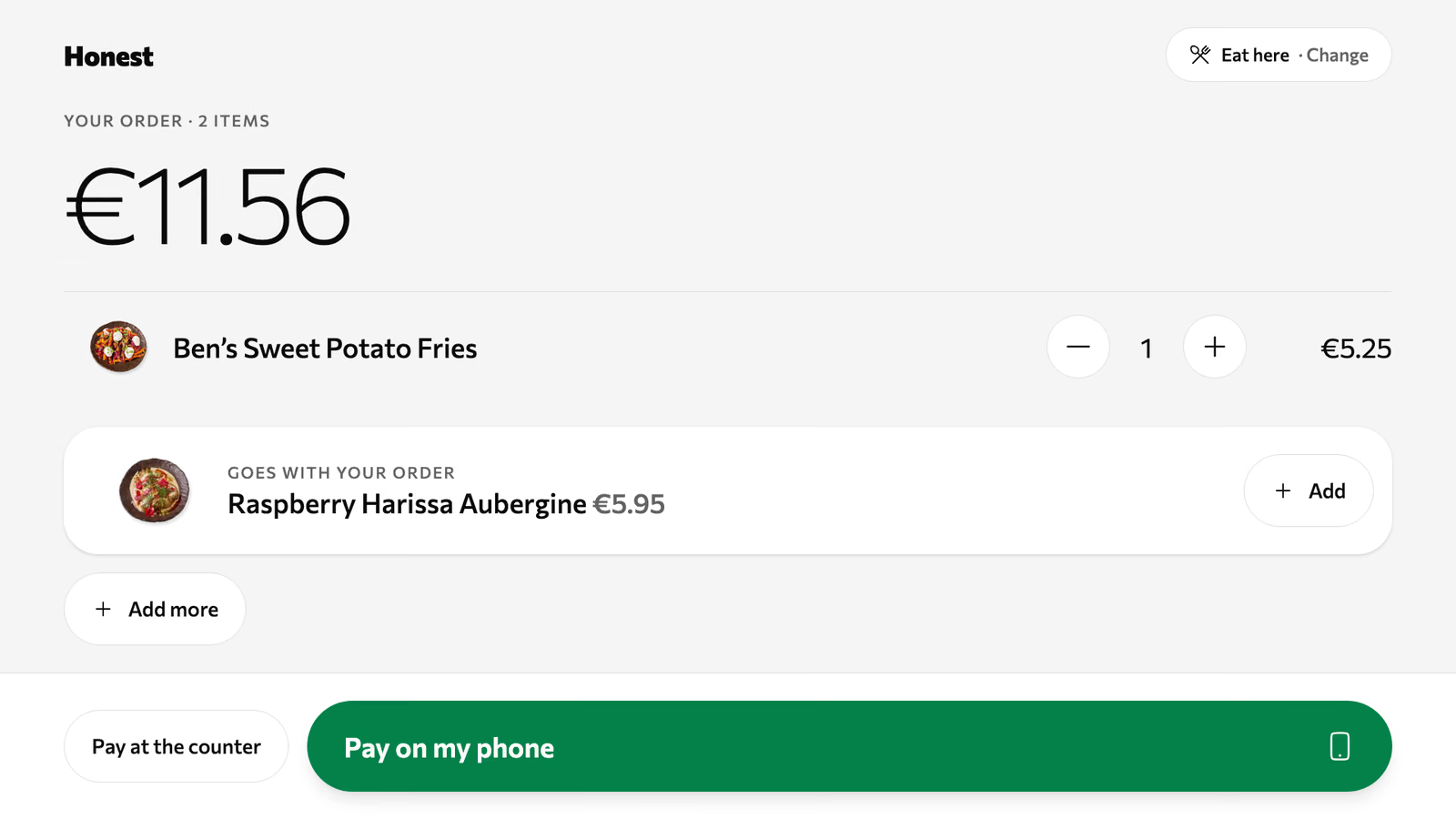
The guest checks the order, can add what goes with it, then pays on their own phone or at the counter.
Guests come to your counter. If delivery is most of your trade, Volio is the wrong tool today.
Volio sells no hardware. The counter, the kiosk and the pickup screen run on phones, tablets and screens you already own.
Monthlya monthRegular price from Jan 1, 2027: €49€39
Yearly 2 months freeRegular price from Jan 1, 2027: €40.83€32.50 a monthRegular price from Jan 1, 2027: €490€390
Monthlya monthRegular price from Jan 1, 2027: €109€89
Yearly 2 months freeRegular price from Jan 1, 2027: €90.83€74.17 a monthRegular price from Jan 1, 2027: €1,090€890
Everything in Basic, and:
Monthlya monthRegular price from Jan 1, 2027: €259€209
Yearly 2 months freeRegular price from Jan 1, 2027: €215.83€174.17 a monthRegular price from Jan 1, 2027: €2,590€2,090
Everything in Essential, and:
Founding price for the first 500 venues, locked for 24 months. New venues pay the struck price from Jan 1, 2027.
Cancel any time: your QR menu stays online, free. Ordering, payments and the rest stop until you pick a plan again.
Unlimited tables, staff and screens on every plan. Pay yearly and 2 months are free; closed for part of the year? Monthly stops any month you like.
Something else? hello@usevolio.com
No. Guests order ahead and collect from your counter. There are no couriers.
Anywhere people already find you: your Instagram bio, your Google listing, a sign in the window. It opens your venue's page, with hours, menu, pickup, booking and gift cards.
They choose a pickup time when they order and get an order number. A pickup screen at the counter shows which orders are ready.
Yes. You set how often pickup times are offered, how many orders each one takes and how soon the first order can be ready. When the kitchen falls behind, "busy for a while" pushes pickup times later or stops new orders, and ends by itself.
Orders from the link are paid ahead with Apple Pay, Google Pay or card. A walk-up at the counter can pay cash or on your card terminal through the POS.
An order not collected after the time you set is flagged, so your team sees it.
Straight to your own account with the payment provider, then to your bank. Volio takes a small fee on a bill paid by phone. Guests see it before they pay, or you switch to covering it.
Takeaway comes with every paid plan, the link, the pickup times and the pickup screen. See the plans and prices on this page.
Takeaway orders from your own link, paid ahead