Volio
Volio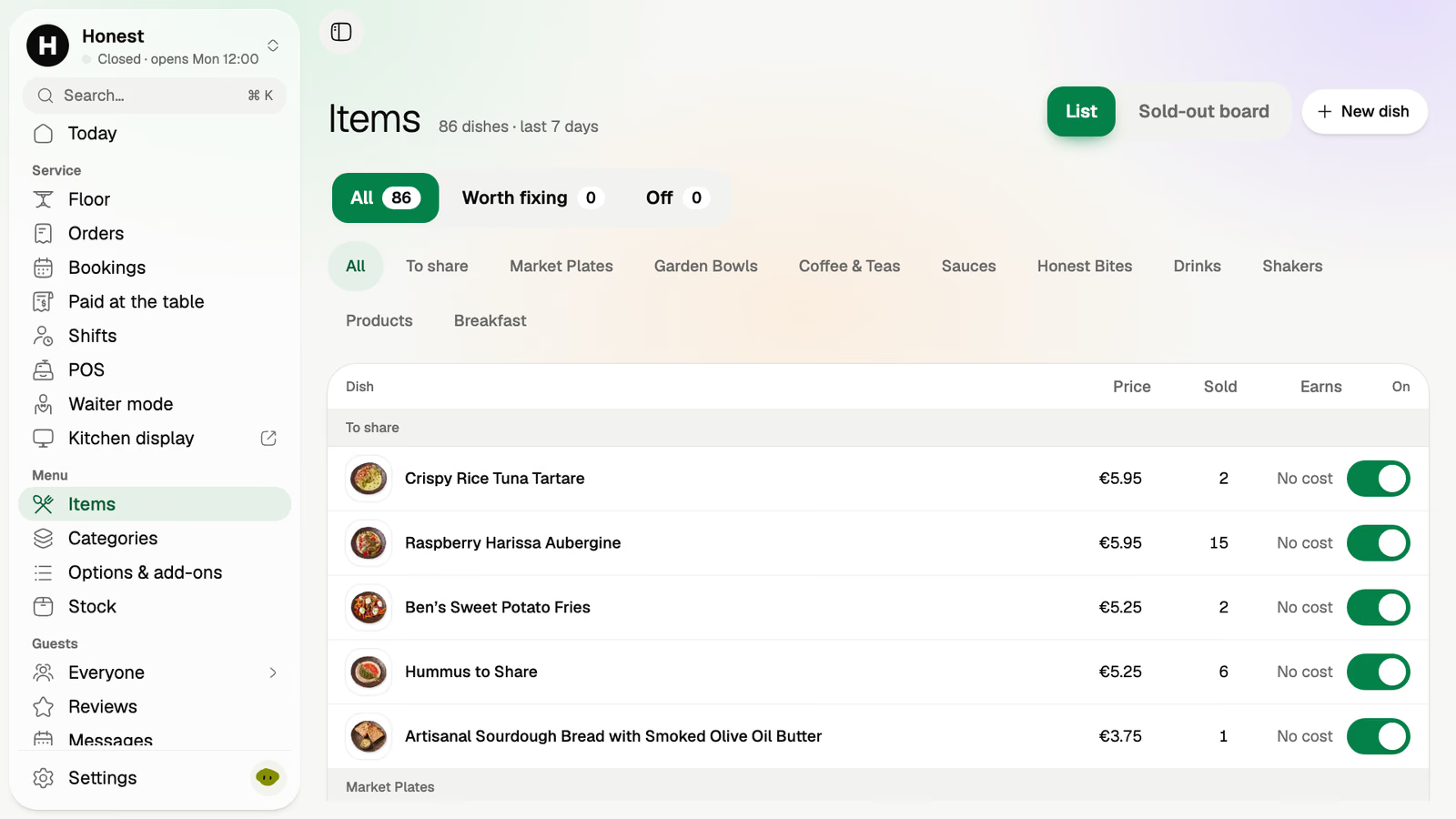
Sold out in one tap
The last of the pulled pork is gone. Switch it off and it leaves the link, the kiosk and the counter at once.
Volio is an ordering system for takeaway counters and food trucks: the burger window, the pizza counter, the poke bar and the truck at the market. Orders from your link and orders at the counter join one queue, each with a number, and guests collect. Volio doesn't deliver.
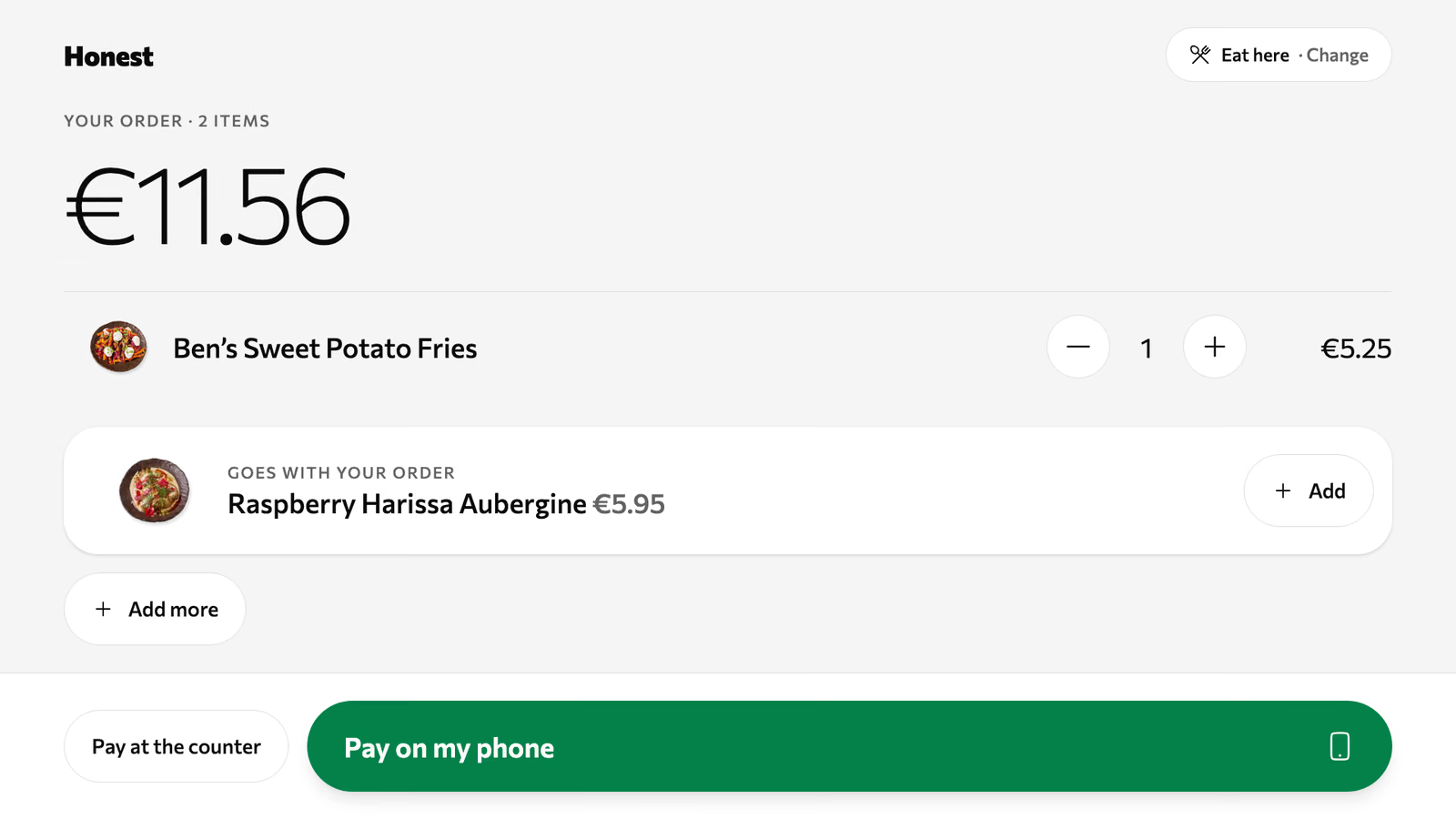
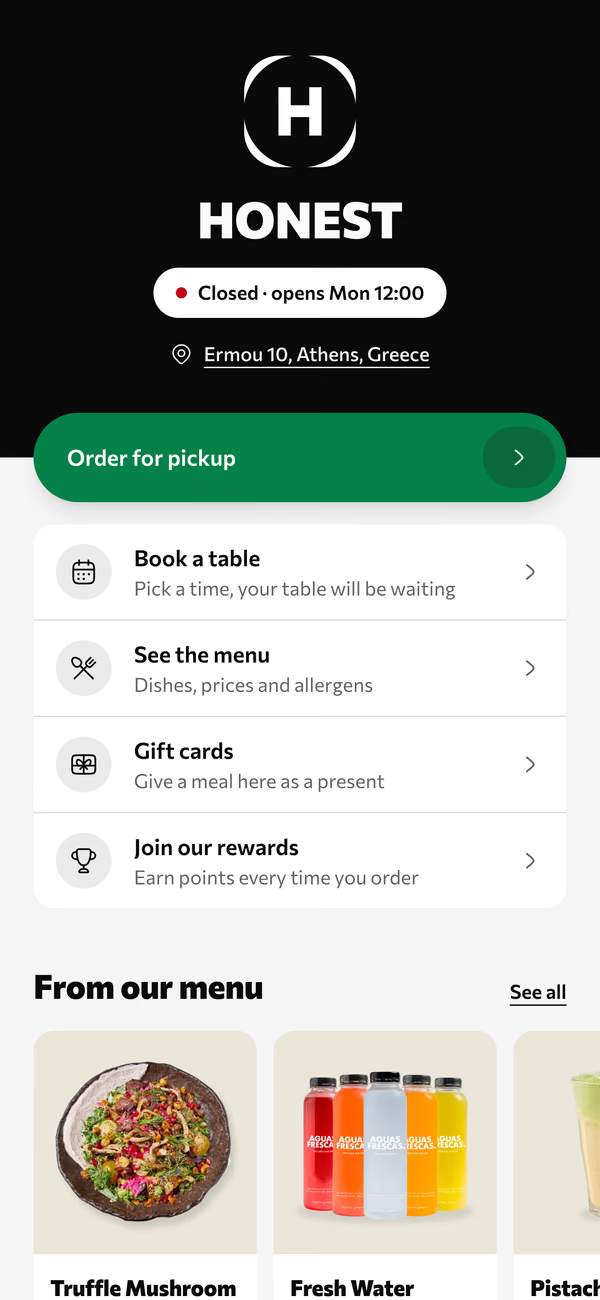
Volio for takeaway and food trucks
At lunch a takeaway has one bottleneck, the person at the till. Every order they take by voice is a minute nobody spends bagging food.
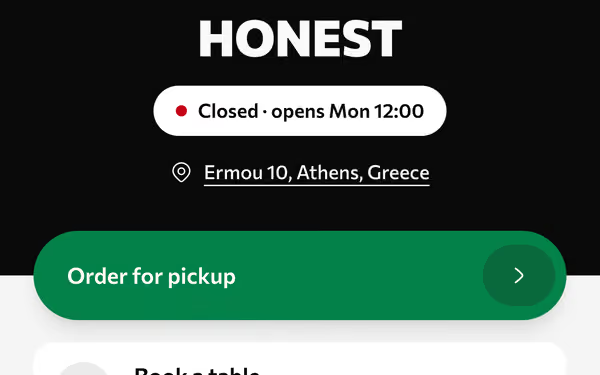
Office orders from your Instagram link, all for 13:00, all paid. The kitchen sees them now and starts on the 13:00 batch.
Walk-ups order at the counter or at the tablet. Their tickets join the paid-ahead ones in the order they came.
Nobody writes down a phone order. The link took it, with every option spelled out by the person who'll eat it.
Number 48 is ready. The pickup screen says so, and guests watch for their number instead of crowding the counter.
Three ways in, one queue out, all in a browser. In a food truck, a tablet in the window is the counter and the kiosk.
One link for your Instagram bio and your Google listing. Guests order, pay ahead and choose a pickup time, so the money's in before the food's made.
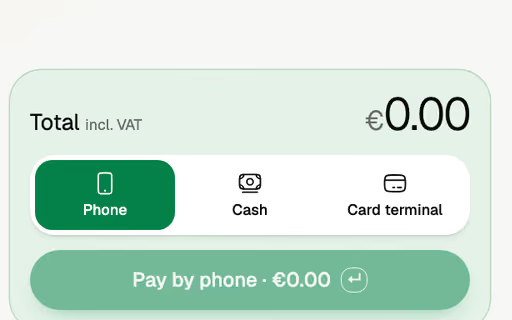
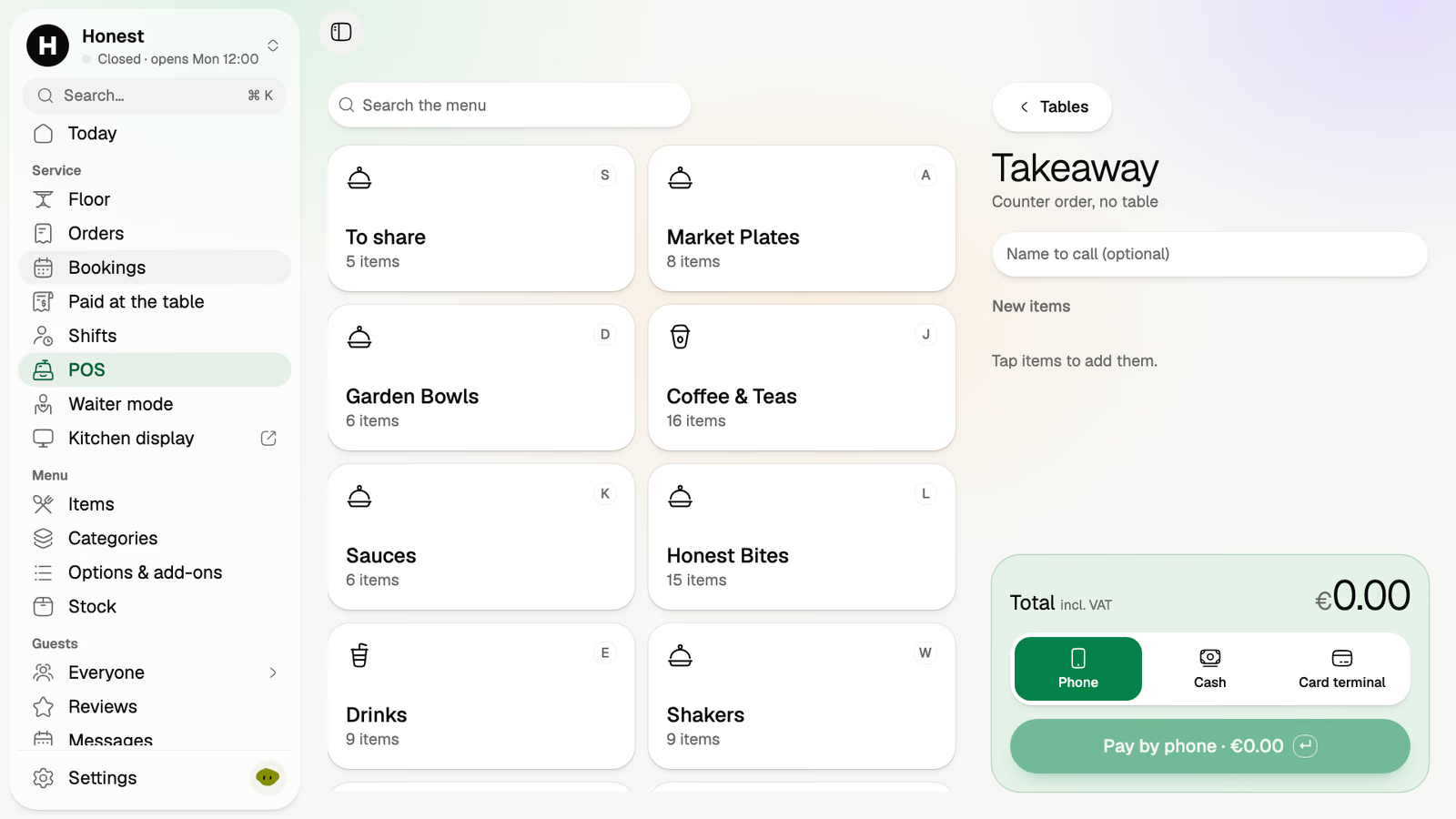
A counter order in the POS has no table: a name to call, the dishes as tiles, and cash, card terminal or the guest's phone.
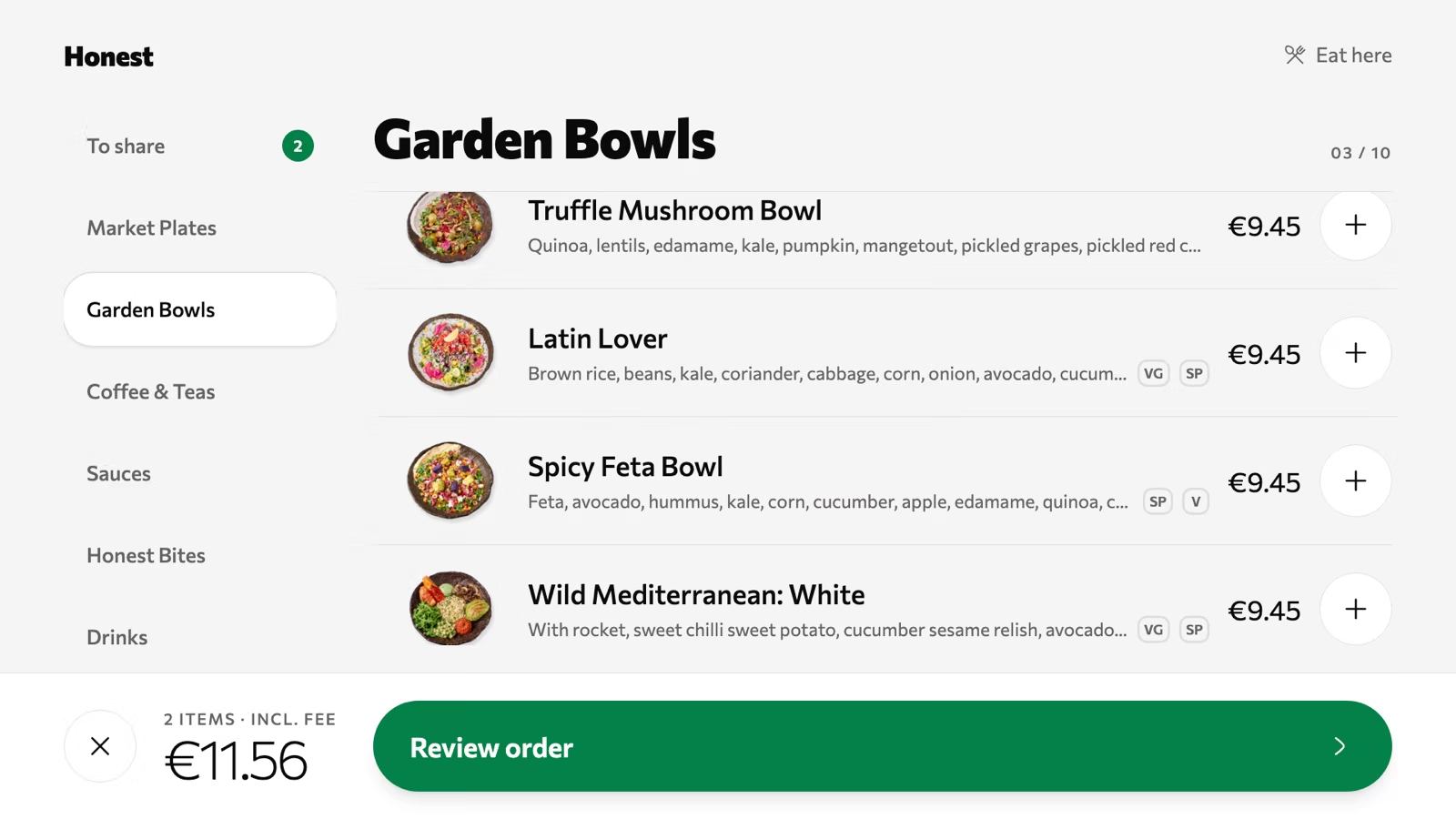
Stand any tablet by the door or in the truck's window. Guests pick eat here or take away, order, and pay on their own phone or at the counter.
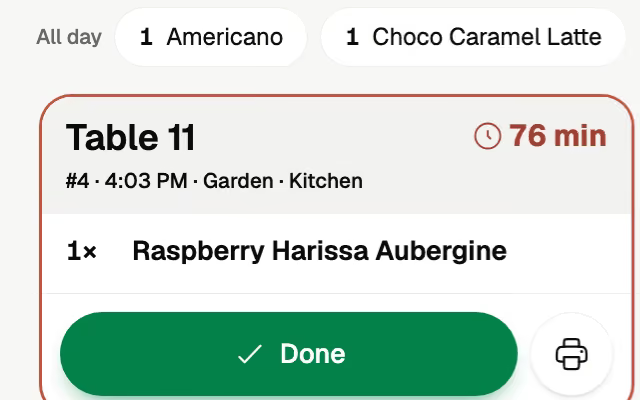
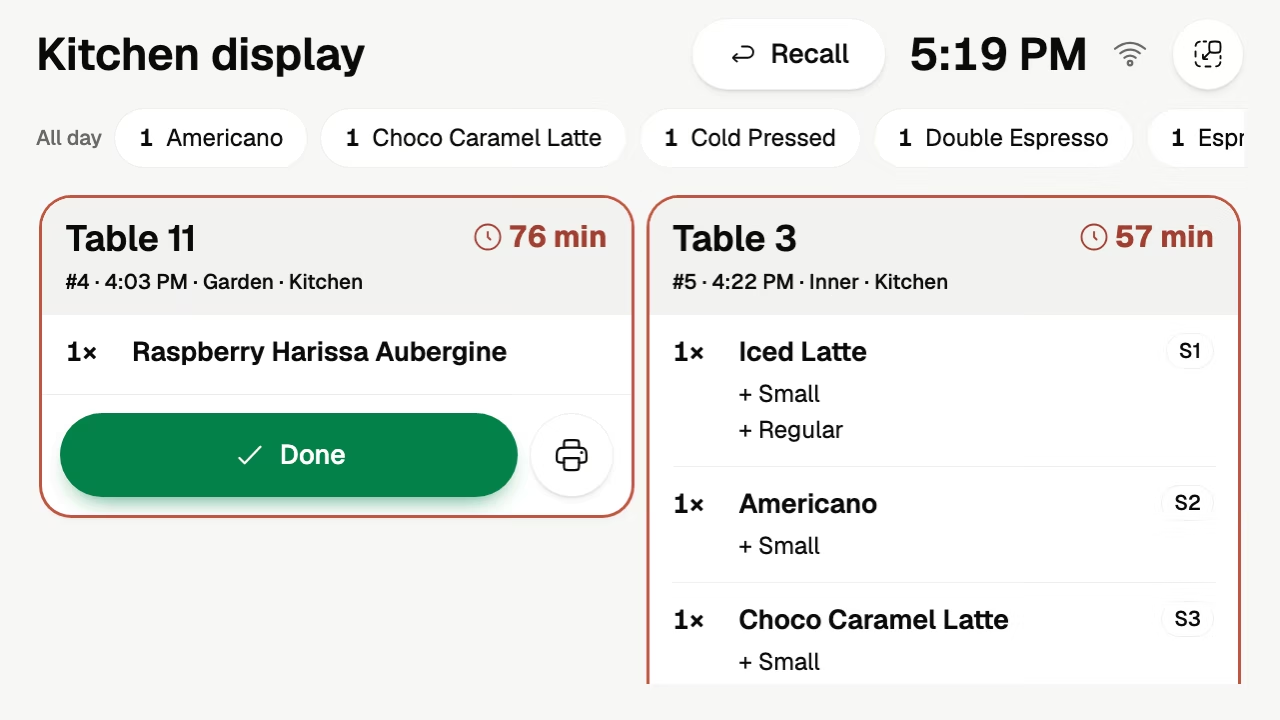
The kitchen display shows every order as a ticket with a timer, whichever way it came in. Tap Done and it's gone from the screen.
The last of the pulled pork is gone. Switch it off and it leaves the link, the kiosk and the counter at once.
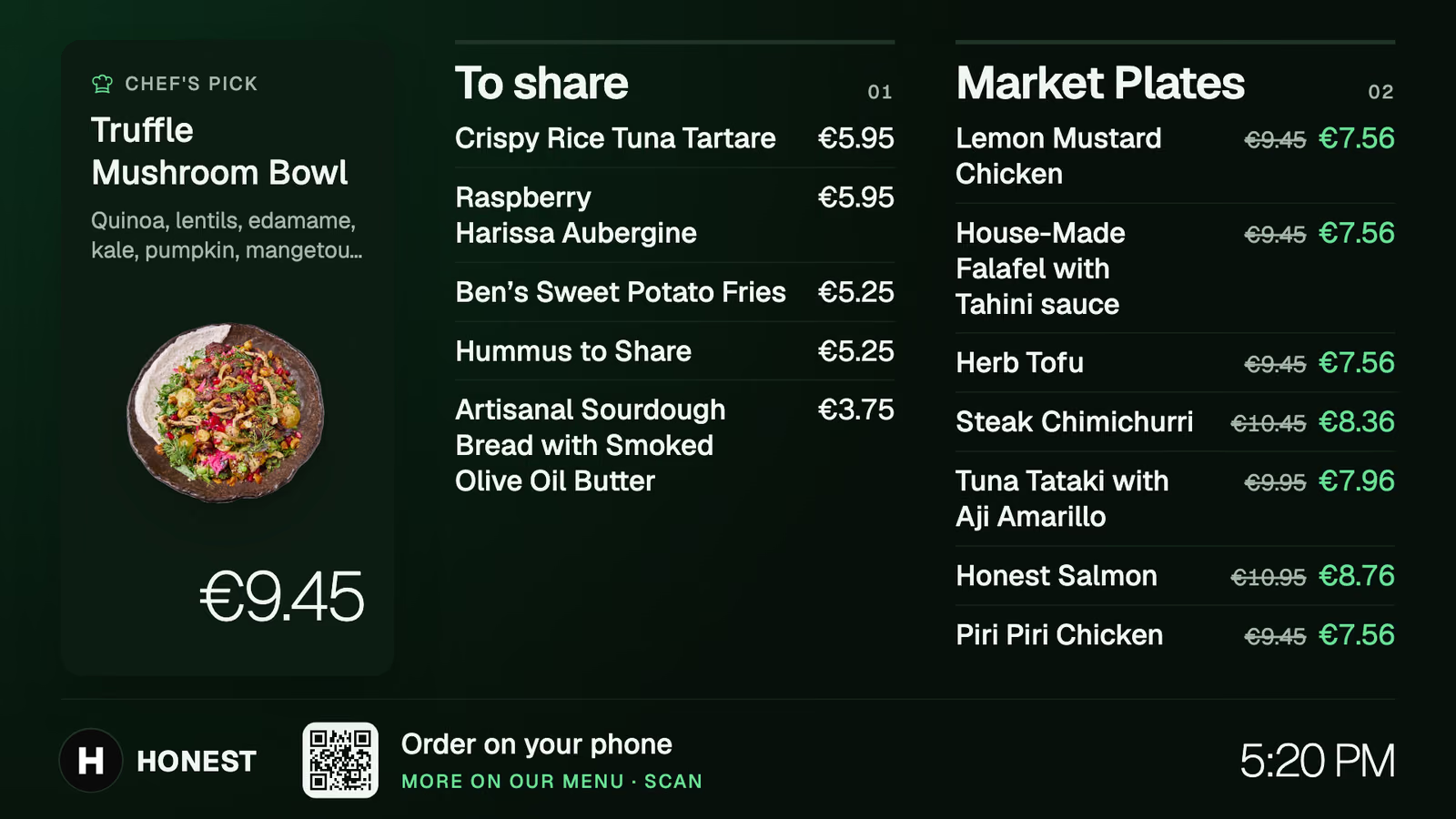
Any TV with a small Android TV box. Change a price once and the board follows.
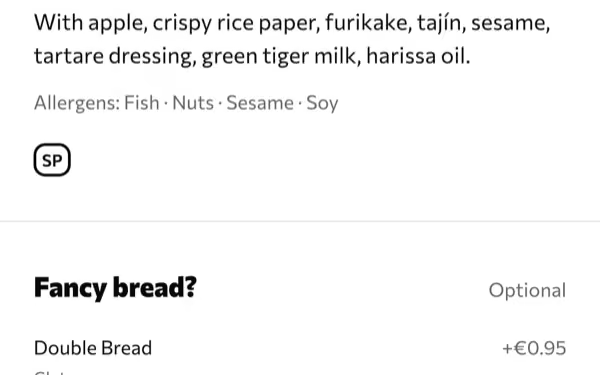
Sides, sizes and extras, picked by the guest before the kitchen sees the order.
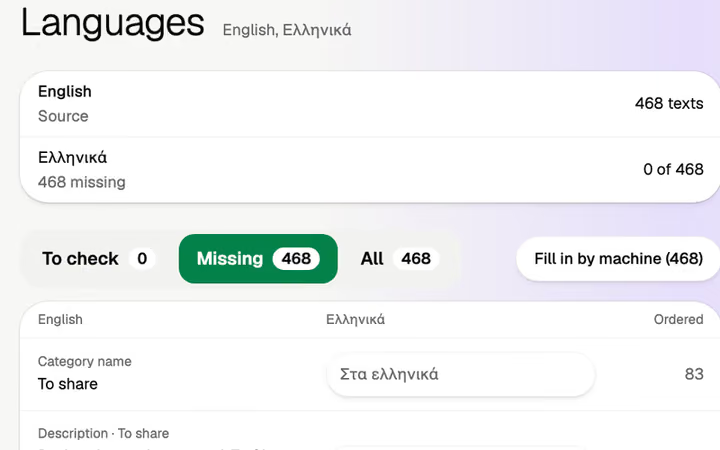
The menu in the guest's language, translated by machine, yours to edit.
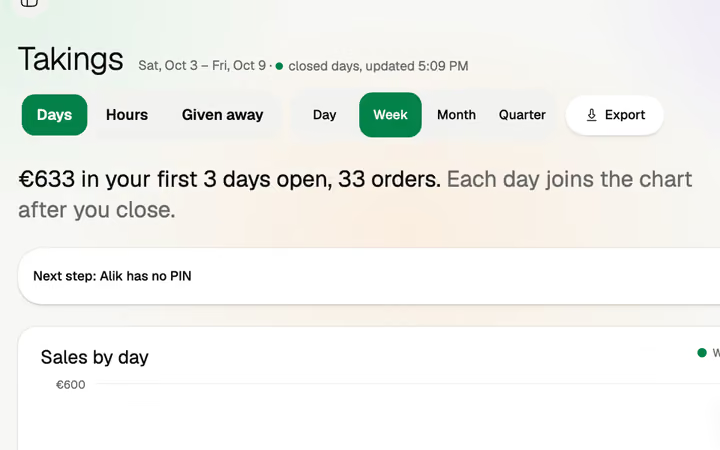
Sales by day and by hour, and an export to Excel or CSV.
No couriers, no delivery zones and no delivery apps. If delivery is most of your trade, Volio is the wrong tool today.
No hardware to buy. The counter, the kiosk and the pickup screen are devices with a browser that you already own.
Monthlya monthRegular price from Jan 1, 2027: €49€39
Yearly 2 months freeRegular price from Jan 1, 2027: €40.83€32.50 a monthRegular price from Jan 1, 2027: €490€390
Monthlya monthRegular price from Jan 1, 2027: €109€89
Yearly 2 months freeRegular price from Jan 1, 2027: €90.83€74.17 a monthRegular price from Jan 1, 2027: €1,090€890
Everything in Basic, and:
Monthlya monthRegular price from Jan 1, 2027: €259€209
Yearly 2 months freeRegular price from Jan 1, 2027: €215.83€174.17 a monthRegular price from Jan 1, 2027: €2,590€2,090
Everything in Essential, and:
Founding price for the first 500 venues, locked for 24 months. New venues pay the struck price from Jan 1, 2027.
Cancel any time: your QR menu stays online, free. Ordering, payments and the rest stop until you pick a plan again.
Unlimited tables, staff and screens on every plan. Pay yearly and 2 months are free; closed for part of the year? Monthly stops any month you like.
Something else? hello@usevolio.com
Yes. Your link takes orders paid ahead, and a tablet in the window runs the POS or a self-order kiosk. Volio doesn't deliver.
No. Guests order ahead and collect. There are no couriers and no delivery apps.
Each order has a number and a pickup time. A pickup screen at the counter shows the numbers that are ready.
You set how many orders each pickup time takes. When the kitchen falls behind, "busy for a while" pushes pickup times later or stops new orders, and it ends by itself.
No. If you want one, any tablet with a browser is a self-order kiosk. Guests order there and pay on their own phone or at the counter.
Yes. The POS takes cash, your card terminal or the guest's phone. Phone payments go to your own account with the payment provider, then to your bank. Volio takes a small fee on a bill paid by phone. Guests see it before they pay, or you switch to covering it. Nothing on cash.
Switch it off in one tap. It leaves the link, the kiosk and the POS at once.
Takeaway, the POS and the kitchen display come with every plan, and every plan starts with 30 days of Pro, free. See the plans and prices on this page.
One queue for the link and the counter