Volio
Volio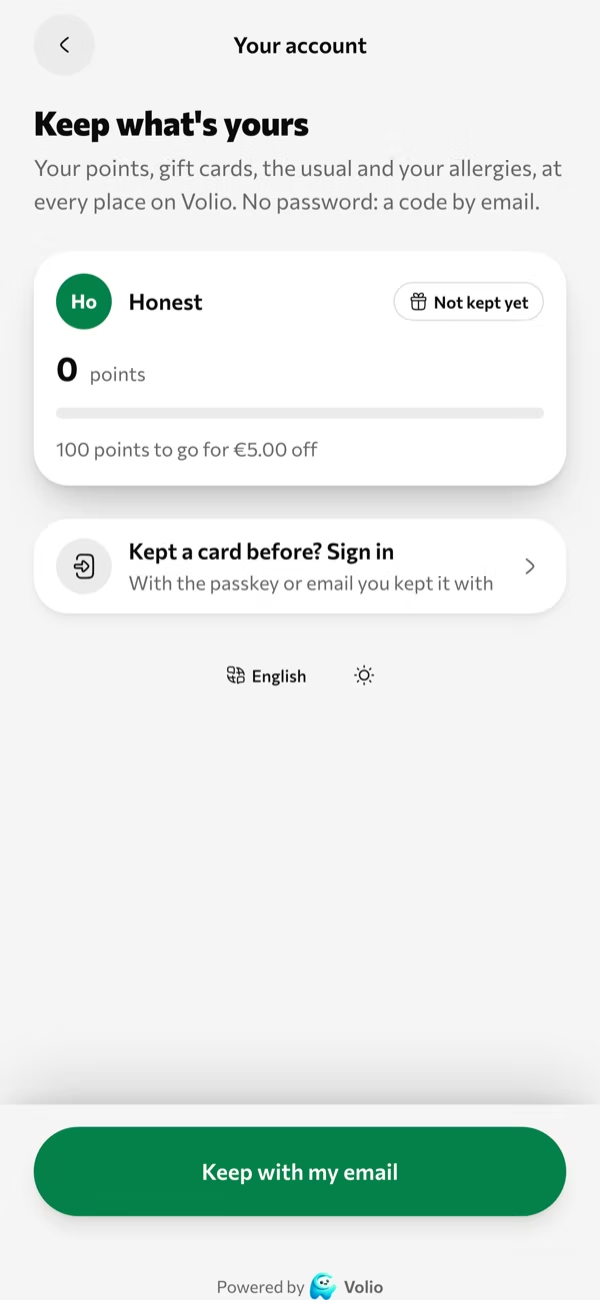
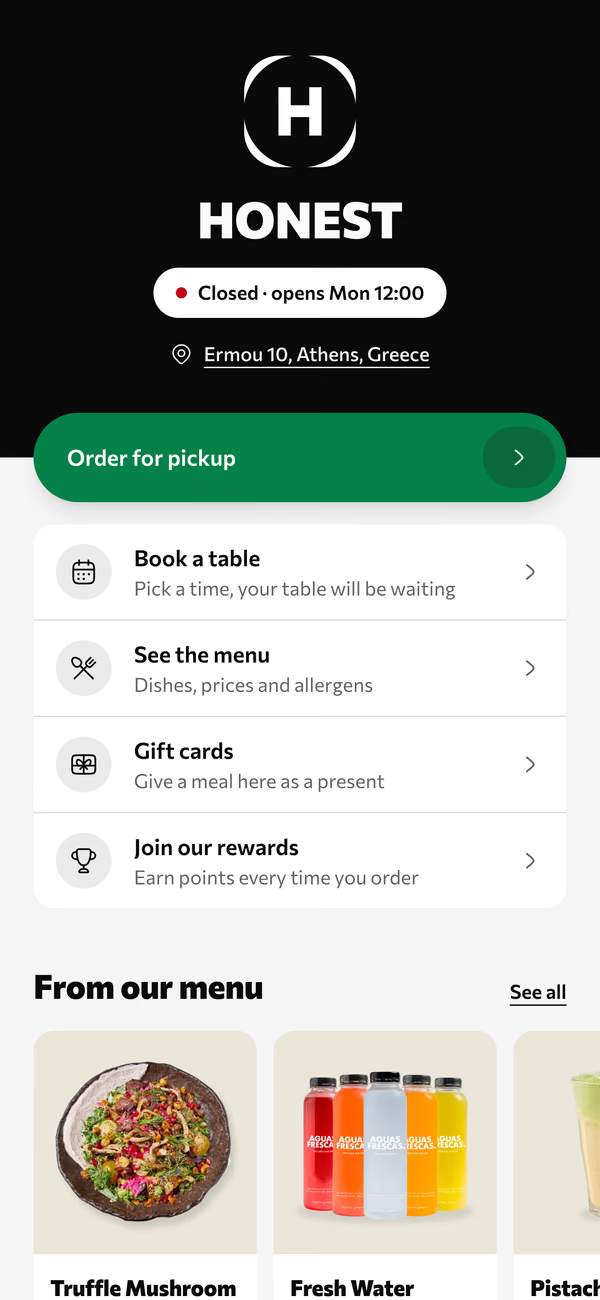
A points card in their email
Points on each order, kept with an email. That's the whole sign-up.
Volio is a café ordering system for cafés and coffee shops. The counter, the tablet by the door, the code on each table and the order-ahead link land on one list for the barista. It runs on the tablet and phones you already own, with no hardware to buy, as the café's till or beside the one you keep.
Volio for cafés and coffee shops
In the morning rush the limit is rarely the machine. It's one person taking orders, taking money and calling names at the same time, while the milk jug waits.
Regulars order and pay from your link on the walk in. Each cup has a number and a pickup time.
Some order at the counter, some at the tablet by the door, some from the code on their table. The barista works one list.
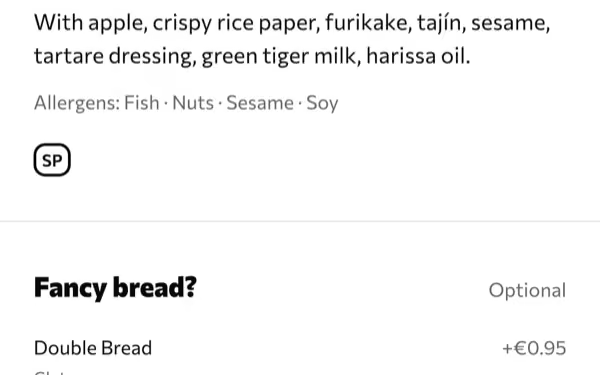
Oat, small, extra shot. Picked by the person drinking it. Nobody shouts a correction over the grinder.
The menu schedule takes it off at the time you set, on every phone, the kiosk and the counter.
Switch on one way to order or all four. Each one joins the same list, so the barista never reads two screens.
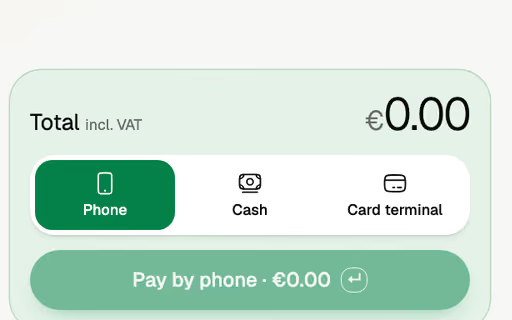
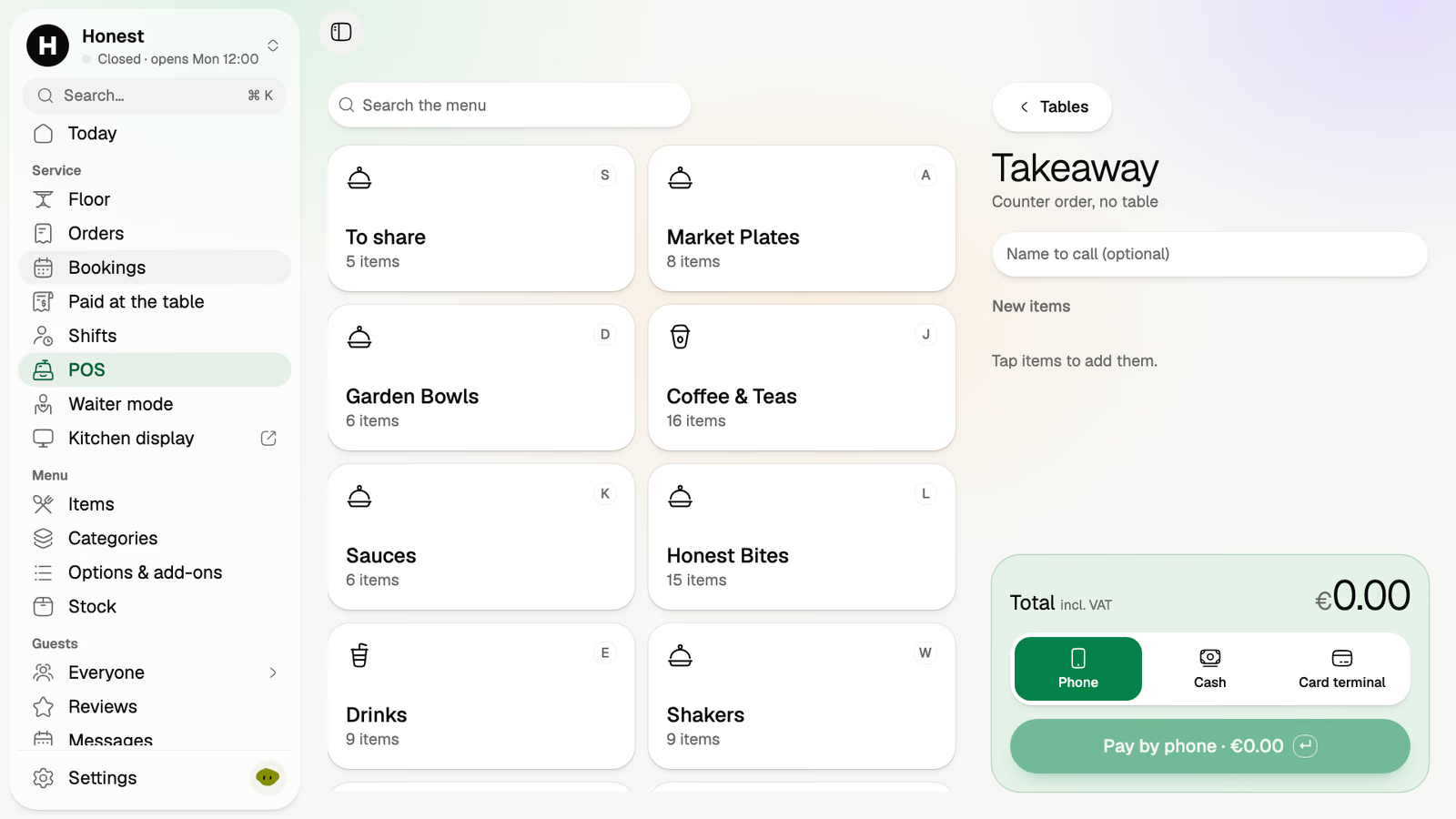
The POS is your menu as tiles. Coffee & Teas, a size, a milk, then cash, your card terminal or the guest's phone.
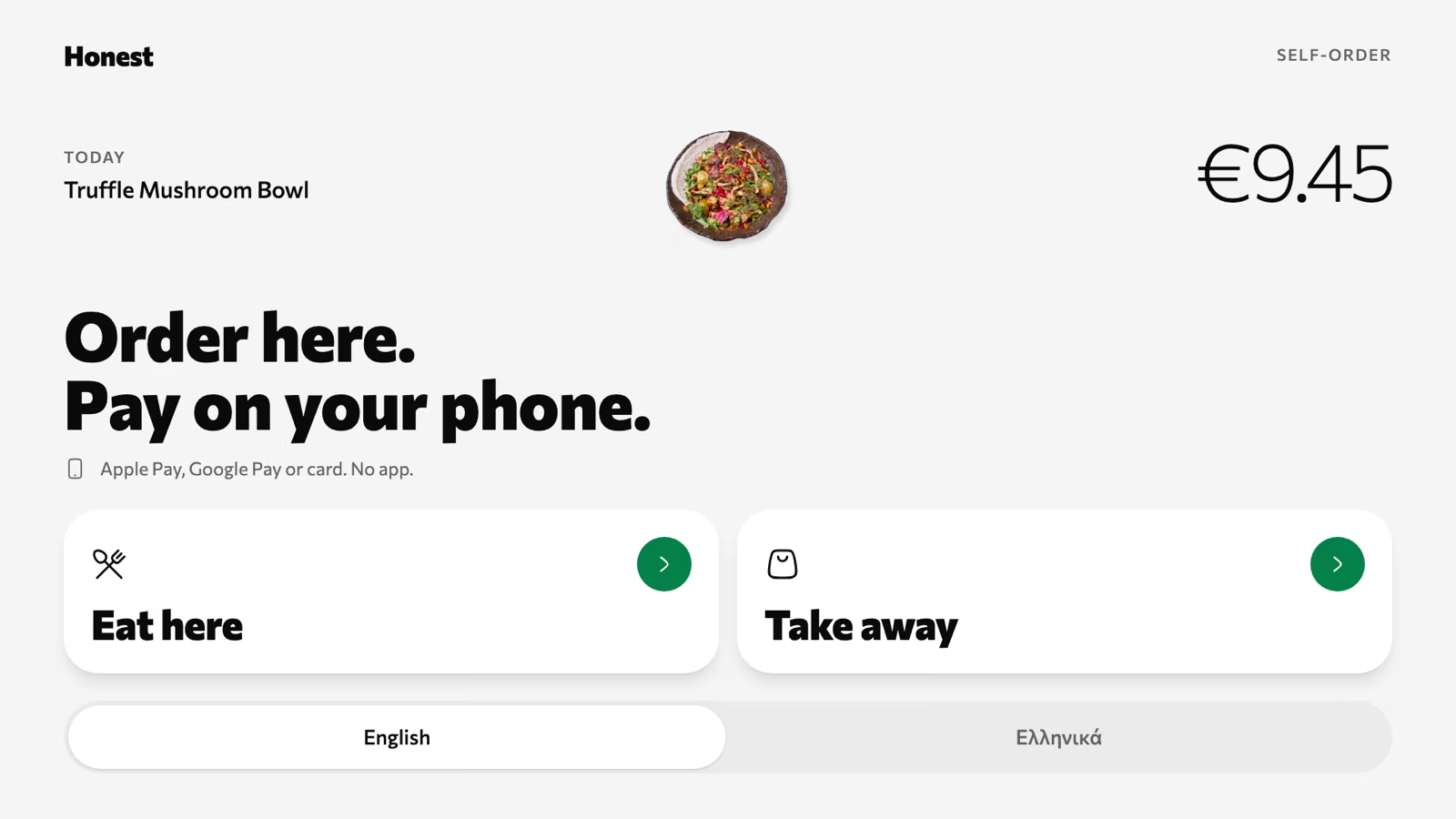
Any tablet becomes a self-order kiosk. Guests order there and pay on their own phone or at the counter, and the person behind them in the queue moves up.
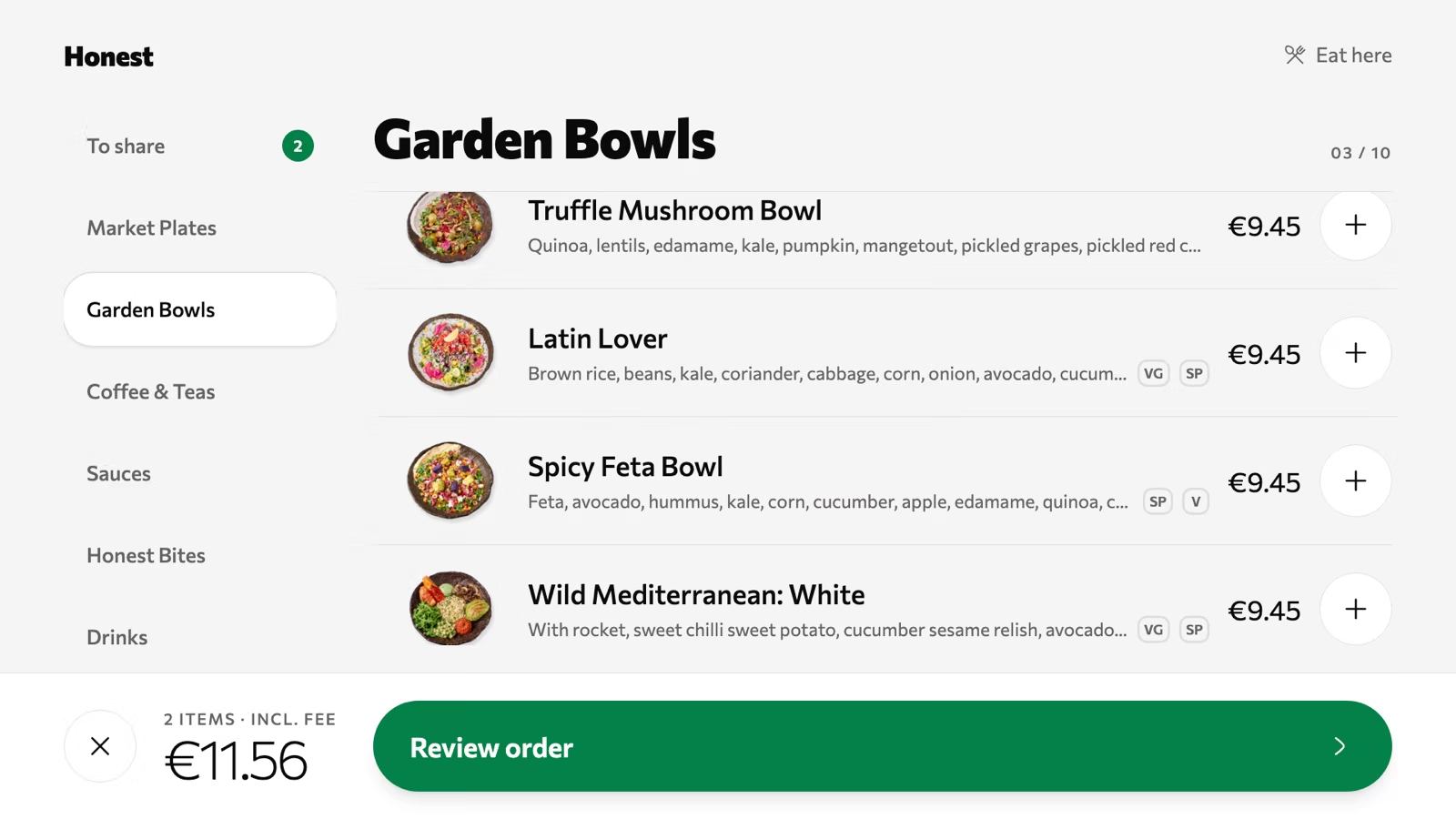
A code on every table opens the menu in the browser. The second flat white is ordered and paid for without leaving the laptop.
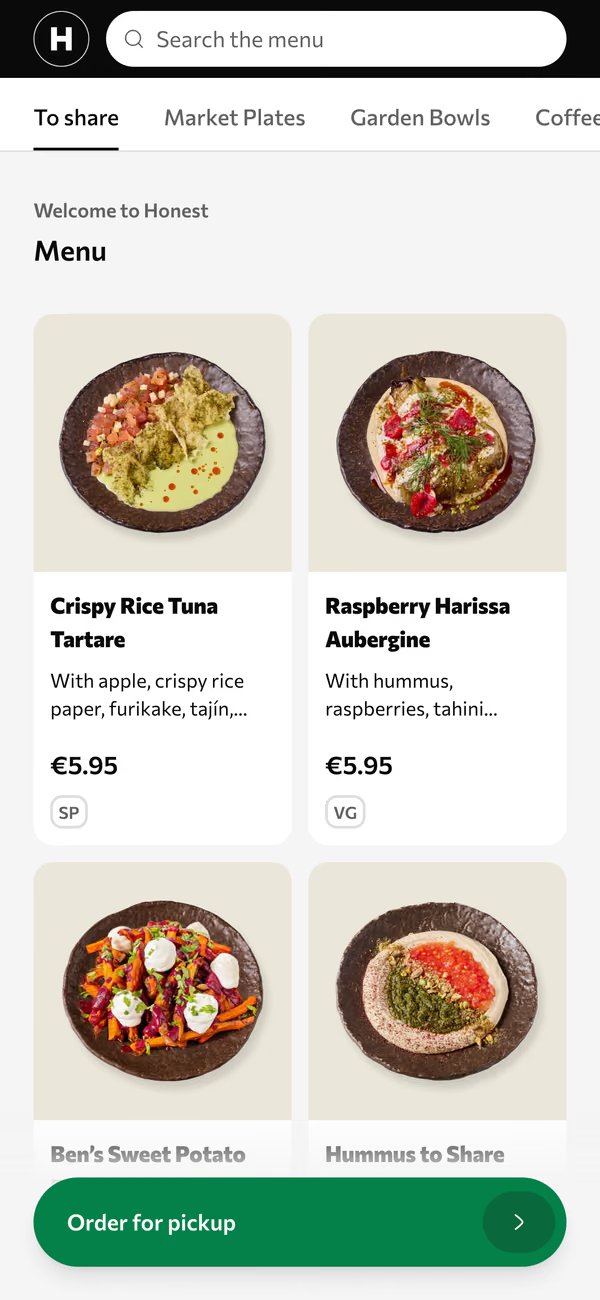
One link in your Instagram bio and on your Google listing. Order, pay ahead, choose a pickup time, walk past the queue.
A café lives on the people who come in four times a week. These come with the Essential plan.
Points on each order, kept with an email. That's the whole sign-up.
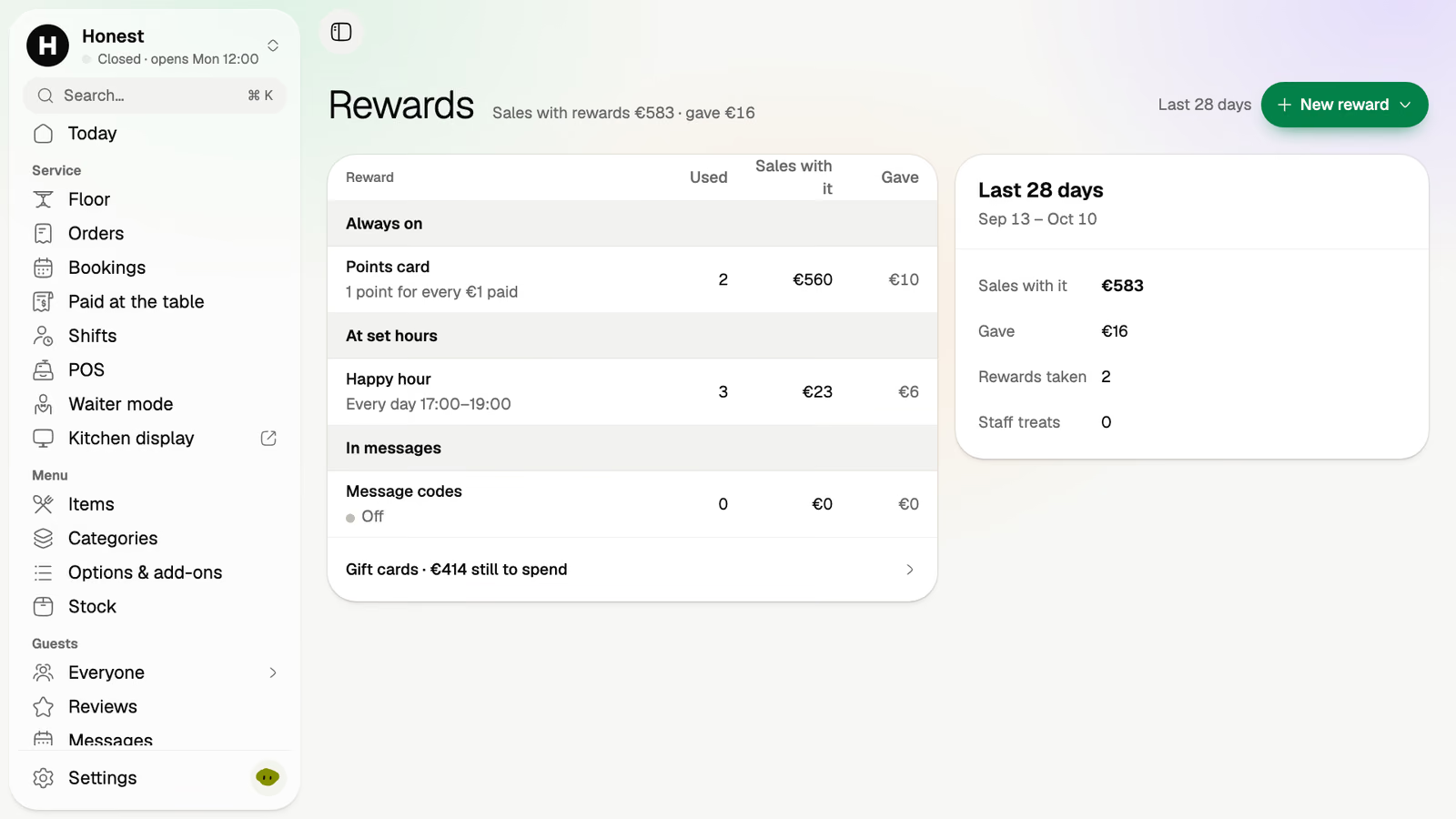
A points card, a happy hour for the slow afternoon, and codes for the messages you send.
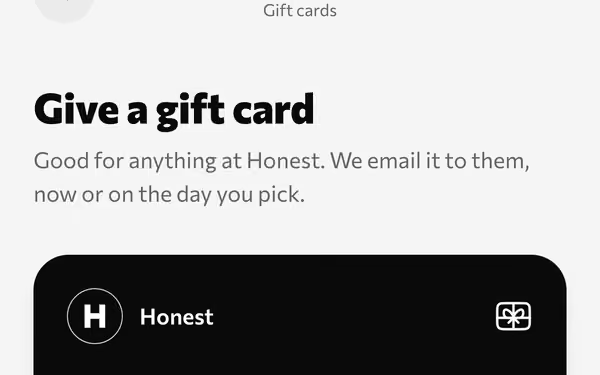
A month of coffee as a present. Bought on your page, emailed now or on a chosen day.
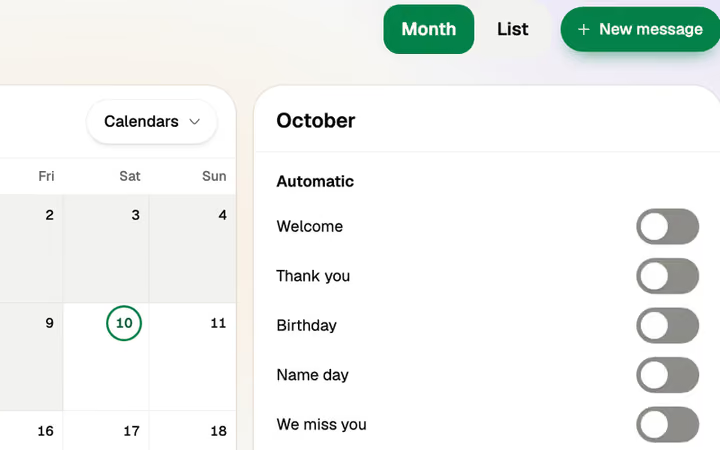
Welcome, thank you, birthday, name day, we miss you. They go out on the calendar by themselves.
Happy guests are sent on to Google, where the next regular is looking.
Twelve seats and one barista? Leave table ordering off. The code shows your menu in your guests' languages, and every order is still taken across the counter.
Keep it. Volio works beside it, and "Paid at the table" lists each phone payment with its table, amount and time.
Monthlya monthRegular price from Jan 1, 2027: €49€39
Yearly 2 months freeRegular price from Jan 1, 2027: €40.83€32.50 a monthRegular price from Jan 1, 2027: €490€390
Monthlya monthRegular price from Jan 1, 2027: €109€89
Yearly 2 months freeRegular price from Jan 1, 2027: €90.83€74.17 a monthRegular price from Jan 1, 2027: €1,090€890
Everything in Basic, and:
Monthlya monthRegular price from Jan 1, 2027: €259€209
Yearly 2 months freeRegular price from Jan 1, 2027: €215.83€174.17 a monthRegular price from Jan 1, 2027: €2,590€2,090
Everything in Essential, and:
Founding price for the first 500 venues, locked for 24 months. New venues pay the struck price from Jan 1, 2027.
Cancel any time: your QR menu stays online, free. Ordering, payments and the rest stop until you pick a plan again.
Unlimited tables, staff and screens on every plan. Pay yearly and 2 months are free; closed for part of the year? Monthly stops any month you like.
Something else? hello@usevolio.com
Yes. One link takes the order and the payment ahead. The guest picks a pickup time, gets an order number and collects.
As much as they like. The counter runs on the POS as before, and the link, the kiosk and the table's code are there for the guests who would rather not queue.
No hardware to buy. Volio's POS can be the café's till, in the browser of the tablet, phone or computer you already own. Or keep your till: Volio works beside it, and lists what phones paid today so you can match it at close.
Guests earn points on their orders and keep them with their email address, with no password to set. Rewards come with the Essential plan.
Yes. A menu schedule switches menus at the times you set, breakfast until noon for example, and the last almond croissant is switched off in one tap.
They're options on the drink. The guest or the barista picks them on the screen, and the ticket lists them under it.
Every plan starts with 30 days of Pro, free, and a venue that cancels keeps its QR menu online, free. On a bill paid by phone Volio takes a small fee, shown to the guest before paying, or you switch to covering it. The money goes to your own account with the payment provider, then to your bank.
One list for the counter, the tables and the door