Volio
VolioQR ordering for beach bars: sunbed to bar
Number every sunbed, fix a code to each, and let guests order and pay from the towel. The bar gets the number and the runner only carries trays.
QR ordering on a beach works when every sunbed has its own number and its own code. The guest scans from the towel, orders and pays on their phone, and the ticket reaches the bar with the sunbed’s number on it, so the runner crosses the sand once, with a full tray. The beach bar page covers Volio’s side; below is the set-up.
It is paying at the table on sand. The distances are longer, guests move, and the sun is on every sign and screen.
Number the beach before you print anything
Start with a plan of the beach, not with the printer. Every place a guest can order from gets a number: each sunbed, each cabana, each stool at the bar. Two sunbeds under one umbrella rented as a pair can share a number; rented singly, each gets its own.
Number in rows the runner can count. Storekit, which sells table ordering, lays out a sample beach club in its setup guide as “Beachfront Row 1” with sunbeds 1 to 8 and “Beachfront Row 2” with 9 to 16. Then sunbed 14 is always in the second row, and a new runner finds it without asking. Give cabanas letters (Storekit’s sample has Cabana A, B and C), so nobody mixes up a cabana with sunbed 3.
Put the number where the runner sees it from the walkway, not only where the guest sees it. The code faces the sunbed. The number faces the bar.
Guests move. A family shifts two rows back when the shade moves, and the drinks go to strangers. Storekit’s guide suggests asking for a mobile number at checkout, or a note field: “What colour parasol are you under?” A cheaper fix is one line on every sign: “Moved? Scan the code on your new sunbed.”
Signs that survive sun and wind
Storekit’s advice for outdoor venues is “UV-resistant laminated cards”, codes attached “to parasol poles or lounger frames”, and “branded acrylic stands weighted against wind”.
The rest is the same as indoors, and QR codes for restaurant tables has the sizes and the white margin a code needs. Two beach additions:
- Matte, not gloss. Midday sun on a glossy card can put a white glare across the code. Hold one up at noon before you order a hundred.
- Five words beside the code. “Scan to order and pay. Sunbed 14.” A guest should know what the code does before they dig the phone out of the beach bag.
Then test it where it will be used: on the farthest sunbed, at two in the afternoon, with Wi-Fi off. If your Wi-Fi does not reach the back row, the menu has to open on mobile data. Apple says iPhones and iPads are “designed for use where the ambient temperature is between 0º and 35º C”, and that a device that gets too hot may dim its display, and its mobile signal may weaken. The same goes for the tablet behind the bar: keep it in the shade.
Paying before the drink leaves the bar
On a beach, an open tab walks into the sea. Guests swim, doze, change rows and leave by the path behind the bar. Every minute a waiter spends chasing sunbed 31 with a card machine at sunset is a minute without a tray.
So take the money with the order. The guest pays on the phone as they order, the ticket arrives marked paid, and the runner carries trays and nothing else: no notepad, no card machine, no float of change. Storekit’s guide says “Beach guests often order multiple times”, so the second round should be the same code and a few taps.
Friends on neighbouring sunbeds order together and pay apart. Check that several phones can add to one order and each guest can pay their own part, or one person ends up collecting cash on the sand.
Two exceptions to paying first. A cabana with its own host can run a tab and settle at the end, because someone is watching it all day. And some guests will walk up to the bar with cash. Keep taking it.
The bar screen, the runner and the two o’clock rush
If twenty sunbeds order inside ten minutes, the bar needs the tickets in the order they came, each with its row and number. Send the drinks to the bar’s screen and the food to the kitchen’s, so two mojitos and a club sandwich for sunbed 14 split by themselves. The post on the kitchen display covers the screen.
Split the jobs:
- The bar makes. Drinks only, in ticket order.
- The runner carries. Read the row, load the tray, walk. Two tickets from the same row go in one trip.
- One person serves the bar. Walk-ups, cash, and the guests who would rather order from a person.
Keep the menu short and led by drinks. Storekit’s guide says “Pool and beach guests typically order drinks more than food” and suggests snacks “that don’t require cutlery”.
Sold out has to reach every phone at the same moment. When the ice runs low or the grilled octopus is gone at three, switch it off once, or the runner spends the afternoon walking out to apologise. For guests unsure about codes, do guests hate QR code menus looks at what they object to.
What Volio does on a beach
In Volio, a table is any numbered place you draw in a zone you name yourself: Front row, Second row, Cabanas. Each sunbed gets its own QR code, and an order arrives with that sunbed’s number. The menu opens in the guest’s language, translated by machine, with every line yours to edit. Friends order together from several phones, add a round later, and each pays their own part with Apple Pay, Google Pay or a card, with the tip set before paying.
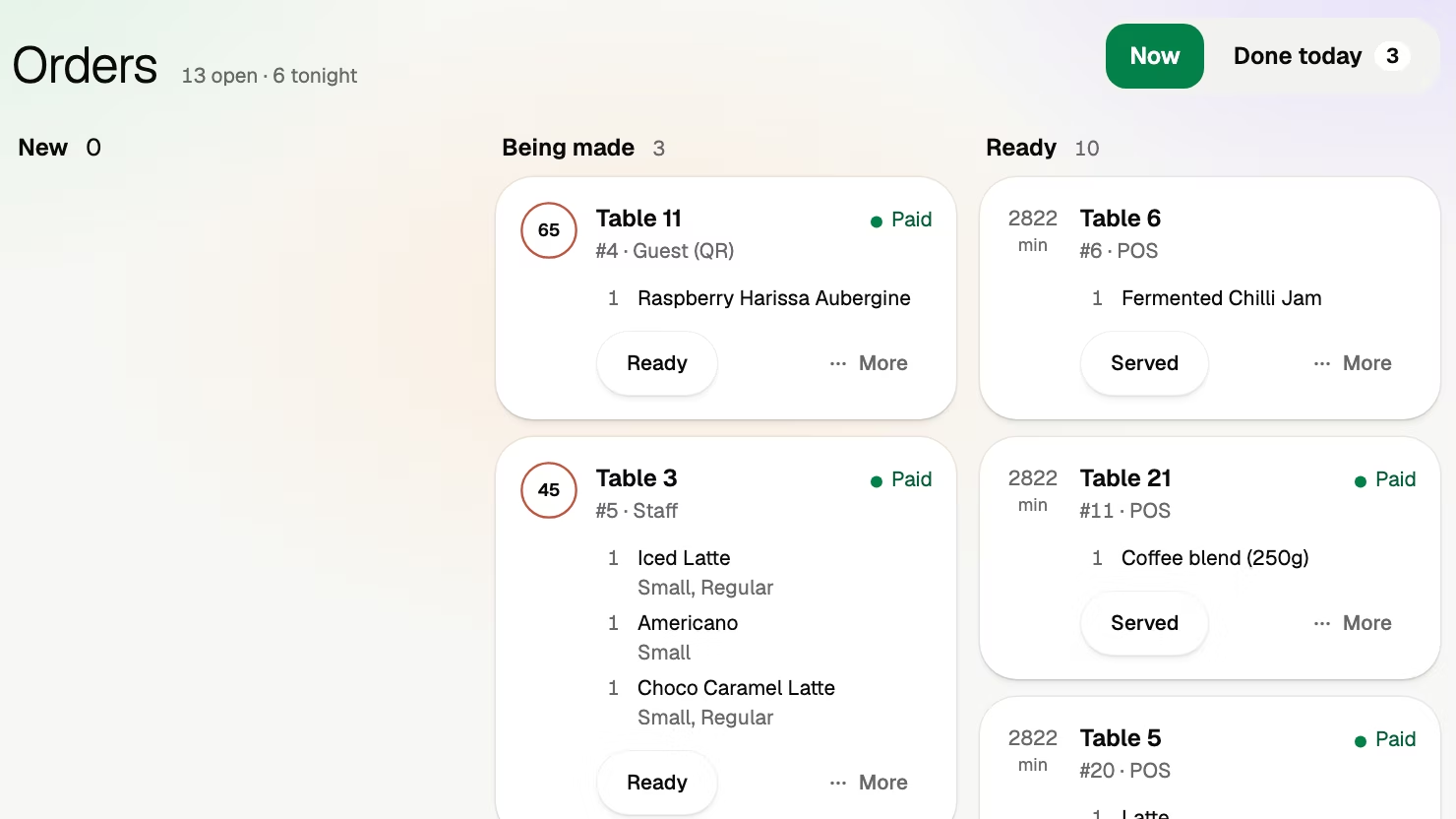
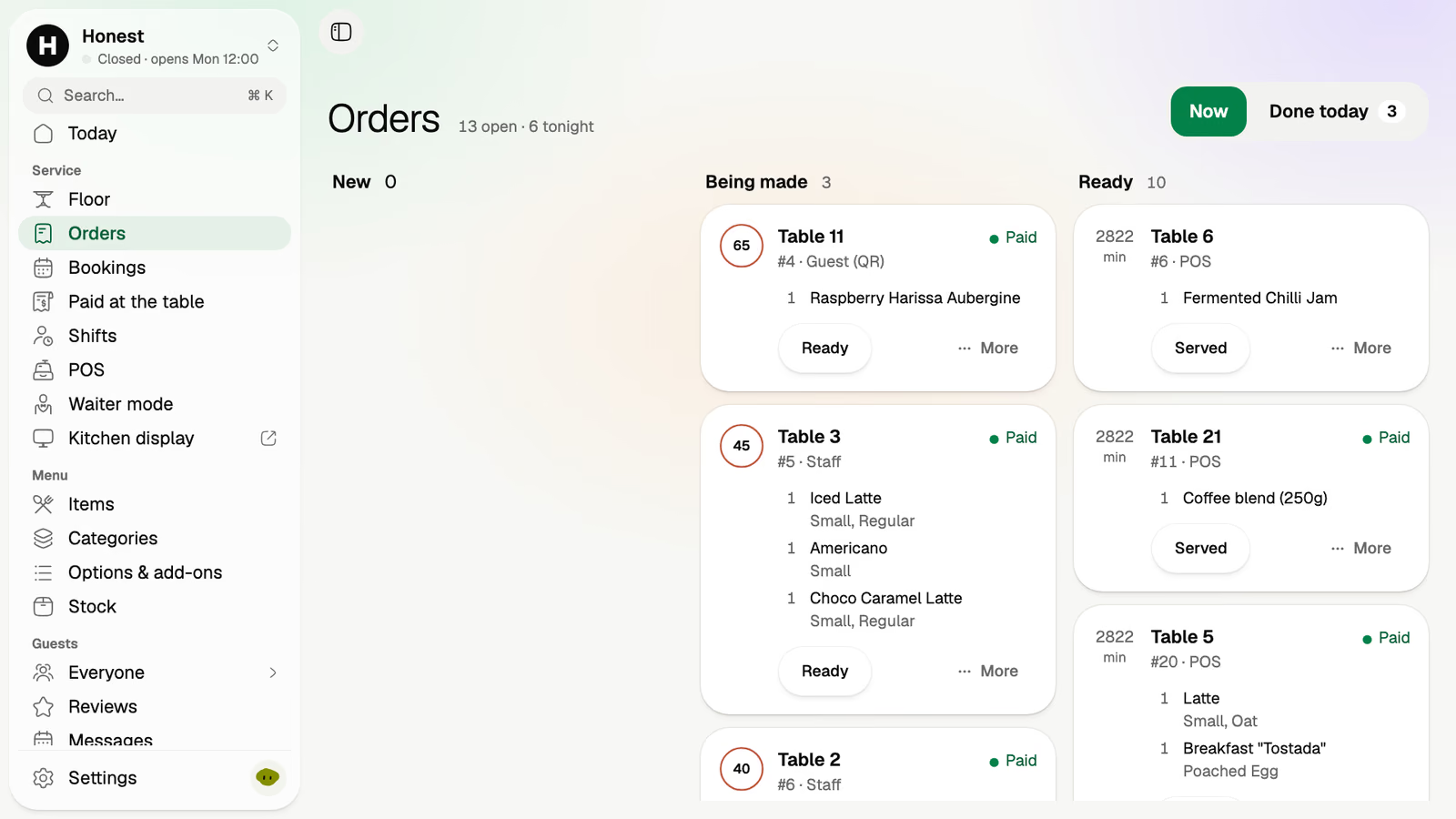
Behind the bar, the orders board marks each order paid or not. Kitchen places, on the Essential plan, send the cocktails to the bar’s screen and the food to the kitchen’s. Waiter mode puts the beach as tiles on the runner’s phone. Sold out is one tap. Cash and your own card terminal still work.
The limits. Volio does not rent out sunbeds and is not a marketplace; guests can book a sunbed from your own page, with bookings on the Essential plan. It sells no hardware, so the tablet behind the bar is yours. It runs in the browser and promises no offline mode, so test the signal on the back row before the season. Volio takes a small fee on a bill paid by phone. Guests see it before they pay, or the venue switches to covering it. Nothing when a guest pays cash or the waiter.
Every plan starts with 30 days of Pro, free, and a venue that cancels keeps its QR menu online, free: see the plans and prices, and what a guest sees on the home page. Volio launched in October 2026.
Sources
Read on 12 October 2026.
- Storekit: Room & location-based service guide (beach club layout, outdoor codes, sunbed turnover, drinks-led menus)
- Apple: If your iPhone or iPad gets too hot or too cold