Volio
VolioQR menu for restaurants: how it works
A QR menu is your menu in the guest's browser, opened from a code on the table. What guests see, what changes on the floor, and when a PDF will do.
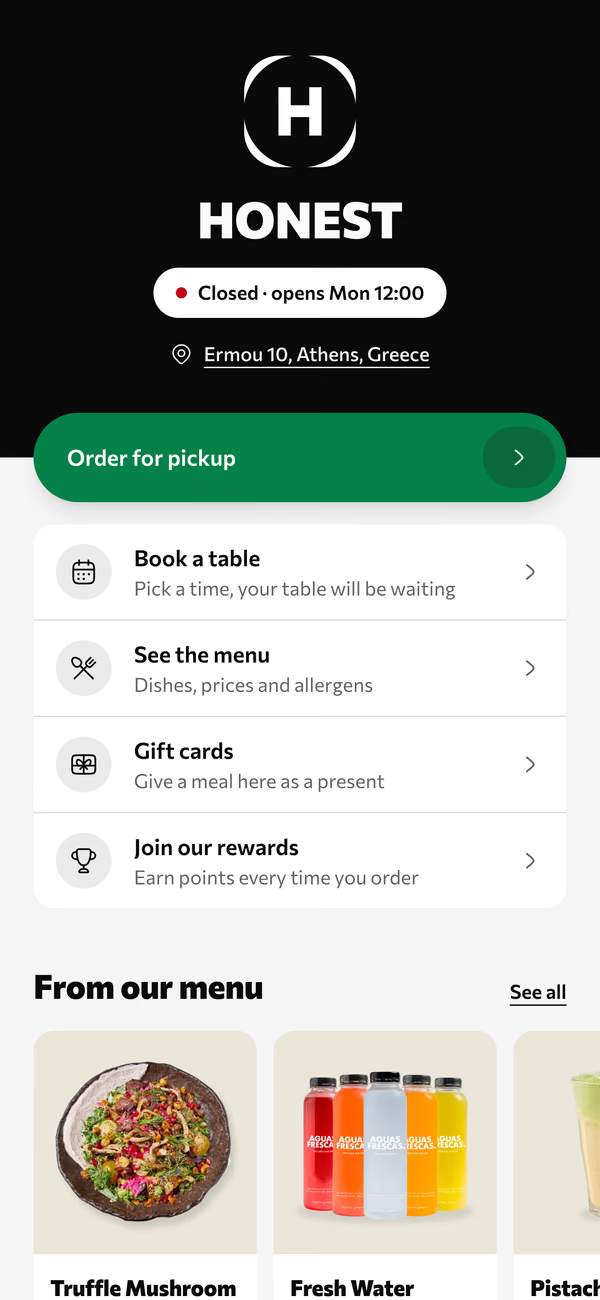
A QR menu is your menu on the guest’s own phone. They point the camera at a code on the table and the menu opens in the browser, with no app to download and no account to make. A waiter can still take the order. What changes is that every table reads the current menu: tonight’s prices, in the guest’s language, without the dish that ran out at nine.
Volio’s QR menu works this way. Every plan starts with 30 days of Pro, free, and a venue that cancels keeps its QR menu online, free.
What the guest sees
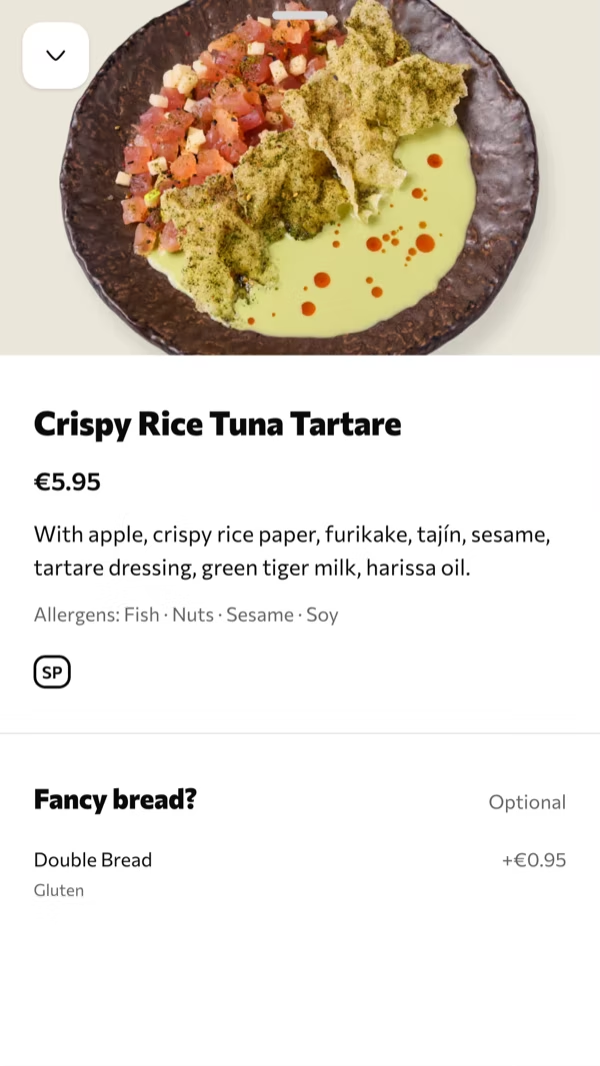
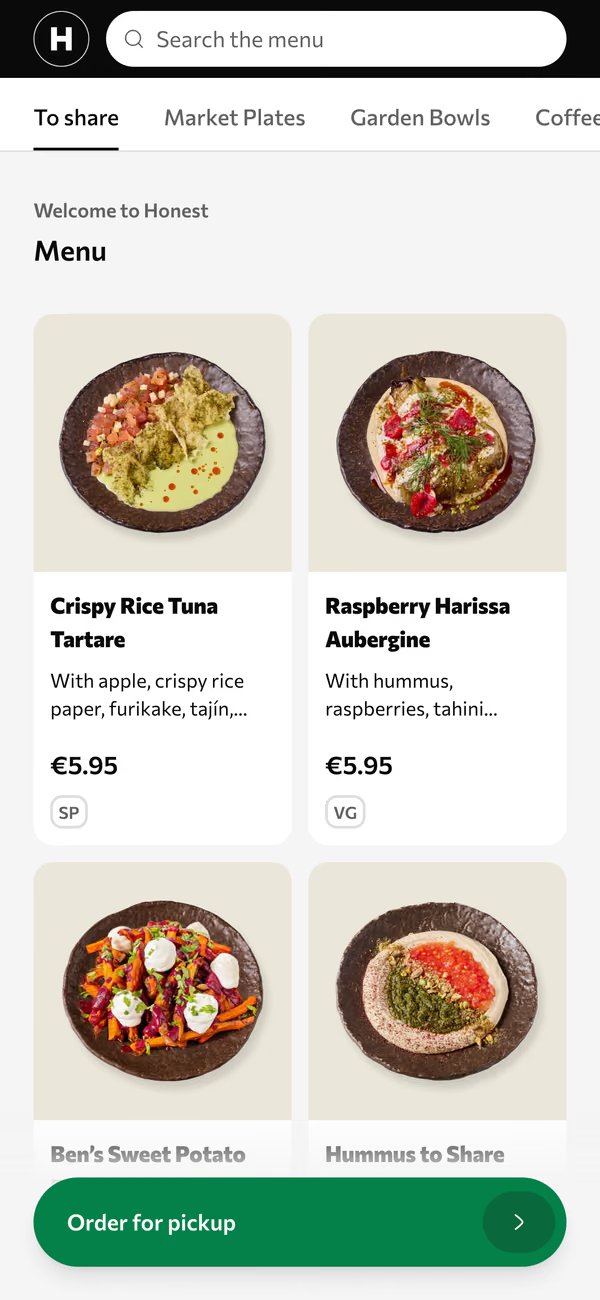
The code opens your menu by category. Each dish has a photo, a price, its allergens and the choices that go with it: a side, a size, an extra. Filters and search keep a long menu quick.
You write the menu once. Volio fills in the other languages by machine, and every line stays yours to edit: a dish name you would rather leave alone, a description you want in your own words.
Some guests don’t want a phone out at dinner. Do guests hate QR code menus? reads the two surveys owners get quoted, unflattering numbers included, and separates the complaints a better menu fixes from the ones only paper fixes. Its advice is to keep paper on the table and the code beside it.
What changes on a Friday night
The lamb runs out at nine. With printed menus, every waiter says sorry at every table until close. With a QR menu, someone marks the lamb sold out in one tap and it is off every phone. It comes back the same way tomorrow.
Time of day works like that too. A menu schedule shows a category only when you serve it, breakfast until noon for example, so nobody asks for eggs at two.
A price is changed once, in the back office. Menu boards on a TV follow the menu, happy hours included, so the wall and the phone show the same number. How to display a menu on a TV sets that kind of board next to a USB stick, a slideshow and a signage app.
On the floor itself, little moves. The waiter still takes the order and still brings the card machine, and nobody is retrained.
When a PDF behind a code is enough
For some venues the right QR menu is a PDF. If the menu is short, changes a few times a year and your guests read one language, a file behind a code costs nothing and can be on the tables tonight. QR code for a PDF menu lists where that holds and where it breaks, and shows how to replace the file without reprinting the codes.
The steps are in how to make a QR code menu for free. Read its section on static and dynamic codes before you print forty stickers. It explains why a code made on a free trial can stop opening your menu.
The codes on the tables
A menu that guests only read needs one code, copied onto every table. Ordering needs one code per table, because the code is how the kitchen knows which table is asking. QR codes for restaurant tables covers how big to print, what to print on, and where a code survives a wet cloth and a bread basket.
In Volio you draw the room once in Tables & QR and print one code per table. A table is any numbered place you draw: a table, a stool at the bar, a sunbed.
Paper comes from the same menu. Table menus, posters and table tents are made from the live menu, and the back office says when a printed one is out of date. Paper menus are part of the Essential plan.
From reading to ordering
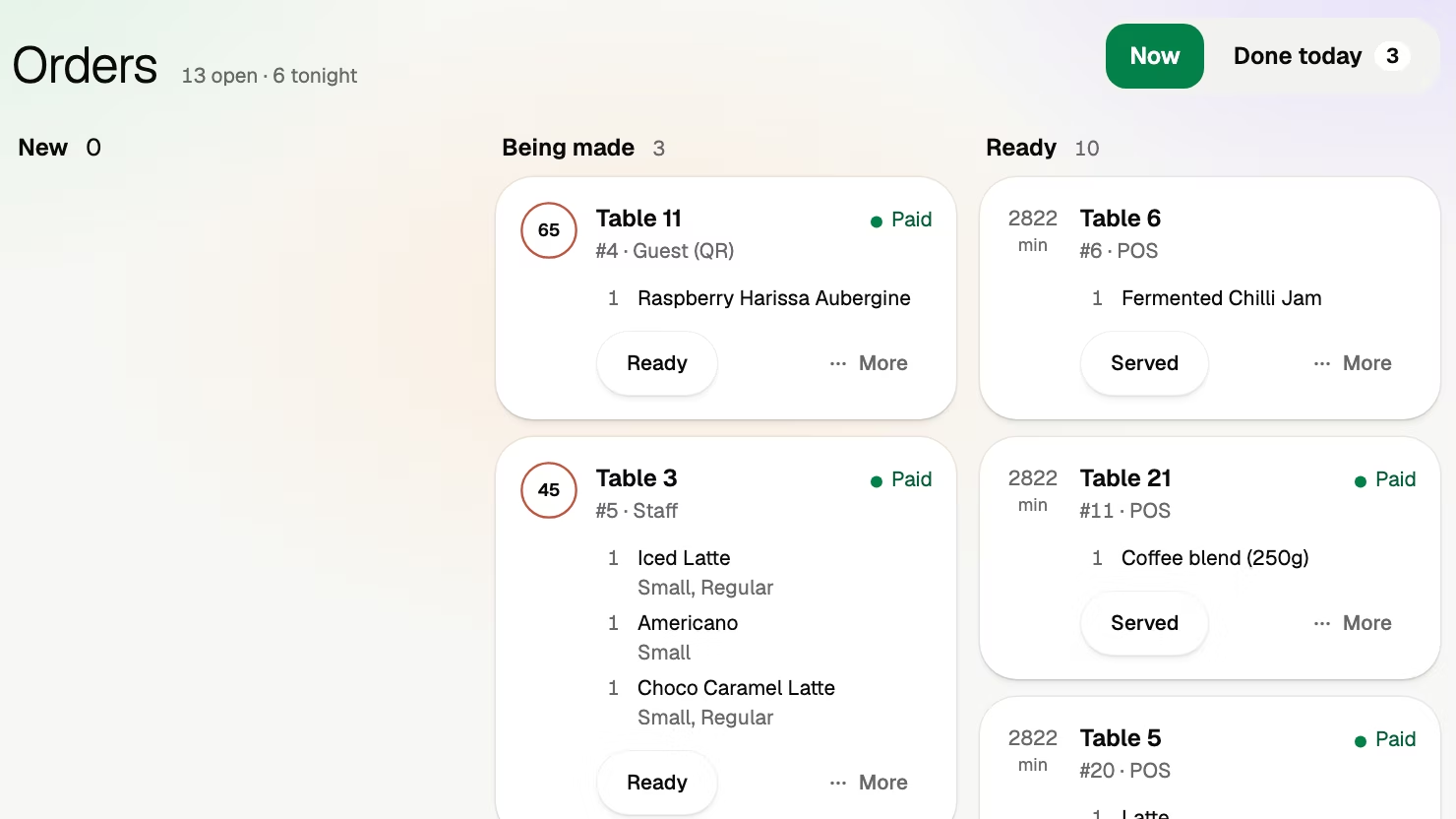
The code that opens the menu can later take the order and the payment. Guests order together from their own phones and pay at the table when they are ready to leave. That changes more on the floor than a menu does, and it can wait. Run the menu alone for a month of service and decide then.
What Volio does and what it costs
Every venue starts with a card and 30 days of Pro, free. Cancel any time and the menu stays on Volio behind its QR codes, in guests’ languages, free: see the plans and prices. Volio sets the menu up for the venue, free. The home page shows what guests see and the back office where the menu is kept.
Two limits. Volio sells no hardware, so the stands and the printing are yours to order from a print shop. And it needs a card to start: if you’d rather not give one, the PDF route above does the job.