Volio
VolioQR code for a PDF menu: when it stops working
A QR code that opens a PDF menu is free and takes ten minutes. It fails on small screens, sold-out dishes and allergens. How to tell which you need.
A QR code that opens your PDF menu is free and takes about ten minutes. It is good enough when the menu is short, changes a few times a year and your guests read one language. It stops working when a dish sells out mid-service, when a guest needs to find what they can eat, when the file is slow and tiny on a phone, or when you want QR ordering. At that point you want a QR menu that is a page, not a file.
How to do it in ten minutes
- Export the PDF for a phone. One column, tall pages, and type you can read at arm’s length without zooming. Three columns on an A4 page cannot be read at the width of a phone.
- Put it at an address that will not change. That is your own website if you have one, or Google Drive with the file shared as “Anyone with the link”, Viewer.
- Make a static code from that address. The tools, and why static matters, are in how to make a QR code menu for free.
- Test it on a phone that is not signed in to your account, on mobile data.
One rule saves a reprint. When the menu changes, replace the file at the same address. On a website, upload the new PDF under the old file name. In Google Drive, click the file, then More, “Manage versions” and “Upload new version”. A new menu uploaded as a separate file gets a new link, and forty printed codes go on opening last season’s prices. After every change, scan one table code to confirm.
Where a PDF is enough
- The menu fits a few phone screens: a wine list, a set menu, a bar card.
- It changes a few times a year.
- Your guests read one language.
- A waiter takes the order, so nobody needs to tap anything.
If that is your venue, a PDF is the right answer and you should not pay for a menu tool. Spend the money on a clean export and a well-printed code.
Where it breaks
Reading. A page laid out for paper shrinks to the width of a phone, and guests pinch and zoom. Uniqode’s comparison of menu formats describes a PDF link as “Often requires pinching/zooming on phone”. In a 2022 Technomic survey of 1,000 people, “55% of respondents said that QR code menus are hard to read and browse”. The survey did not ask what the code opened. The other numbers are in do guests hate QR code menus?.
Weight. A PDF full of photos is a large download, and at a basement table on mobile data the guest watches a blank screen. Menuviel’s advice for PDF menus: “Keep the file size under 1MB for fast mobile viewing.”
Sold out. The lamb runs out at nine. The file still lists it, and the waiter apologises at every table until close.
Finding a dish. A PDF has no filters. A guest with a nut allergy reads every line, or asks.
Languages. One file holds one language. Three languages mean three files, and either three codes on the table or one more page where the guest picks a language.
PDF or menu page, side by side
| Compared | PDF behind a code | Menu page |
|---|---|---|
| Cost | Free | Free with some tools, a monthly fee with others |
| Set-up | Ten minutes | Every dish entered once |
| Reading on a phone | Pinch and zoom unless exported for phones | Built for the screen |
| A dish sells out | Stays on the menu | Switched off |
| Allergens | Printed text | Tags and filters, where the tool has them |
| Languages | One per file | Several from one menu, where the tool has them |
| A price changes | Export and upload again | Edit one line |
| Ordering | No | Possible |
Two vendors have written up the same choice. Menuviel, a menu platform, gives its verdict as “For most modern restaurants, QR menus are the best option”, and lists the PDF as a “Low-cost option (can be created for free)”. QR TIGER, a code generator, shows how to turn a PDF into a code, and its fourth step is “Generate a dynamic PDF menu QR code”. A dynamic code runs through the generator’s own link, so ask any generator what happens to the code when the plan ends.
Moving on without reprinting the codes
A printed code holds an address, so everything turns on who controls that address.
A code that points at your own website, such as yourvenue.com/menu.pdf, survives the move. Ask whoever runs the site to redirect that address to the new menu page, and every printed code opens it.
A Google Drive link belongs to Google and cannot be redirected, so those codes are reprinted. Moving to ordering at the table means a reprint in any case, because ordering needs one code per table.
So even for a PDF, point the code at an address on your own domain when you have one.
What Volio does
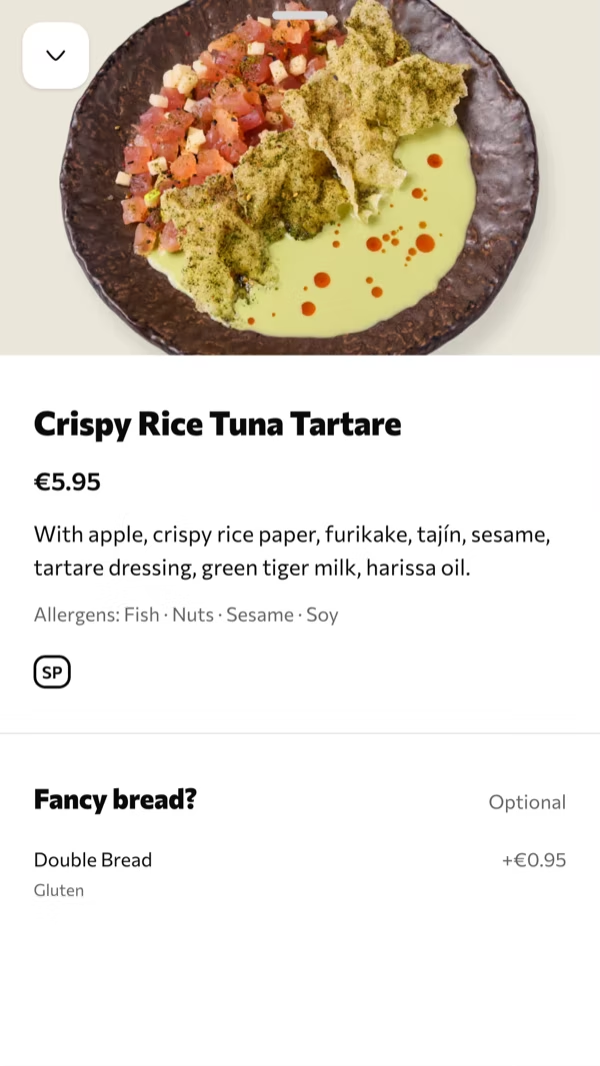
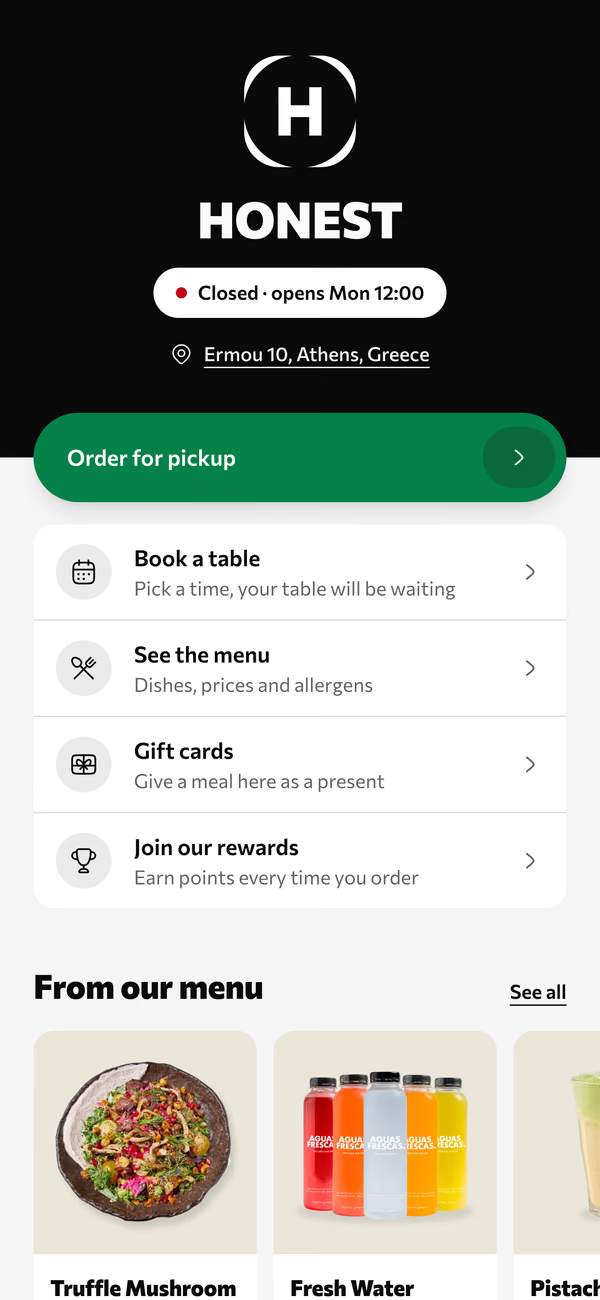
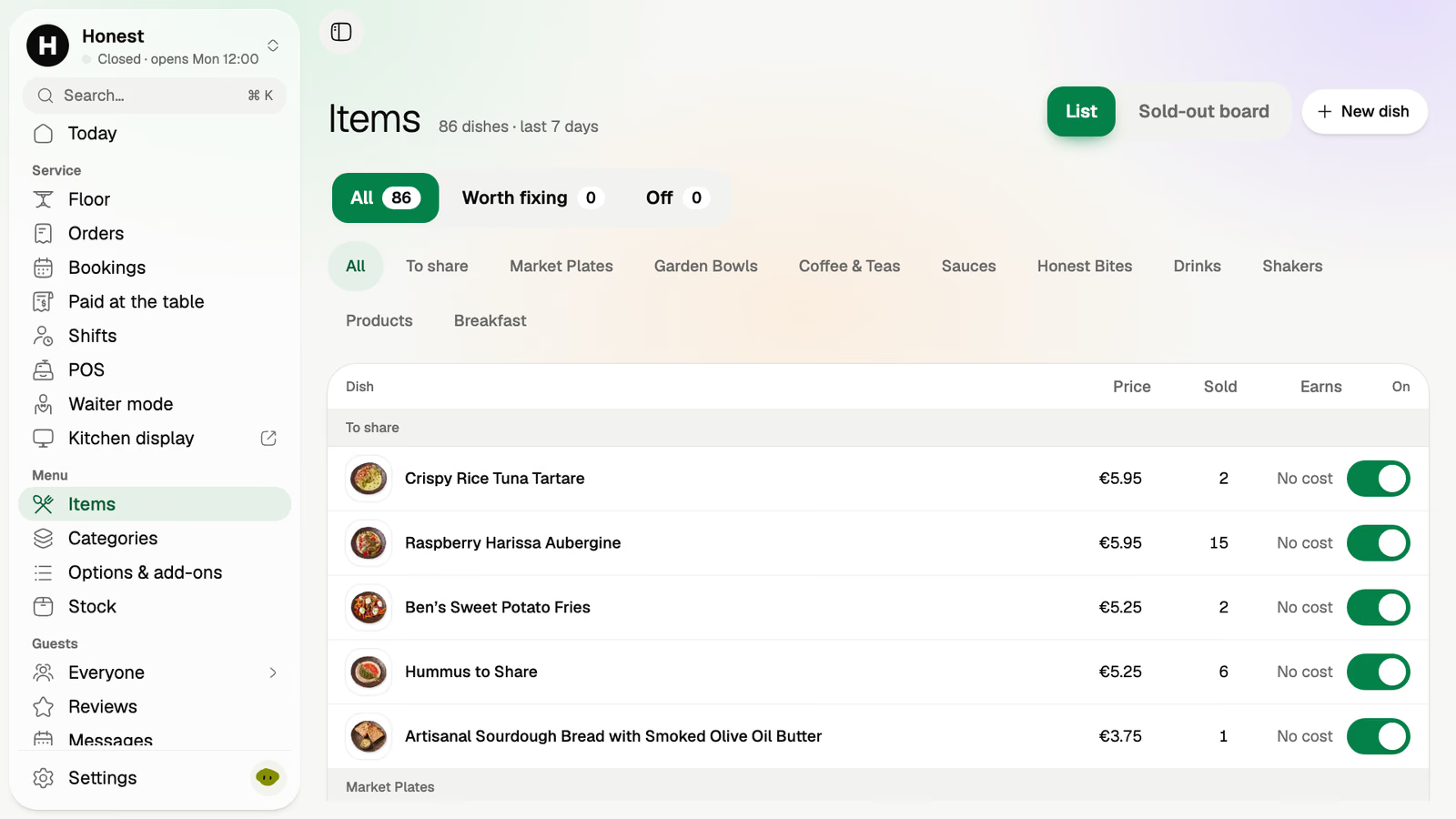
Volio’s QR menu is a menu page of the kind in the right-hand column. Guests open it in the browser, with no app, and get photos, allergens, filters and search. In the back office a dish is marked sold out in one tap, and a menu schedule sets when a menu is shown, breakfast until noon for example. Other languages are translated by machine, and every line stays yours to edit. The home page shows what guests see and the back office where the menu is kept.
Every venue starts with a card and 30 days of Pro, free. Cancel any time and the menu stays on Volio behind its QR codes, in guests’ languages, free: see the plans and prices.
The PDF keeps one advantage: it needs no account and no card. Volio launched in October 2026.
Sources
Checked on 12 October 2026.
- Google Drive, sharing a file and uploading a new version: support.google.com/drive/answer/2494822, support.google.com/drive/answer/2409045
- Uniqode, comparison of menu formats: uniqode.com/qr-code-generator/for-restaurant-menu
- Restaurant Business on Technomic’s survey, 21 June 2022: restaurantbusinessonline.com
- Menuviel, QR menus vs. PDFs: blog.menuviel.com
- QR TIGER, PDF menu QR code: qrcode-tiger.com