Volio
VolioHow to make a QR code menu for free
Put the menu online, make a static QR code and print it 4 cm wide: all free. Why some free codes stop opening the menu when a 14-day trial ends.
Put your menu online at an address that will not change, make a static QR code that holds that address, and print it 4 cm wide or more with a white border. That costs nothing, and the code works for as long as the address does. It stops being enough when prices change every week, when guests ask about allergens or another language, or when you want QR ordering. Then you need a QR menu that is a page built for a phone, and some of those are free too.
The free way in three steps
- Put the menu online. If you have a website, upload the PDF there. If you don’t, use Google Drive: select the file, click Share, set General access to “Anyone with the link” with the Viewer role, and copy the link. Open the link on a phone that is not signed in to your account. If it asks for a login, the sharing is wrong.
- Make a static code from the link. In Chrome on a computer, open the link, then choose More, “Cast, save, and share”, “Create QR code” and Download. Or in Canva, open a design, go to Elements, search “QR code” and pick “Create static”. Canva saves the code as SVG or PDF, which stay sharp at any print size.
- Scan it with two phones before you print. The address the camera shows should be your own link. A short link on the generator’s domain means the code is dynamic, and the next section applies.
Static or dynamic: why some free codes stop working
A static code is the address itself, drawn as squares. Nothing sits between the code and your menu, so nothing can lapse. DENSO WAVE, the company whose engineers developed the QR code, says there is no fee for using it. The trade-off is that a static code can never point anywhere else. If the address changes, you reprint.
A dynamic code holds the generator’s short link, and that link forwards to your menu. You can change where it goes without reprinting, and you get scan counts. The code works only while the generator keeps forwarding.
QR Code Generator, a Bitly product, says so in its help centre. When its 14-day free trial ends, “Dynamic QR Codes are deactivated and point to a service page rather than the original destination”, while static codes “continue to work”. Uniqode’s menu page offers a 14-day free trial, and its answer to “What happens to my QR Code when I reach the scan limit?” is “Upgrade to a higher plan to continue getting scans.” Canva’s free generator makes both kinds, and a dynamic code there can be given an expiry date.
Print forty table stickers from a trial like the first one, and in week three they open a service page. Before printing, ask the tool what happens to the code when you stop paying.
Print it so it scans
- Size. Uniqode’s guidance is that a code 40 cm from the phone “can be as small as 4 cms”. One read from further away, at a counter for example, should be bigger.
- Margin. DENSO WAVE: “QR Code requires a four-module wide margin at all sides of a symbol.” A module is one of the small squares. Keep frames, logos and text out of that white border.
- Colour. DENSO WAVE again: “Basically, please print out your QR Codes with black on a white background.”
- Sharpness. Stretching a small image in an editing tool distorts the squares, and DENSO WAVE warns the result “may be difficult or impossible to read”. Download a large file or a vector one and leave its proportions alone.
Then test the printed code in the venue’s evening light. Materials, table tents and the case for one code per table are in QR codes for restaurant tables.
What a PDF behind a code cannot do
A PDF behind a code is a file. It holds one language, it cannot mark a dish as sold out at nine on a Saturday, and on a phone guests pinch and zoom to read it. Nobody can order from it. QR code for a PDF menu goes through each limit, and shows how to swap the file without reprinting the codes.
With a short menu that changes a few times a year and guests who read one language, none of that matters. Stop here: the three steps above are all you need.
Free plans of menu builders, side by side
Each row is from the tool’s own page, as of October 2026.
| Route | What is free | Where free ends |
|---|---|---|
| A static code to your own PDF | All of it | It stays a file: one language, no sold-out switch |
| Canva | The code generator, static or dynamic, saved as PNG, JPG, SVG or PDF | The code only: the menu has to live somewhere else. Scan tracking needs Canva Business or Enterprise |
| MENU TIGER Freemium | $0 for 1 store, 10 tables/QR codes and QR code ordering | 7 menu categories of 7 items each and 200 QR orders a month. The next plan is $17 a month |
| Square Free | A POS at $0 a month per location (US) | The plan chart shows QR code ordering on Plus ($49 a month per location) and Premium, and not on Free |
| Uniqode | A 14-day trial | A subscription, with a scan limit on the plan |
| Volio | The QR menu, in guests’ languages, kept free when a plan is cancelled | Every plan starts with 30 days of Pro, free; a card is needed. New in 2026 |
What Volio does and what it costs
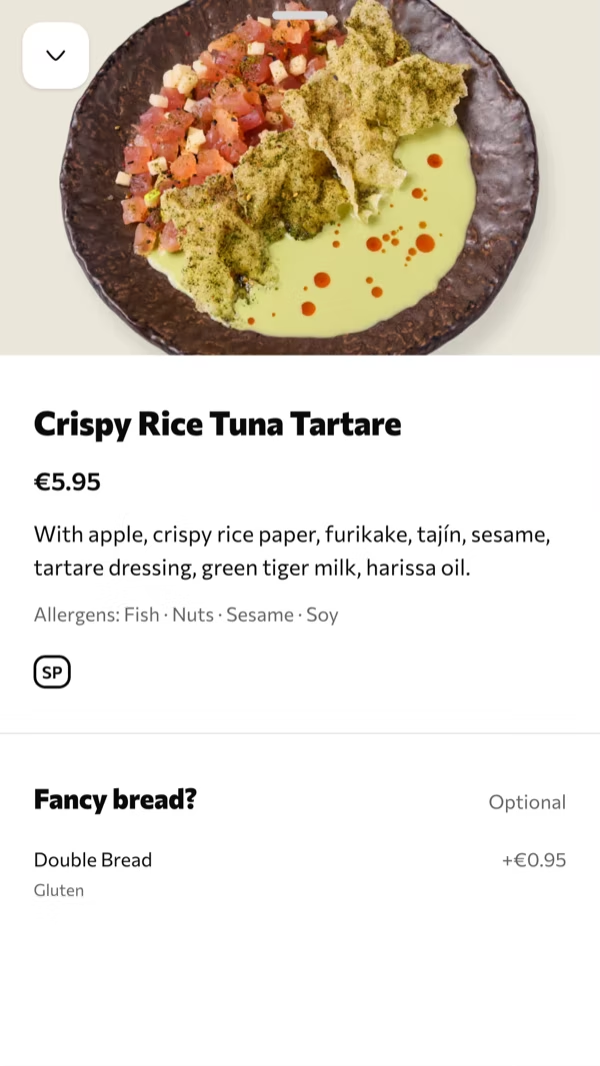
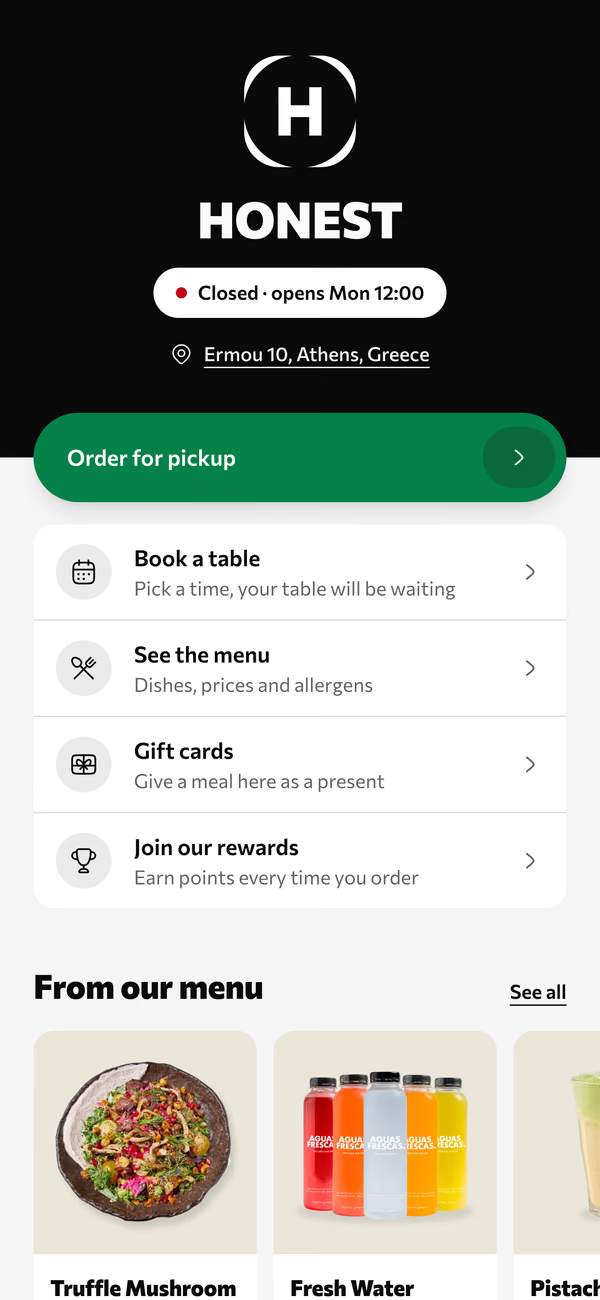
Volio’s QR menu is a page in the guest’s browser, with no app: photos, allergens, filters and search, in the guest’s language. Translations are filled in by machine, and every line stays yours to edit. The home page shows what guests see.
Every venue starts with a card and 30 days of Pro, free. Cancel any time and the menu stays on Volio behind its QR codes, in guests’ languages, free: see the plans and prices.
It needs a card to start. If you’d rather not give one, the three steps at the top do the job.
Sources
Checked on 12 October 2026.
- DENSO WAVE, history, fee, margin, colour and distorted codes: qrcode.com/en/history, qrcode.com/en/faq.html, qrcode.com/en/howto/code.html, qrcode.com/en/howto/trouble.html
- QR Code Generator, end of the trial: support.qr-code-generator.com
- Uniqode, size, trial and scan limit: uniqode.com/qr-code-generator/for-restaurant-menu
- Canva, QR code generator: canva.com/qr-code-generator
- Google, sharing a Drive file and Chrome’s QR code: support.google.com/drive/answer/2494822, support.google.com/chrome/answer/10051760
- MENU TIGER, plans: menutiger.com/pricing
- Square, plans: squareup.com/us/en/point-of-sale/restaurants/pricing