Volio
VolioWhat is order and pay at the table?
Order and pay means guests scan a code at the table, order from their phone and pay there. How it differs from a QR menu and from pay at table.
Order and pay is a way of serving where guests scan a code on the table, order from their own phone and pay on it. A QR menu only shows the menu. Pay at the table on its own means a waiter took the order and the phone settles the bill. Order and pay does both jobs.
The short definition
With order and pay, the guest’s phone is the menu, the order pad and the card machine. The code on the table tells the system which table is ordering, so the kitchen gets a ticket with the table number on it and nobody keys the order in.
Each vendor has its own name for it. SumUp’s is Order & Pay, Toast’s is Toast Mobile Order & Pay, Square’s is QR code ordering, and Volio’s is QR ordering. Where the products differ is the moment the guest pays, and that is the first question to ask in a demo.
Four things with similar names
The three named products are described as their own sites describe them, as of October 2026.
| Name | Who takes the order | When the guest pays | Example |
|---|---|---|---|
| QR menu | A waiter or the counter | The way they always did | A printed code that opens a PDF of your menu |
| Order and pay | The guest’s phone | On the phone | Square’s QR code ordering |
| Pay at table, or scan to pay | A waiter | On the phone, at the end | sunday Pay |
| Tab | The phone, a waiter, or both | At the end, on a card held at the start | Toast Mobile Order & Pay with pre-authorisation |
Square describes its version in one line: “Guests can order, add notes, and pay immediately.” Each order is paid as it is placed, the way a counter works.
sunday describes its digital bill as “Scan, split, tip, pay. 10 seconds, no app.” That is pay at table: a waiter took the order, and the phone only closes the bill. sunday sells ordering as well.
Toast’s help centre says guests “can pre-authorize their credit card for easy payment at the end of the meal”, and that servers can add items to the same tab from the POS. That is a tab: the card is held first, the eating comes after.
What the guest does, step by step
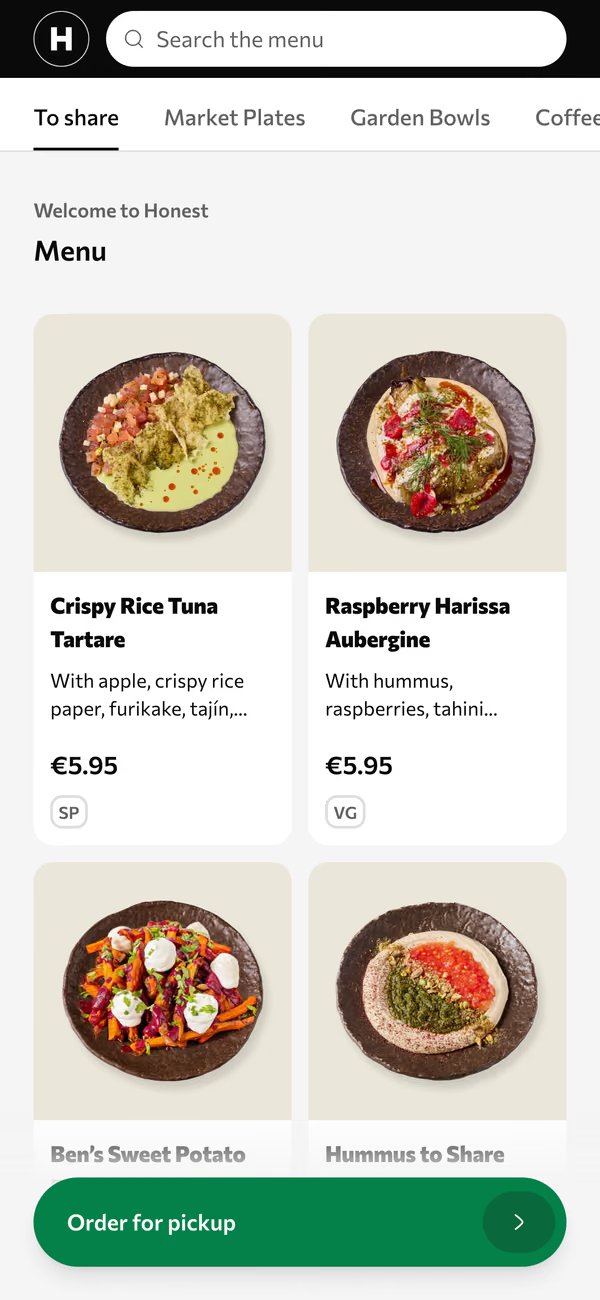
- Scans the code on the table with the phone camera. The menu opens in the browser.
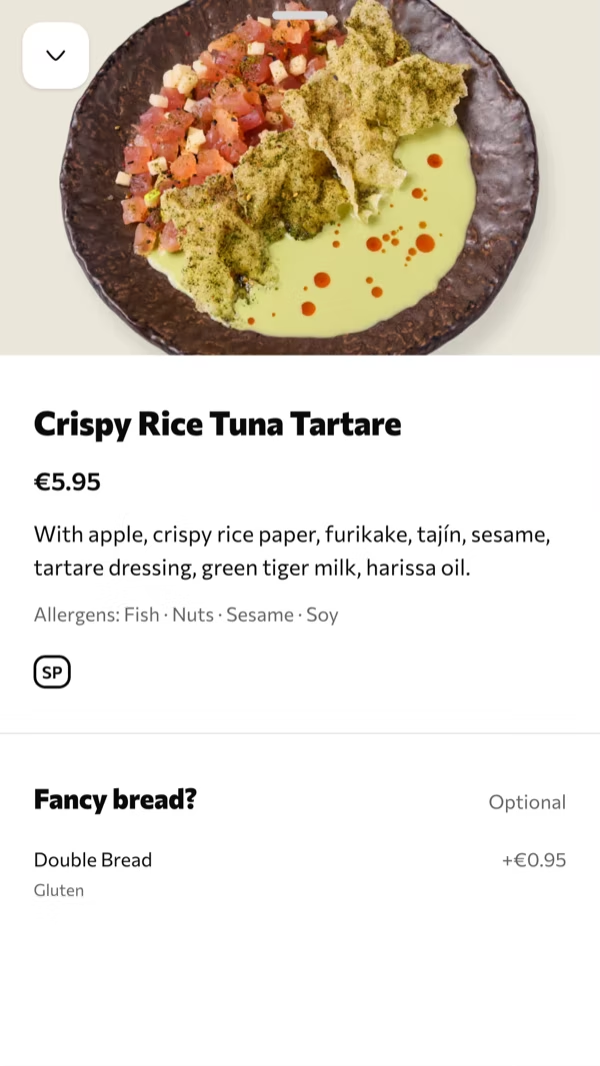
- Picks dishes and their options: the side, the size, no onions.
- Sends the order. Friends at the same table add theirs from their own phones.
- Pays with Apple Pay, Google Pay or a card, and adds a tip if they want to. In some systems this step comes with step 3. In others it waits until the end of the meal.
- Orders another round the same way, or gets up and leaves.
Some guests at the table will still order from a waiter. Toast’s version covers that case: a server starts the order on the POS and guests add to the same check from the code. Ask any vendor how a waiter’s order and a phone’s order end up on one bill, because on a busy Friday you will have both at the same table.
What the team sees
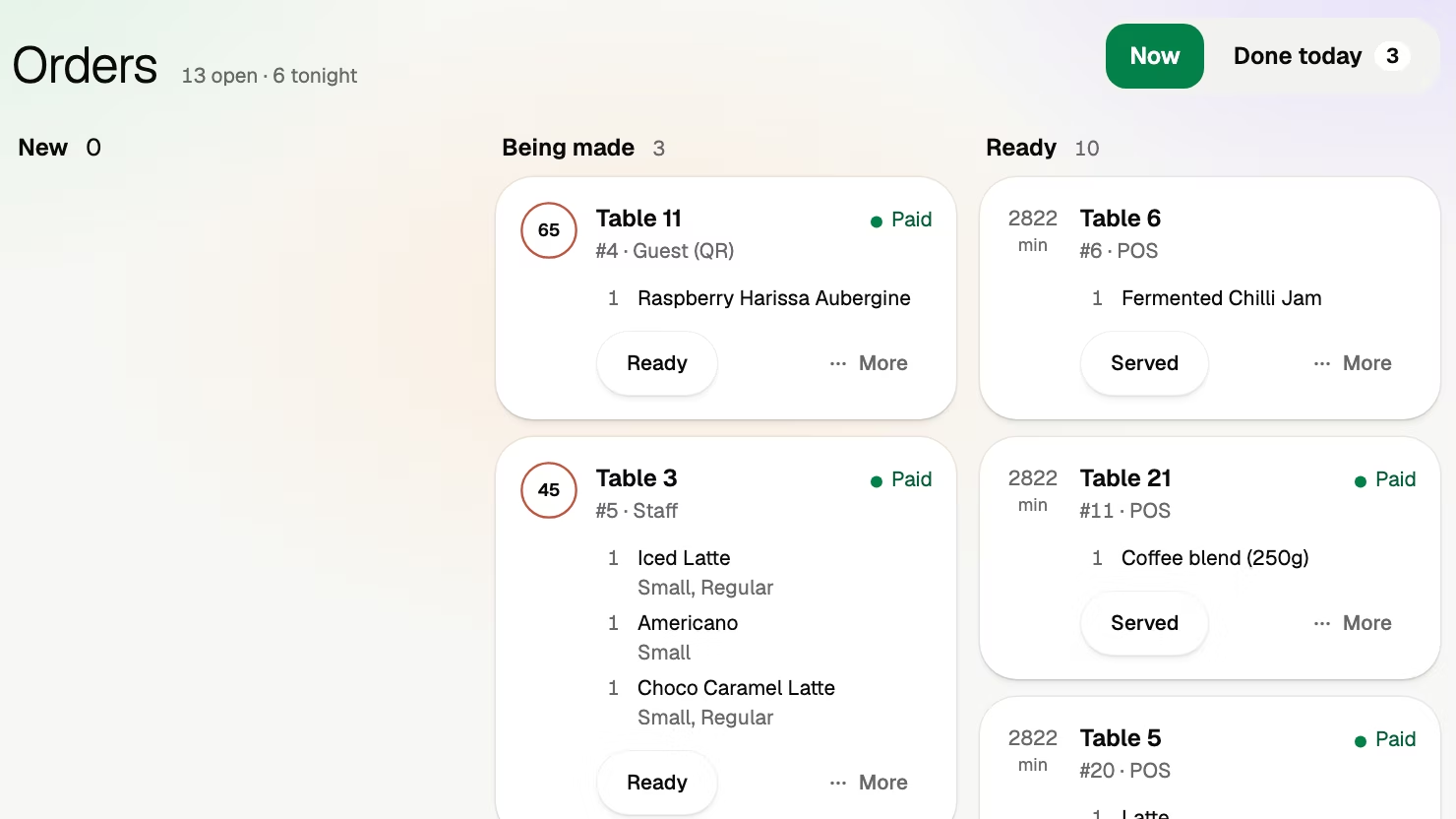
The order arrives where orders already arrive: a ticket at the printer, a line on a kitchen screen or a check on the till, depending on the system. It carries the table number, so nobody walks over to ask who wanted the second carafe.
Two things change on the floor. Staff carry more and write less. And “has table 7 paid?” now needs an answer on a screen, because the money no longer passes through a waiter’s hands. Ask to see that screen before anything else.
If the system is part of your POS, or connected to it, the payment lands on the check. If it runs beside your till, you match a list of phone payments at close.
Then there is the price. It has three lines: a monthly plan, a card fee and often a fee per order or per bill. What a QR code ordering system costs puts published numbers on each.
‘Order and pay by Toast’ and other brand names
Searches like “what is order and pay by Toast” point at one product. Toast, a restaurant POS company, calls its QR ordering Toast Mobile Order & Pay. It is the name of software the restaurant uses, the way a card terminal carries its maker’s name. A guest with a question about an order or a charge should ask the restaurant.
Away from the table, the same two words also cover ordering ahead. SumUp’s Order & Pay page, for one, says customers “can place their orders in advance and choose a time-slot for pick-up”. That is online ordering: the same phone doing a different job.
What Volio does
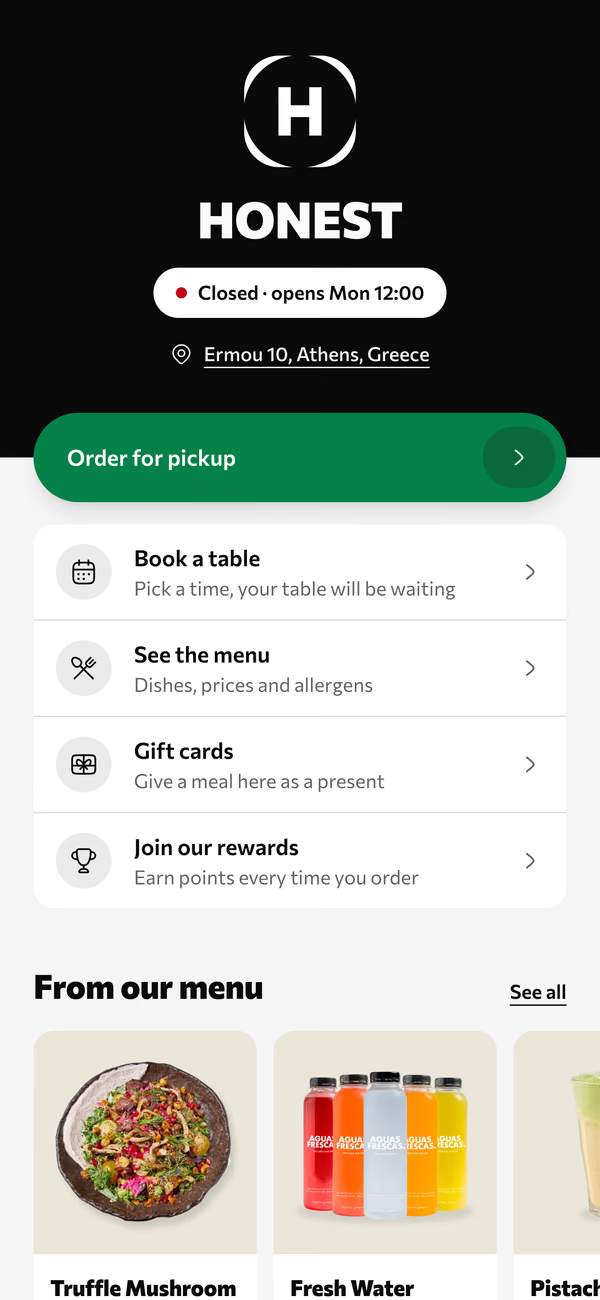
Volio is order and pay in the browser. Everyone at the table scans the same code and orders from their own phone, and the table can add another round later. Guests pay on the phone with Apple Pay, Google Pay or card, each guest can pay their own part, and the tip comes before paying. What guests see is on the home page.
The team gets the orders board, a POS and the kitchen display in the same system, and it works beside the till you keep. Every plan starts with 30 days of Pro, free, and a venue that cancels keeps its QR menu online, free.
Volio launched in October 2026.
Sources
Read on 12 October 2026.
- Square, QR code ordering: squareup.com/us/en/online-ordering/qr-code-ordering
- sunday, digital bill: sundayapp.com/digital-bill
- sunday, products: sundayapp.com
- SumUp, Order & Pay: sumup.com/en-gb/order-and-pay
- Toast, Mobile Order & Pay overview: support.toasttab.com