Volio
VolioQR code ordering for cafés: counter and tables
A café can take orders from the tables and the terrace without table service: guests scan, pick their milk, pay, and collect by number.
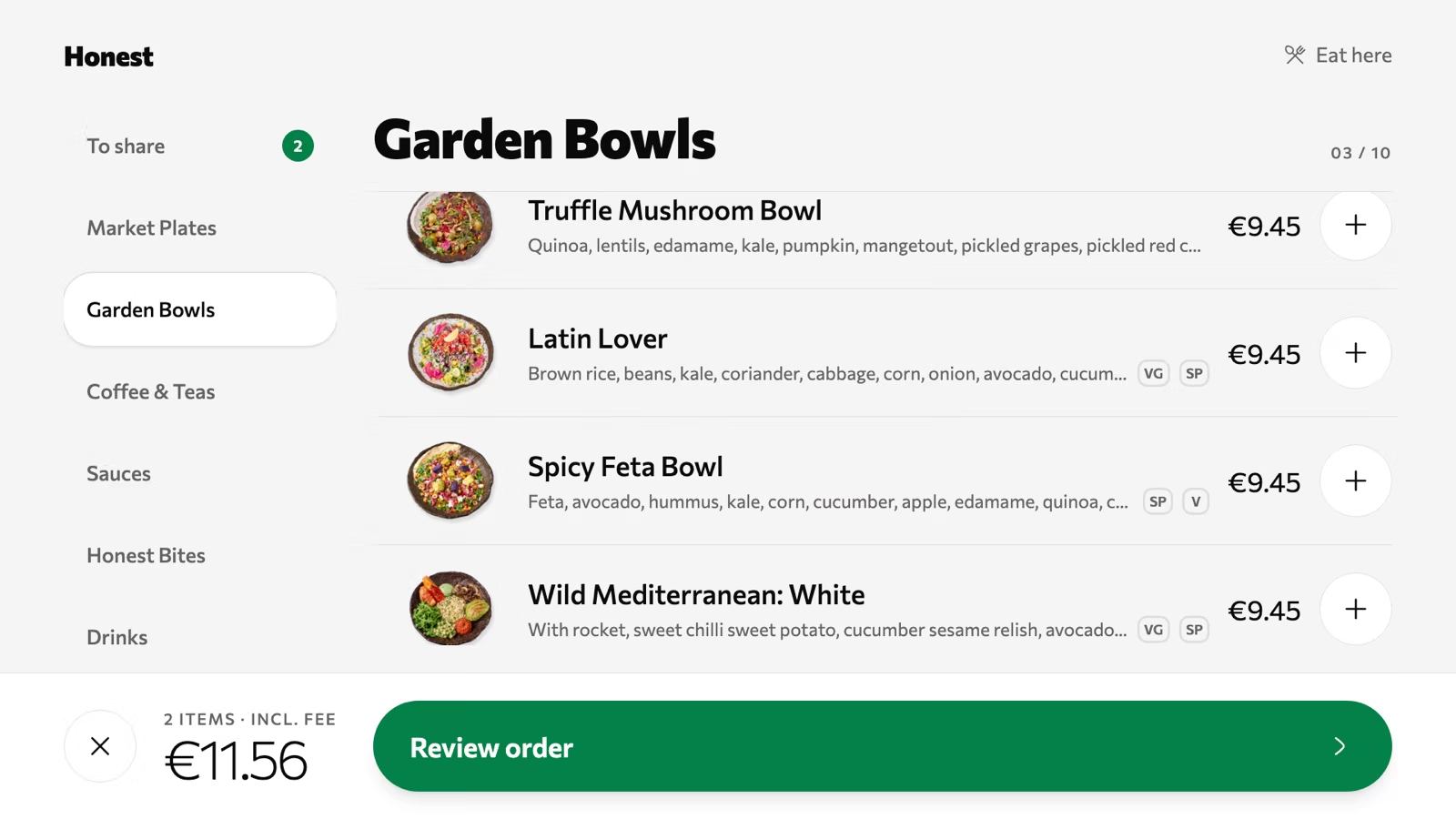
In a café, QR ordering means a code on each table and a counter left as it is. Guests who sit down order and pay at the table on their phone, then collect by number or have it brought over, so they no longer stand in the queue. The regular who taps a card for a flat white at 8 am gains nothing from a code and should never be asked to use one.
Where a café loses orders: the queue
At 8.15 the line reaches the door. Someone walking past looks in, counts nine people and keeps walking. That is a lost order you never see.
The second one is on the terrace. A couple finished their coffees twenty minutes ago and would have another, with a slice of cake. They can see the queue from their table. They leave.
Both happen because two kinds of customer share one line. The takeaway customer needs seconds at the till. The table of four needs minutes: who wants oat milk, is the banana bread warm, can we pay separately. QR ordering takes the second group out of the line and leaves the first where it is fastest.
Tables and terrace without table service
One code per table, and an order arrives with the table’s number on it. The set-up depends on the room.
- Counter only, no seats. Skip table codes. There is nothing for them to do.
- Counter plus eight to fifteen tables. Codes on the tables, the counter untouched. Start here.
- A terrace across the square. Put codes outside before anywhere else. A guest who has to queue again indoors for a second coffee may go without.
Two companies that sell QR ordering say where it fits. HungryHungry, an Australian vendor, writes that counter-service cafés “where most guests do not sit at tables for full meals will get less from this”. Per Diem, another vendor, describes Outro Café in New York, which put QR codes “at every seat” so that baristas “stay focused on making drinks and handling pickup”. Both are vendors writing about their own kind of product.
Keep taking orders at the counter from anyone who walks up, seated or not. Some guests would rather talk to a person.
Milk, size, extras: options that matter
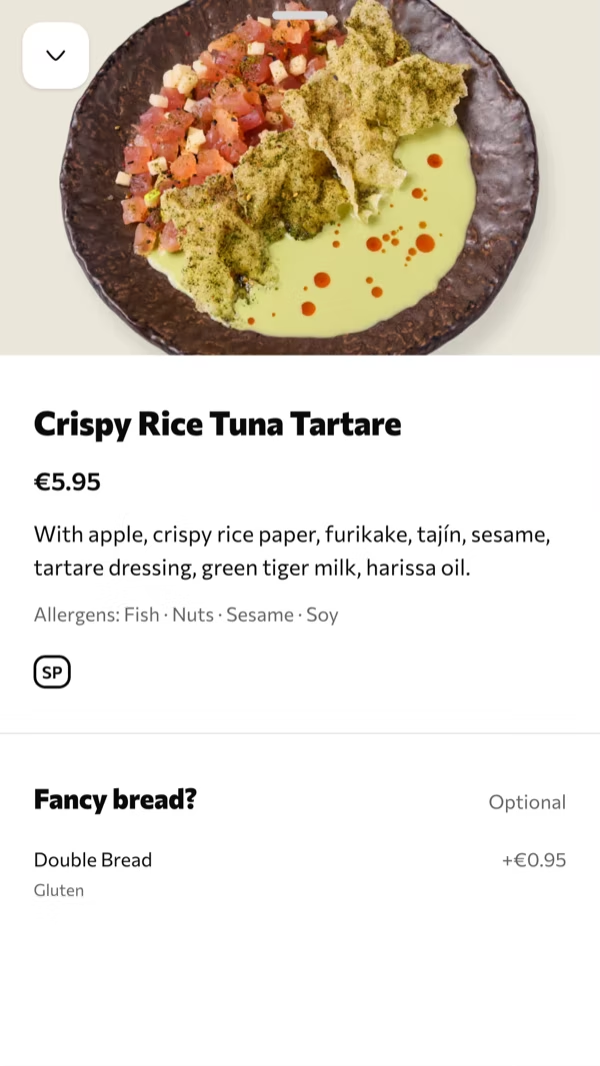
A coffee order is mostly options. Size, milk, an extra shot, decaf, hot or iced. If the phone menu does not ask, the barista walks to table 9 to ask, and you have a waiter after all.
Set the questions that change the drink as required choices, and keep the lists short. Four kinds of milk is plenty.
Two controls matter in a café. Sold out has to be one tap, because the almond croissants are gone by 10 and the phone must stop selling them the same minute. And the menu needs a schedule, so breakfast leaves the phone at noon without anyone remembering to hide it.
Collect by number, bring it out, or order ahead
Decide how the order reaches the guest before you print anything.
Collect by number suits a drinks-led café with one or two people behind the bar. The guest gets a number and comes up when it shows on the pickup screen. Nobody shouts a name over the grinder.
Bring it out suits food, a far terrace and guests with a pram or a laptop they won’t leave. You need one runner, and running is all that person does. Square describes the same choice for its own QR ordering: “Your staff can prep and run orders, or you can provide guests instructions on where to pick them up” (Square).
The number also works for someone who is not in the room yet. A link in your Instagram bio and on your Google profile lets the commuter order and pay from the tram, pick a time and walk past the queue. That is takeaway by one link, and it needs no codes at all.
What a per-order fee does to a small ticket
A fixed fee per order is light on a dinner bill and heavy on a coffee. Check it on your smallest order, never on the average.
Two published examples, as of October 2026.
At venues in Australia, me&u charges guests a platform fee of $0.20 on orders from $0.01 to $24.99, rising in steps to a cap of $2.90, unless the venue covers it. On a $24 brunch that is under 1%. On a $5 coffee it is 4%.
Square’s US price list includes QR code ordering on Plus ($49 a month per location) and Premium, and marks it not included on Square Free. On Plus and Premium it puts card payments “made online or through an invoice” at 2.9% + 30¢, paid by the venue. Square’s QR codes open the venue’s Square ordering page. Here is a worked example, on the assumption that an order from the table is charged at that online rate: 2.9% of a $4 coffee is 12¢, plus 30¢, makes 42¢, a little over 10% of the sale, on top of the $49 plan. The sum is ours and the assumption may not hold for your account, so ask Square which rate applies to an order from a table.
Ask every vendor the same question: what leaves a four-euro order, and who pays it. The post on what a QR ordering system costs does the whole sum.
What Volio does for a café
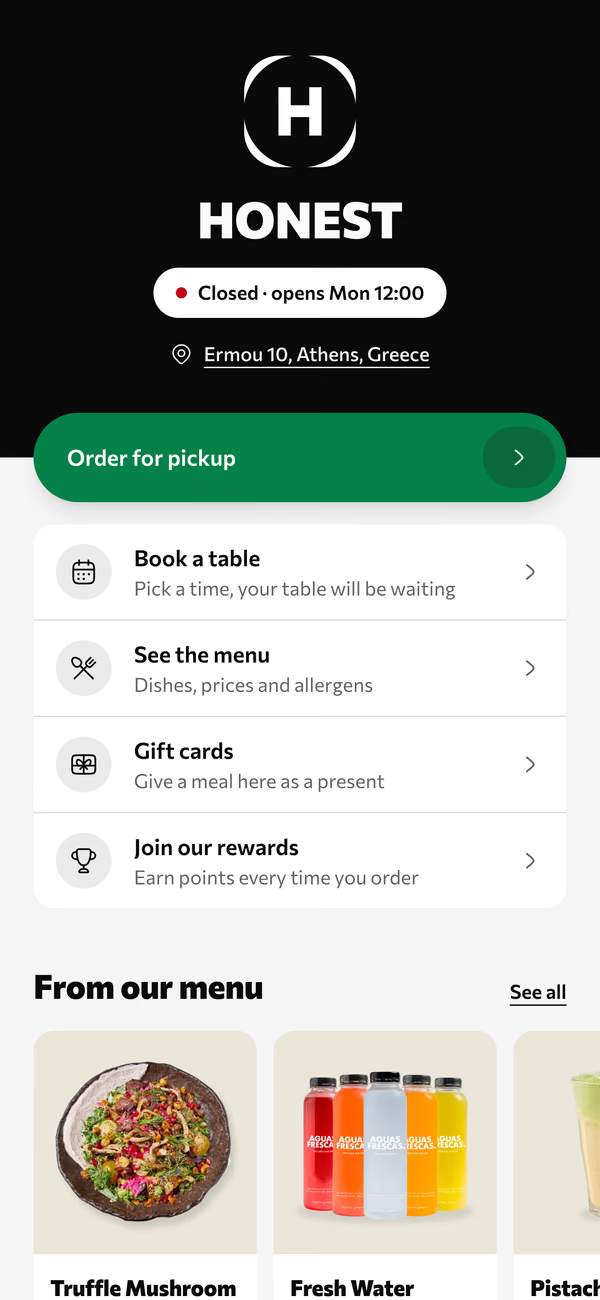
Volio puts the menu behind a QR code for each table, stool or place outside, and an order arrives with that place’s number. Dishes carry options for sizes and extras. Sold out is one tap, and the menu follows a schedule such as breakfast until noon. Guests order and pay at the table with Apple Pay, Google Pay or a card.
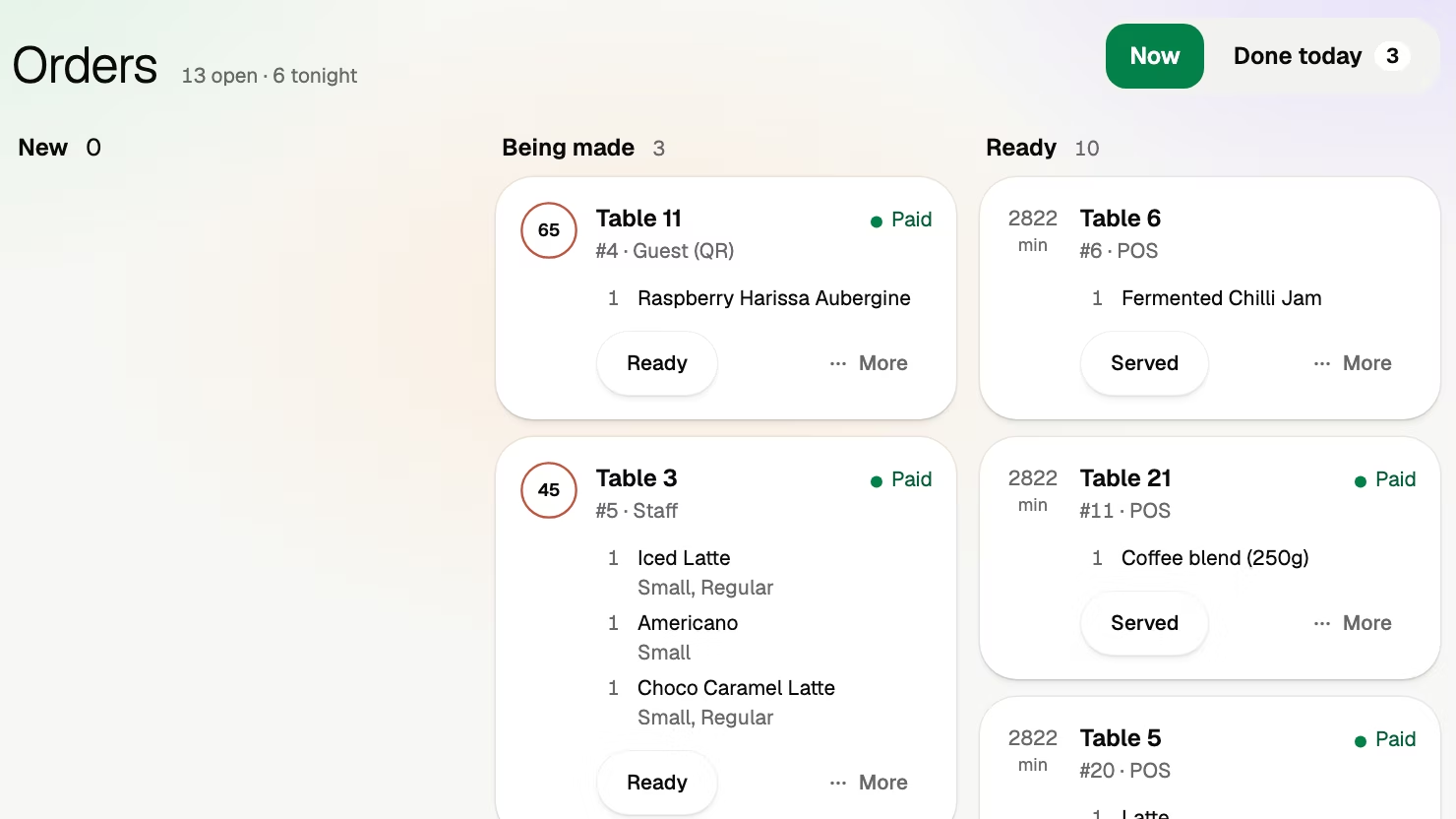
The takeaway link gives a pickup time, an order number and a pickup screen. Orders show as tickets on the kitchen display, which can sit behind the bar. A tablet by the door can be a self-order kiosk for the 8 am line: order there, pay on your own phone or at the counter.
The limits: Volio sells no hardware, so the tablet and the screen are yours. The points card for regulars is on the Essential plan, not on Basic. Volio takes a small fee on a bill paid by phone. Guests see it before they pay, or you switch to covering it, and nothing is taken when a guest pays cash or pays your staff. Every plan starts with 30 days of Pro, free, and a venue that cancels keeps its QR menu online, free. The plans and prices are on the home page next to what a guest sees.
Volio launched in October 2026.
Sources
Read on 12 October 2026.