 Volio
Volio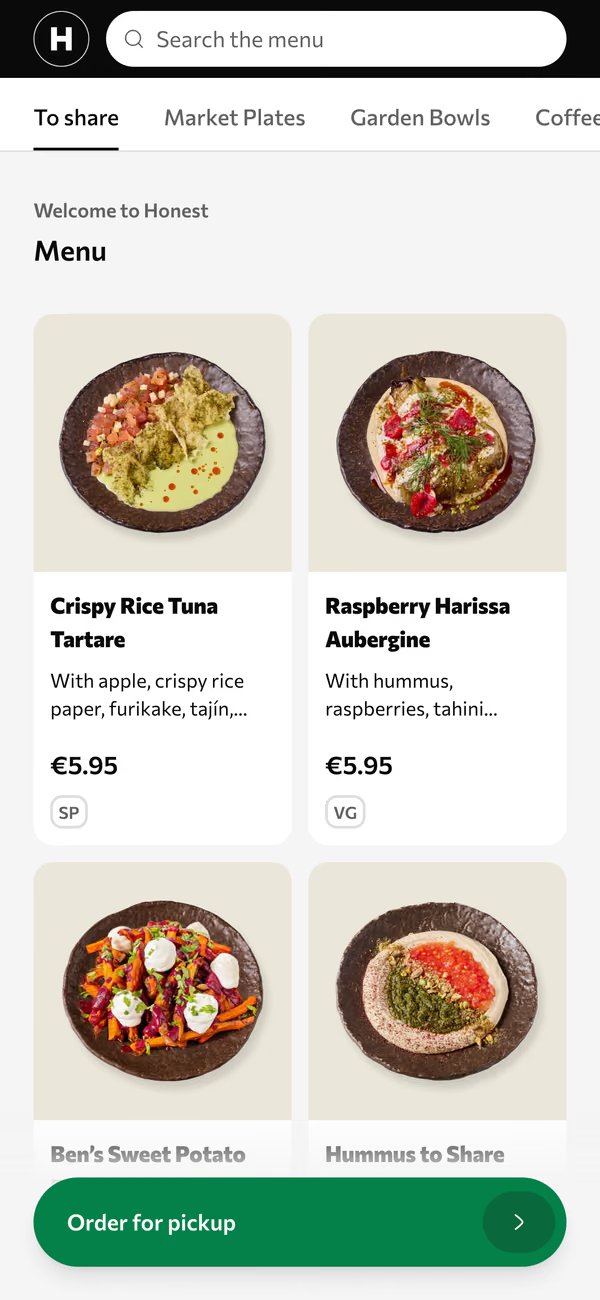
QR menu
A code on every table, stool or sunbed. Photos, allergens and options in the browser.
Volio runs on the phones, tablets and TVs your restaurant, bar or café already owns. Keep your till, or let Volio replace it.
Gift cards
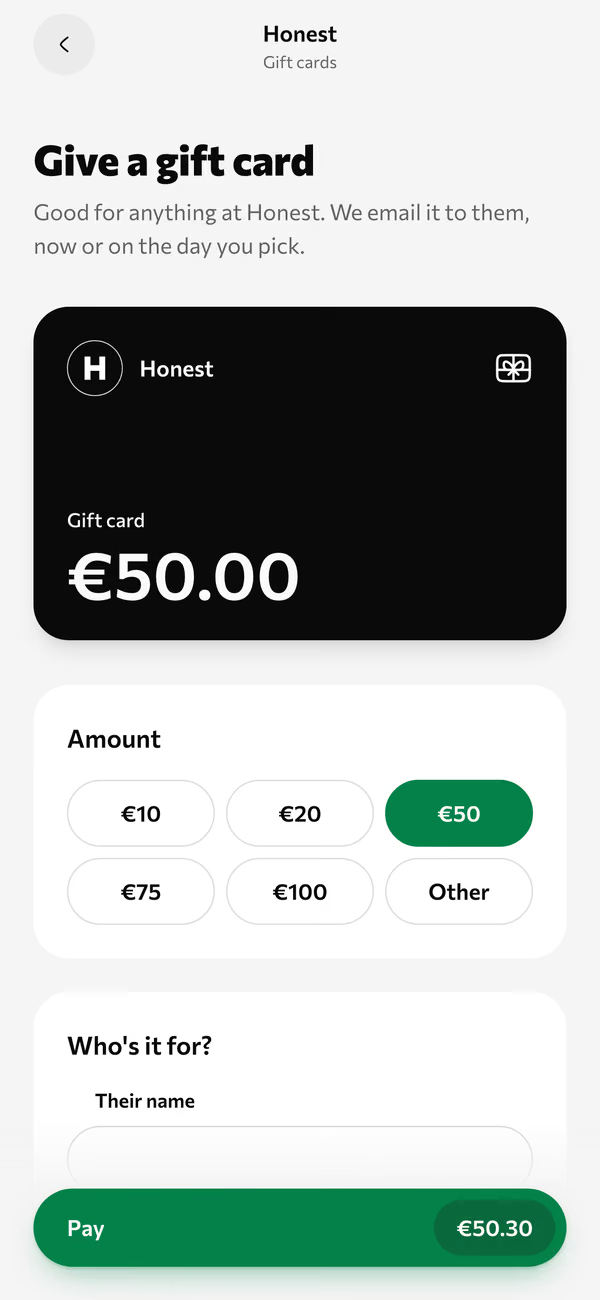
A meal as a present, emailed now or on a chosen day.
Your page
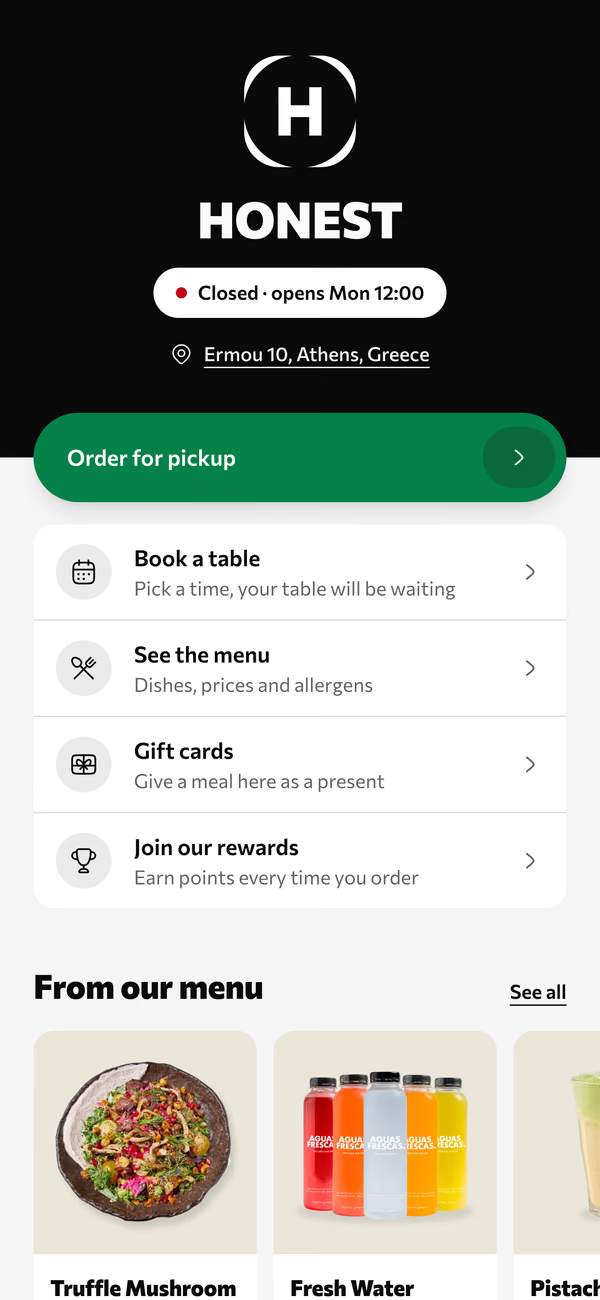
Menu, booking, pickup and gift cards on one link.
QR menu
Photos, allergens and filters in the browser. No app.
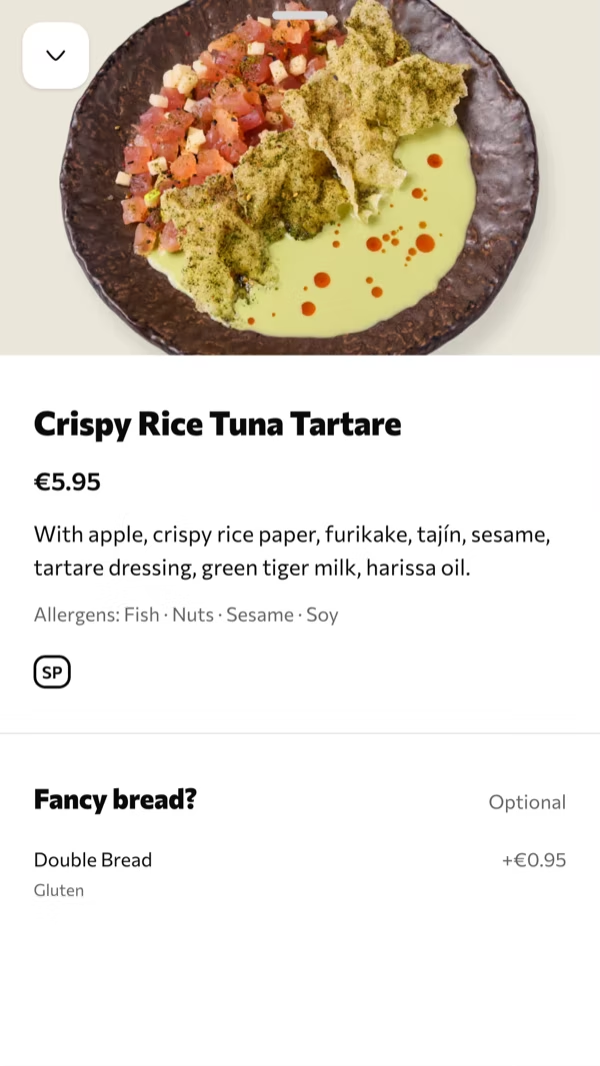
Dish
Options and extras, picked before the kitchen sees it.
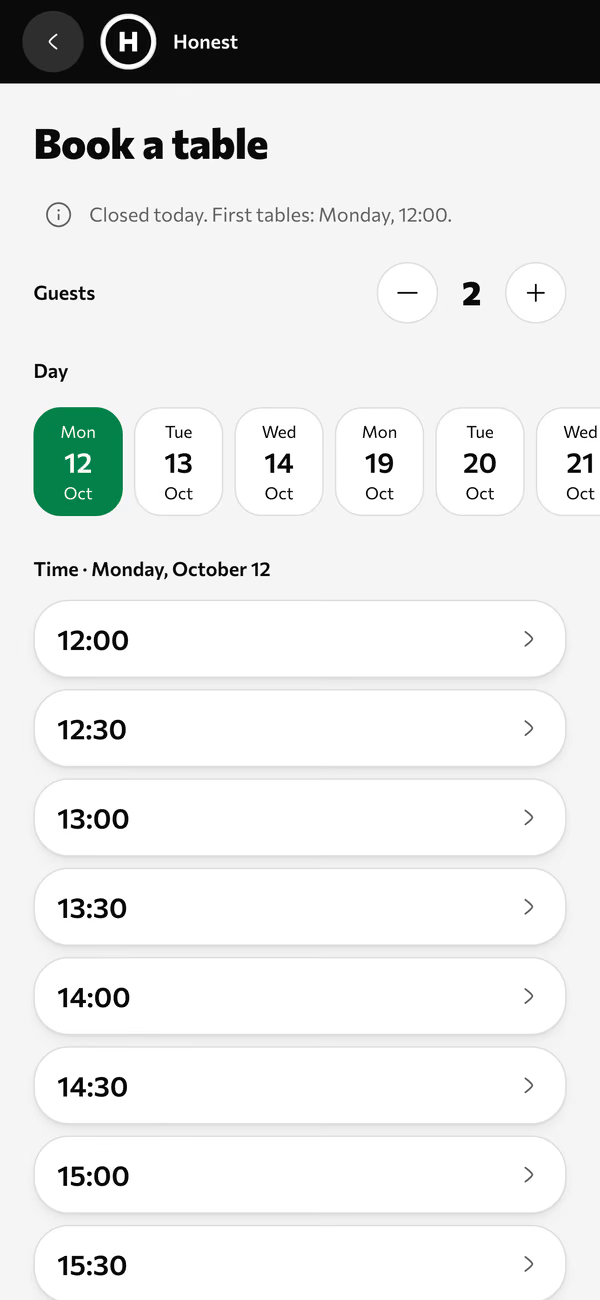
Book a table
A day, a time and a name. The table will be waiting.
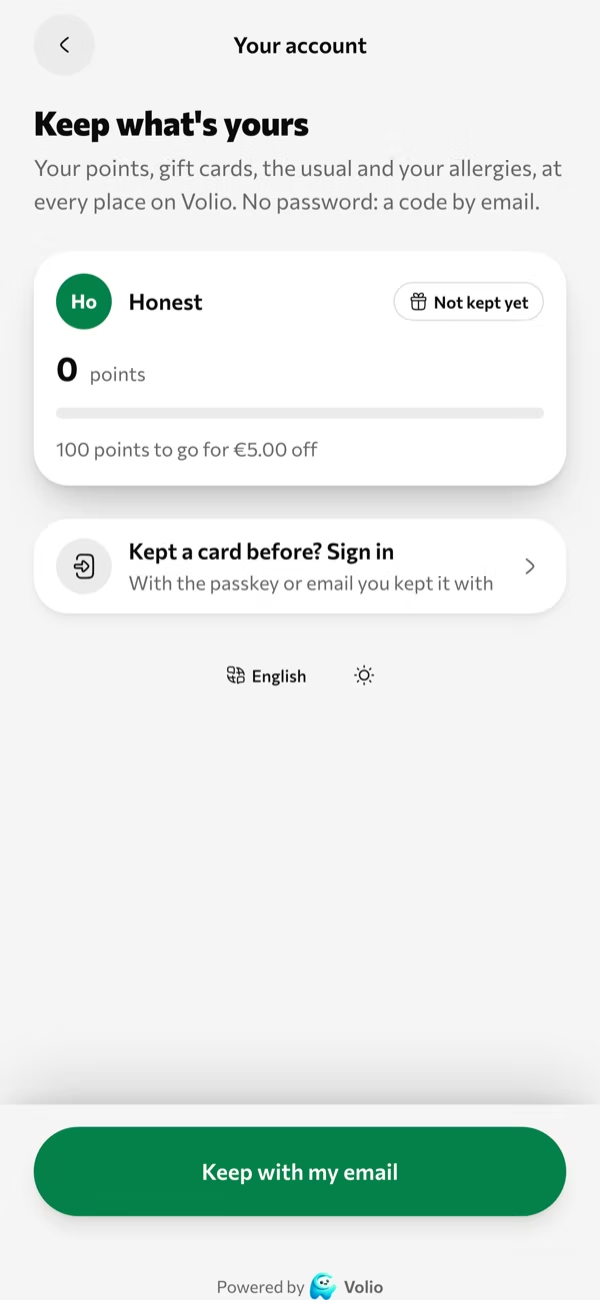
Rewards
Points on each order, kept with an email. No password.
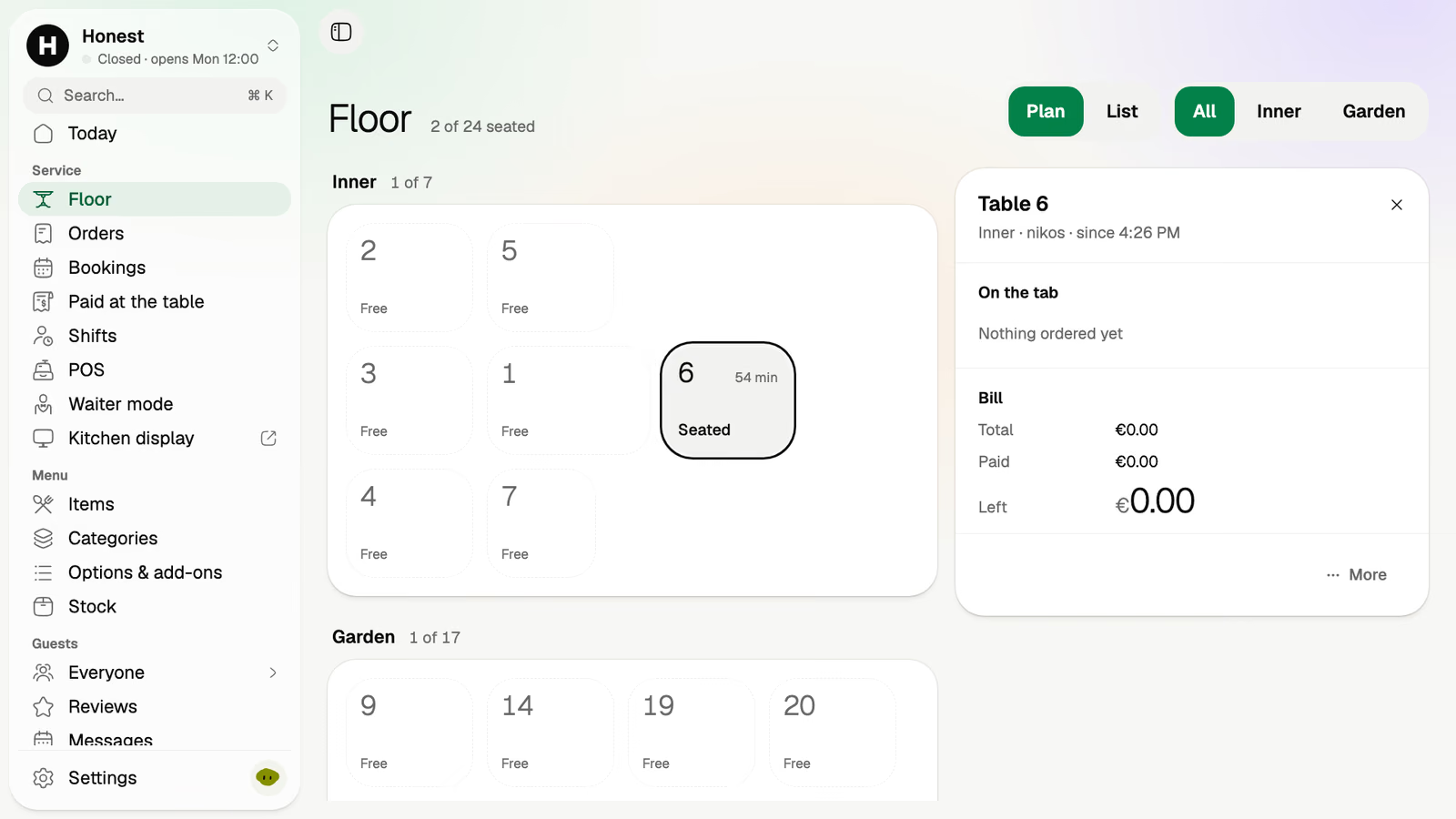
Floor
Table 6: seated 54 minutes, with what's paid and what's left.
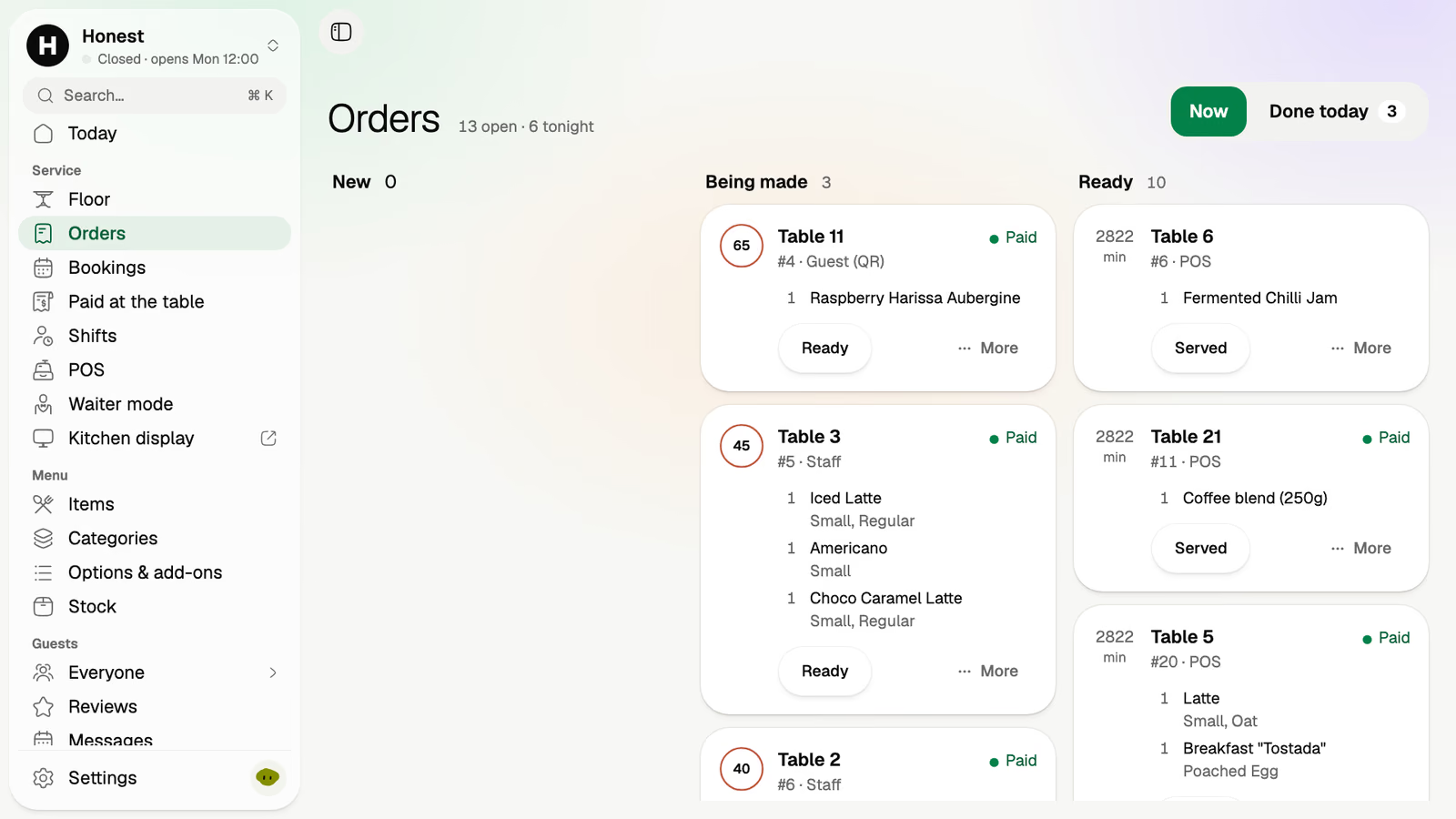
Orders
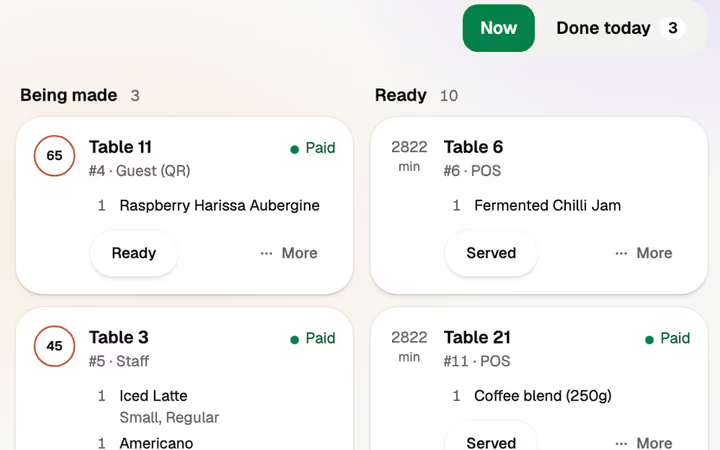
New, being made, ready. Paid or not, at a glance.
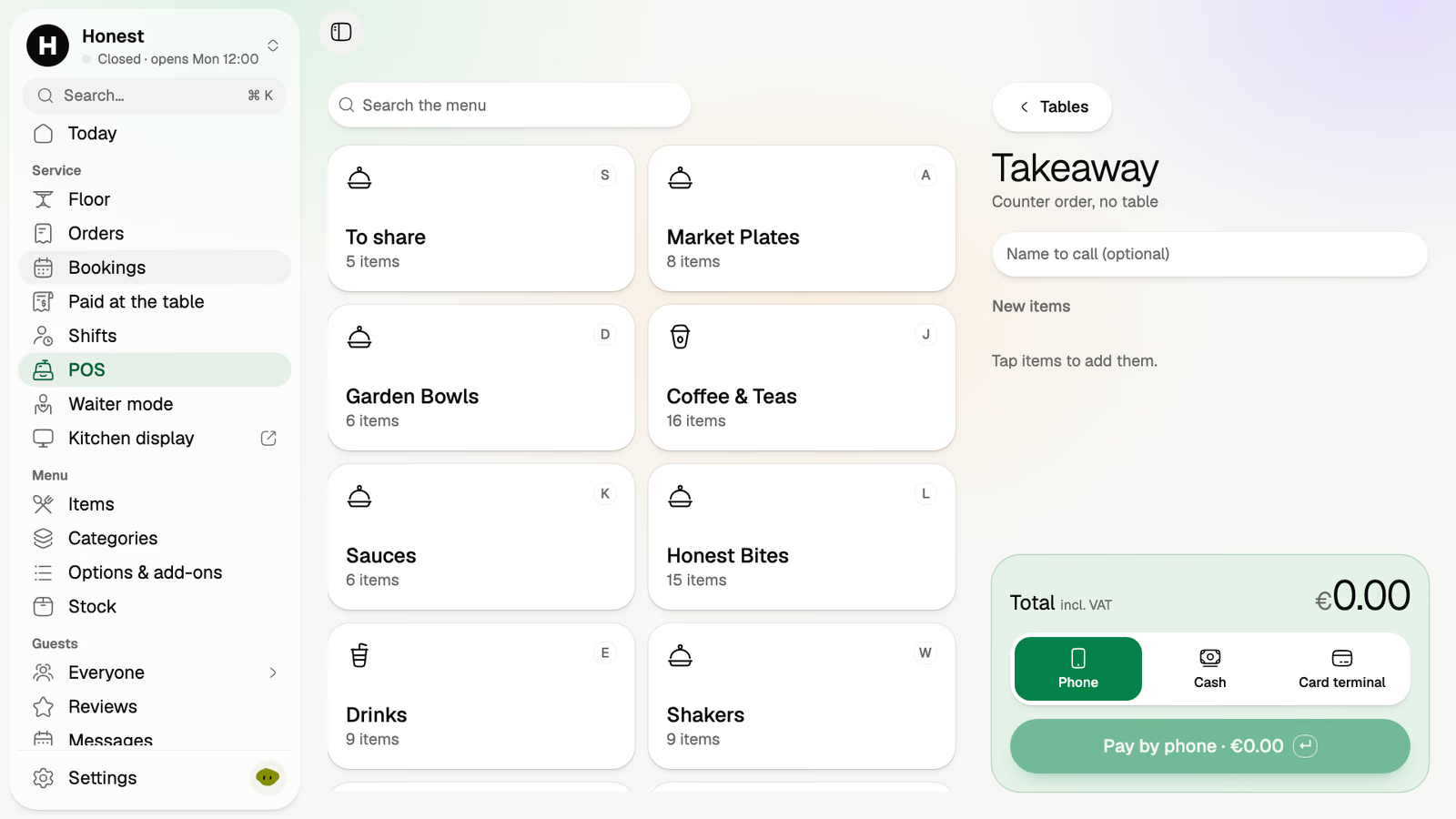
POS
Tables and takeaway. Phone, cash or card terminal.
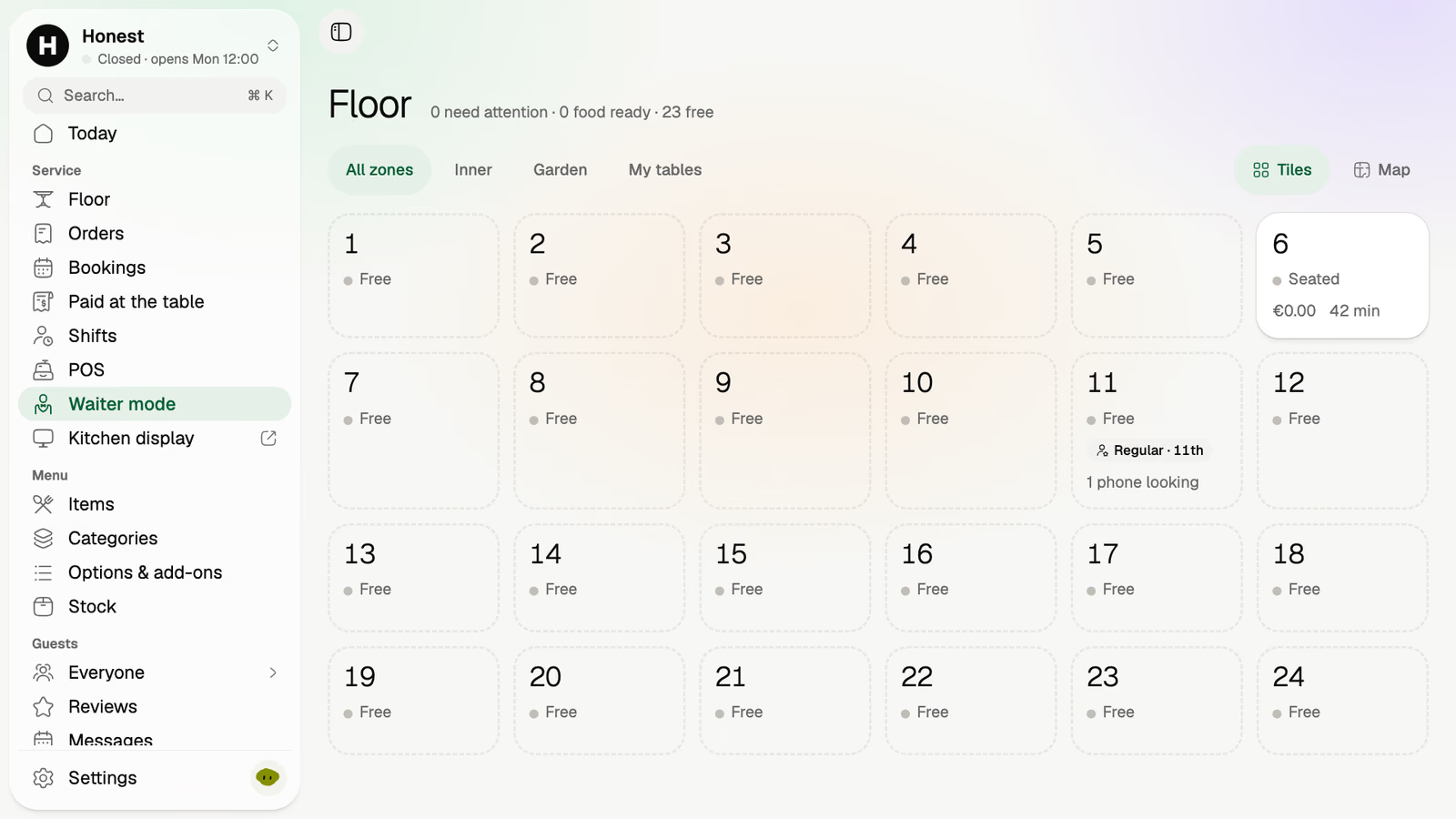
Waiter mode
The whole room as tiles on a staff phone.
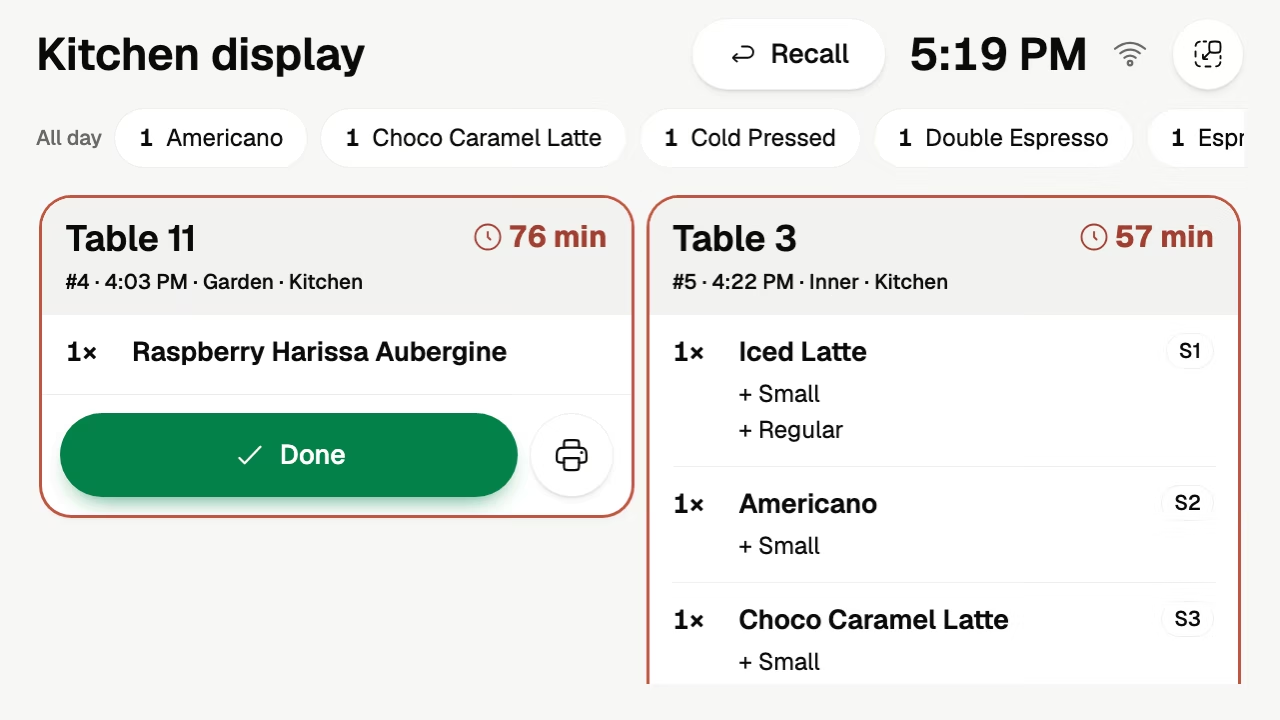
Kitchen display
Tickets by table, each with a timer. Tap Done and it's gone.
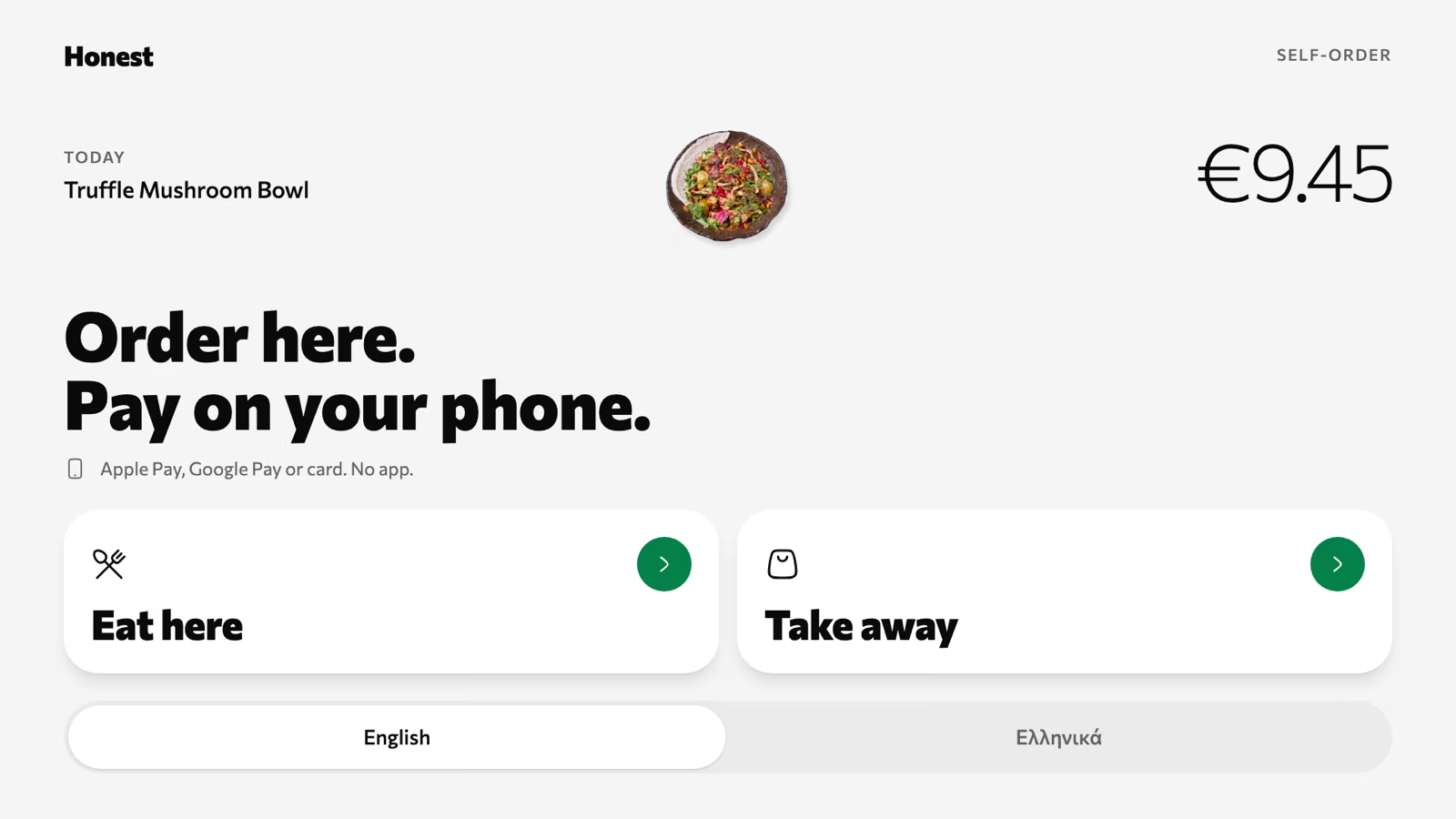
Self-order kiosk
Order on the tablet, pay on your own phone.
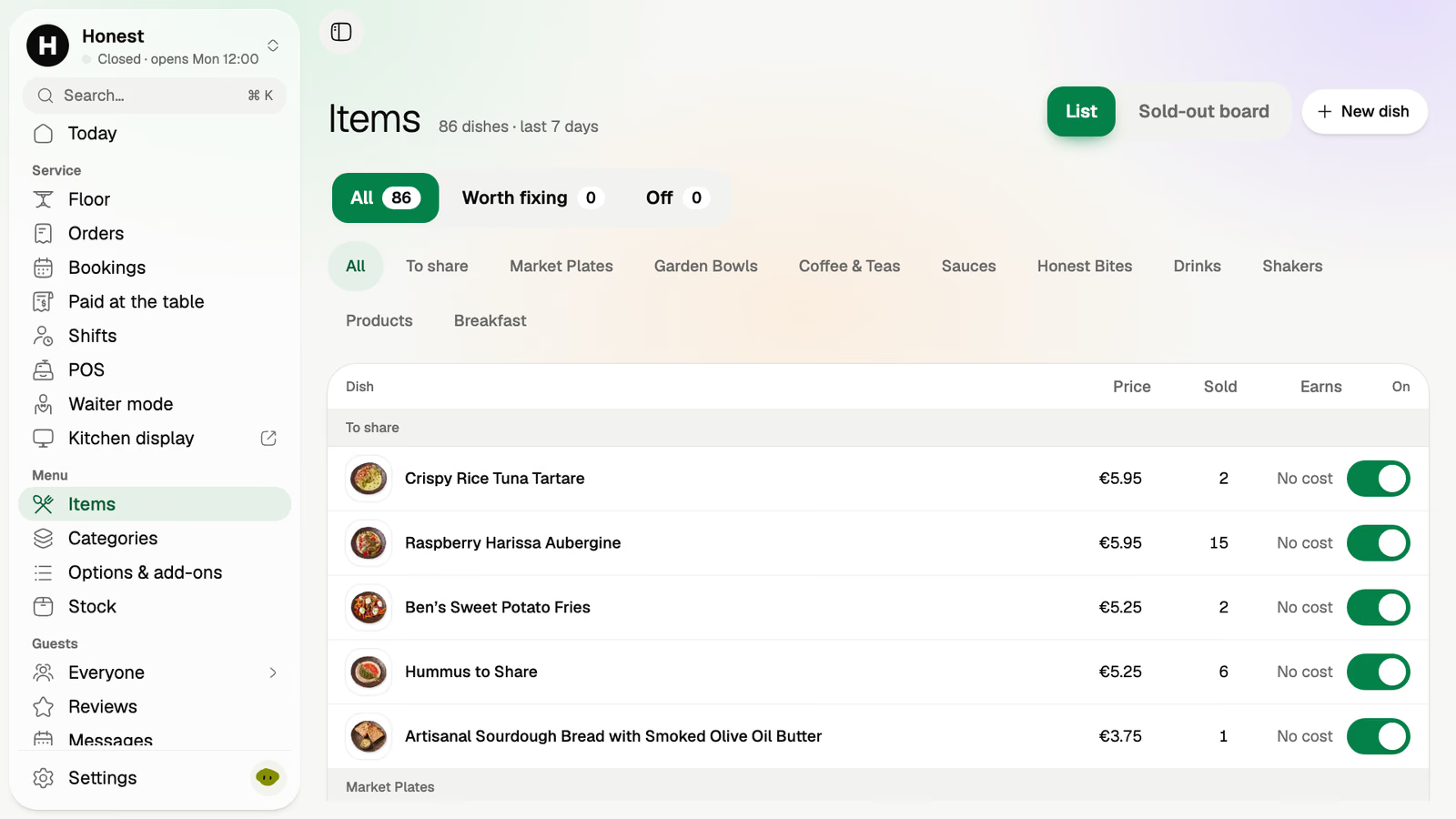
Menu
Dishes, prices and sold-out, switched in one tap.
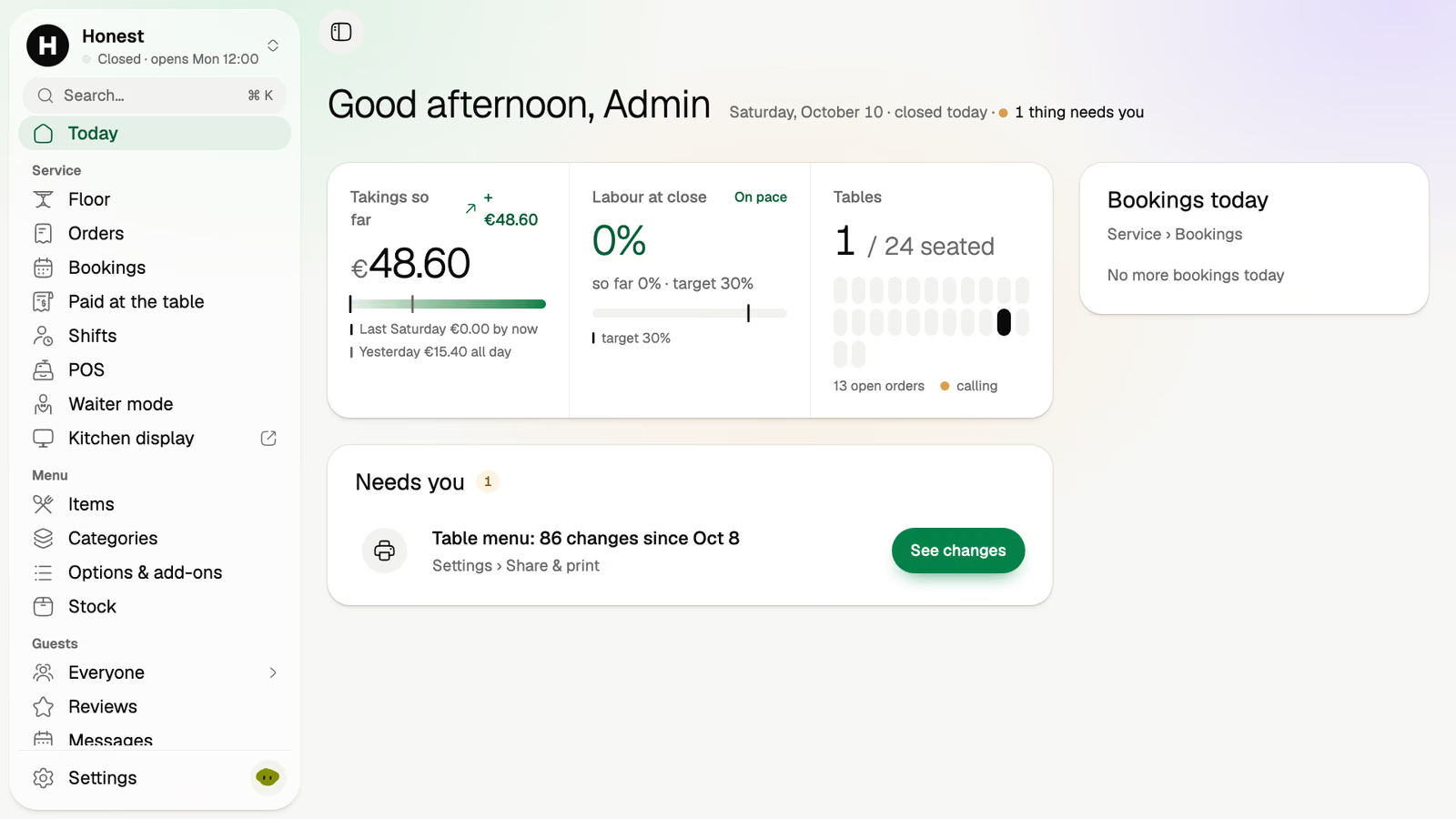
Today
Takings so far, tables seated and what needs you.
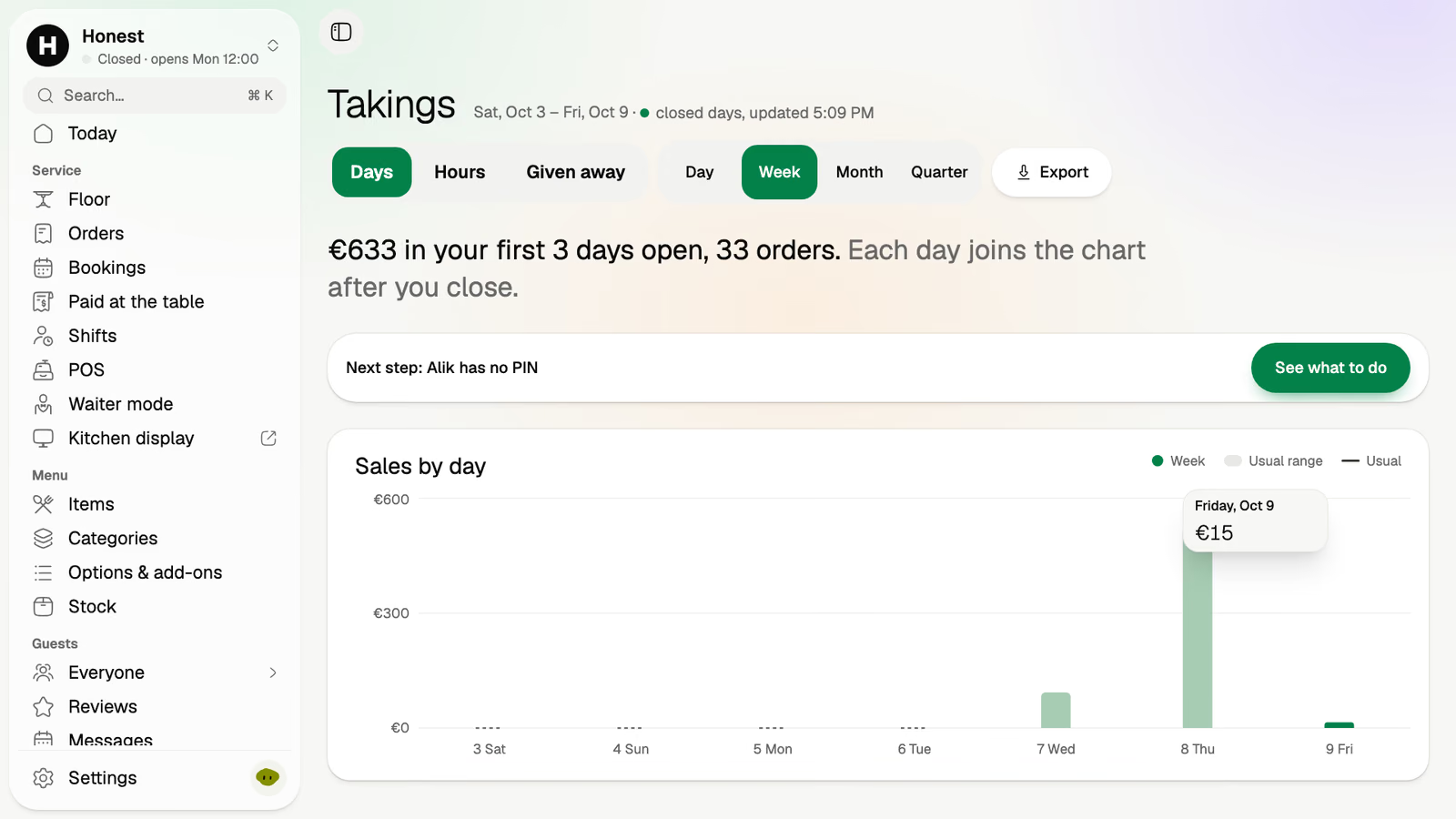
Takings
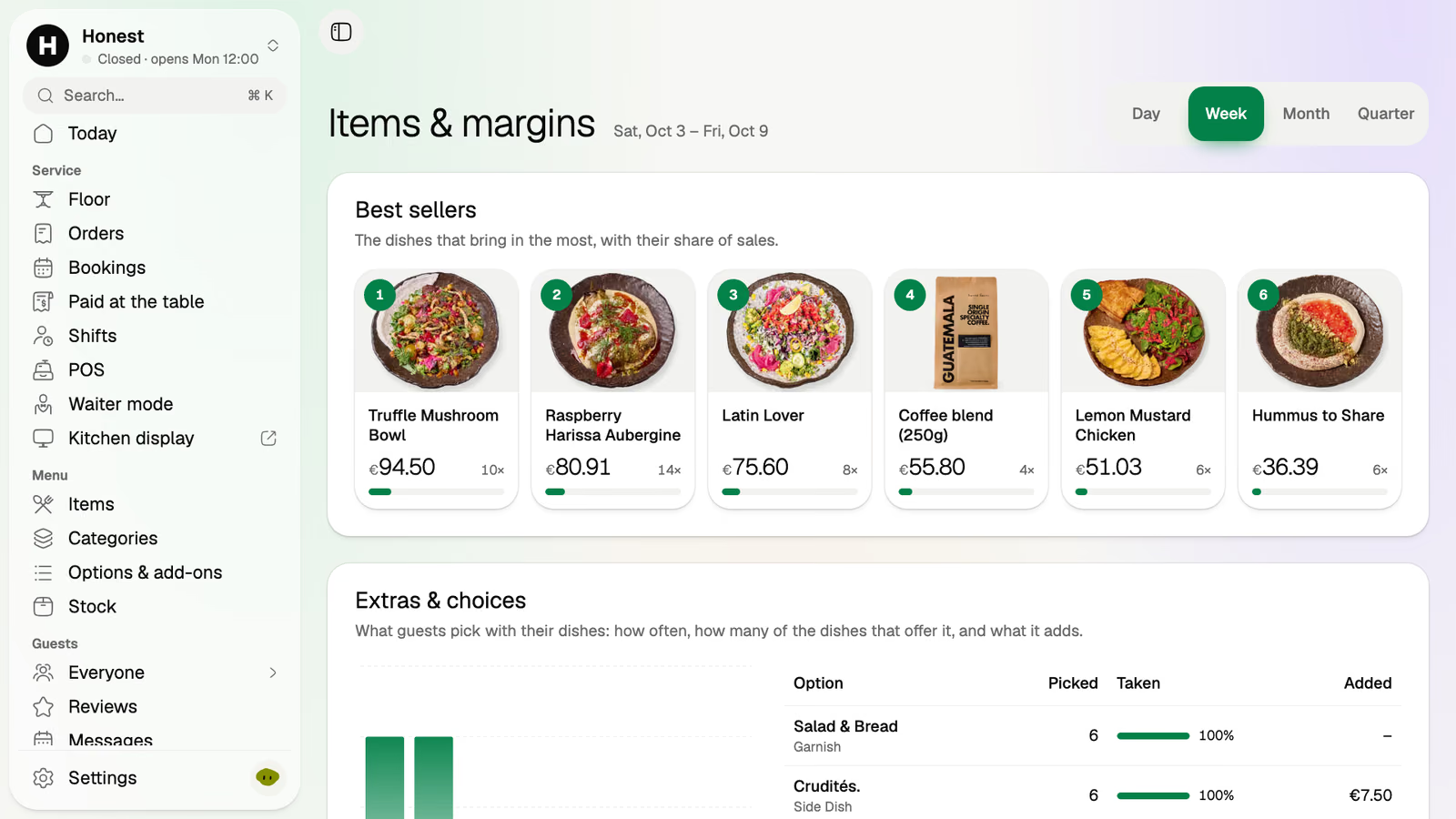
Sales by day and hour, and your best sellers.
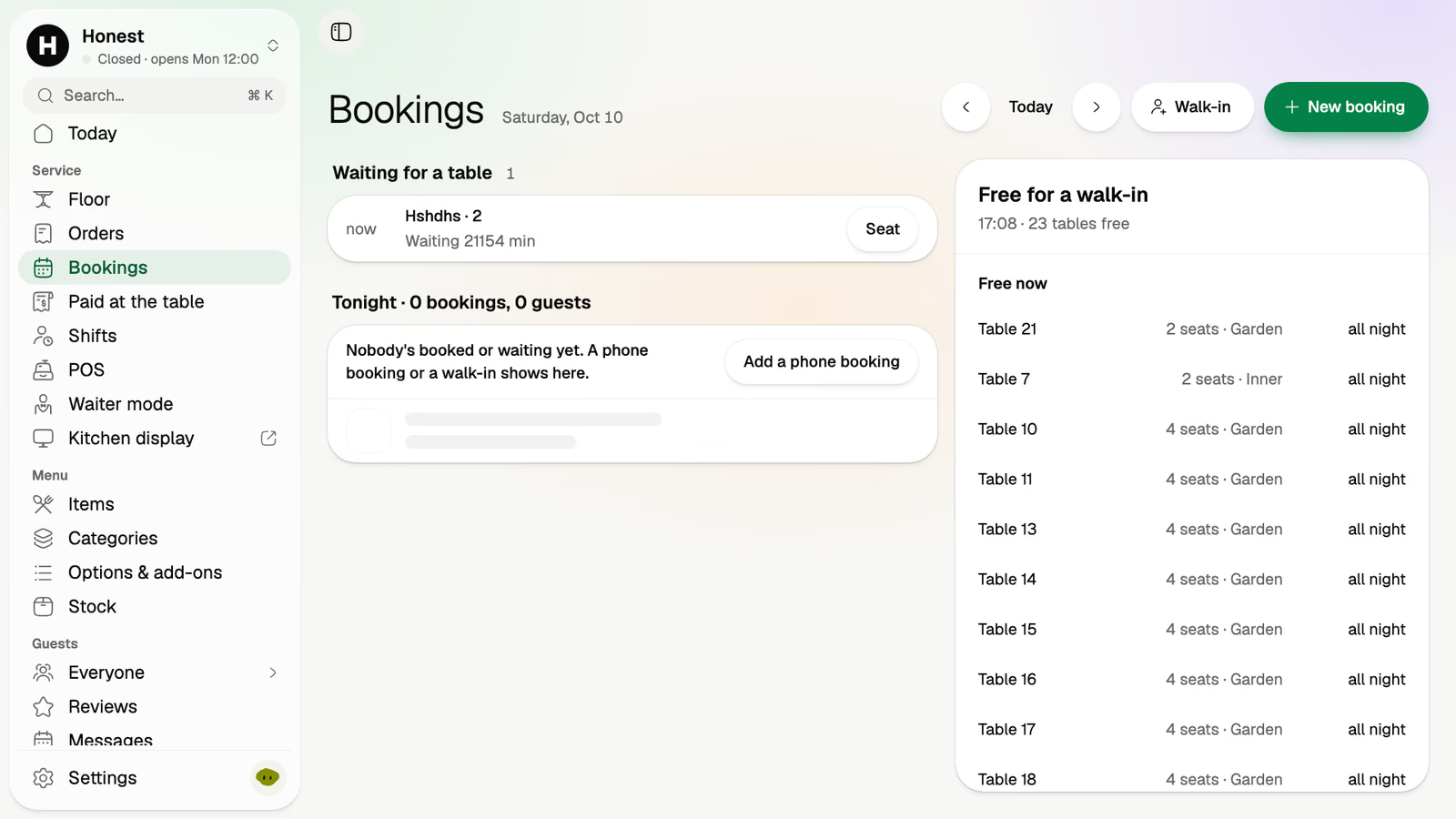
Bookings
Tonight's tables, walk-ins and the waiting list.
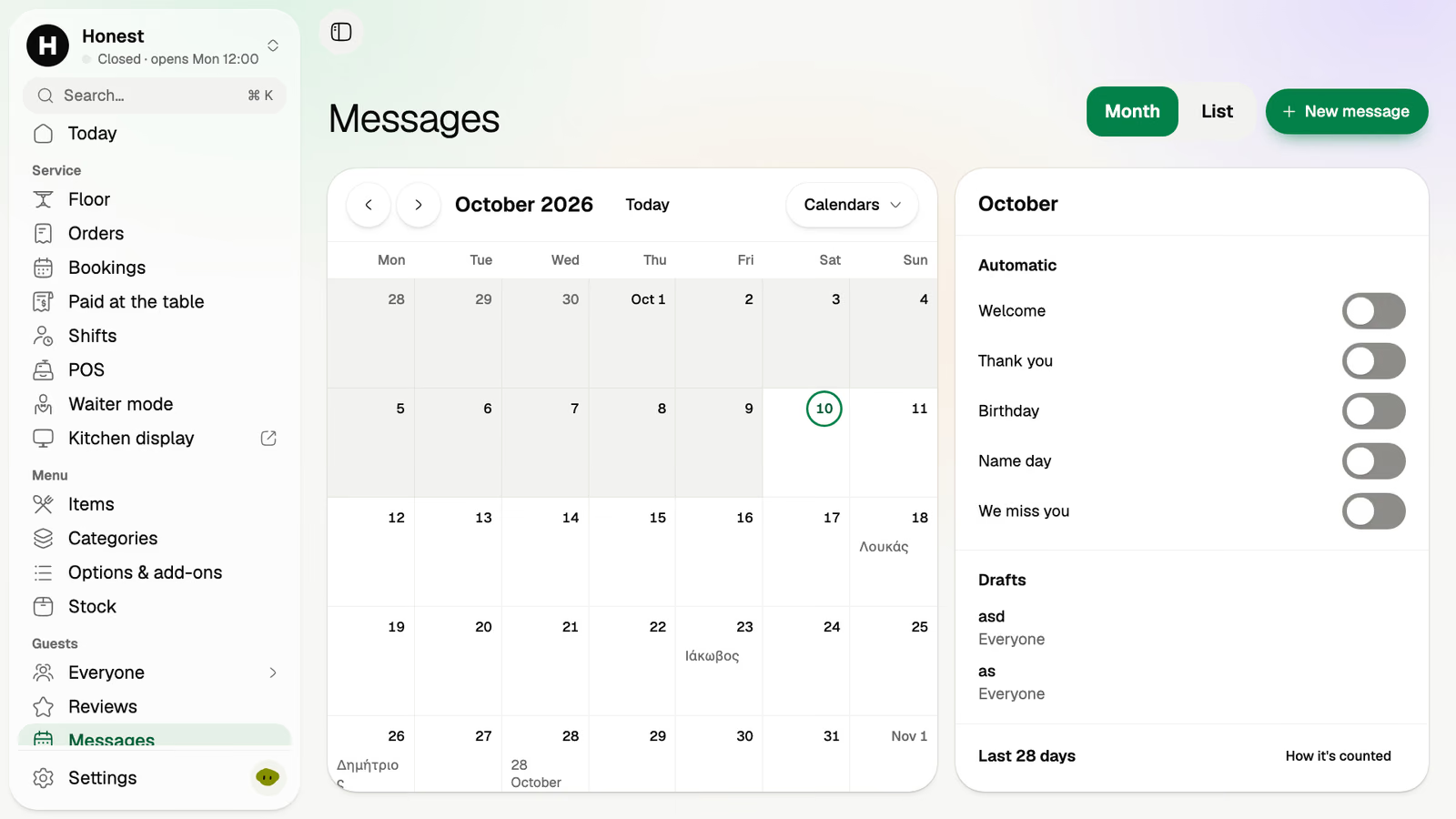
Messages
Sends and automations on a month calendar.
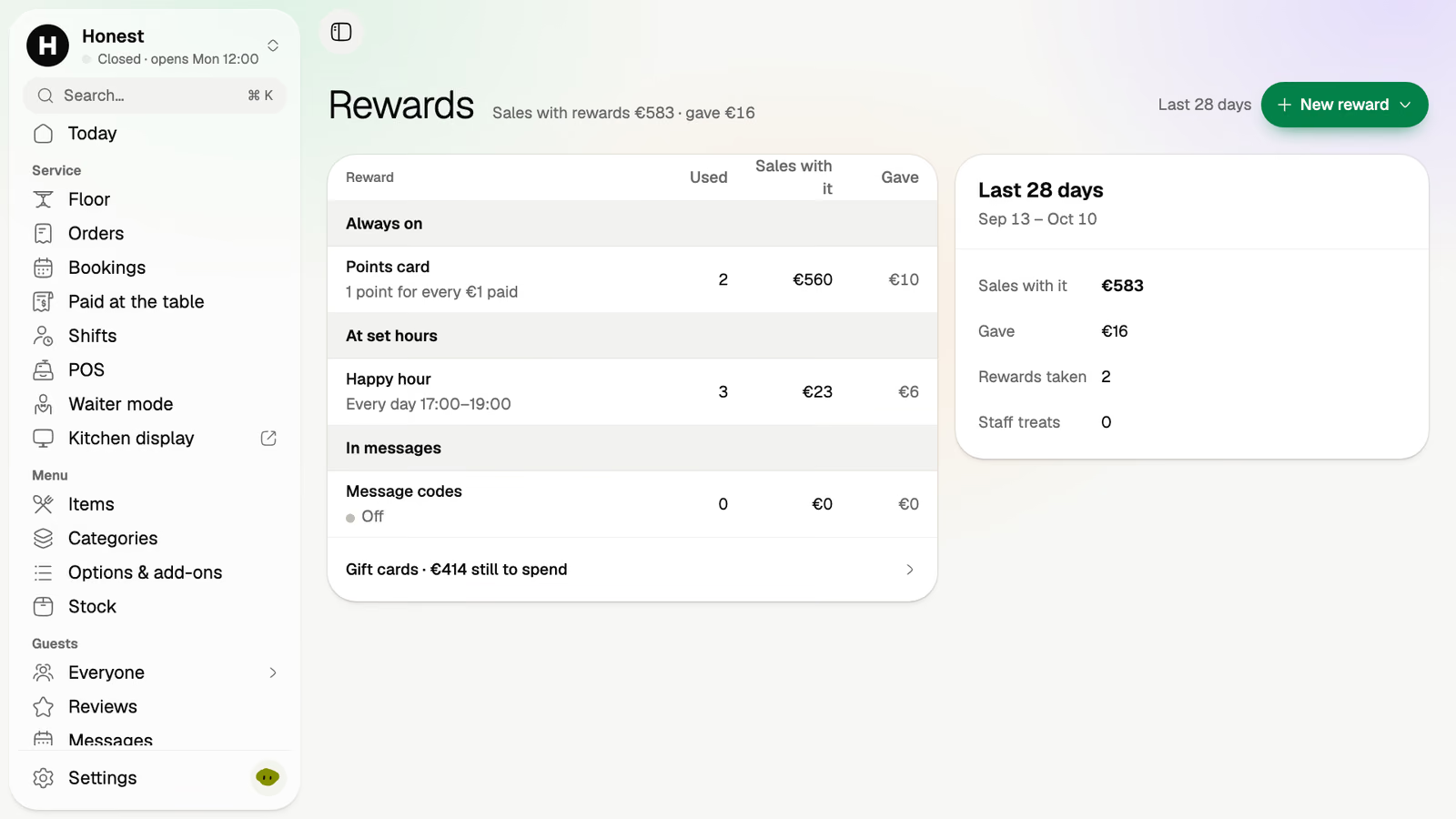
Rewards
Points card, happy hours and codes in one list.
Translated by machine. Every line is yours to edit.
 Live demo · Volio CaféDemo
Volio Café is a sample venue. Order with the test card 4242 4242 4242 4242: nothing is charged, and it resets every hour. No sign‑up.
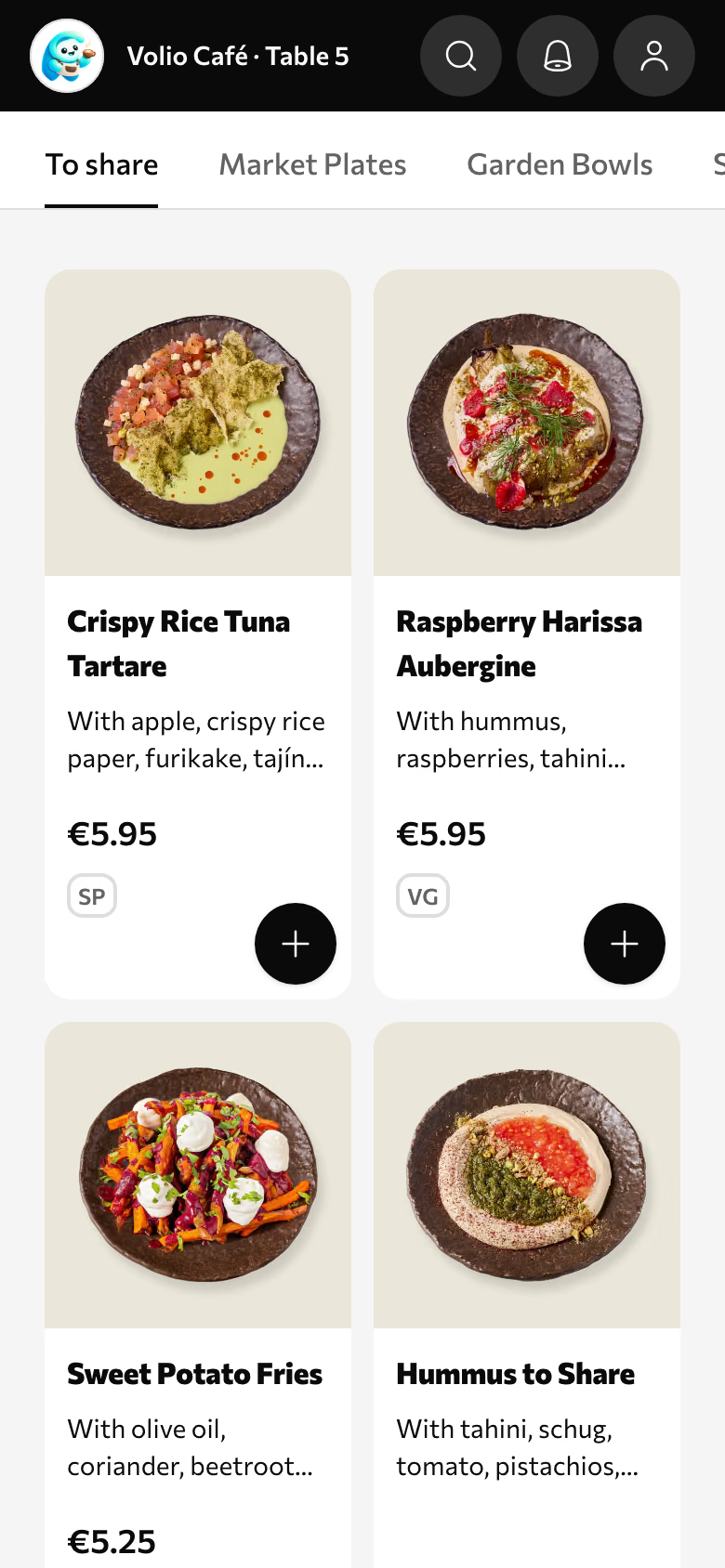
Guest menu
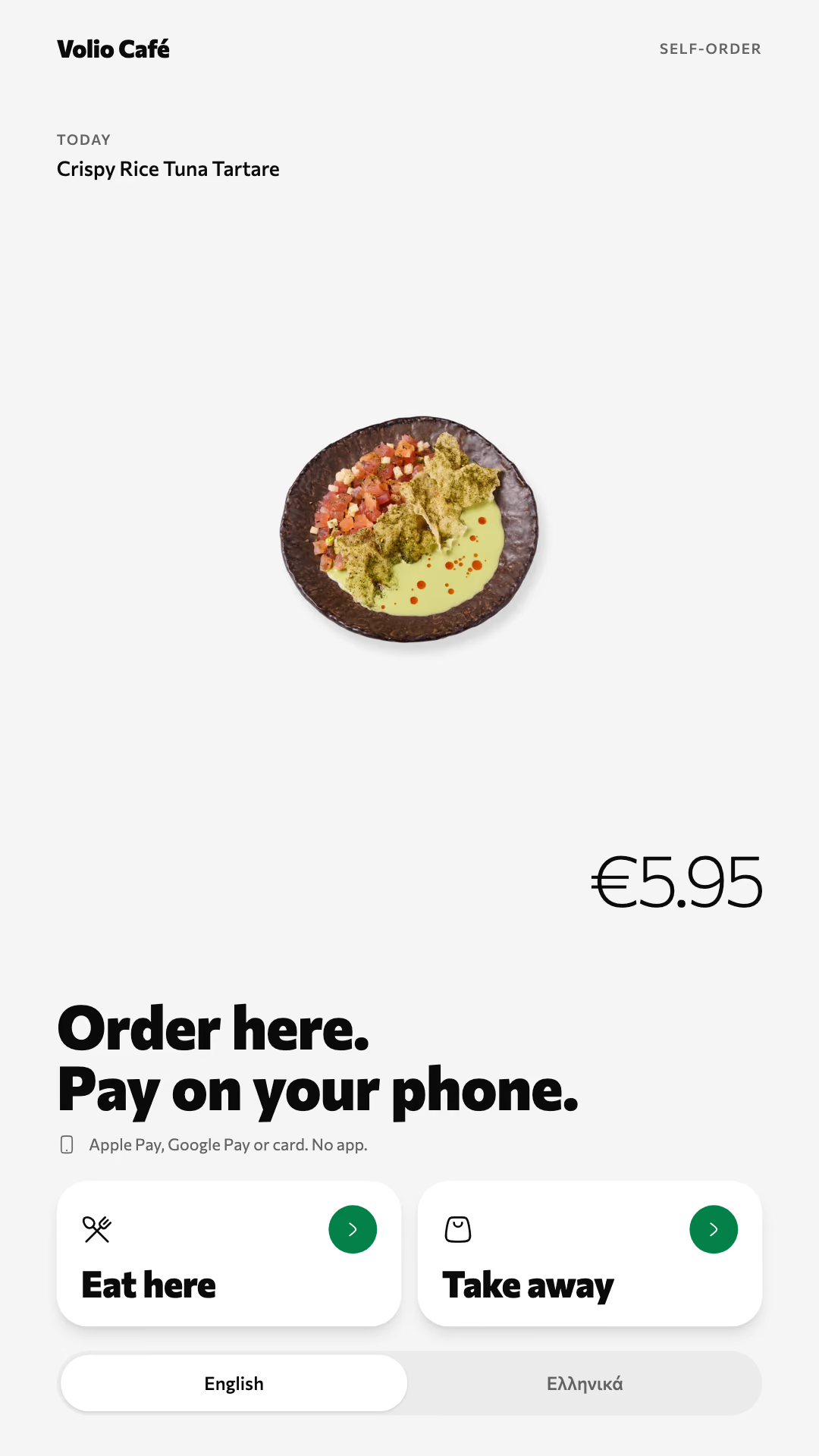
At the counter
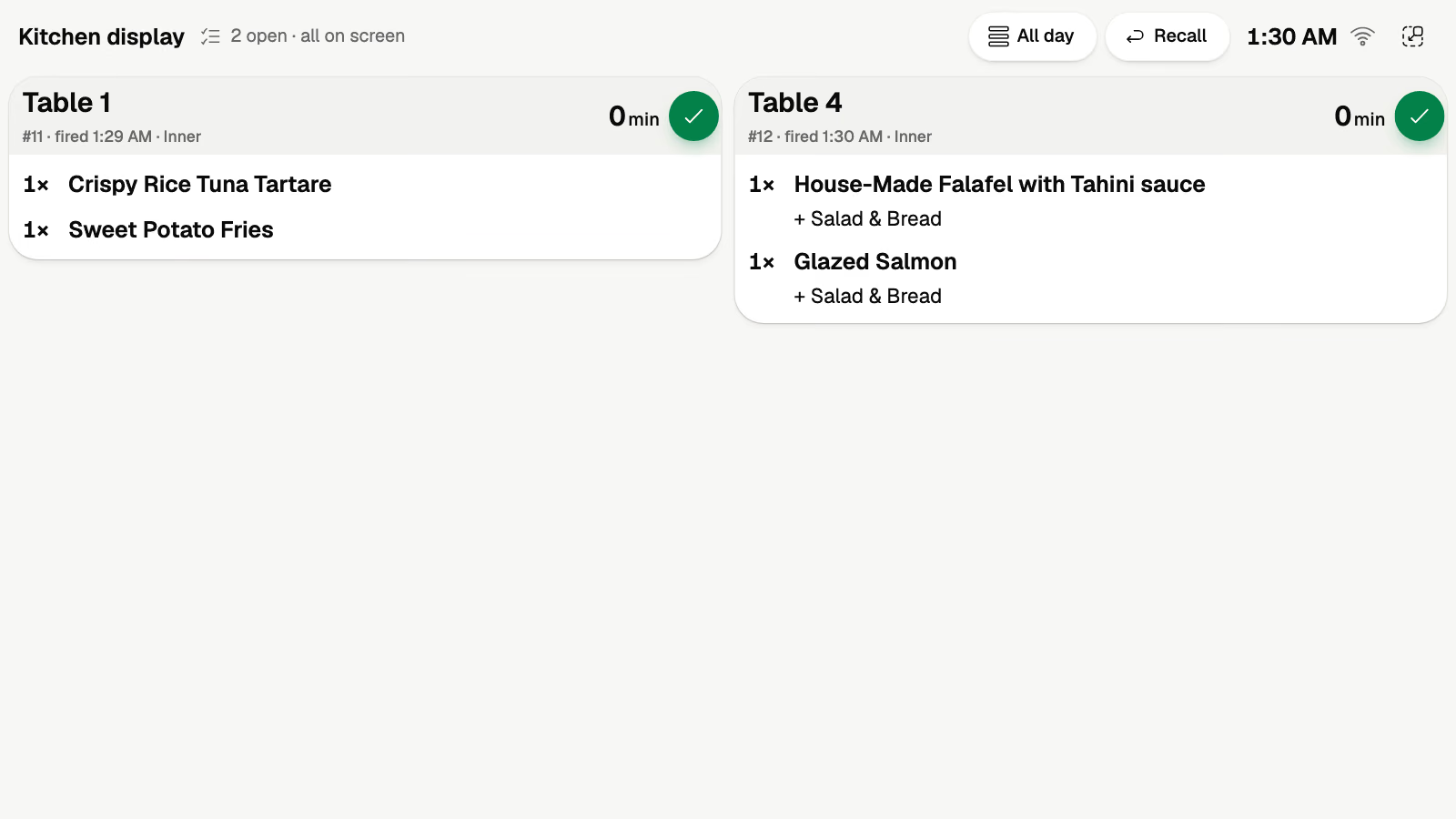
Any TV or tablet on the pass
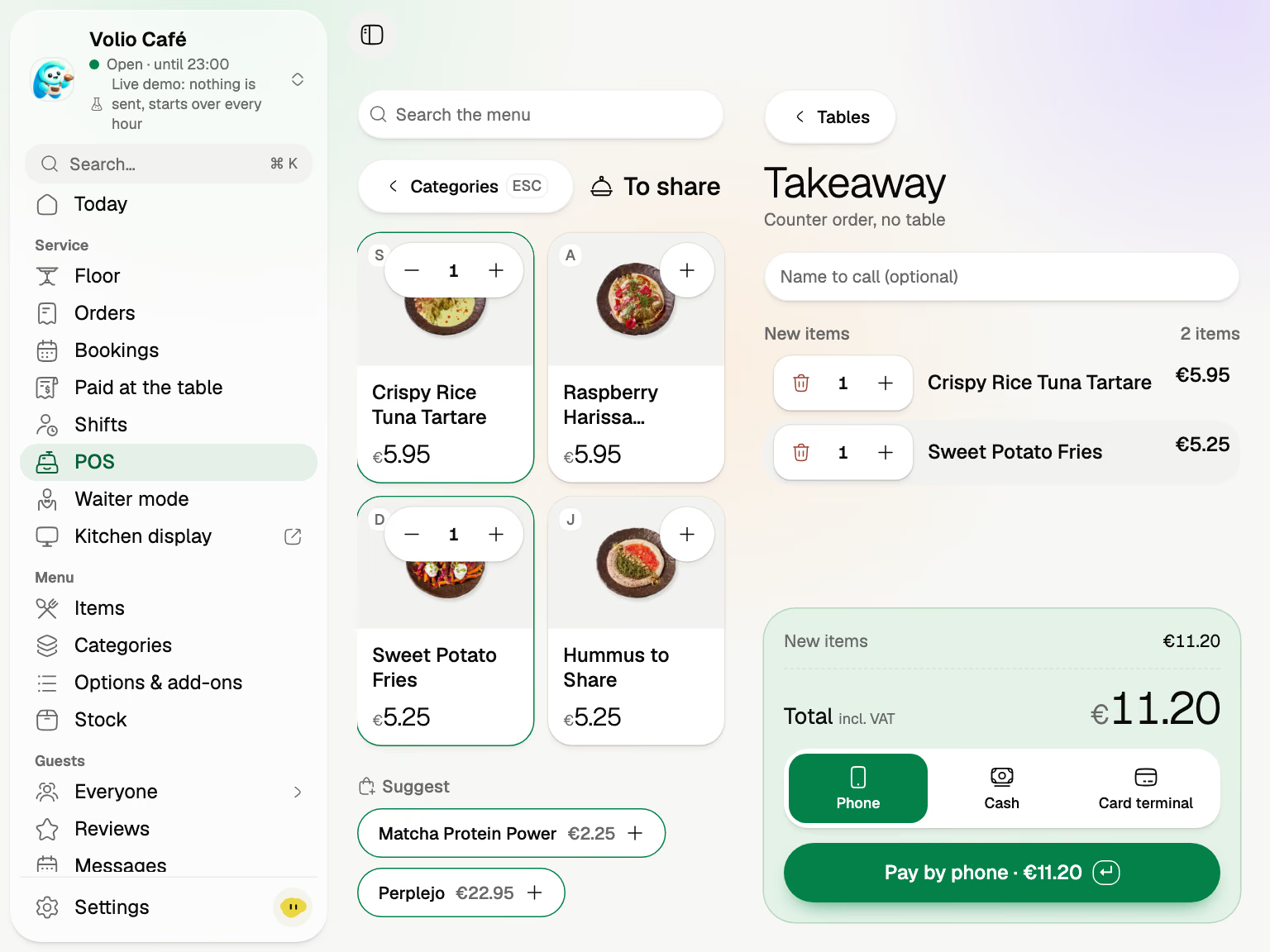
Takeaway, cash or the card terminal
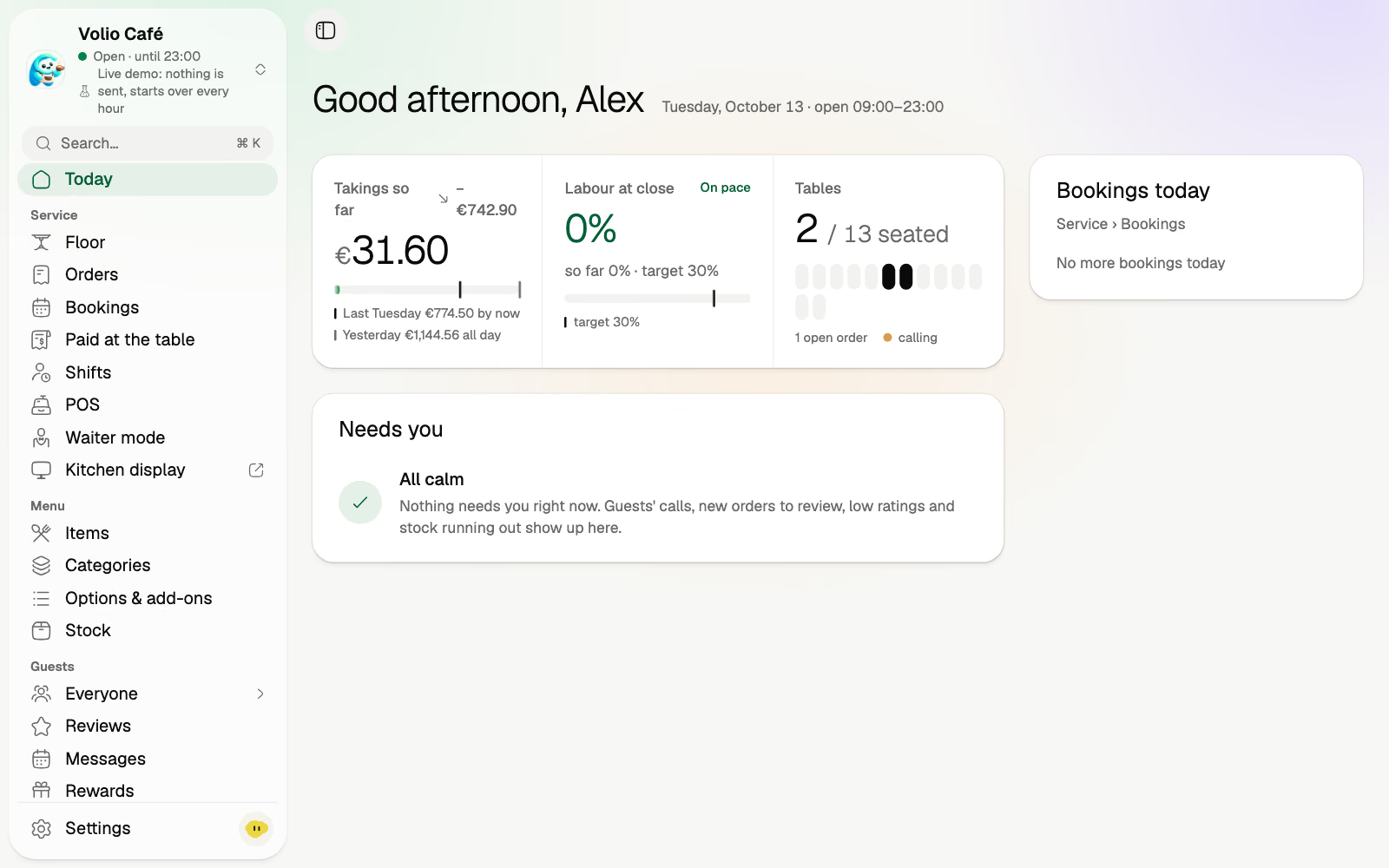
You're the owner
Order and pay from their own phone, in the browser.
Every order on the floor, the bar and the kitchen the moment it's sent.
Volio for guests
Nobody waits for the card machine. Guests scan the code and your menu opens in their browser, with photos, allergens and options. They order together from several phones, add the next round when they want it, and pay with Apple Pay, Google Pay or card when they're ready.
A code on every table, stool or sunbed. Photos, allergens and options in the browser.
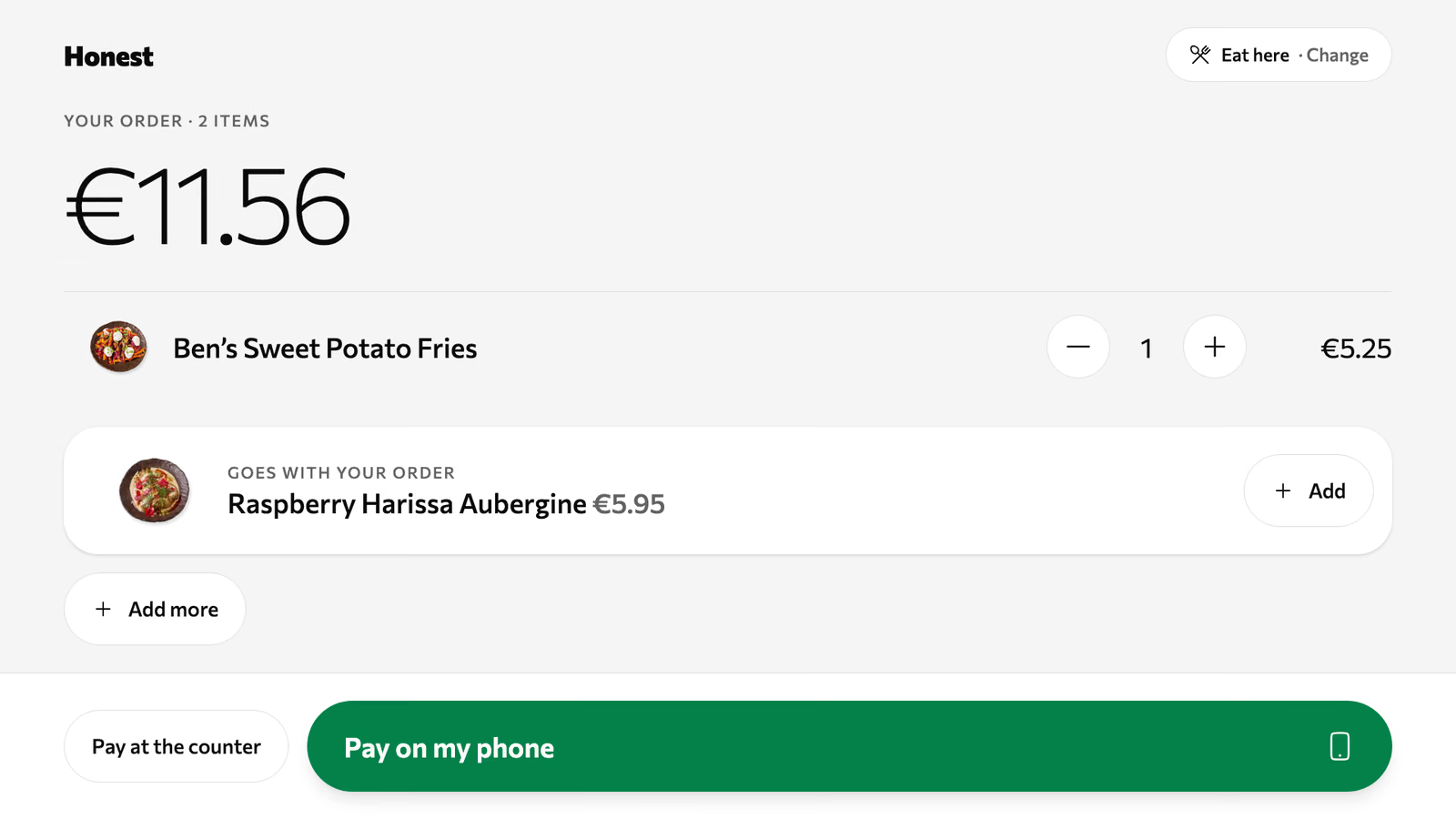
Each guest pays their own part, tip included, when they're ready.
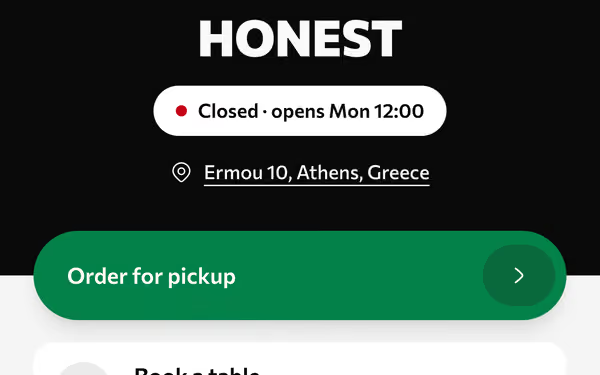
One link for Instagram and Google. Paid ahead, collected by number.
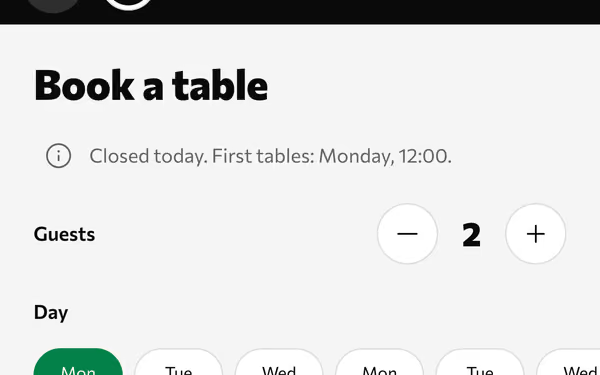
Guests book a table or a sunbed from your page, by your rules.
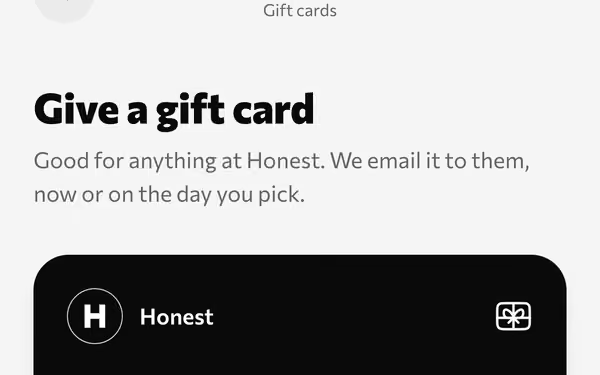
A meal as a present, emailed now or on a chosen day.
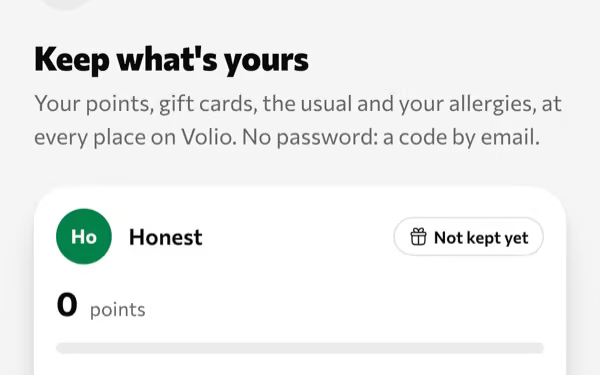
Points on each order, kept with an email. That's the whole sign-up.
Restaurants, bars, clubs, beach clubs, cafés, hotel bars and food trucks
Works in the browser of any phone, at the table or at the counter
How the QR menu worksHow QR ordering worksHow pay at the table worksHow takeaway by link worksHow the tablet kiosk worksHow bookings workHow gift cards work
Volio for your team
Whether a guest tapped it, a waiter took it or the POS rang it up, it joins one queue. Volio runs on any phone, tablet or computer you already own.
Tickets by table with a timer. Each dish goes to the place that makes it: the kitchen, the bar or a printer.
Your room as you drew it: who's seated, for how long, what's still open.
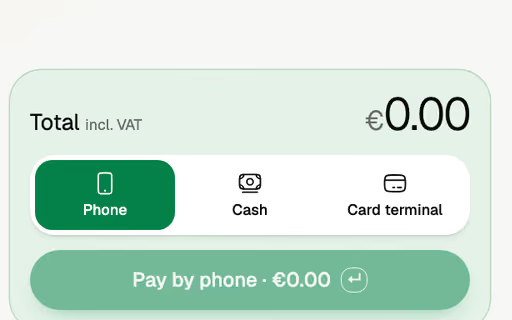
Table or takeaway, then the guest's phone, cash or card terminal.
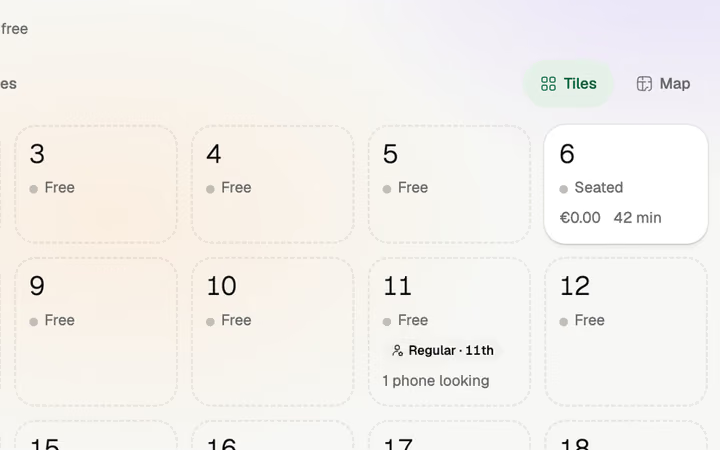
The whole room on a staff phone. Open a table, add a round, close it.
Every phone payment, listed with its table, amount and time, to enter on the till you keep.
Keep your till. Lose the walk to it.
Or let Volio's POS replace it. No hardware to buy.
How the POS worksHow the kitchen display worksHow menu boards work
Know who came, and give them a reason to come back.
Change a price once. Phones, the kiosk and menu boards follow, and Volio tells you which printed menus are out of date.
Everyone who ordered, booked or reviewed, in one list you can write to.
What sold, when, and what it earned. Export to Excel or CSV.
How the back office worksHow the guest list worksHow rewards work
One menu on the phone, the tablet and the TV.
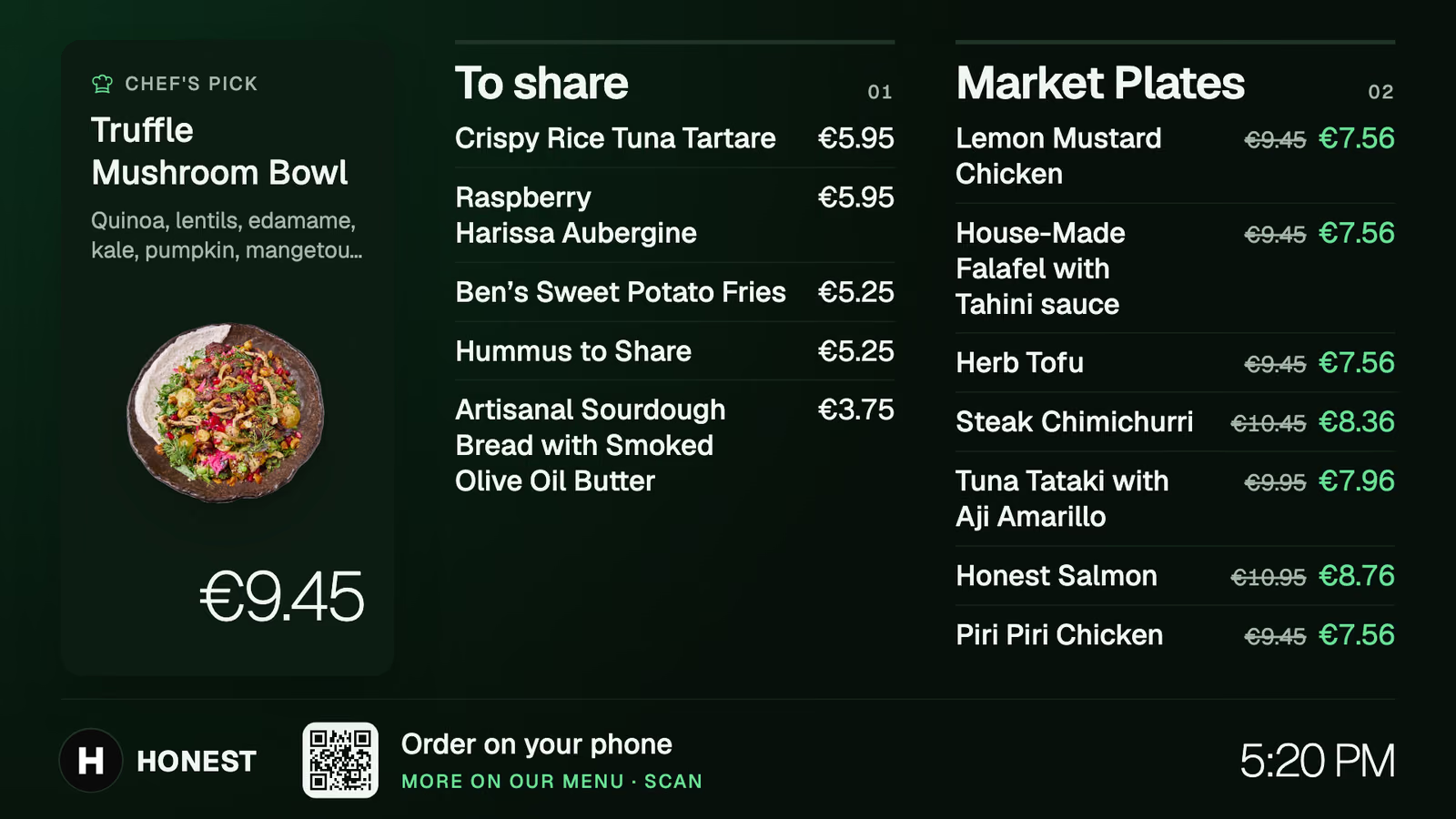
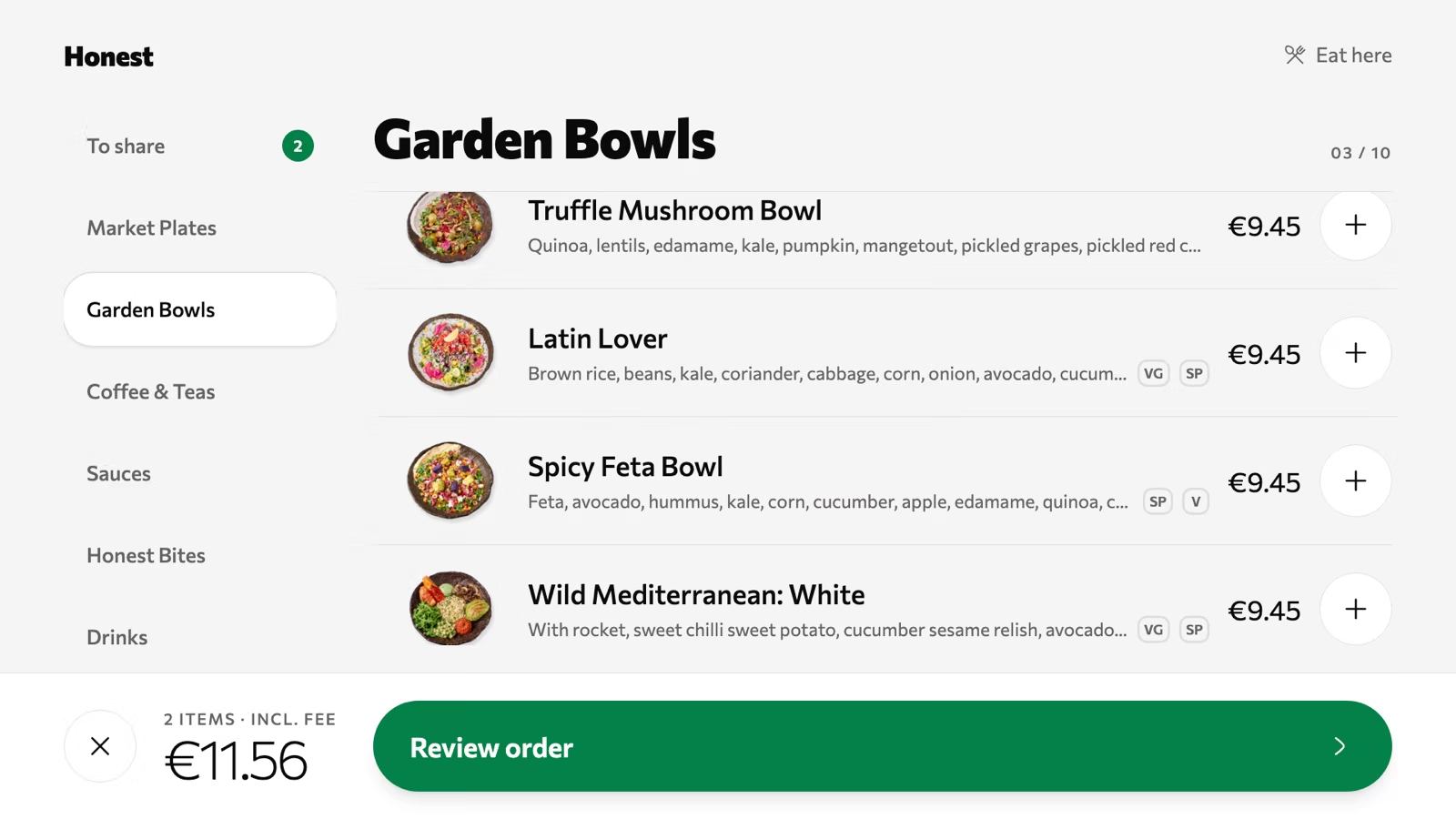
Any tablet by the door becomes a second counter.
Any TV with a small Android TV box. Prices and happy hours follow the menu.
The code opens it in the browser.
Send a photo or a PDF. We set it up for you, free on every plan, and you publish when it looks right.
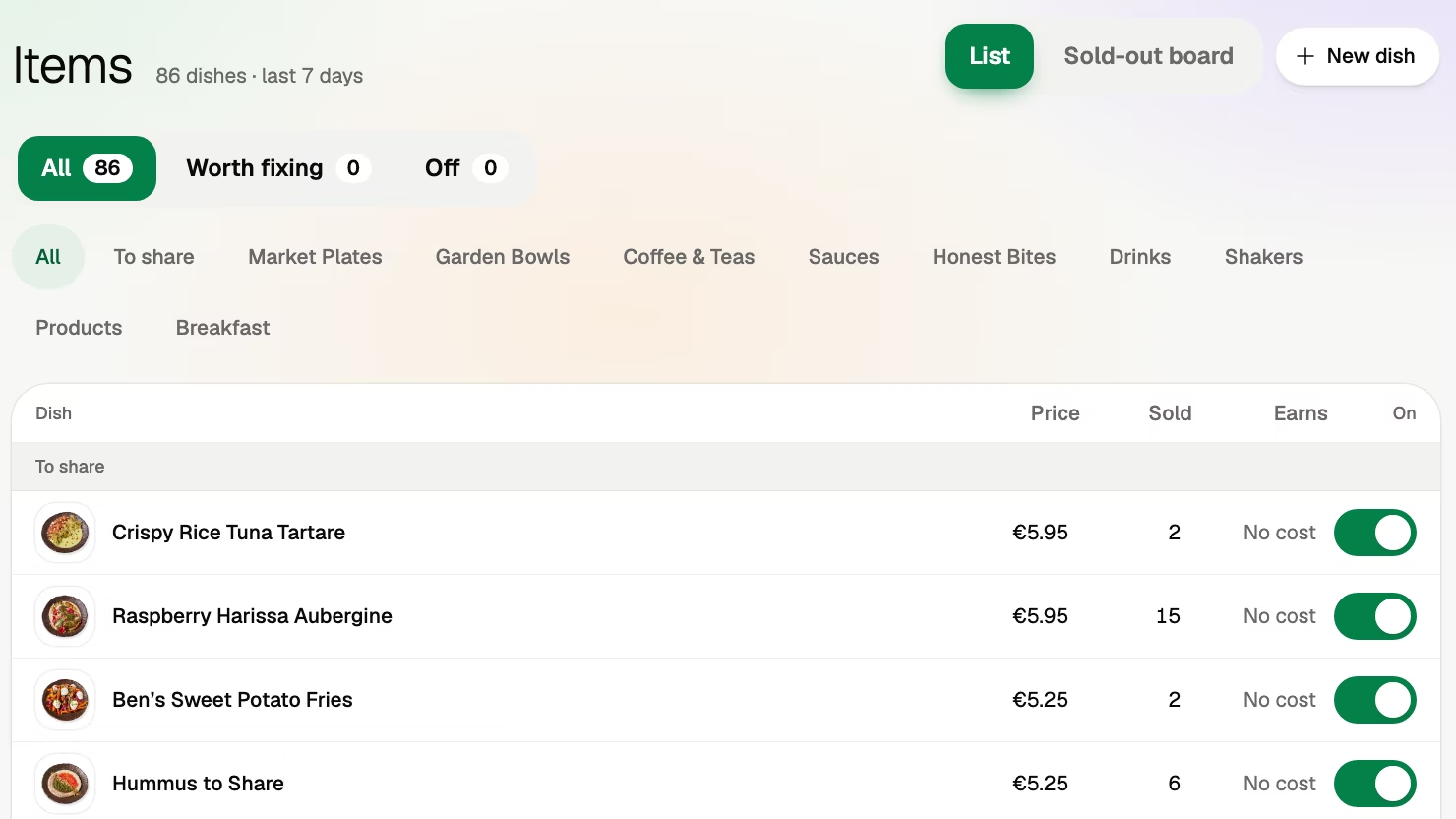
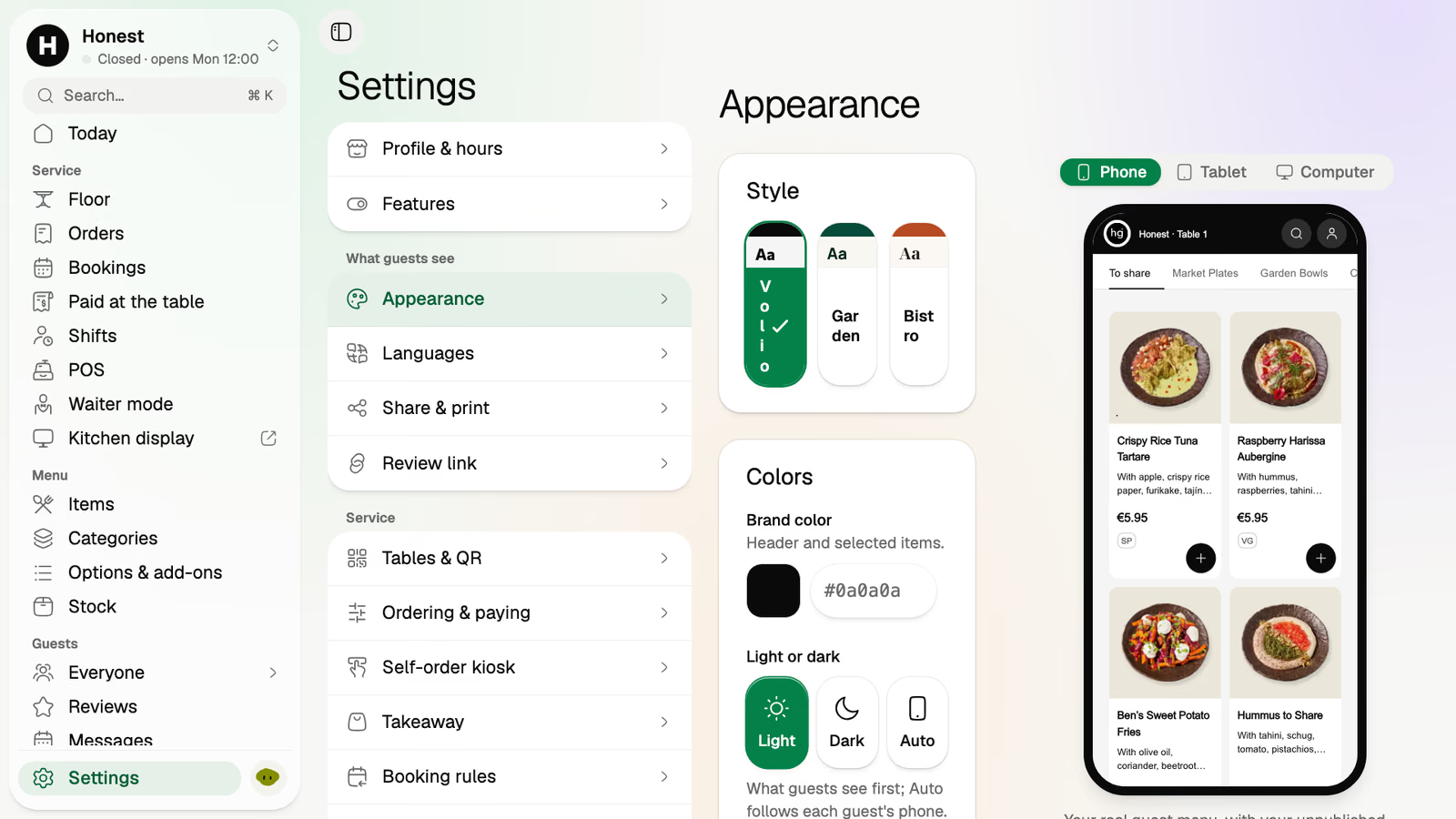
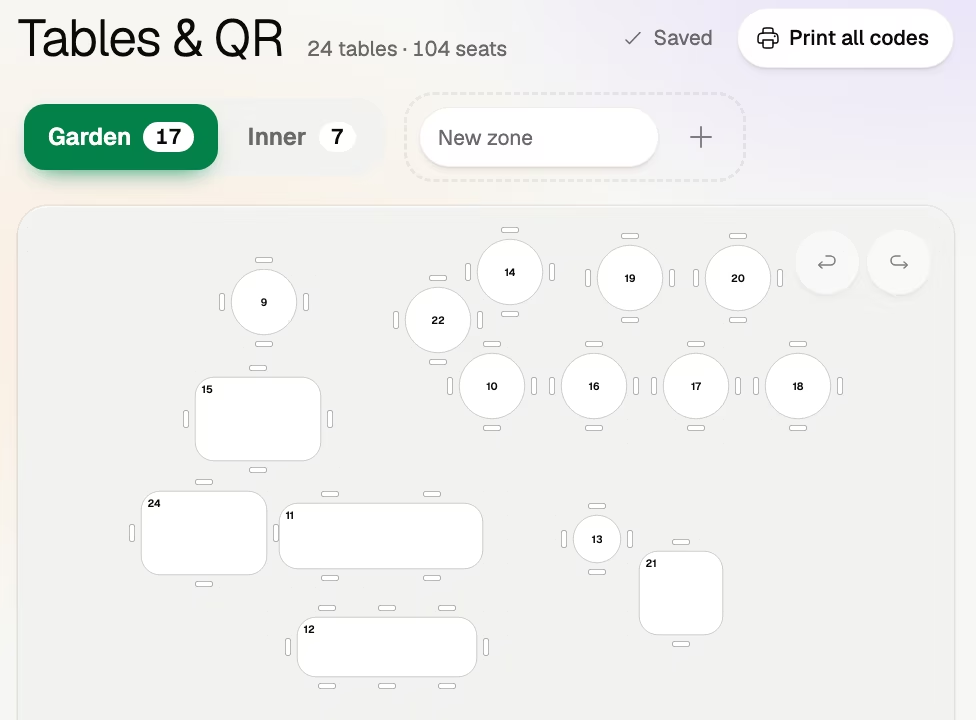
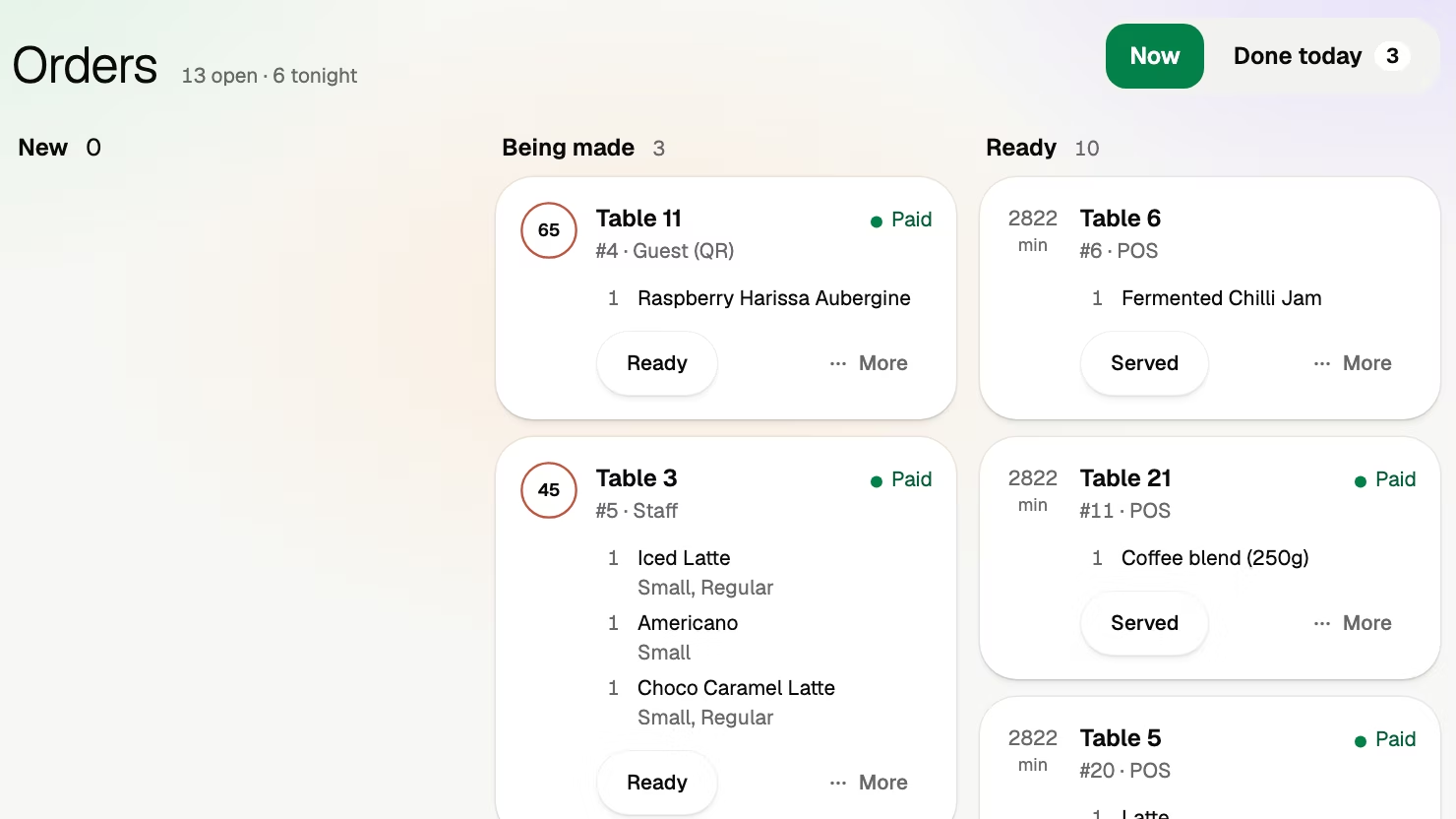
Table 7Example
Food and drinks€40.00
Volio's small feeShown here, before paying
The guest pays€40.00 plus the small fee
To your own accountbefore the card fee€40.00
Straight to your own account with the payment provider, then to your bank.
Guests see it before they pay. One switch and you cover it instead.
Nothing when a guest pays cash or the waiter.
Monthlya monthRegular price from Jan 1, 2027: €49€39
Yearly 2 months freeRegular price from Jan 1, 2027: €40.83€32.50 a monthRegular price from Jan 1, 2027: €490€390
Monthlya monthRegular price from Jan 1, 2027: €109€89
Yearly 2 months freeRegular price from Jan 1, 2027: €90.83€74.17 a monthRegular price from Jan 1, 2027: €1,090€890
Everything in Basic, and:
Monthlya monthRegular price from Jan 1, 2027: €259€209
Yearly 2 months freeRegular price from Jan 1, 2027: €215.83€174.17 a monthRegular price from Jan 1, 2027: €2,590€2,090
Everything in Essential, and:
Founding price for the first 500 venues, locked for 24 months. New venues pay the struck price from Jan 1, 2027.
Cancel any time: your QR menu stays online, free. Ordering, payments and the rest stop until you pick a plan again.
Unlimited tables, staff and screens on every plan. Pay yearly and 2 months are free; closed for part of the year? Monthly stops any month you like.
Something else? hello@usevolio.com
No. Volio works beside the till you have: guests order and pay on their phones, and "Paid at the table" lists each phone payment with its table, amount and time, to enter on your till. Or let Volio's POS replace it.
None to buy. Volio runs in the browser of any phone, tablet or computer you already own, and menu boards run on any TV with a small Android TV box. Cloud ticket printers are an option.
No. They scan the QR code and the menu opens in their browser, in their own language.
Straight to your own account with the payment provider, then to your bank.
Your plan, monthly or yearly. When a bill is paid by phone, Volio takes a small fee. Guests see it before they pay, or you switch to covering it. Nothing when a guest pays cash or the waiter.
Today. Pick a plan and your first 30 days are Pro, free; card needed, cancel any time. The first 500 venues keep their launch price for 24 months. Launch price ends December 31, 2026.
As much as they like. Waiter mode puts the room on a staff phone, and the code stays on the table for the second round and the bill. Cash and your card terminal still work.
Yes. In a club, booths, tables and stools are numbered places with their own codes, and rounds go to the bar's screen. In a hotel restaurant, bar or pool bar, a lounger is numbered like a table; Volio doesn't do room service or charge to a room. A food truck takes orders on its own link and at the window on the POS or a tablet kiosk. Volio doesn't deliver.
Guests do the asking. You do the hosting.
The first 500 venues keep their launch price for 24 months. Launch price ends December 31, 2026.
We're raising a pre-seed round. For investors